


This game is an action RPG with five playable characters. Each character has a different range of skills and playing styles. There are no level ups in this game. Characters grow stronger by repeated usage of skills and actions. Vampire, elf, human, dwarf, and something with wings.
Support Summary
Game Information
Screenshots Comparison
Solutions & Issues
For widescreen resolutions go to "*Root Game Directory\config" and open "default_gameoption.ini" with a text editor. Search for...
SCREENHEIGHT = "****";
SCREENWIDTH = "****";
Change "****" to your desired widescreen resolution. Please note that if you want any changes to the default game settings you need to make those changes in this file now.
In the same folder delete the file "gameoption.bcf" if it exists.
------------
Problems with the solution: if you edit your graphics settings in the game, you're back to square one, so you also have to edit other lines to get the detail level you want. Did I mention how stupid it is for the developers to not include proper WS support or just allow easy editing of your current profile? So, assuming you want 1920x1200 and you have the GPU to run it, here's what you have to do next.
Delete gameoption.bcf (again if you've run the game) and edit default_gameoption.ini (maybe create a backup of the file before you start? Nah!) For maximum detail settings, change the following lines:
BADWORDFILTER = "0";
(Set to 1 if you want the profanity filter enabled)
CASTSHADOW = "1";
DEPTHOFVIEW = "1";
(No idea if this is related to FOV)
DIFFICULTY = "1.000000";
FULLSCREENGLOW = "1";
GLOW = "1";
MODELQUALITY = "2.000000";
(2.00 is "high" setting)
MONSTERHPBAR = "1";
(If you don't like the health bars, leave it at 0)
RIGHTBUTTONROTATE = "1.000000";
(Personal preference)
SCREENHEIGHT = "1200";
SCREENWIDTH = "1920";
(Your resolution goes here, obviously)
SFX = "3.000000";
(Not sure - saw this at the MKA forums.)
SKIPINTRO = "1";
(Now if only it would skip the SIX advert videos....)
TEXTUREQUALITY = "2.000000";
(2.00 is "high" setting)
VIUSAL = "2.000000";
(2.00 is "high" setting - note the misspelling of "VISUAL")
All other settings were left at default for me.
Untested.
Gameplay Screenshots
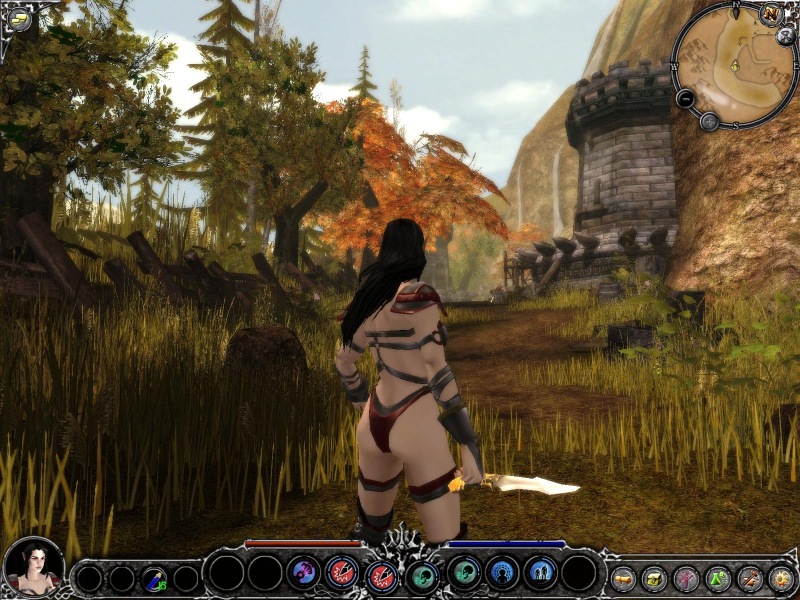
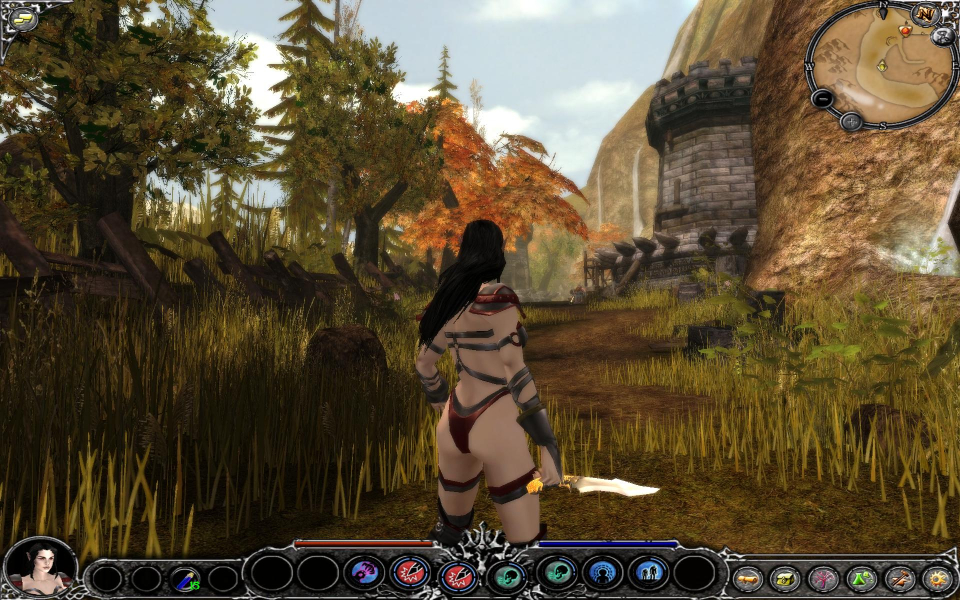


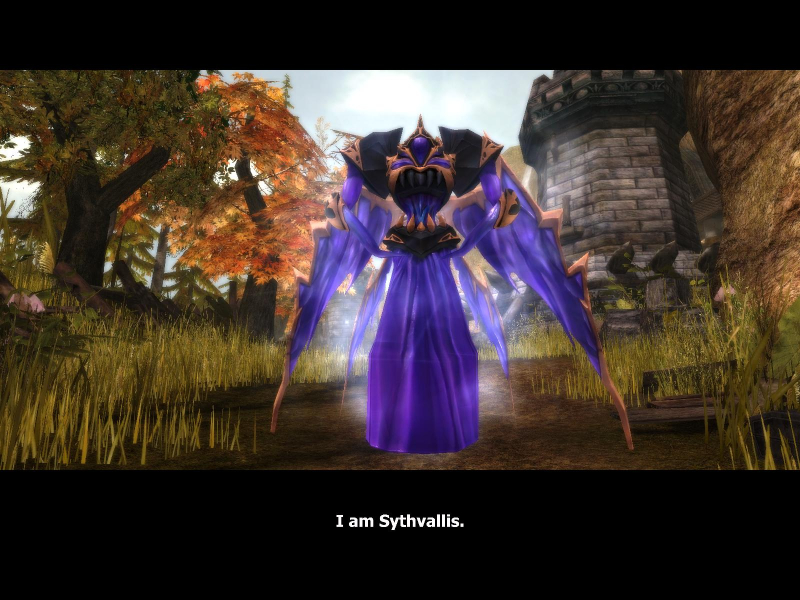
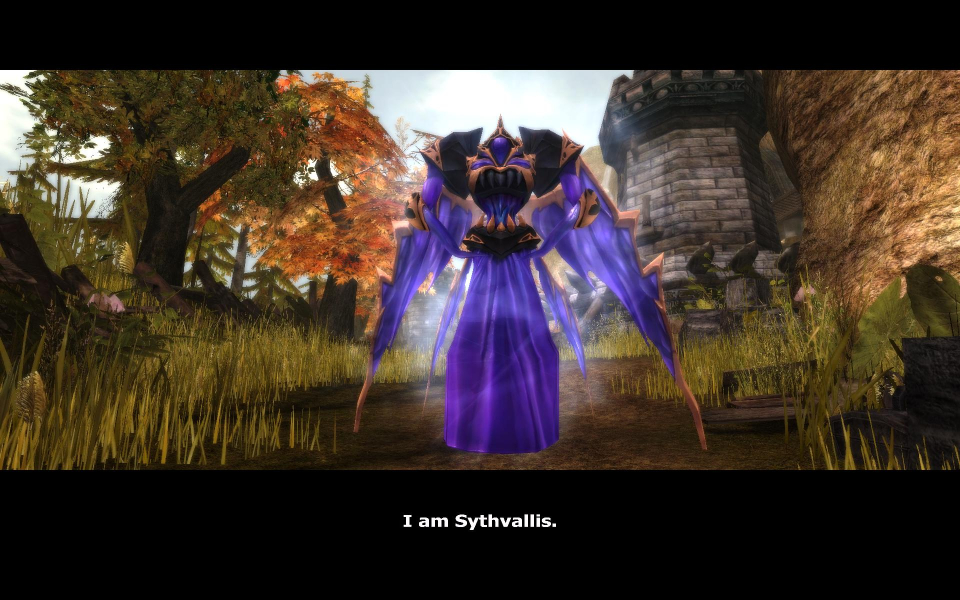
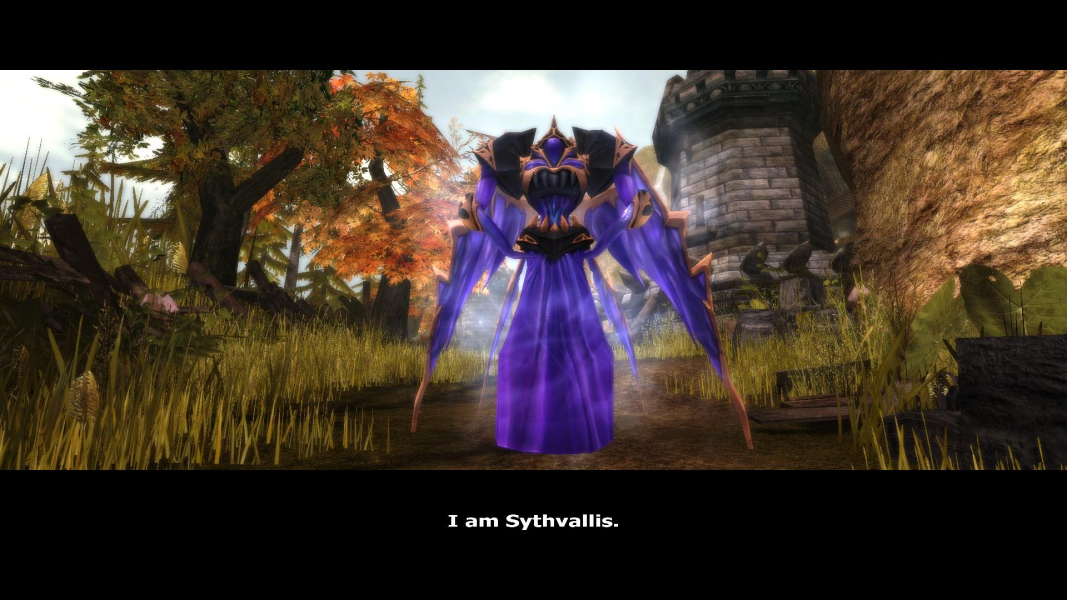
In-Game (Rendered) Cutscenes
FMV Cutscenes
Menu Screenshots


Additional Screenshots


