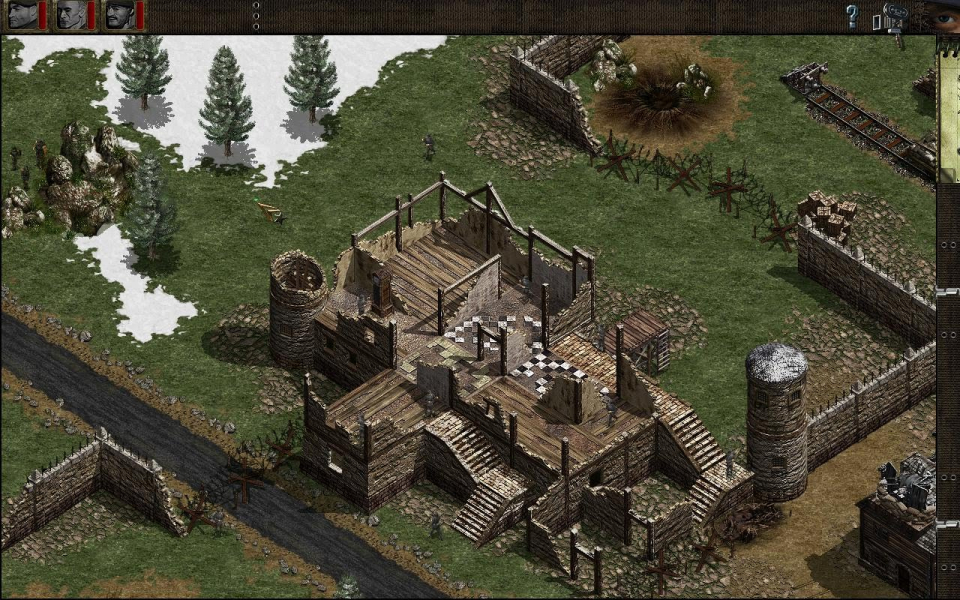
Commandos: Behind Enemy Lines is a single player real-time tactics computer game developed by Pyro Studios and published by Eidos Interactive. The first installment in the "Commandos" series, the game was released in 1998 and is set in wartime Europe and Africa where a group of six Allied Commandos performs missions using small unit tactics. Each Commando has a unique set of skills and tools determined by his class which forces the player to establish cooperation among them so that further progress can be made. The objectives vary from sabotages to rescuing allied informants and assassinations.
Support Summary
Screenshots Comparison
Solutions & Issues
1) Backup Commandos.exe
2) Open Commandos.exe with a HexEditor (e.g. HxD)
3) Search for these HEX values: 68 58 02 00 00 68 20 03 00 00
(at my version of Commandos it's the hex-offset 0xA6290)
Make sure, you are searching for HEX-values, not for a text-string!
4) Change the values to your desired resolution:
68 D0 02 00 00 68 00 05 00 00 ( = 1280x720)
68 20 03 00 00 68 00 05 00 00 ( = 1280x800)
68 00 04 00 00 68 00 05 00 00 ( = 1280x1024)
You can easily calculate the hex values for any other resolution:
For example 1280x720:
1280 dec2hex 500, add zero at beginning 05 00, exchange values 00 05
720 dex2hex 2D0, add zero at beginning 02 D0, exchange values D0 02
Now insert the values:
68 D0 02 00 00 68 00 05 00 00
5) Save the file and exit the HexEditor.
6) Run Commandos and start a new game.
Switch to the video options and select the resolution 800x600.
Return to the game.
If the resolution didn't change to widescreen,
repeat all the steps, but now change the second appearence of the values in step 3.
Optional steps (to adjust the game interface):
A) Extract the file WARGAME.DIR (using DirExtractor) and then delete it.
B) Download the file MENU1280.BMP and move it to this folder:
Your_Commandos_Path\DATOS\RECURSOS\BMPS\SYSTEM\MISC
(This changes the background image of the Main Menu)
C) Download 1280X720.WAD / 1280X800.WAD / 1280X1024.WAD (according to your changes in step 4) and move it to:
Your_Commandos_Path\DATOS\RECURSOS\BMPS\SYSTEM\GLOBAL
(This will change the top and side panel)
D) Open the file DATOS\MISIONES\GLOBAL.STR and search for OVI3
Change the value from 800 X 600 to your resolution.
(This only changes the text in the video options)
Gameplay Screenshots