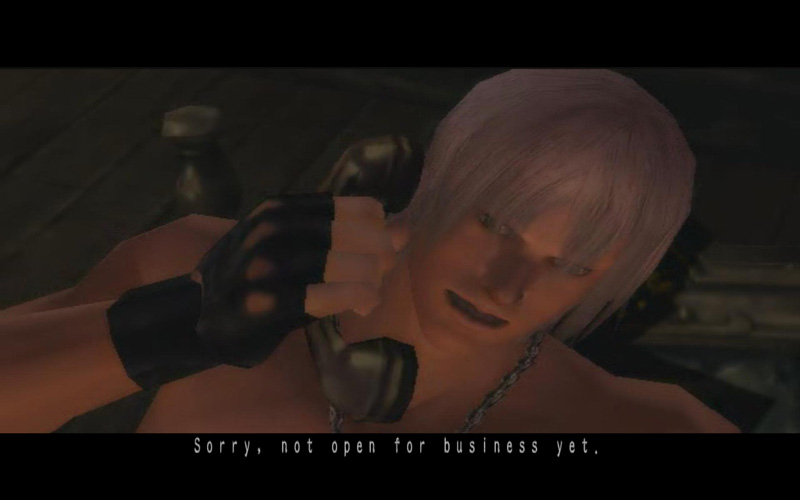
Dante's past is now revealed as Devil May Cry returns to its roots. Master Dante's multiple fighting styles while battling never before seen demons and new characters as you fight your way towards a brutal confrontation with Dante's mysterious twin brother, Vergil.
Support Summary
Game Information
Screenshots Comparison
Solutions & Issues
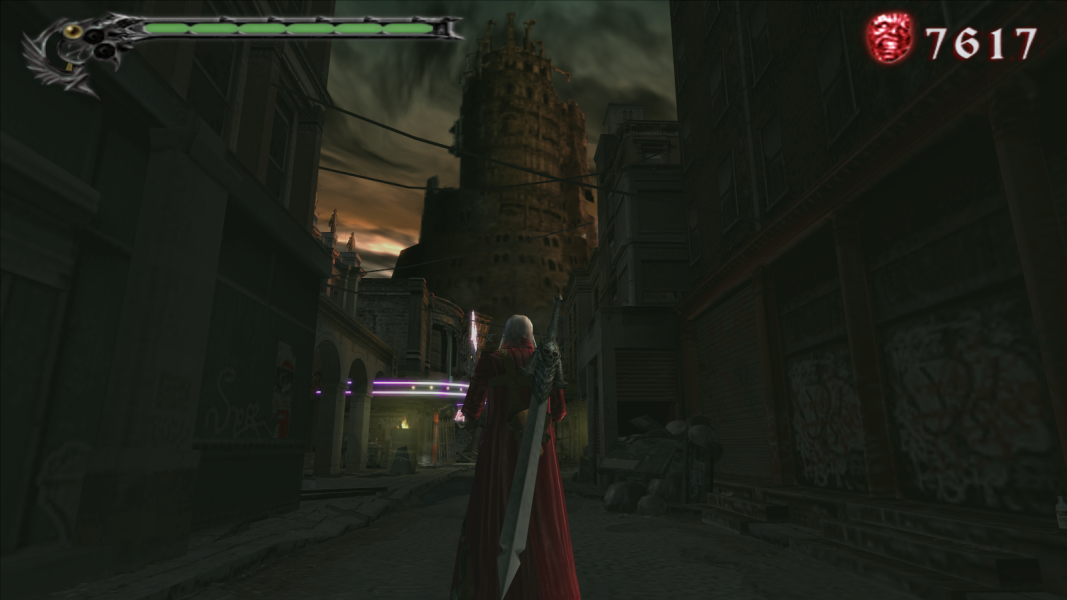
Devil May Cry 3: Dante's Awakening Special Edition Widescreen Fix
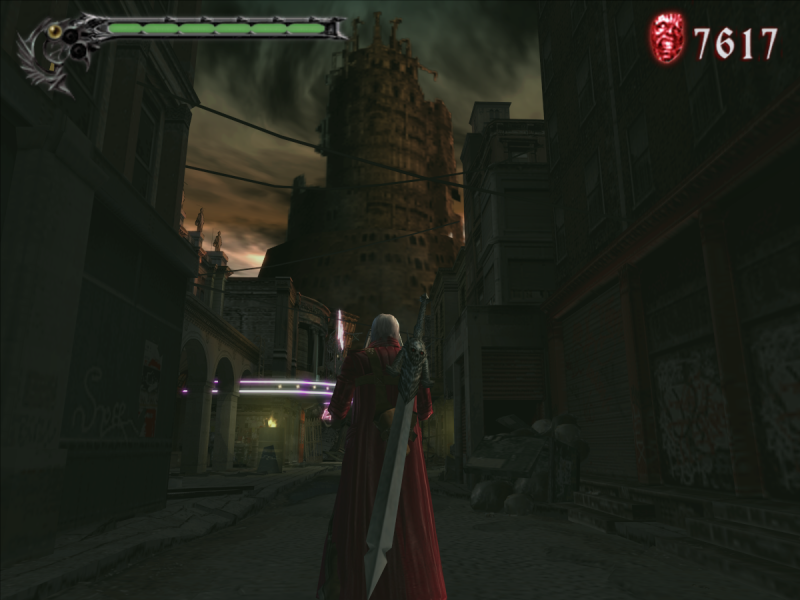
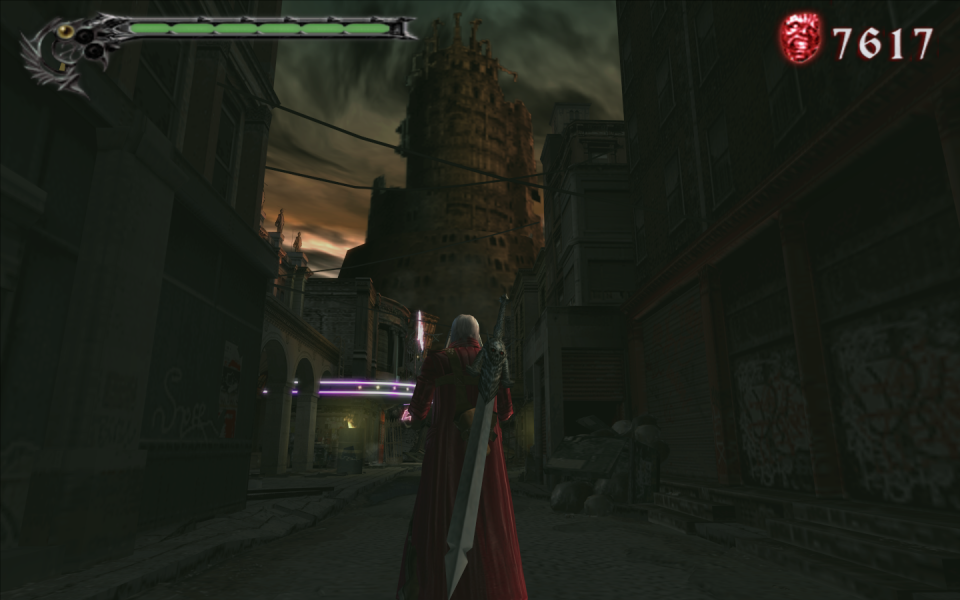
It's a plugin, which allows the game to run in widescreen resolution, defined in DMC3SE_res.ini, without running any external tools. Exe v1.3 (4 399 104 bytes) is supported. To install, copy content of DMC3SE_widescreen_fix.zip in DMC3 root directory. By default, if the X and Y parameters in DMC3SE_res.ini equals to 0, the plugin will run the game in your desktop resolution. Fullscreen parameter may change the game mode from windowed to fullscreen in main menu automatically, it's activated by default. HUD_PATCH is responsible for hud and text stretching.
Download.
More info and feedback in the gtaforums topic.
Or replace DMC3SE.exe depending on your resolution - Devil May Cry 3 Special Edition.7z. (mirror)
Use uniws to get custom resolution.
For example, if you needed resolution 5320x1050, copy DMC3SE.exe from folder 5040x1050 and using uniws patch it to 5320x1050.
Gameplay Screenshots



FMV Cutscenes