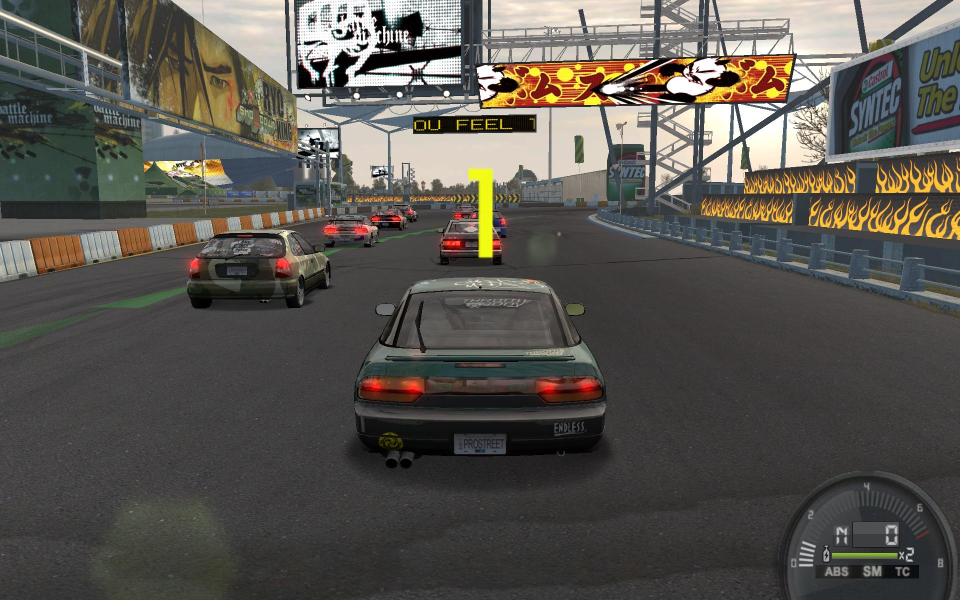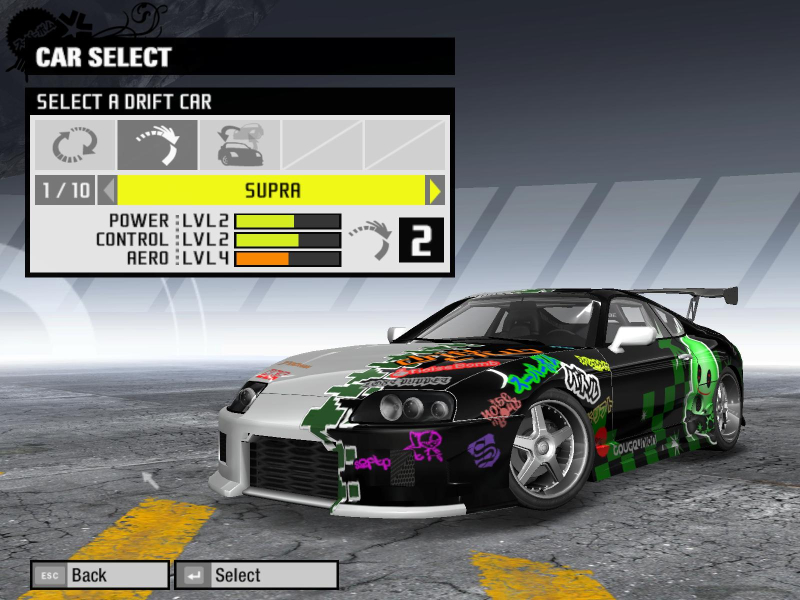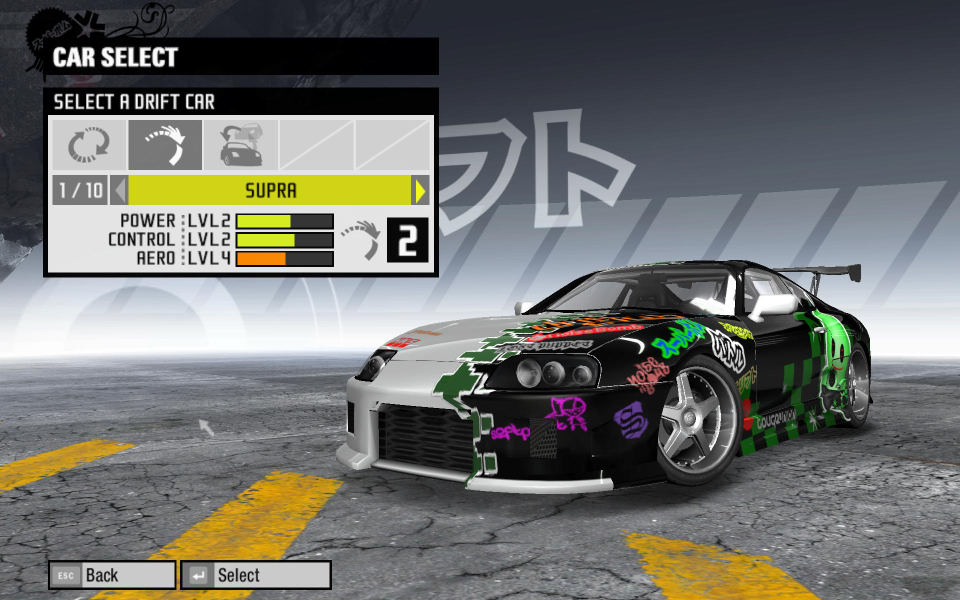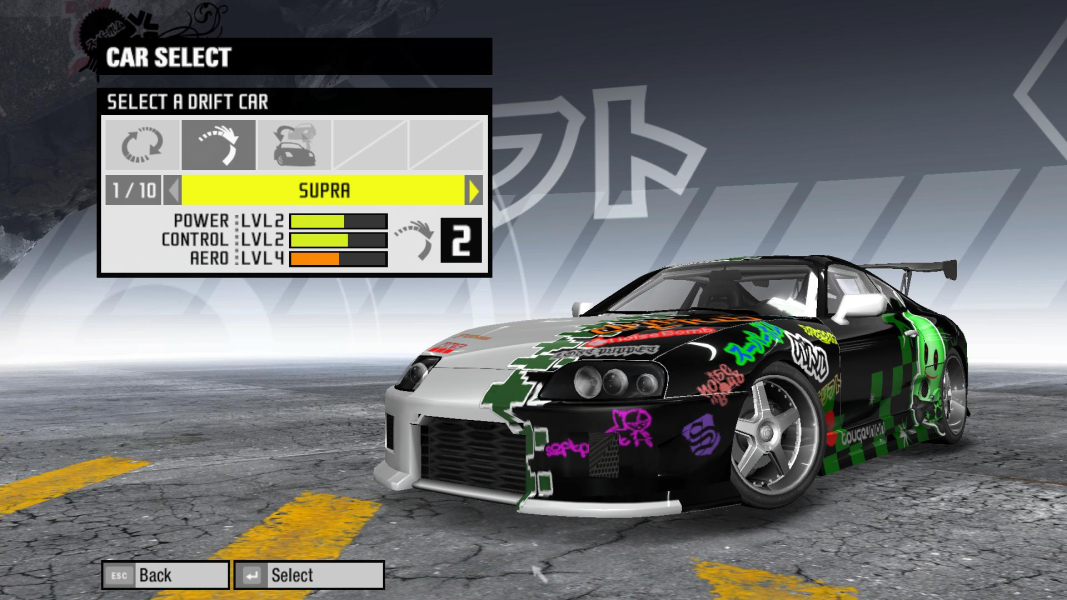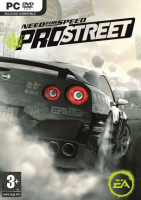


Need for Speed: ProStreet is a 2007 racing video game developed by EA Black Box and published by Electronic Arts. It is the eleventh installment in the Need for Speed series and a follow-up to Need for Speed: Carbon. Unlike its immediate predecessors, which focused on the contemporary illegal street racing scene, ProStreet focuses on legal circuit races that take place on closed tracks. The game blends elements of both sim and arcade racing games, requiring players to customize and tune cars for various race modes. Most races take place in real-world locations such as the Portland International Raceway, Mondello Park, and Autopolis. (Source: Wikipedia)
Support Summary
Game Information
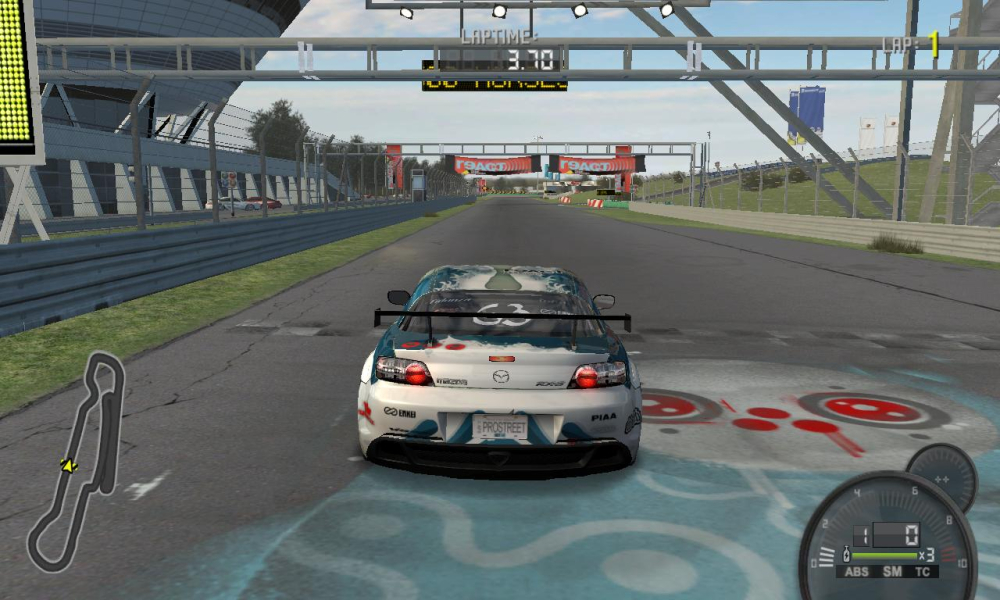
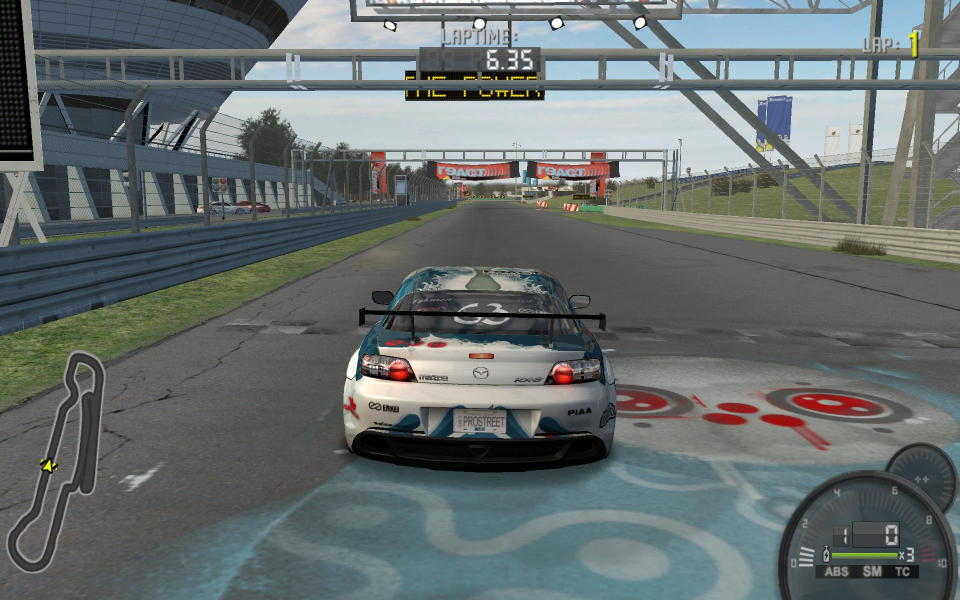
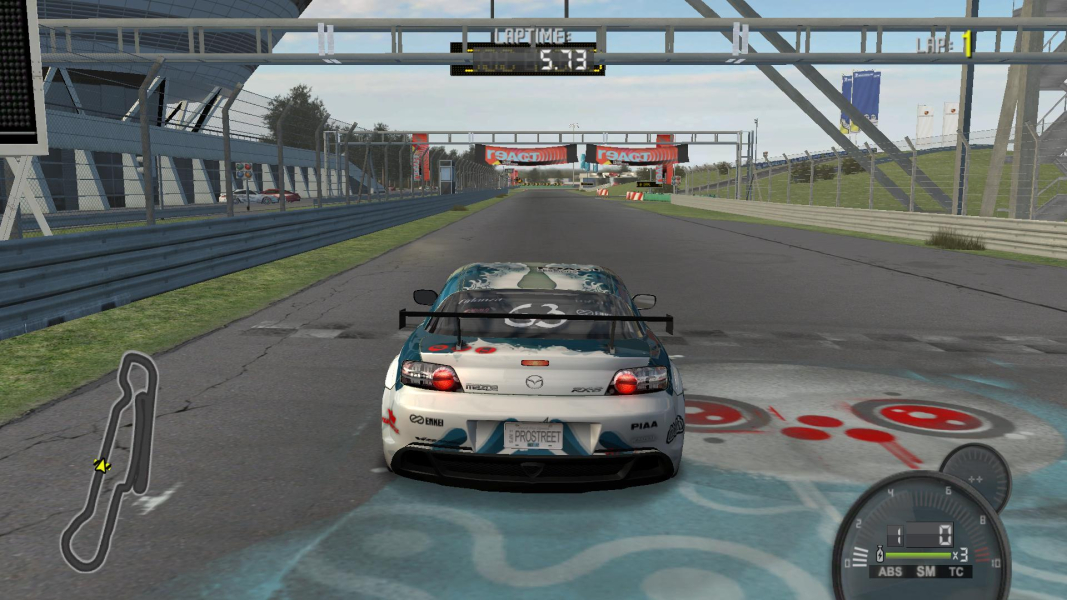
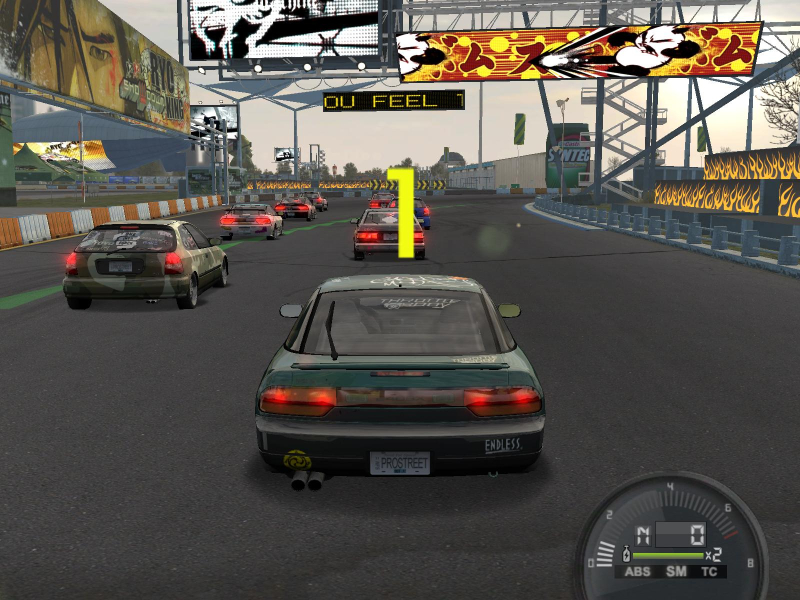
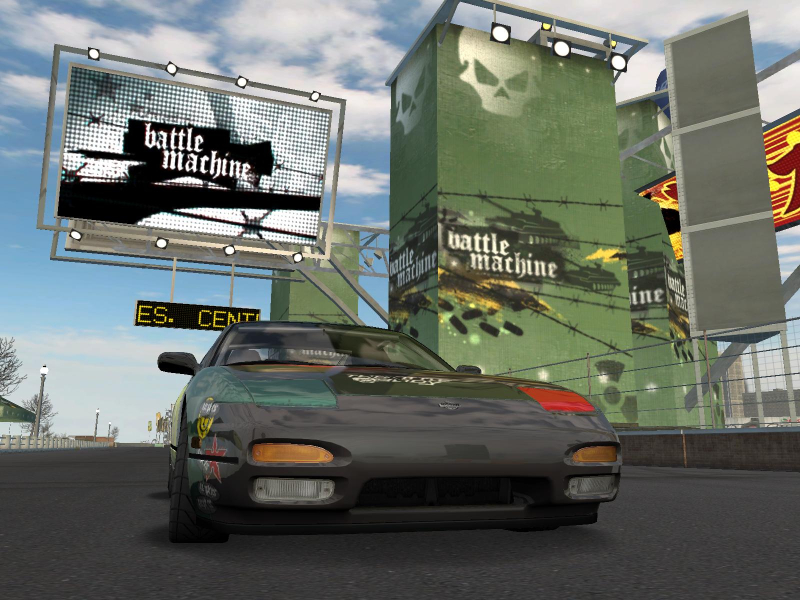
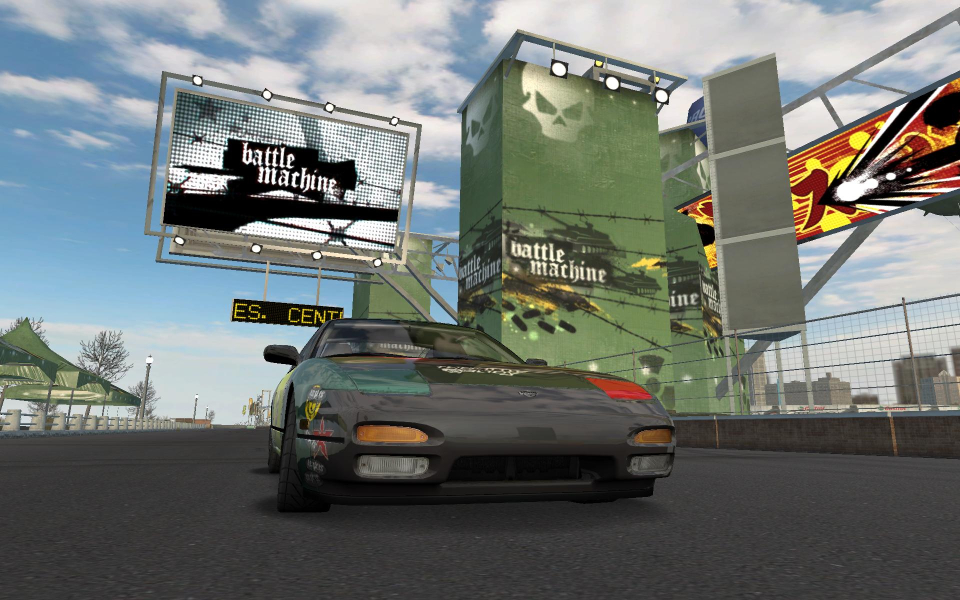
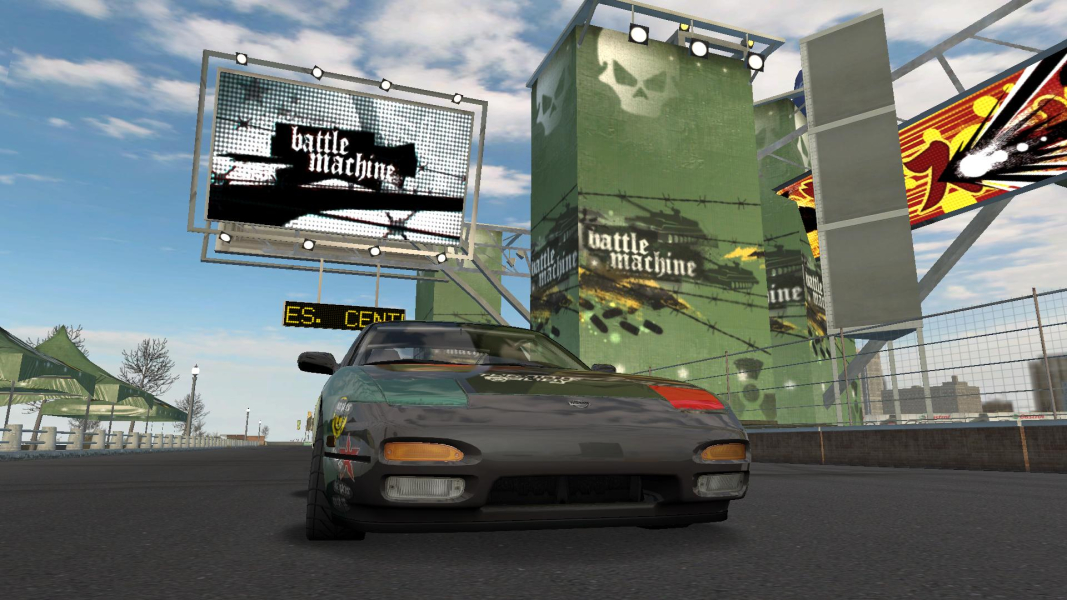
Screenshots Comparison
Solutions & Issues
Native support for 1280x720, 1280x800, 1440x900, 1680x1050, 1920x1080, and 1920x1200 widescreen resolutions.
For 1280x768 or any other resolution go to the root game directory. Open up "nfs.exe" with a HEX editor. Search for all or some of the following HEX values...
80 02 00 00 E0 01 00 00 20 03 00 00 58 02 00 00 00 04 00 00 00 03 00 00 00 05 00 00 00 04 00 00 40 06 00 00 B0 04
Every two bolded pairs correspond to an in-game resolution. Change one pair to your desired widescreen resolution remembering to flip the HEX values. For example...
1280=0500=0005
768=0300=0003
00 05 00 00 00 03 00 00 20 03 00 00 58 02 00 00 00 04 00 00 00 03 00 00 00 05 00 00 00 04 00 00 40 06 00 00 B0 04
The resolution you added is now selectable in the in-game menus.
Please note that the game will use the aspect ratio of your current desktop resolution. If the aspect ratio of your desktop resolution is different from the aspect ratio of the in-game resolution there will be stretching.
Use the ThirteenAG fix:
https://thirteenag.github.io/wfp#nfsps
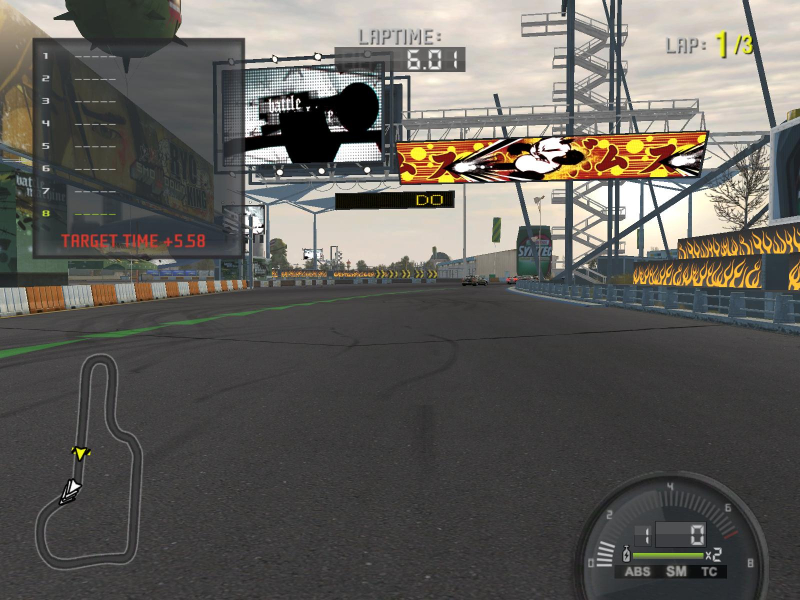
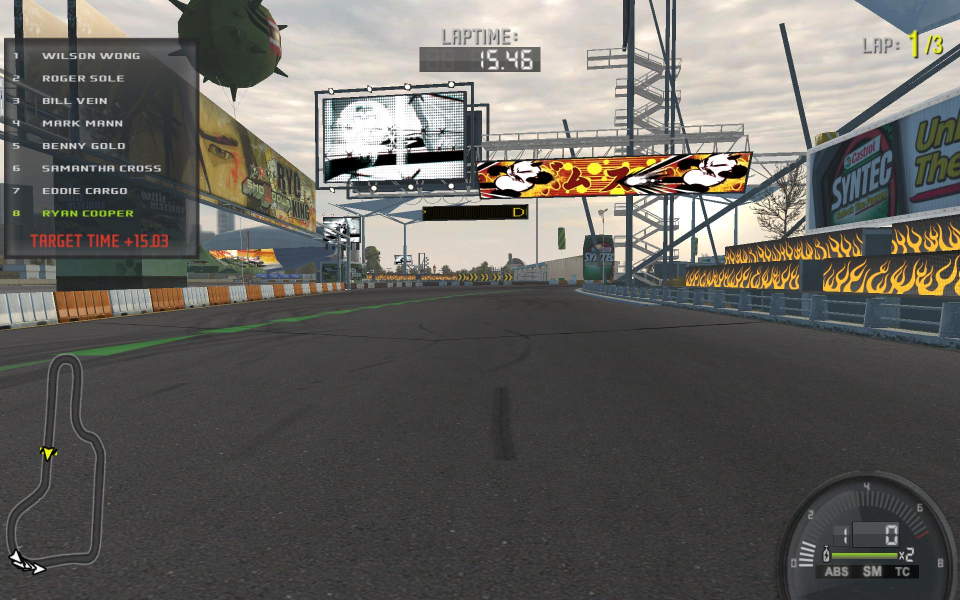
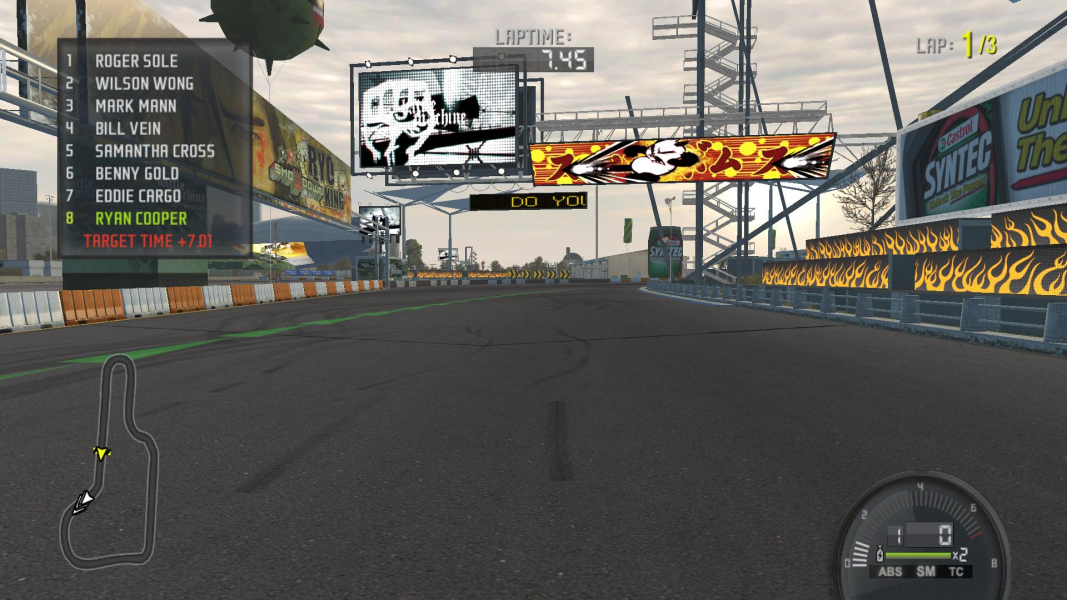
Gameplay Screenshots


In-Game (Rendered) Cutscenes
Menu Screenshots

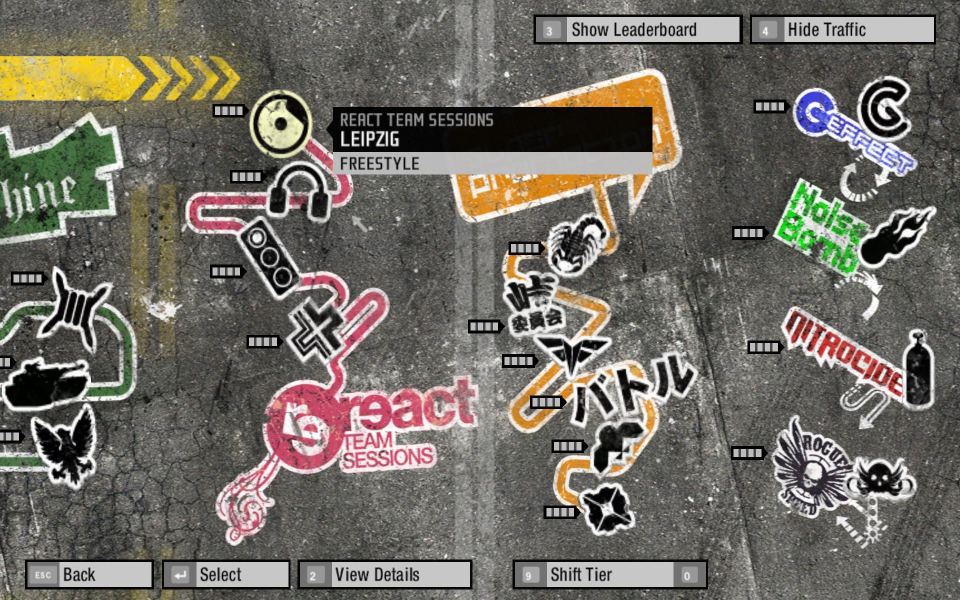

Additional Screenshots