An awesome game about killing zombies. Follow-up to Left 4 Dead, this massively popular zombie killer provides the same fun fast-paced action of the original, supporting up to 4 player co-op.
Support Summary
Game Information
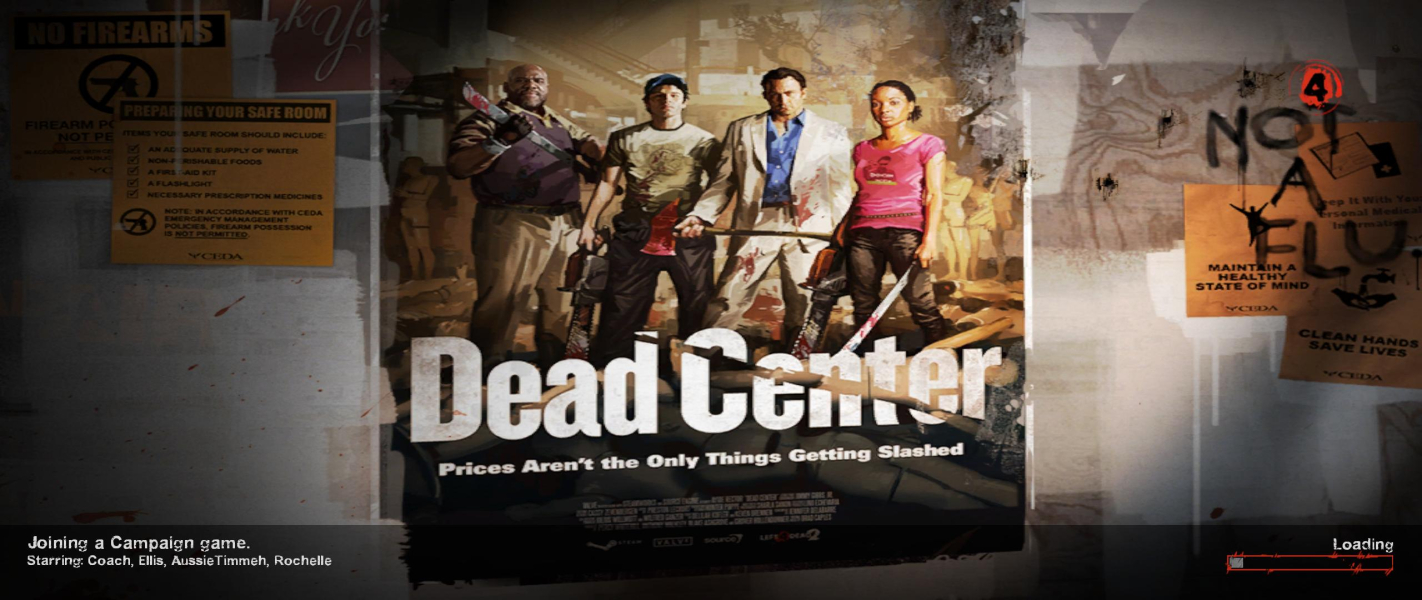
Screenshots Comparison
Solutions & Issues
You can select the resolution from within the in game settings.
Alternatively you can set it in the launch options with the following commands: I.E. -w 1920 -h 1200
-w - Forces the engine to start with resolution set to .
-h - Forces the engine to start with resolution set to .
The crosshair is bigger compared to 16:9, making it harder to aim.
The crosshair is huge in multi-mon. For a workaround create a text document containing these lines:
cl_crosshair_thickness 1

cl_crosshair_dynamic 0
Save it as autoexec.cfg in steam/steamapps/common/left4dead2/left4dead2/cfg/
PLP Support / Custom Resolutions
SoftTH works.
Under C:\...\Steam\steamapps\common\left 4 dead 2\left4dead2\cfg there is a file called video.txt.
"VideoConfig"

{

	"setting.cpu_level"		"2"

	"setting.gpu_level"		"0"

	"setting.mat_antialias"		"1"

	"setting.mat_aaquality"		"0"

	"setting.mat_forceaniso"		"1"

	"setting.mat_vsync"		"1"

	"setting.mat_triplebuffered"		"0"

	"setting.mat_grain_scale_override"		"1.000000"

	"setting.mat_monitorgamma"		"2.200000"

	"setting.gpu_mem_level"		"2"

	"setting.mem_level"		"2"

	"setting.mat_queue_mode"		"0"

	"setting.defaultres"		"XXXX"

	"setting.defaultresheight"		"YYYY"

	"setting.aspectratiomode"		"1"

	"setting.fullscreen"		"?"

	"setting.nowindowborder"		"?"

}
- "setting.defaultres" is the X value for resolution.
- "setting.defaultresheight" is the Y value for resolution.
- "setting.fullscreen" is the value for fullscreen. Select 1 to enable or 0 to disable. It's best to keep it 0 unless using SoftTH.
- "setting.nowindowborder" is the value to play in a window with no border around it. Select 1 to enable or 0 to disable. It's best to keep it 1 unless using SoftTH.
You want to make this file "Read Only".
To fix HUD postitioning, go here: and select the appropriate file:
http://steamcommunity.com/workshop/filedetails/?id=121247940
Subscribe to the appropriate file, then when you launch the game, go to addons and enable the mod. This does not seem to work in multiplayer, but it does work in singleplayer.
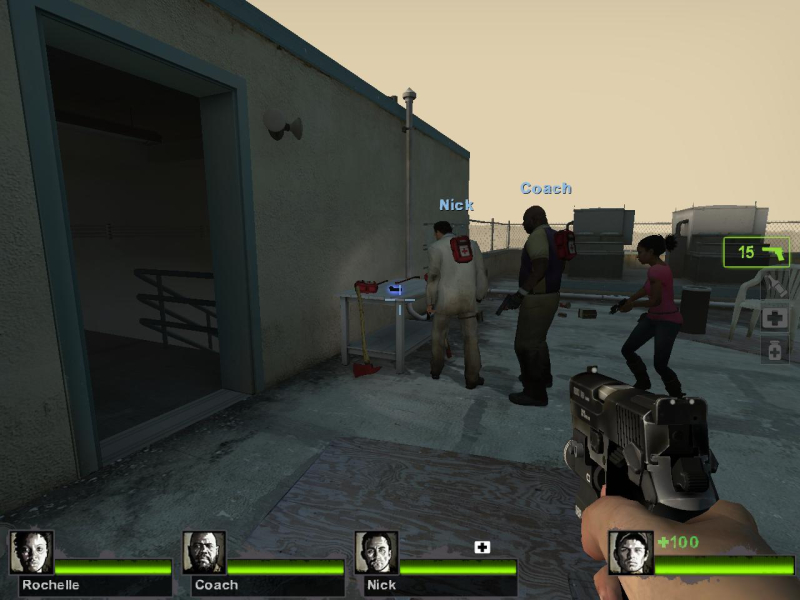
Gameplay Screenshots
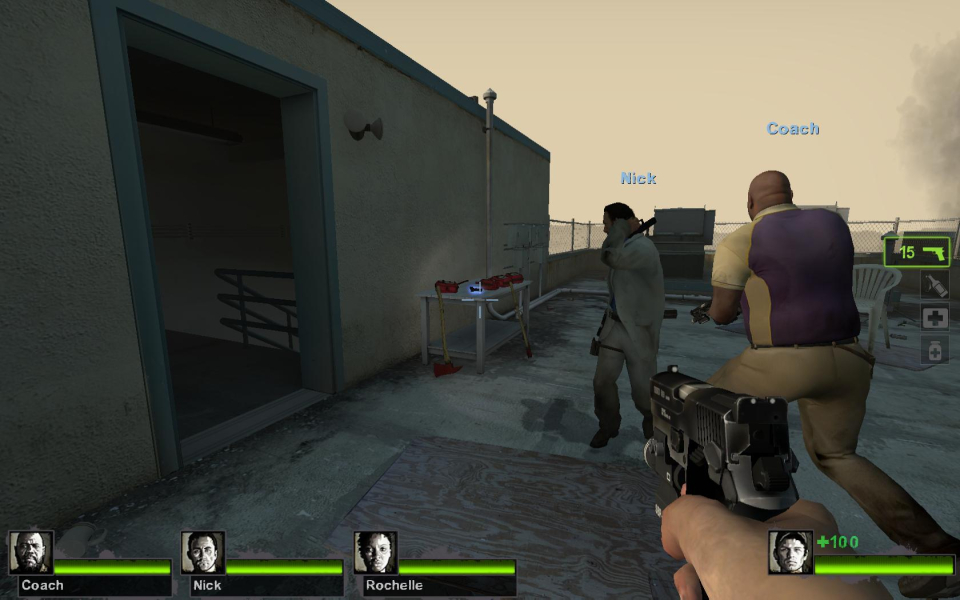
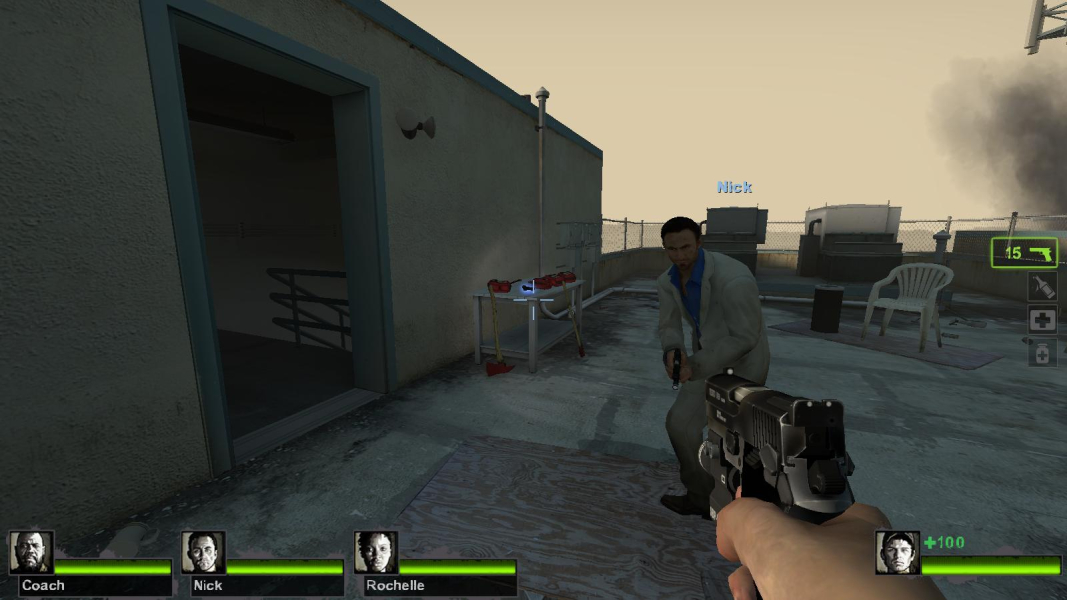
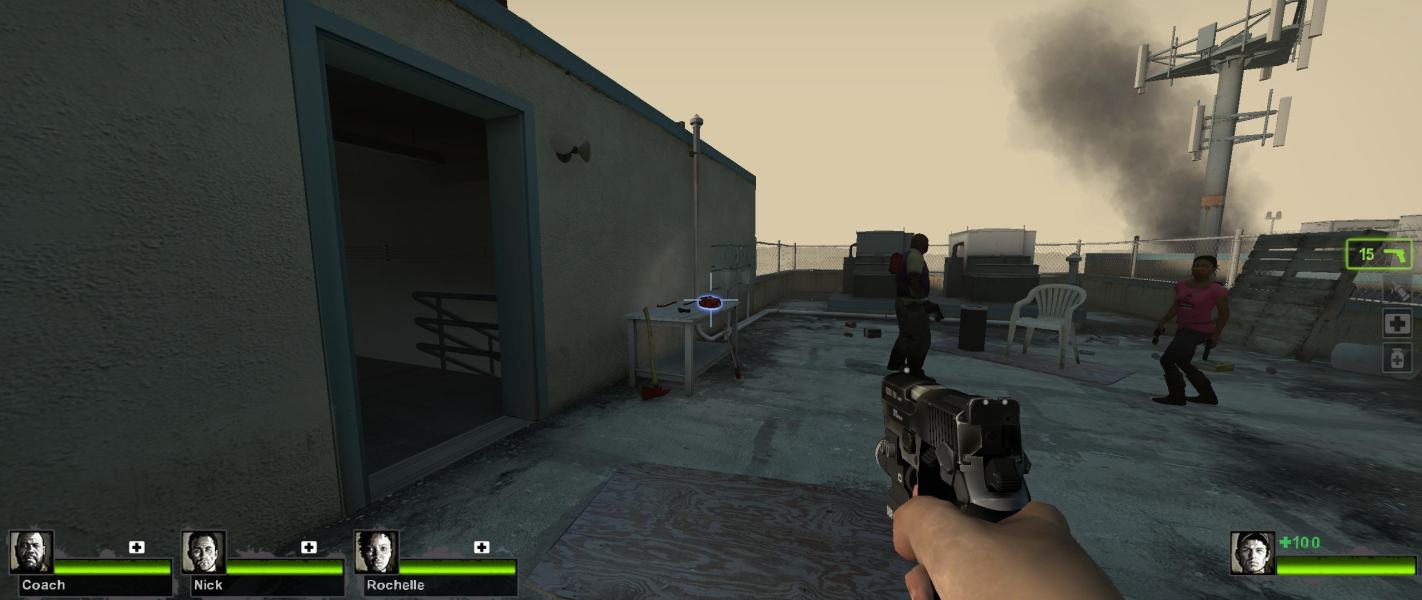


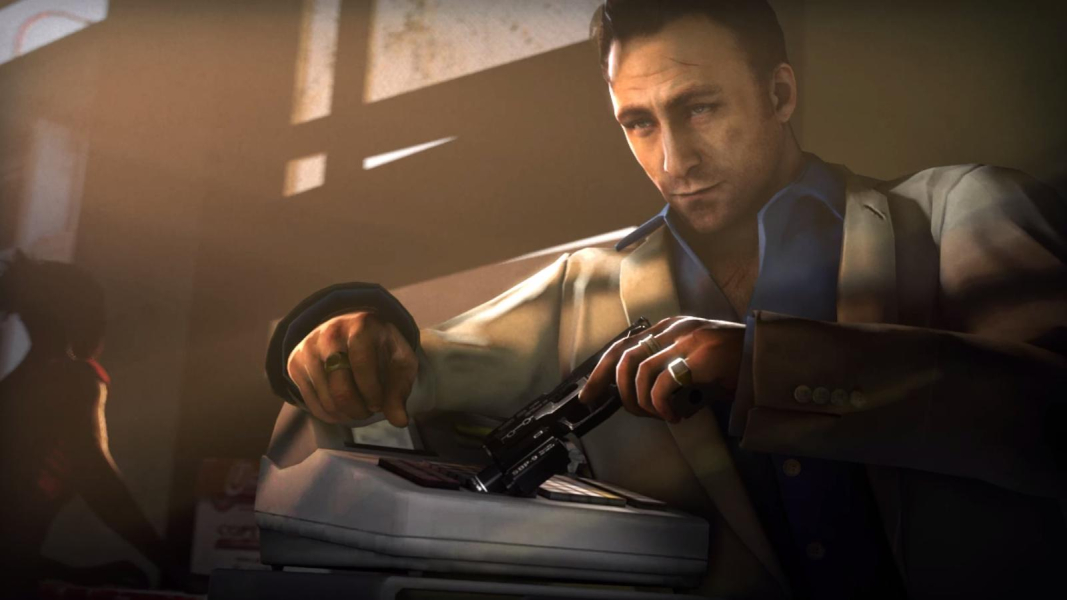
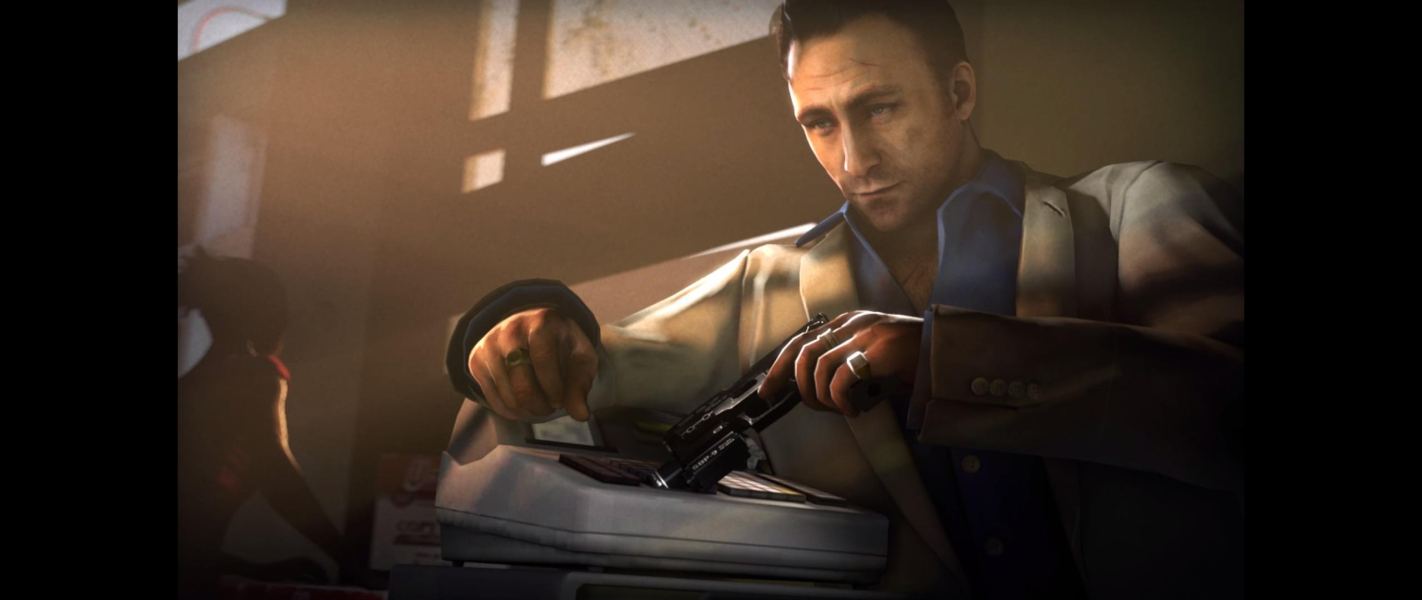
In-Game (Rendered) Cutscenes
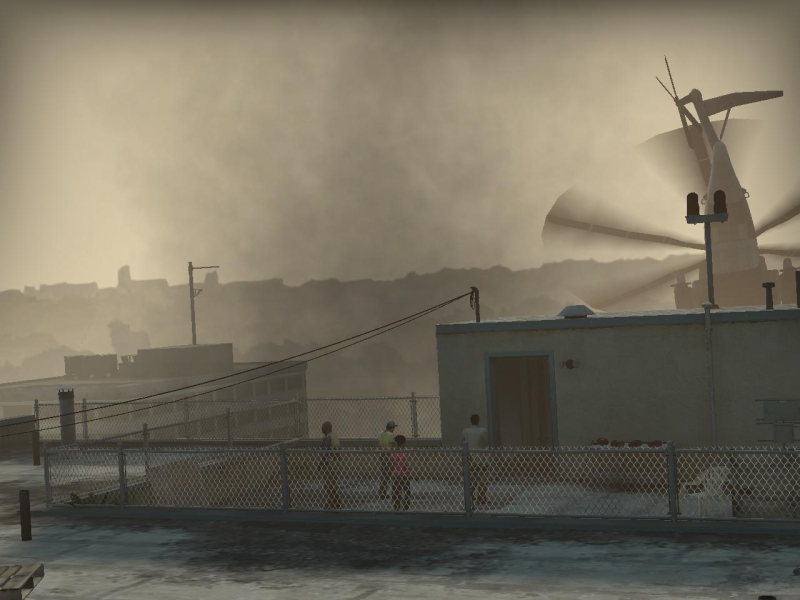
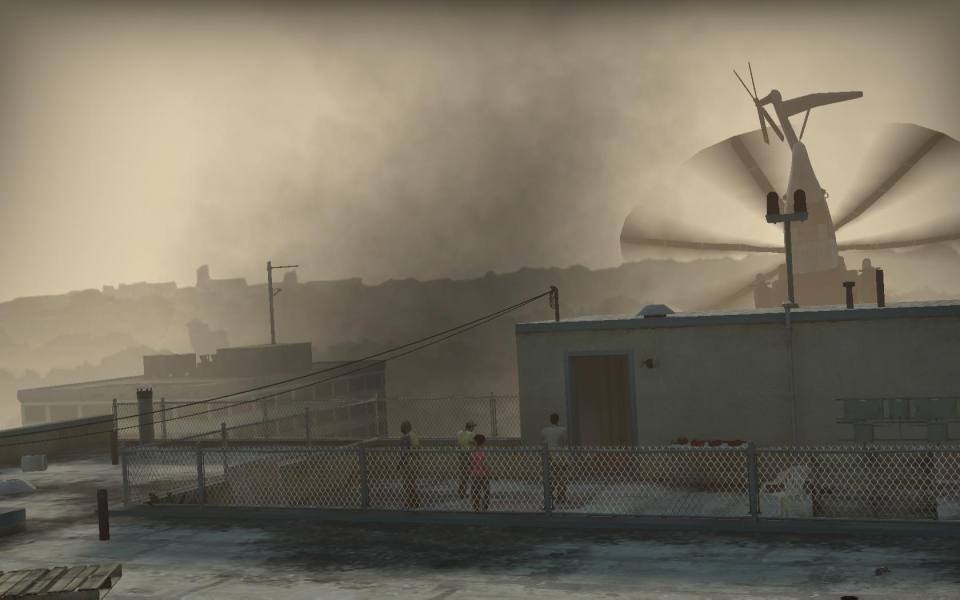
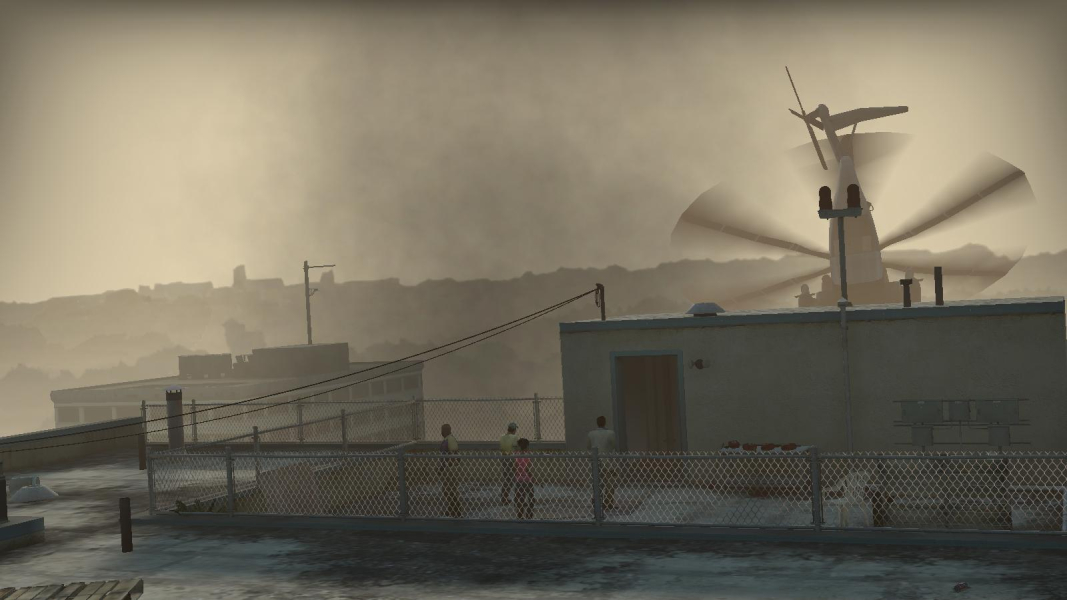
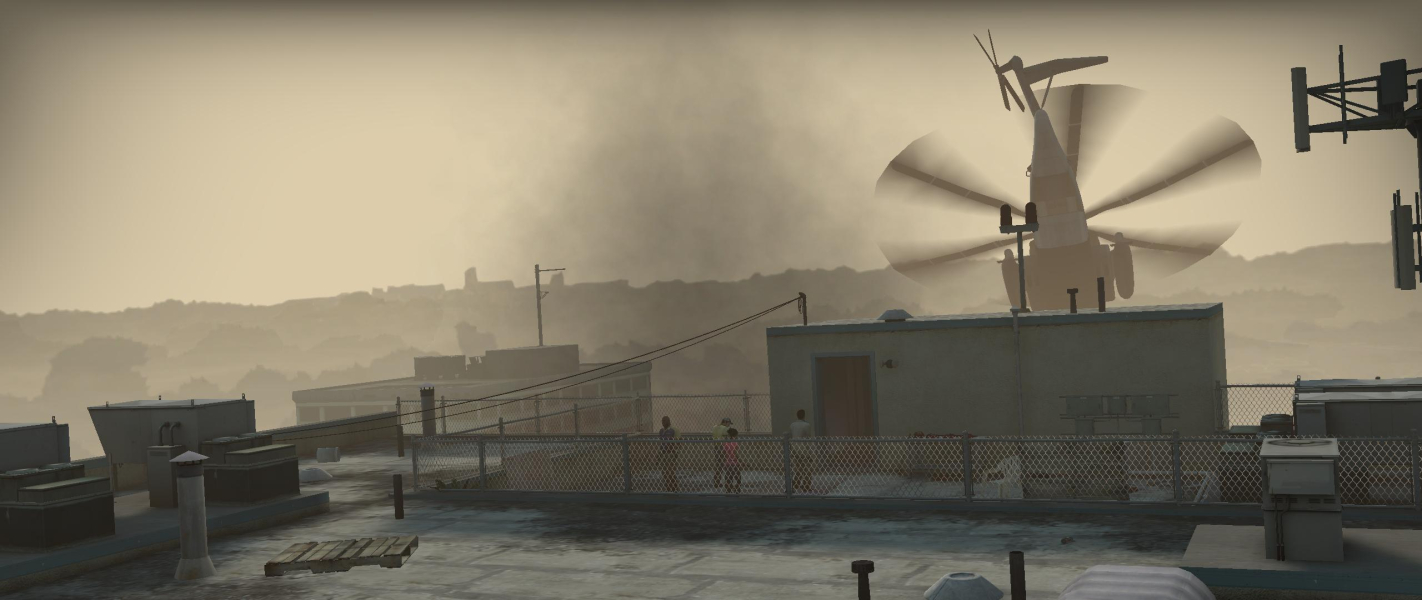

FMV Cutscenes
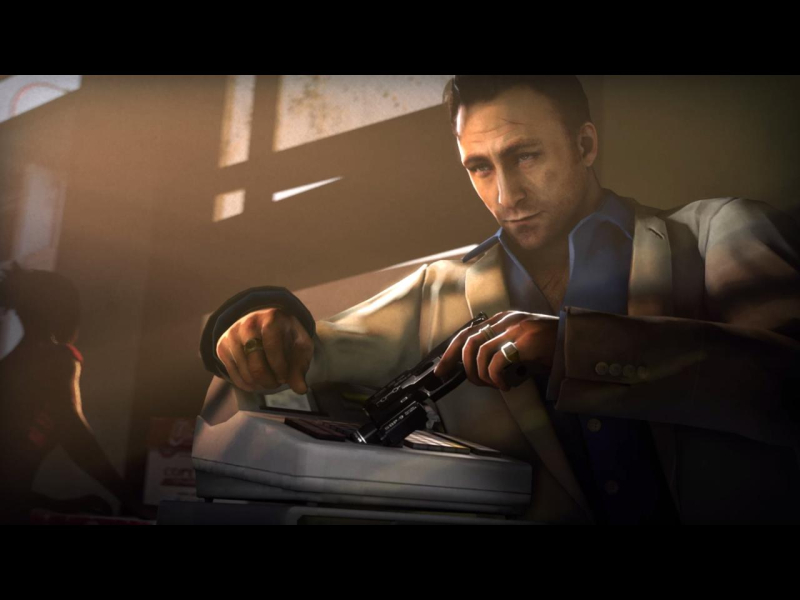


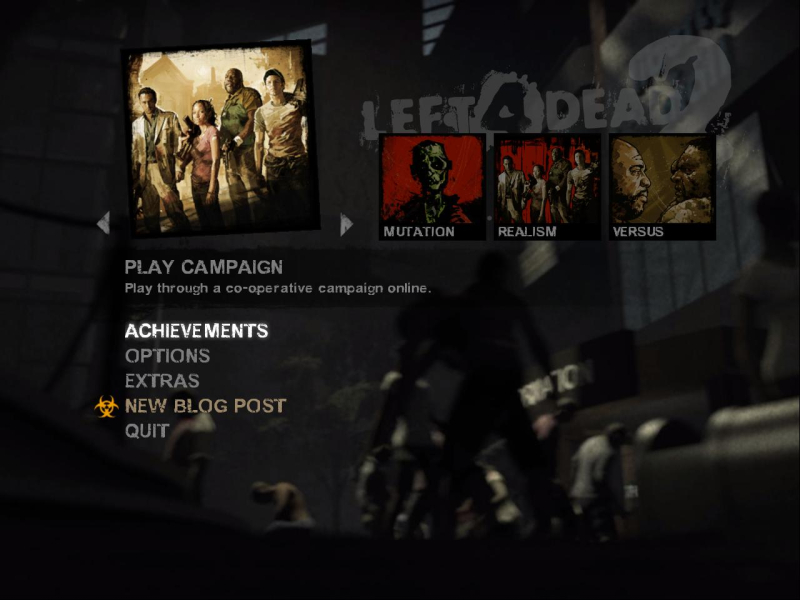
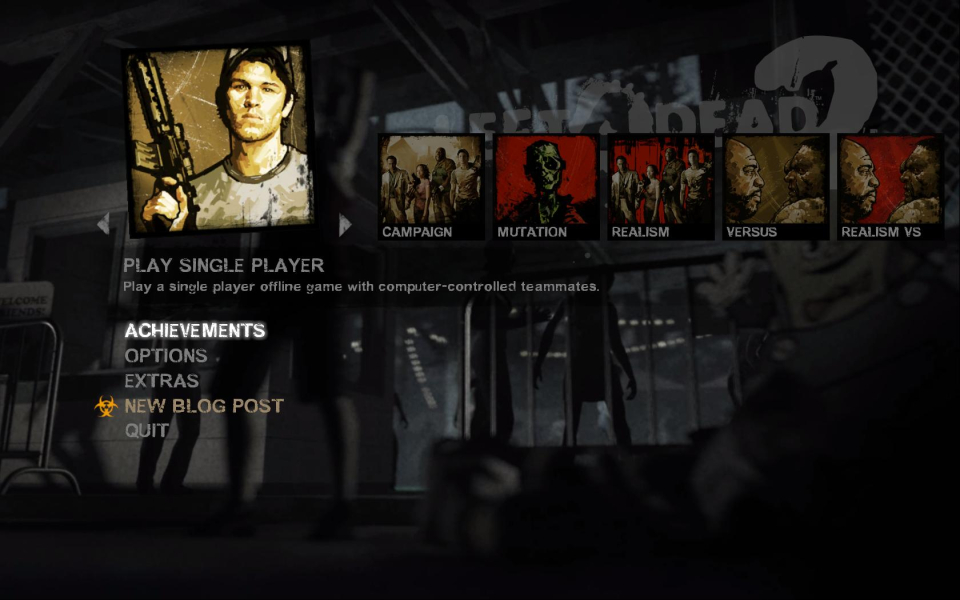
Menu Screenshots
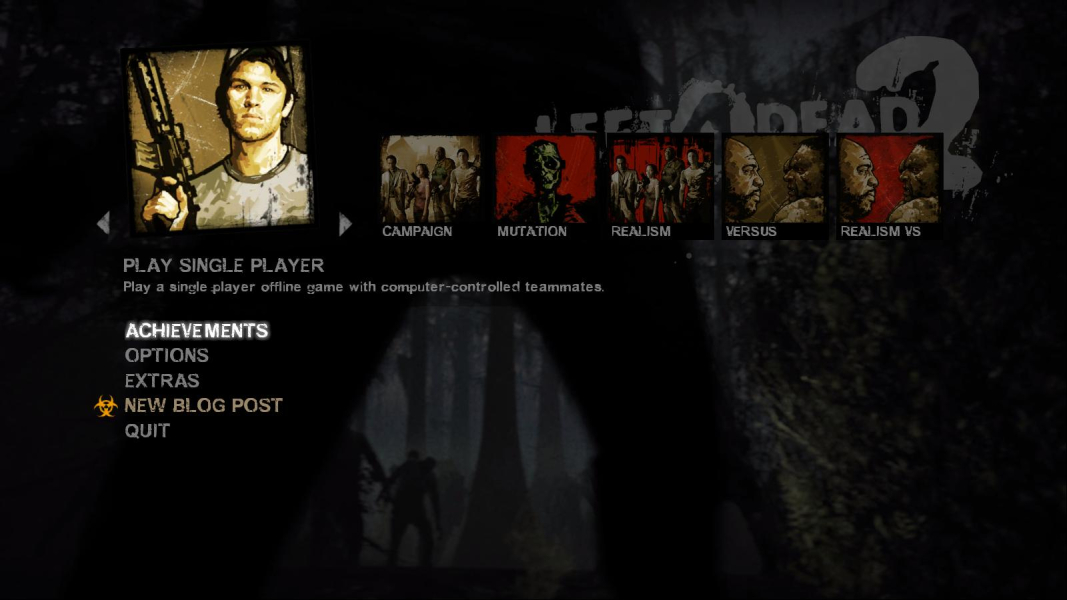
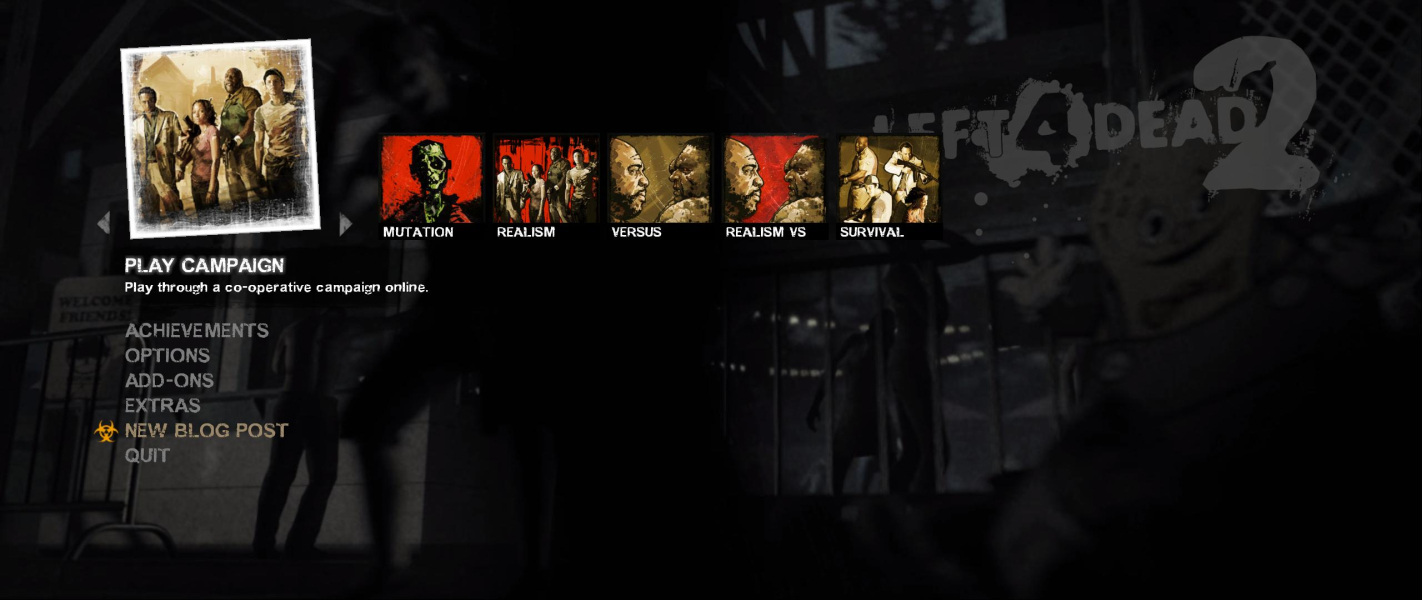

Additional Screenshots