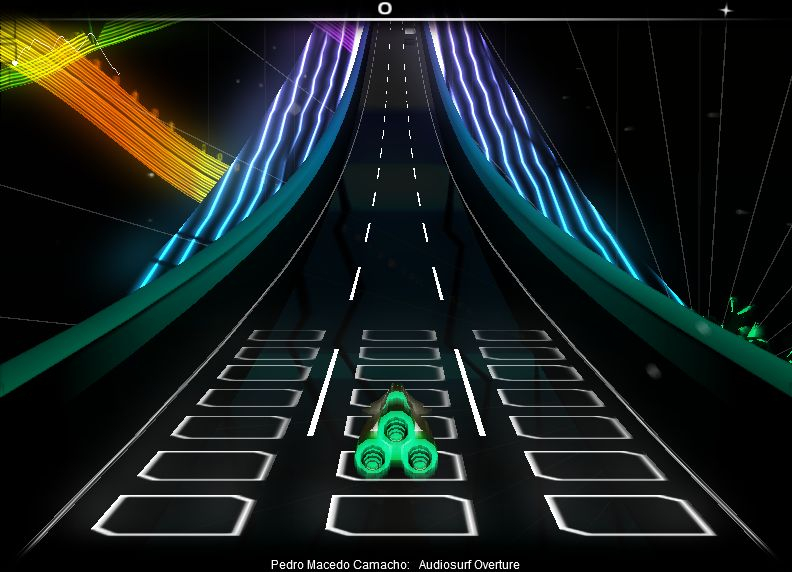
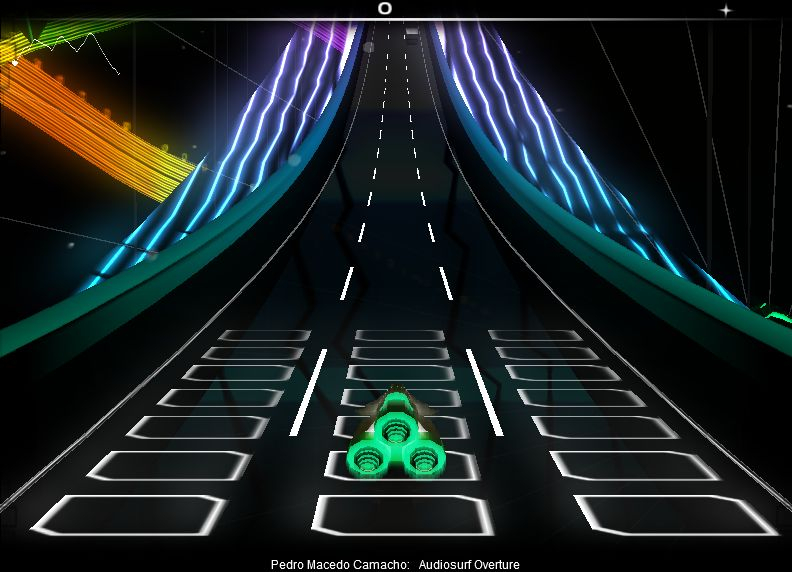
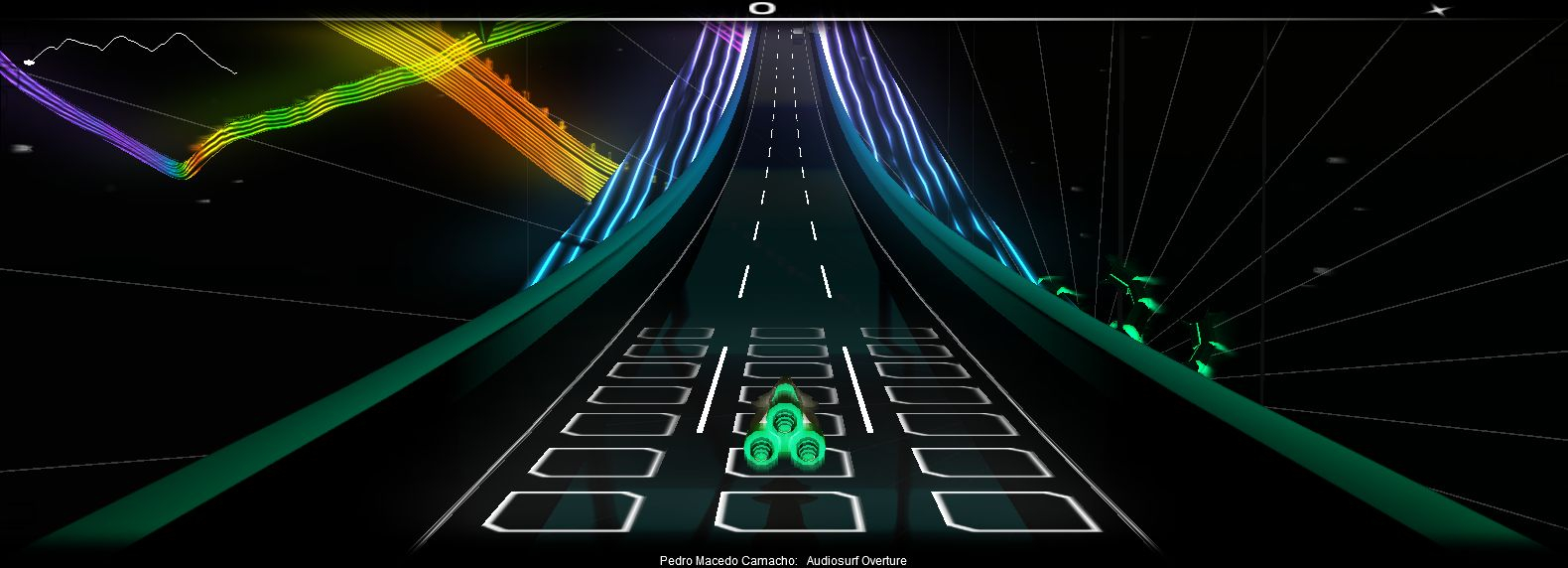
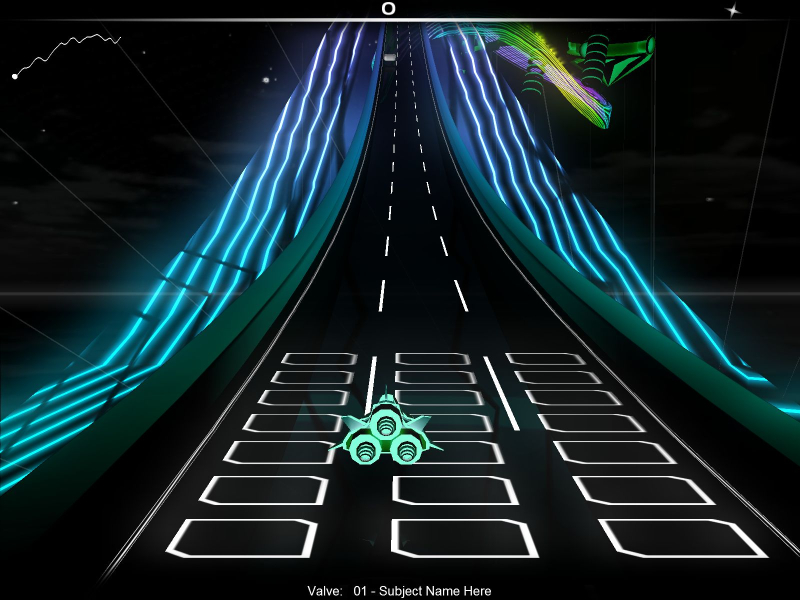
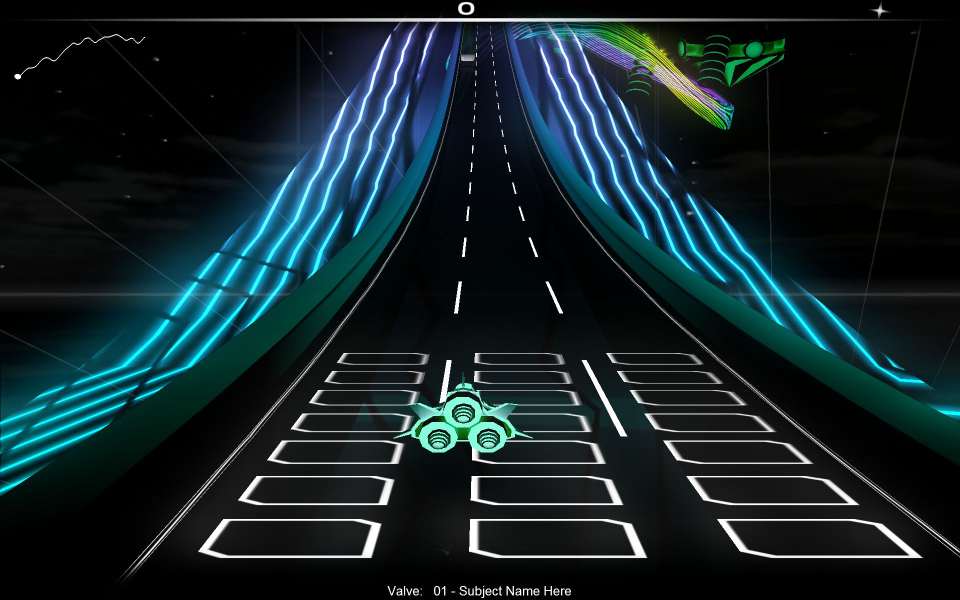
Audiosurf is a uniquely-styled music themed indie game. In a nutshell, think music/rhythm game meets Dr. Mario. You control a space ship flying through a track filled with colorful blocks, and can add these to a Tetris-style well by touching them. Match 3 colors in a row to remove them and gain points, and you can rack up big combos by setting up complex chain reactions.
The twist is that the levels are generated from your own music - you can give Audiosurf any music CD or any unencrypted mp3/wma/wav/flac/whatever and it will generate a track whose slope matches the pace of your music, and with colorful blocks that sync with the beat and are colored according to its intensity.
Support Summary
Game Information
Screenshots Comparison
Solutions & Issues
Native. It runs in windowed mode on startup, but a "Fullscreen" button will make it automatically use your desktop res. There's also an options screen where you can select any resolution.
Note - if you have multiple monitors and are *not* using a TH2Go, you can get a hor + / stretch hybrid by playing in a maximized window. More on this below.
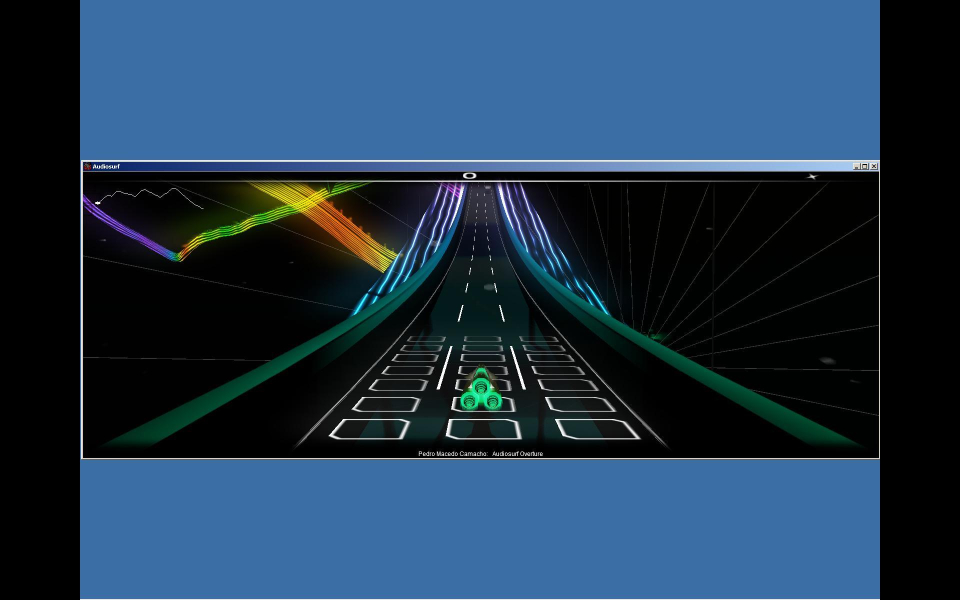
Also, if you play in windowed mode, the gameplay will be stretched according to your desktop resolution (even if the window is 4:3).
You can also edit the "runfullscreen: false" to true, in the "Steam\steamapps\common\audiosurf", and the game will start up in fullscreen, skipping the windowed mode bit.
Doesn't really make a huge difference, it's more of a preference thing I guess.
As stated earlier, if you play in windowed mode, the game will be stretched according to your desktop resolution. If you're using a TH2Go, you can skip this information - the game will see a triple-wide desktop resolution, and will stretch the game triple-wide.
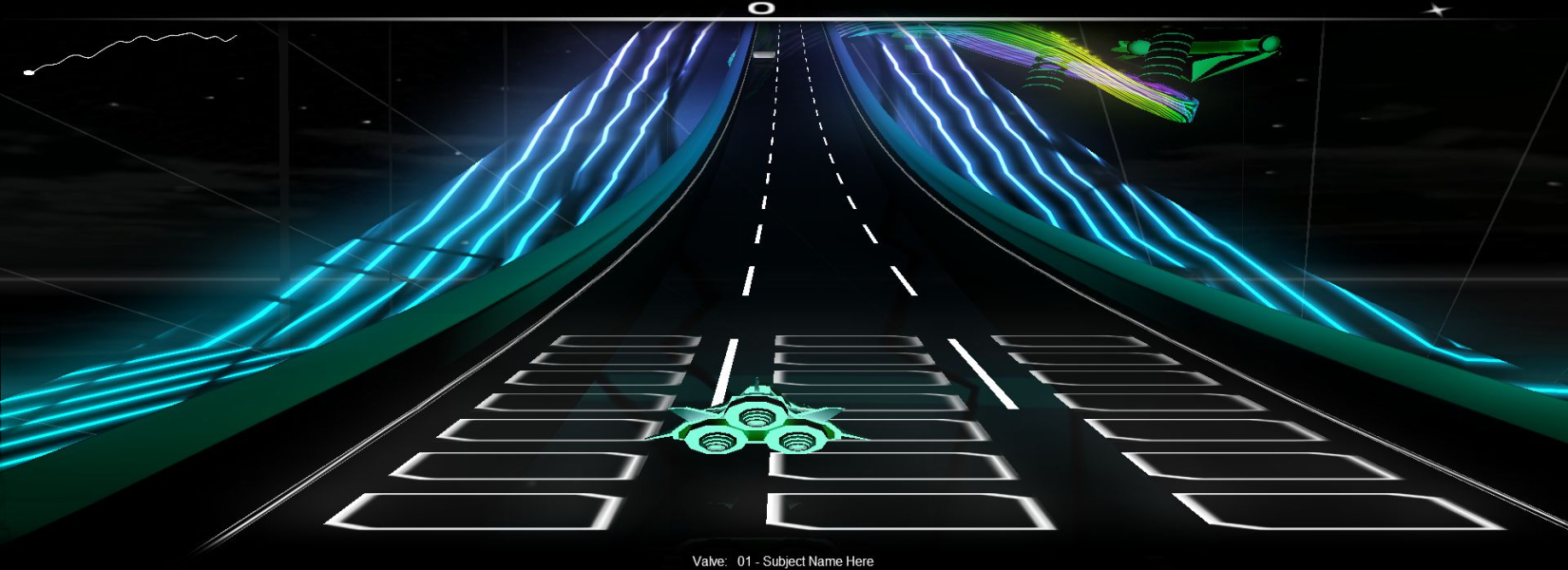
But if you're *not* using a TH2Go, then the game will only see the aspect ratio of your primary monitor's resolution. But you can maximize the window so that it spans all three monitors, and it will still stretch the aspect ratio according to the first monitor alone, while increasing the horizontal FOV.
The only way this will result in perfect hor + is if the primary monitor is 4:3. If your monitors are 16:10, for instance, then the game will be a combination of stretch and hor +. Basically, you will get the FOV of what would appear on three 4:3 monitors, stretched to three 16:10 monitors.
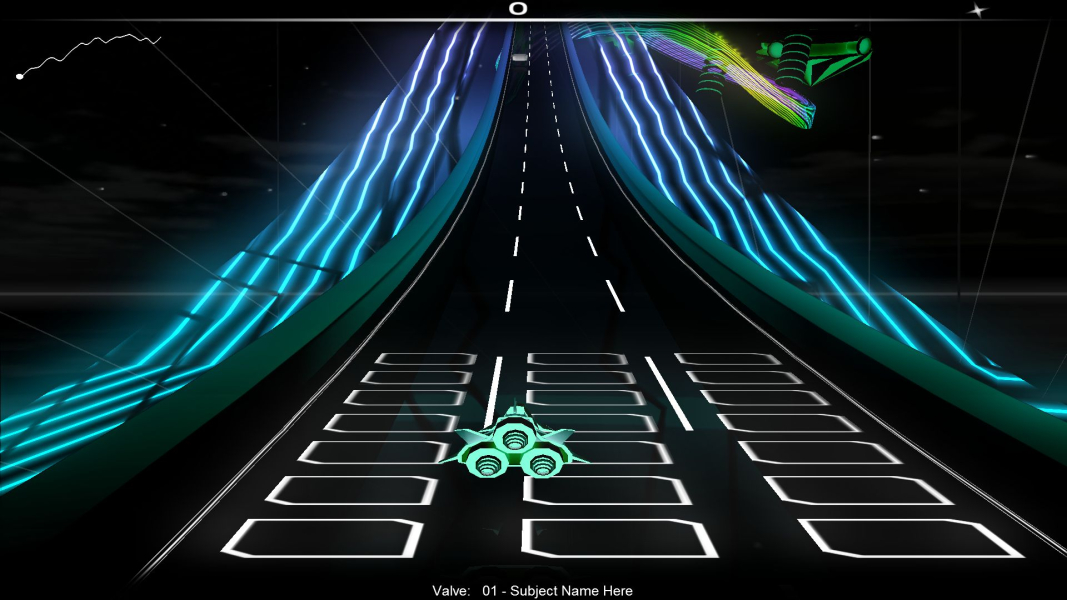
Gameplay Screenshots


FMV Cutscenes
Additional Screenshots