

Unreal Tournament 2004 is an online FPS from Epic Games and Infogrames, and the follow-up to the previous entry Unreal Tournament 2003. Assault mode returns, and a new strategy-oriented mode called Onslaught is added. Possibly more notable are vehicles throughout the maps, some of which require multiple pilots to operate completely.
Support Summary
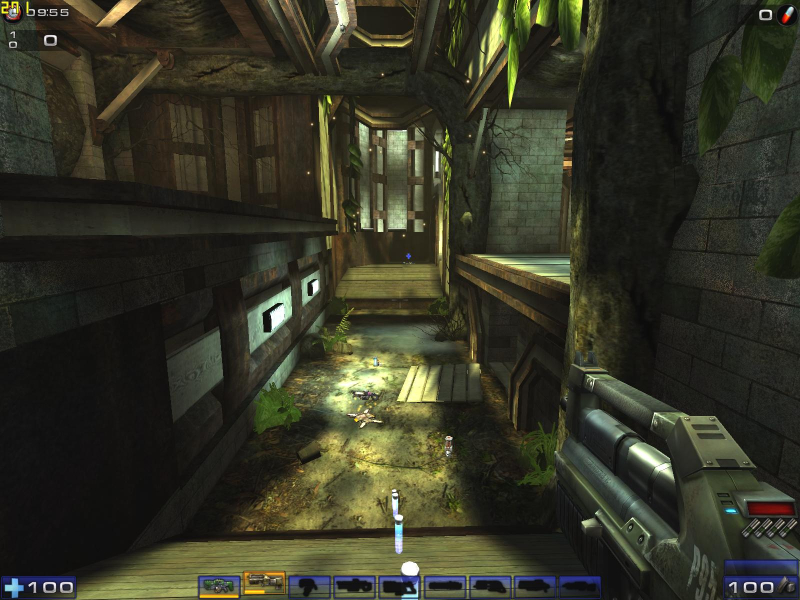
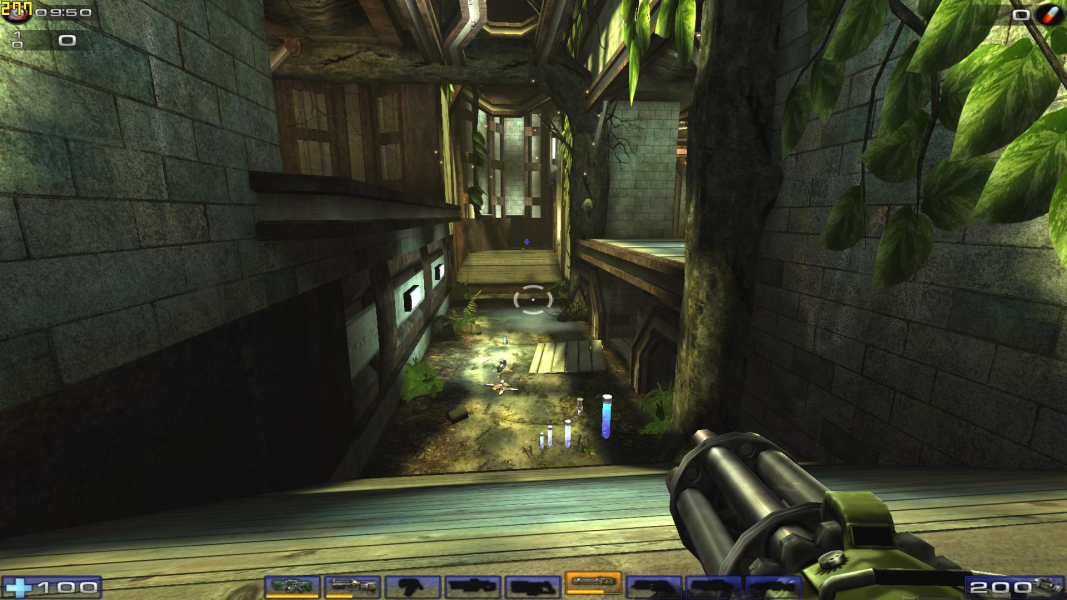
Screenshots Comparison
Solutions & Issues
You may find that you can select your resolution and adjust the FOV to your preference (up to 100) via the ingame menu. If your desired resolution is not available, or if you want an FOV above 100 (recommended for 16:9 displays), keep reading. Otherwise, you can skip this section.
Go to \system. Open ut2004.ini. Find these lines:
FullscreenViewportX=xxxx
FullscreenViewportY=xxx
Change them to set your resolution.
Now open user.ini. Find these lines:
DesiredFOV=90.000000
DefaultFOV=90.000000
Change the values to set your FOV to your preference. I recommend 100 for 16:10 displays, and 105 for 16:9 displays. Unlike UT2003, the game will not revert high FOV values back to 100.
------------------
You can get the HUD to scale just horizontally ... scaling the X component without changing the Y component.
In the ... UT2004.ini
Under the heading ... [WinDrv.WindowsClient]
Change the line ... ScaleHUDX=0.000000
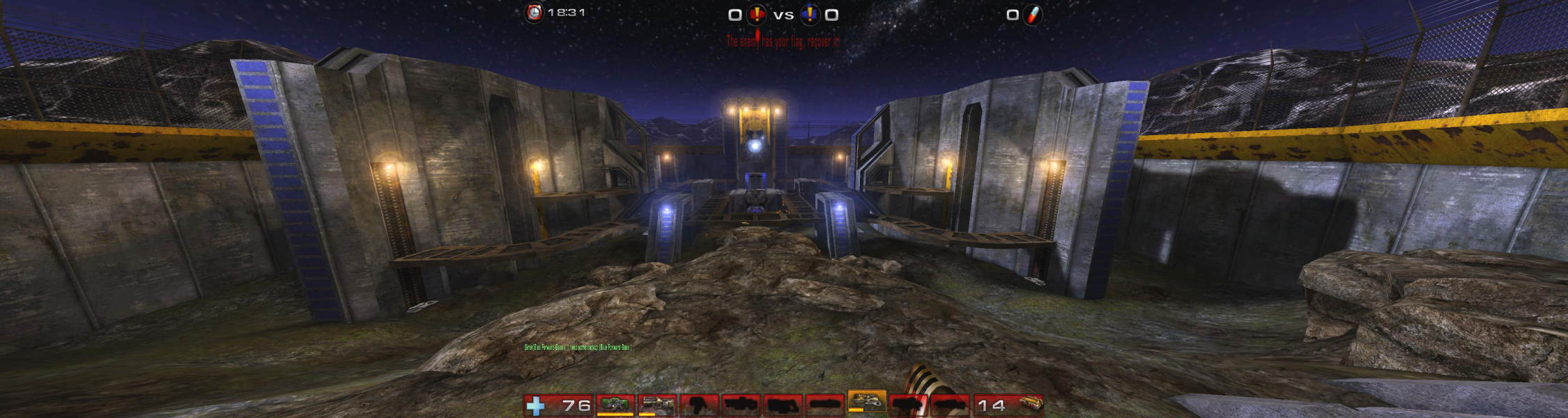
To set your resolution for EF / Surround edit ut2004.ini in your 'gamedir'\system folder
Look for lines:
FullscreenViewportX=5760
FullscreenViewportY=1080
and edit them to fit your desired resolution.
To adjust your hud for tripple wide resolutions edit
ScaleHUDX=0.330000
0.0 is default value
0.33 works best for tripple wide setups.
And finaly to adjust your fov... Bringdown the console by pressing '~' and type in 'enablecheats'. Change your fov by entering 'fov xxx' where xxx stands for desired value.
fov=90 is default for 4:3 setups.
100 - 16:10
105 - 16:9
150 - 13:3
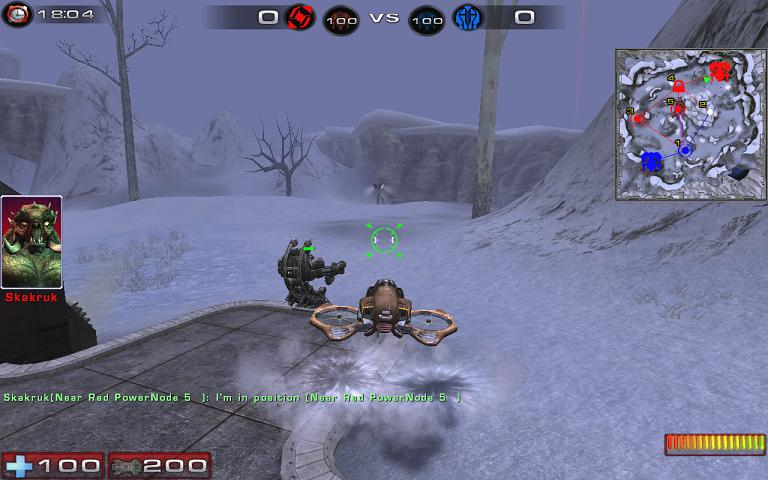
Gameplay Screenshots



In-Game (Rendered) Cutscenes
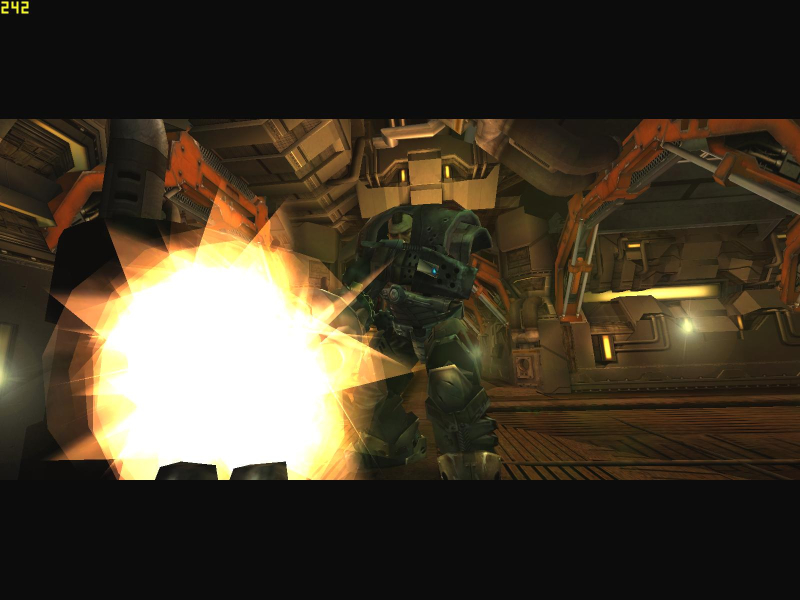


Menu Screenshots
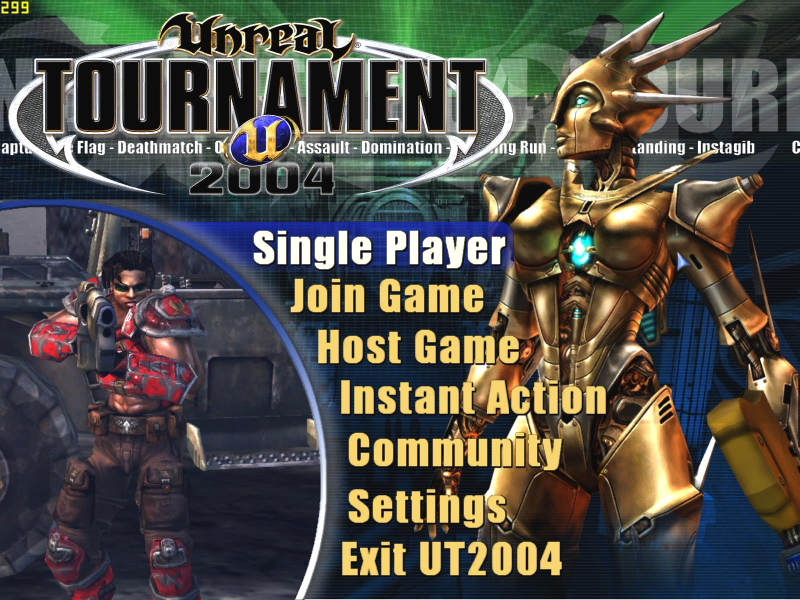


4K UHD Screenshots

Additional Screenshots