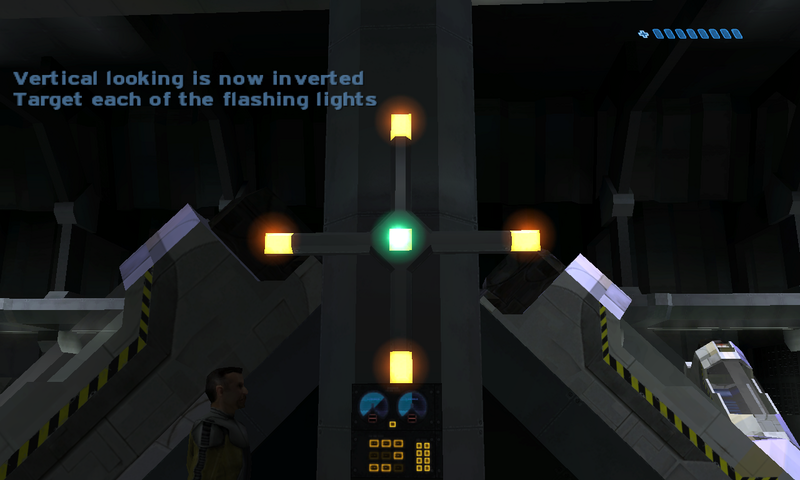
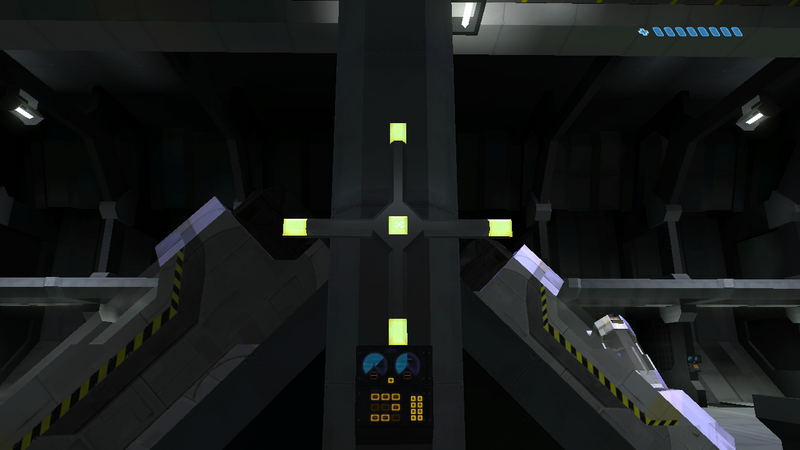
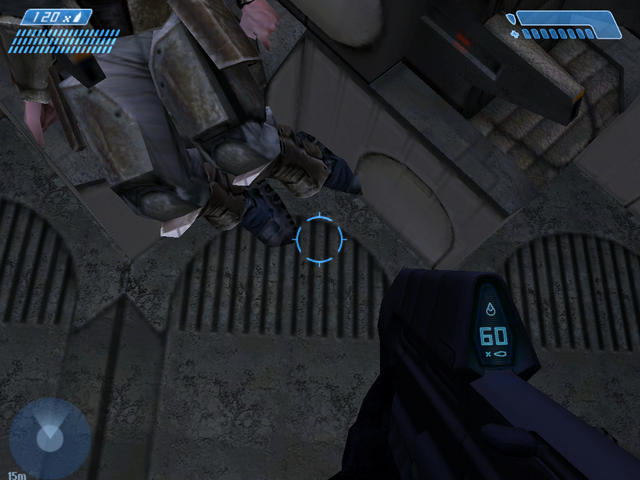
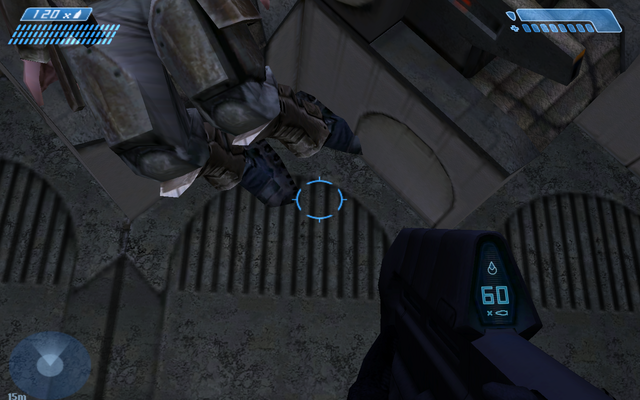
Halo: Combat Evolved is a first person shooter developed by Bungie Studios and published by Microsoft Games. Released on November 15, 2001, it was a launch title for the Xbox and helped push the console ahead in the console war. It was ported to the PC and Mac in 2003 and has spawned several sequels. The player assumes the role of Master Chief, the rank of a cybernetically enhanced warrior who is fighting to save Earth from an alien race called "The Covenant." Deserted on a mysterious "Halo" ring world, he is left to discover its deadly secrets.
Support Summary
Game Information
Screenshots Comparison
Solutions & Issues
Download Racer_S's FOV tool below
http://www.wsgf.org/article/racers-hacks
Extract the .exe and launch it.
Calculate the new FOV value using the site's FOV Calculator, here:
http://www.widescreengamingforum.com/fovcalc.php
16:9: 86.0730329272
16:10: 80.0806445763
Change the scroll-bar in the application to the new FOV, and then launch the game.
Press * to enable the application once in the game. Press / to disable it.
Create a shortcut to "halo.exe"
Edit the properties and under "Target" add a space at the end then type: -vidmode X,Y,R -console
X = Desired Horizontal Resolution
Y = Desired Vertical Resolution
R = Desired Refresh Rate
Use that shortcut to launch the game.
NOTE: This works with HaloCE through the same means, but make a shortcut for "haloce.exe."
Then use Racer_S's FOV tool to correct the FOV in game.
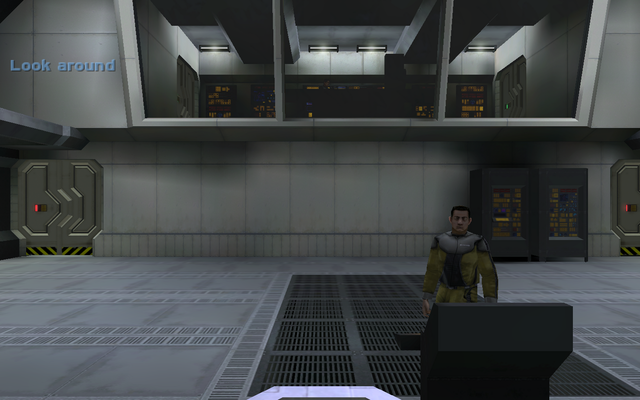
Gameplay Screenshots



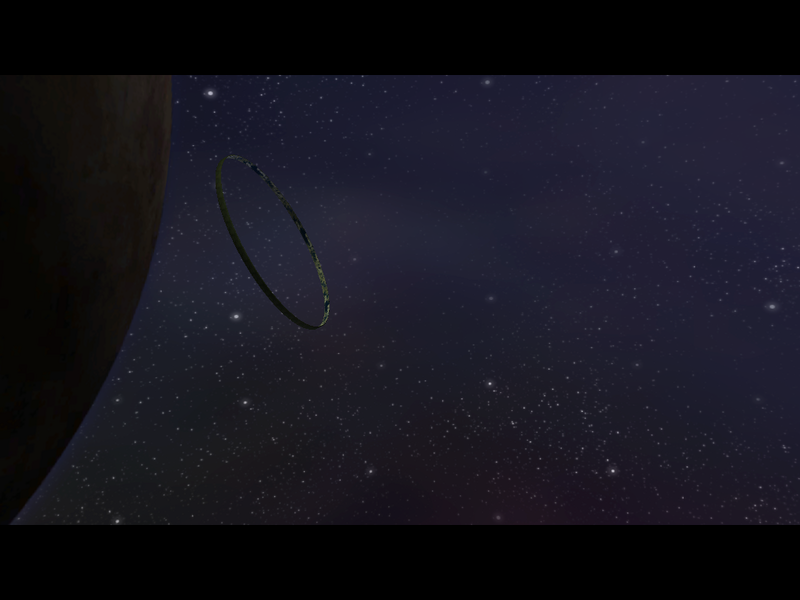
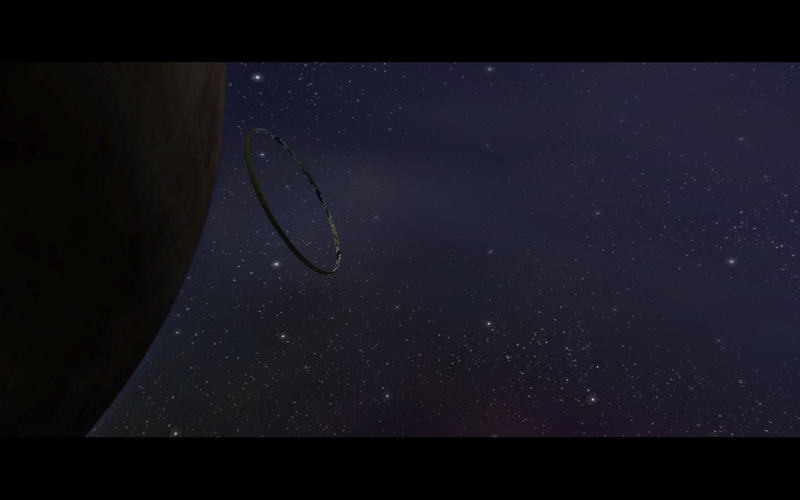
In-Game (Rendered) Cutscenes
Additional Screenshots