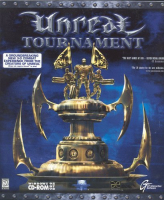


Unreal Tournament is an online FPS from Epic Games and GT Software. Its main competition being Quake 3, it distinguishes itself from the Quake games by focusing on team-based games such as team deathmatch, capture the flag, and assault, rather than free-for-all deathmatch.
Support Summary
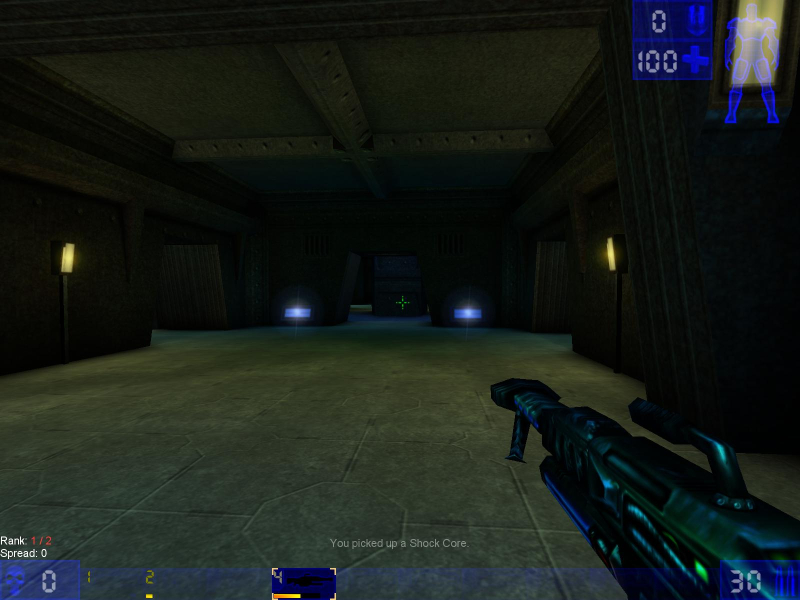
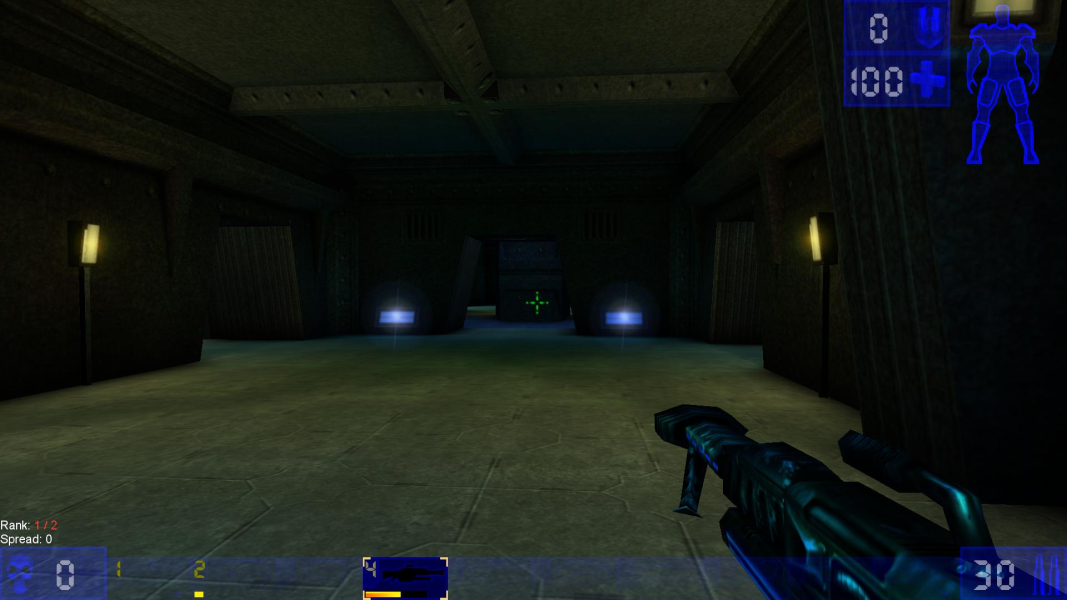
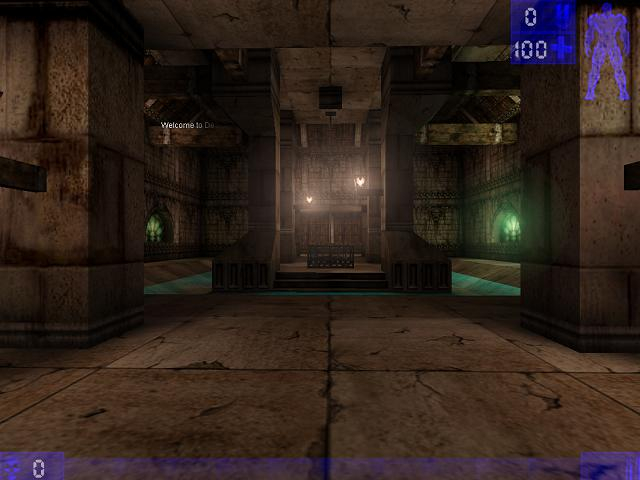
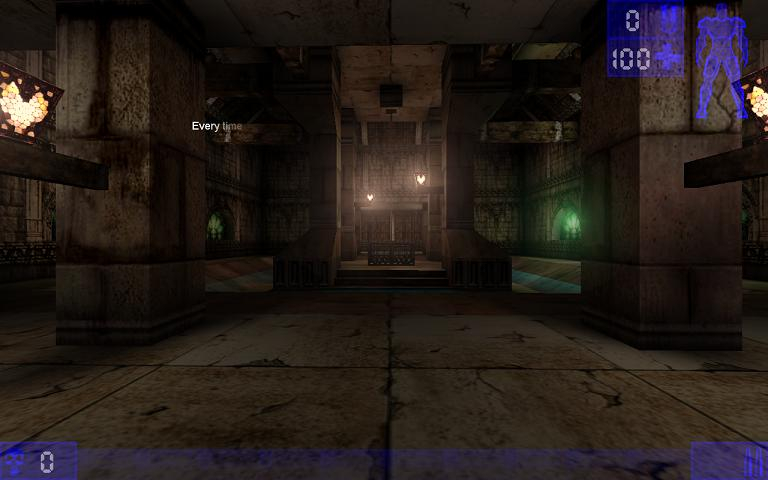
Screenshots Comparison
Solutions & Issues
Go to \system. Open UnrealTournament.ini. Find these lines:
FullscreenViewportX=xxxx
FullscreenViewportY=xxxx
Change them to set your resolution.
The wider the screen is the more vertical vision you loose, to fix this:
Open User.ini. Find these lines:
DesiredFOV=90.000000
DefaultFOV=90.000000
Change the values to set your FOV to your preference, on a 16:9 resolution 106 is like 90 on a 4:3 resolution and on a 16:10 resolution 100 is like 90 on a 4:3 resolution
If you increase the FOV to retain the vertical FOV of the original 4:3 aspect ratio, you'll have to increase it significantly to about 120. If you do this, some gun models (e.g. Shock Rifle, Ripper, Flak Cannon, & Redeemer) will not appear correctly when equipped. Furthermore, increasing the FOV also increases the size of the crosshair, which can become problematic at high FOV values. The HUD looks good, but you may want to reduce the size via the slider in the menu.
Eyefinity is possible with this game and works rather nice. First of all you need to run the game in OpenGL - for some reason D3D resolutions are limited to 2400pixels horizontal and 1200 pixels vertical. Secondly edit UnrealTournament.ini in your gamedir\system
FullscreenViewportX=xxxx
FullscreenViewportY=xxx
Set to your desired resolutions.
To set your FOV open console in game by pressing '~' and type FOV xxx. where xxx is your desired FOV. I have found that the most natural looking FOV's range from 150-170.
Hud scale can be set via game options menu. However I haven't found any way to change the size of crosshair yet.
Since 4K is quite high res, i recomment using the "Double Font" Option in the options menu of the game, because the menu will be quite small. It is not necessairy for the game to run properly, It's optional for easier reading the menu.
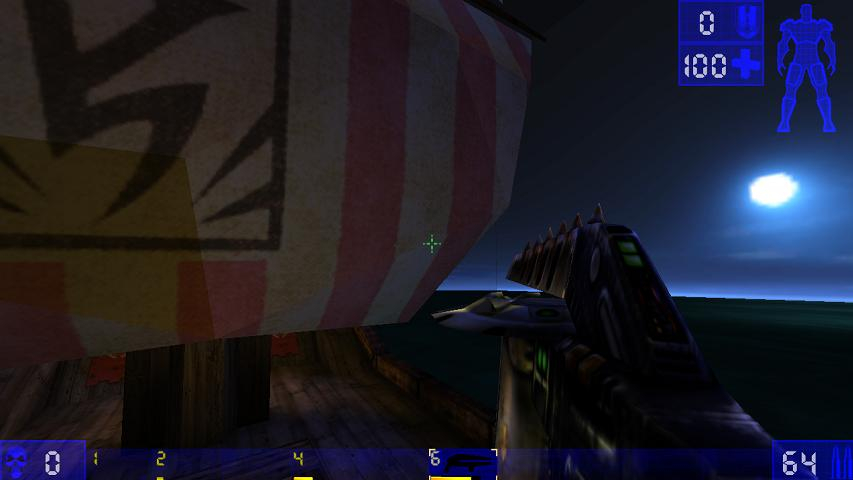
Gameplay Screenshots



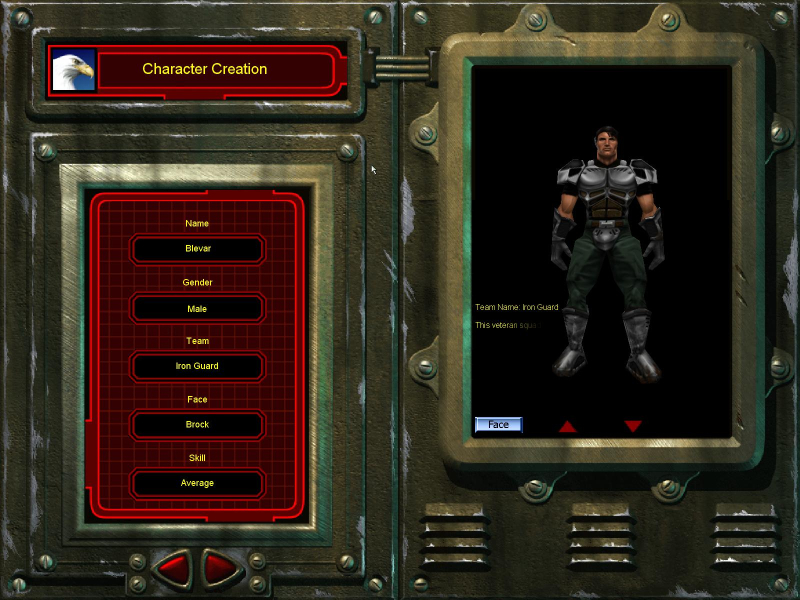
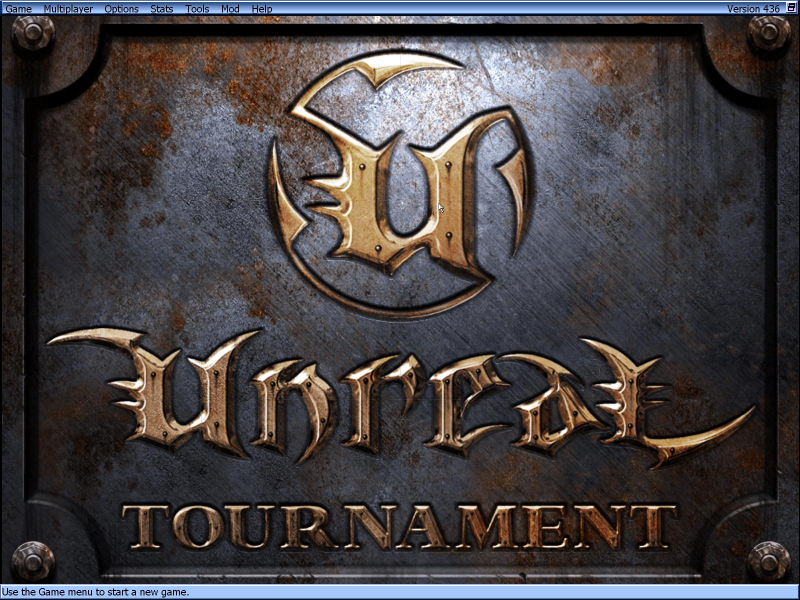
Menu Screenshots

4K UHD Screenshots

Additional Screenshots