Quake 3 is an online FPS from Id Software and Activision. In a departure from its predecessors, it completely lacks a traditional singleplayer campaign, and the emphasis is mostly on deathmatch.
Support Summary
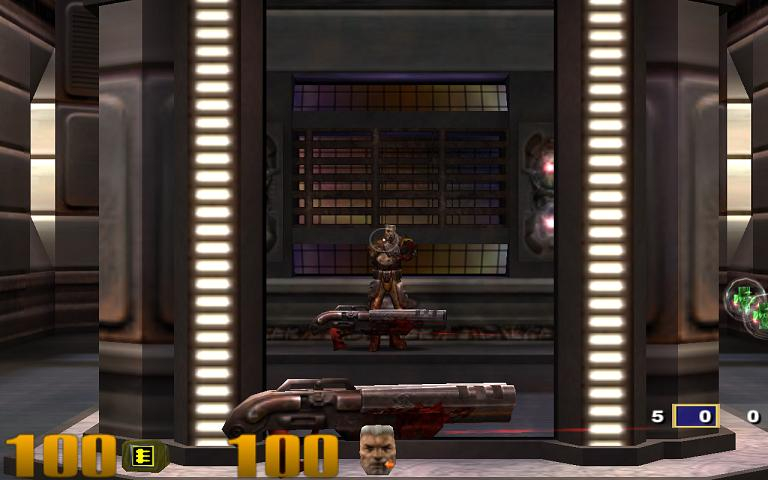
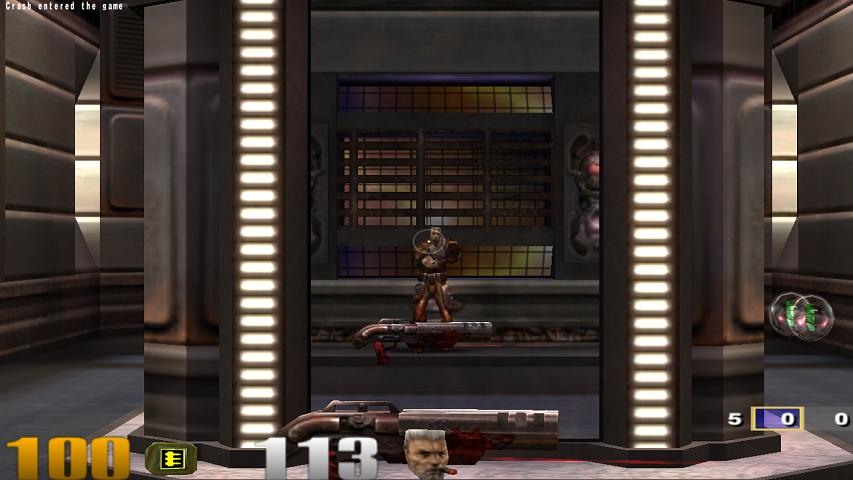
Screenshots Comparison
Solutions & Issues
1) Go to \baseq3.
For Quake 3 Arena purchased via Steam, the correct config file should be:
Steam\SteamApps\common\quake 3 arena\baseq3\q3config.cfg (for Quake 3 Arena)
Steam\SteamApps\common\quake 3 arena\missionpack\q3config.cfg (for Quake 3 Team Arena)
For Quake 3 Arena purchased via store media, the correct config file should be:
C:\Program Files\Quake 3 Arena\baseq3\q3config.cfg (for Quake 3 Arena)
C:\Program Files\Quake 3 Arena\missionpack\q3config.cfg (for Quake 3 Team Arena)
Edit q3config.cfg (preferably with textpad) and edit these lines:
seta r_mode "x"
Set this to -1.
seta r_customwidth "xxxx"
seta r_customheight "xxx"
Set this to your favorite widescreen resolution.
seta cg_fov "90"
Set this according to your preference. I recommend 100 for 16:10 resolutions and 105 for 16:9 resolutions.
2) Other tip is you may create an autoexec.cfg file on each subdirectory [baseq3 and missionpack] and put those lines of above on it, because Quake 3 may reset the q3config.cfg if you change something via game menu.
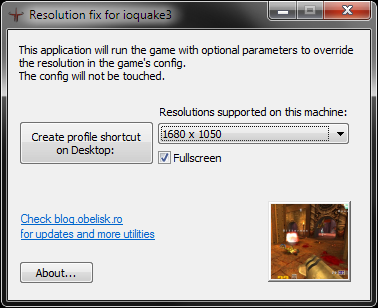
4) For the game purchased via store media, a corrupted compatibility with the FMVs from resolution that not are 4:3 make Quake 3 don't display the FMV videos, only show a black screen with the sounds from the FMVs video. These problem are fixed on ioquake available on ioquake 3
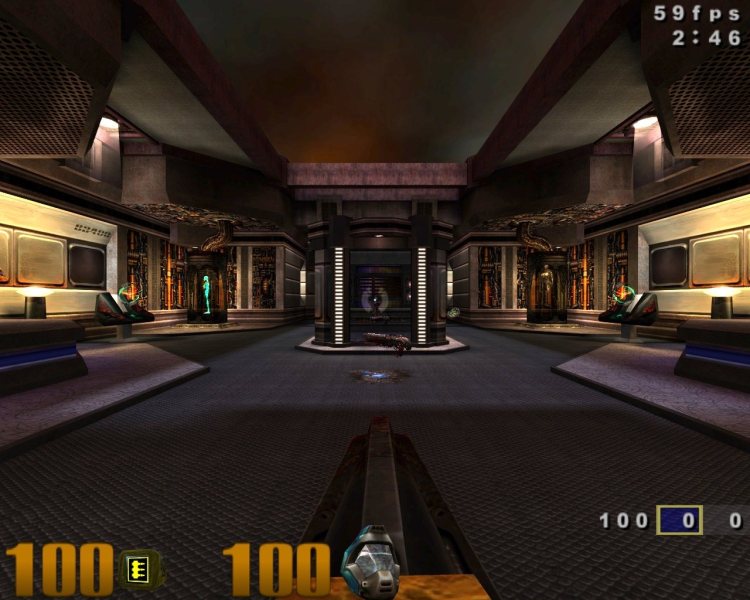
Gameplay Screenshots


Additional Screenshots