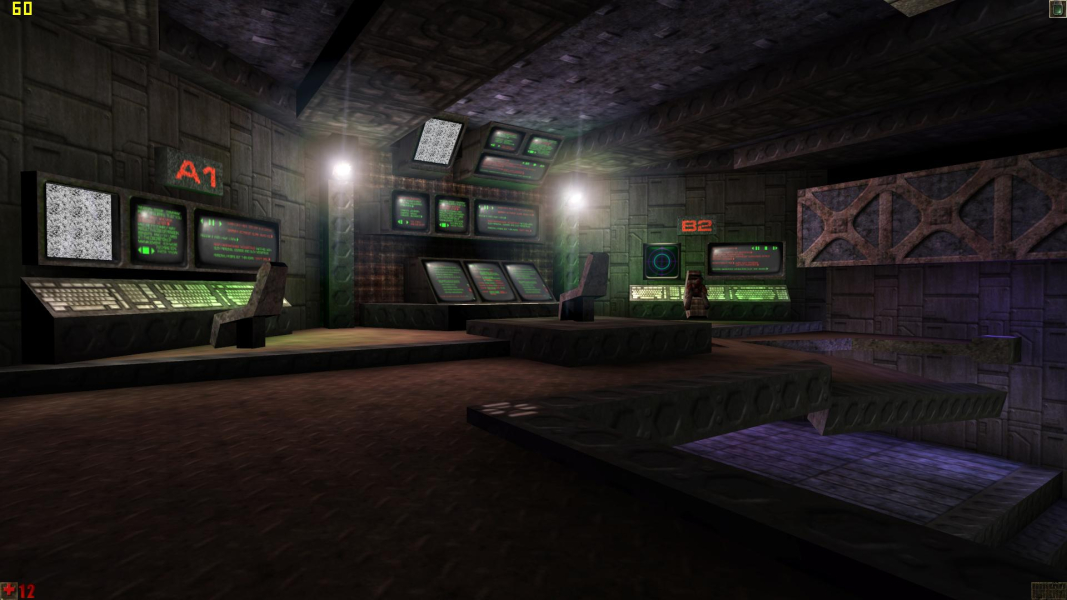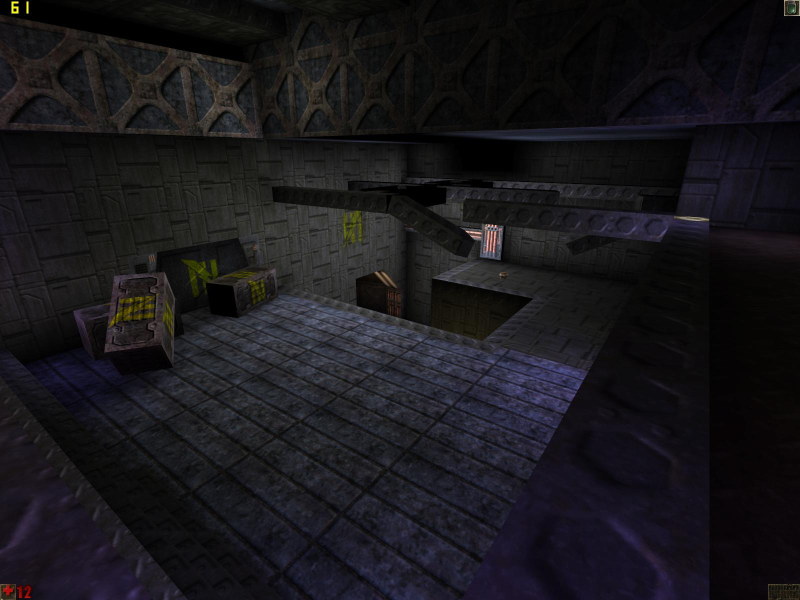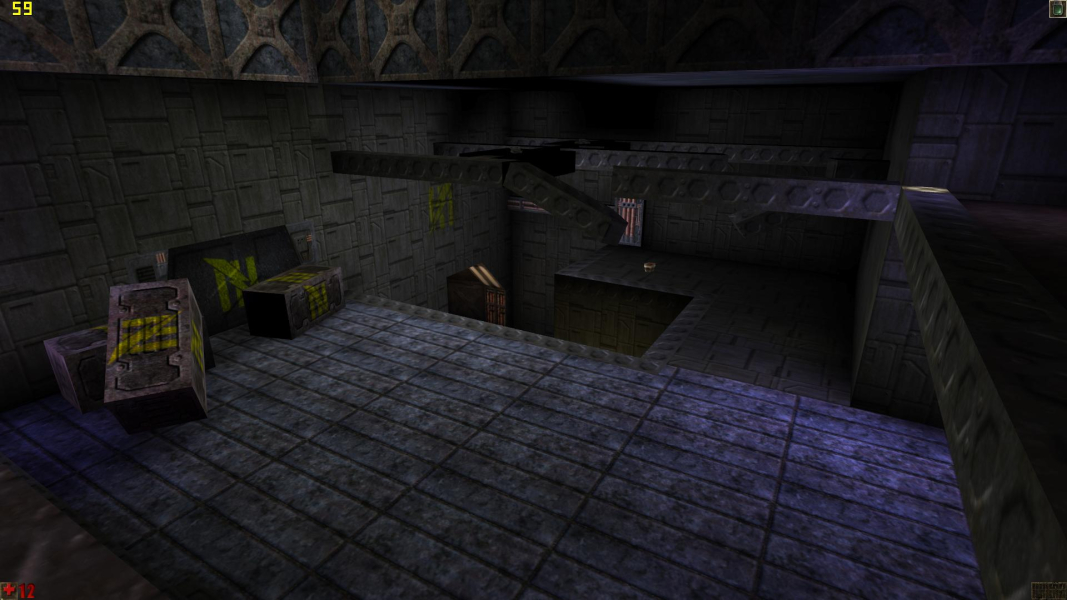


Unreal is a first-person shooter video game developed by Epic MegaGames and Digital Extremes and published by GT Interactive (now owned by Atari) in May 1998. It was powered by an original gameplay and computer engine that now bears the game's name, one that had been in development for over three years in founder Tim Sweeney's garage before the game was released.
Since the release of Unreal, the franchise has had one sequel and two different series based on the Unreal universe. One official bonus pack, the Epic-released Fusion Map Pack, can be downloaded free of charge.
Unreal Mission Pack I: Return to Na Pali was released June 1999, and added new missions to the single player campaign of Unreal. Unreal and Unreal Mission Pack I: Return to Na Pali would later be bundled together as Unreal Gold. Additionally, the games were updated to run on the Unreal Tournament version of the game engine.
Support Summary
Game Information
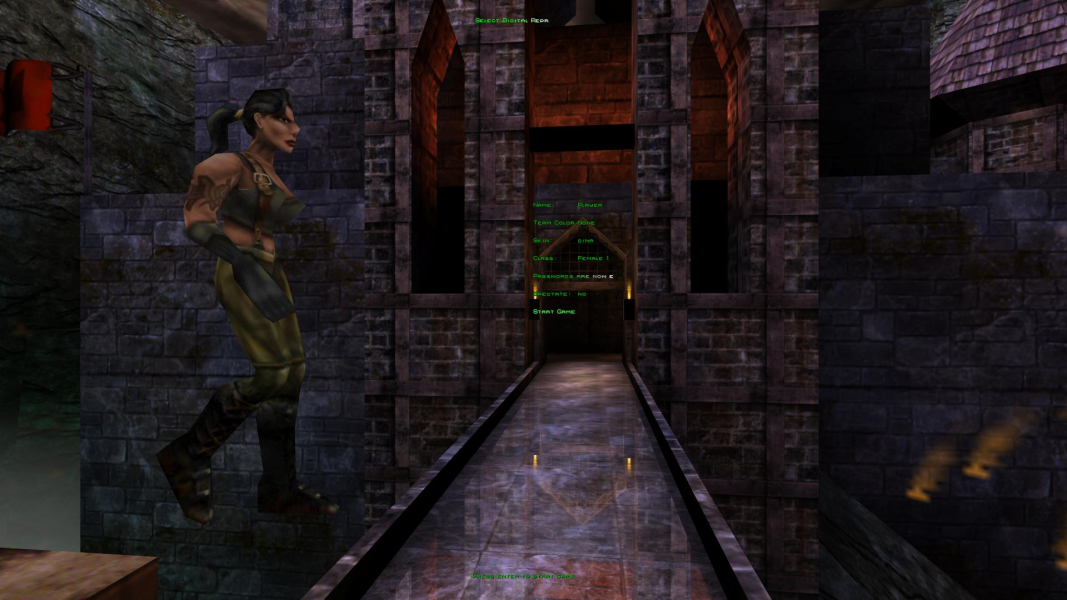
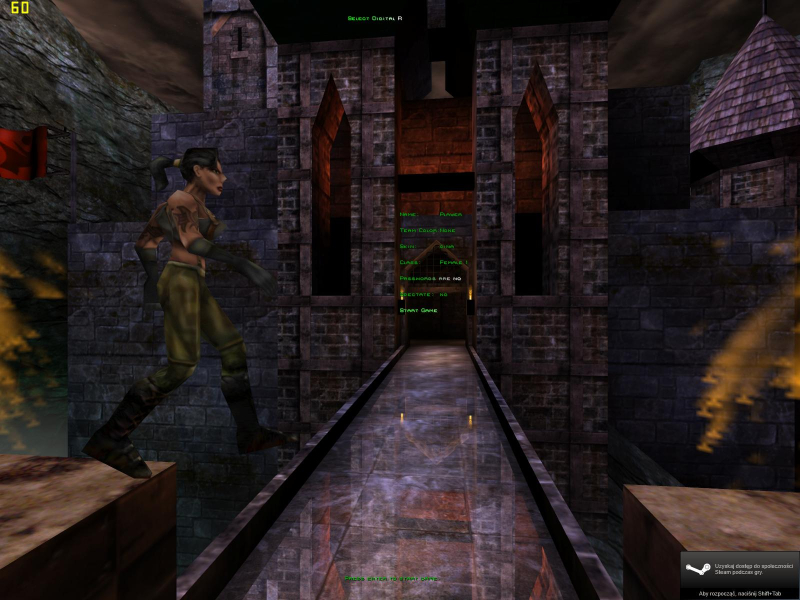
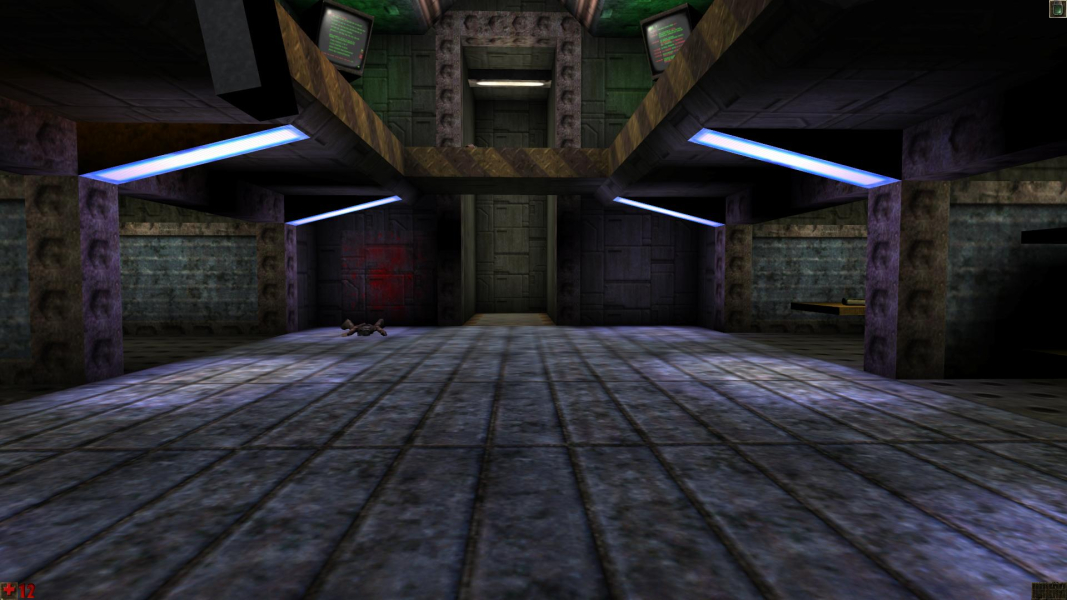
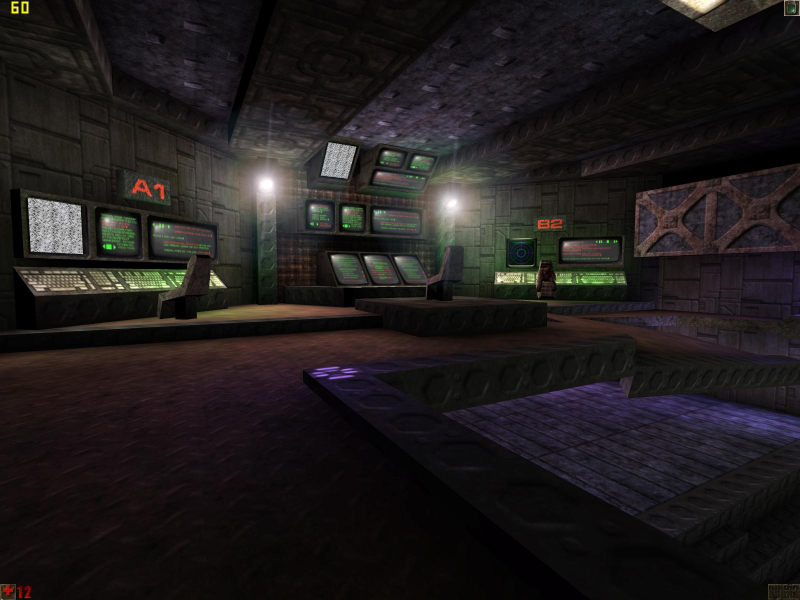
Screenshots Comparison
Solutions & Issues
First, load up the game and see if your desired resolution is selectable. If it's there, set it. Now quit the game and go into \System. If you were unable to set the custom resolution, keep reading. If you could, skip down to the part that says **FOV INFORMATION BEGINS HERE**
Go into \System. Open up the .ini file that has the name of your game. Deus Ex's file is deusex.ini, Unreal Tournament 2003's file is ut2003.ini, and so on. Find these lines (which may or may not be near eachother):
FullscreenViewportX=
FullscreenViewportY=
Change the values on the right to set your custom resolution.
**FOV INFORMATION BEGINS HERE**
Now open the file user.ini. Find these lines (which may or may not be near eachother):
DesiredFOV=
DefaultFOV=
Change these values to set the custom FOV.
It doesn't support 2560x1600 (via .ini editing), without some strange dithering effect on all the textures. 1920x1200 is the best it can do, which confirms, afaik, that all Unreal Engine 1 games do not support 2560 x 1600
First of all you need to run the game in OpenGL - for some reason D3D resolutions are limited to 2038pixels horisontal and 1200 pixels vertical.
To do that download patch 227 - this is the only patch that will allow you to start the game in OpenGL mode. If you have steam version of the game you will need to search the web since its not strictly official patch. Last patch made by epic is 226 which wont do the job. 227 is a comunity patch supported by Epic Games - and can be downloaded on the games support site or: http://www.oldunreal.com/oldunrealpatches.html
Secondly edit unreal.ini in your gamedir\system
FullscreenViewportX=xxxx
FullscreenViewportY=xxx
Set to your desired resolutions.
To set your fov open console in game by pressing '~' and type fov xxx. where xxx is your desired fov. I have found that the most natural looking fovs range from 150-170.
Hud scale can be set via game options menu. However I havnt found any way to change the size of crosshair yet.
Gameplay Screenshots
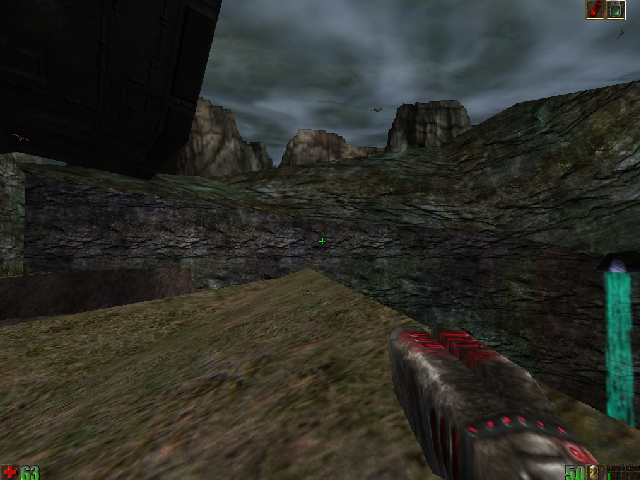
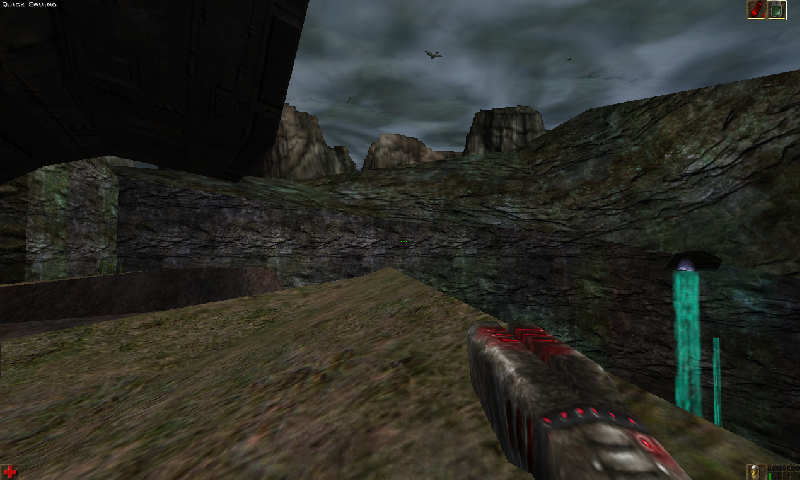
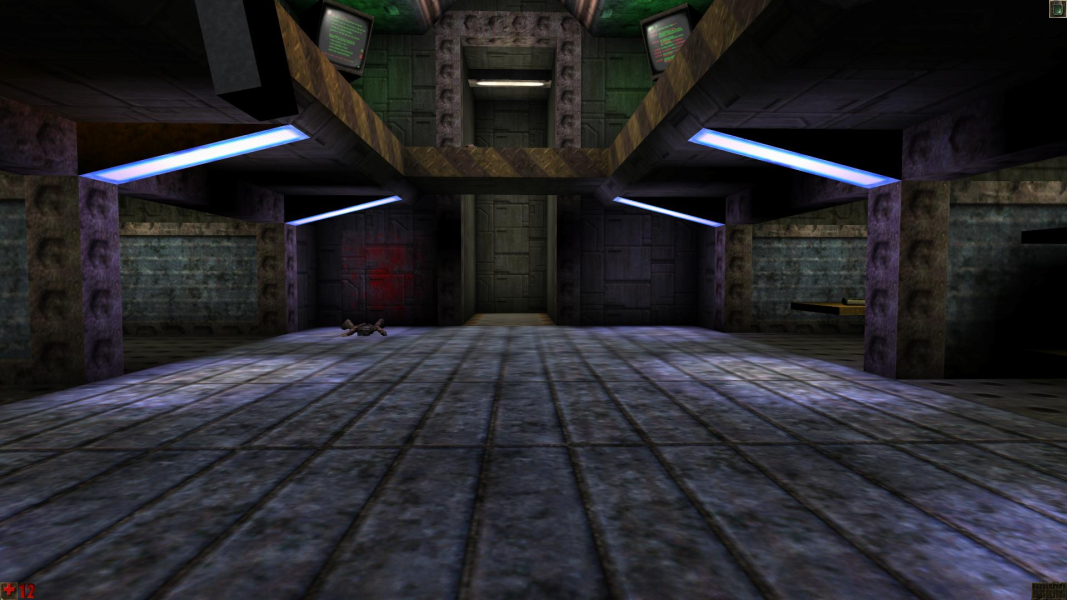



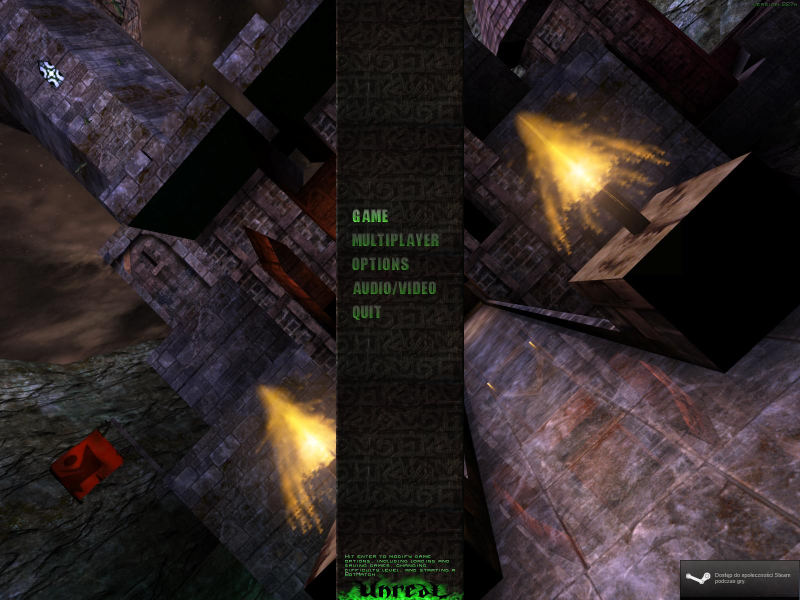
Menu Screenshots
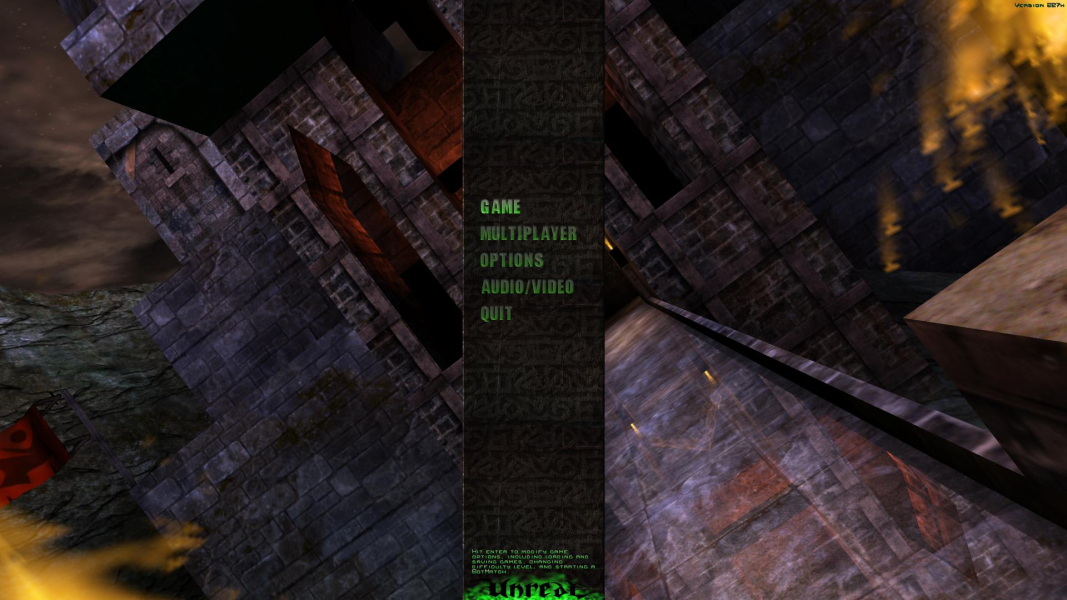

4K UHD Screenshots
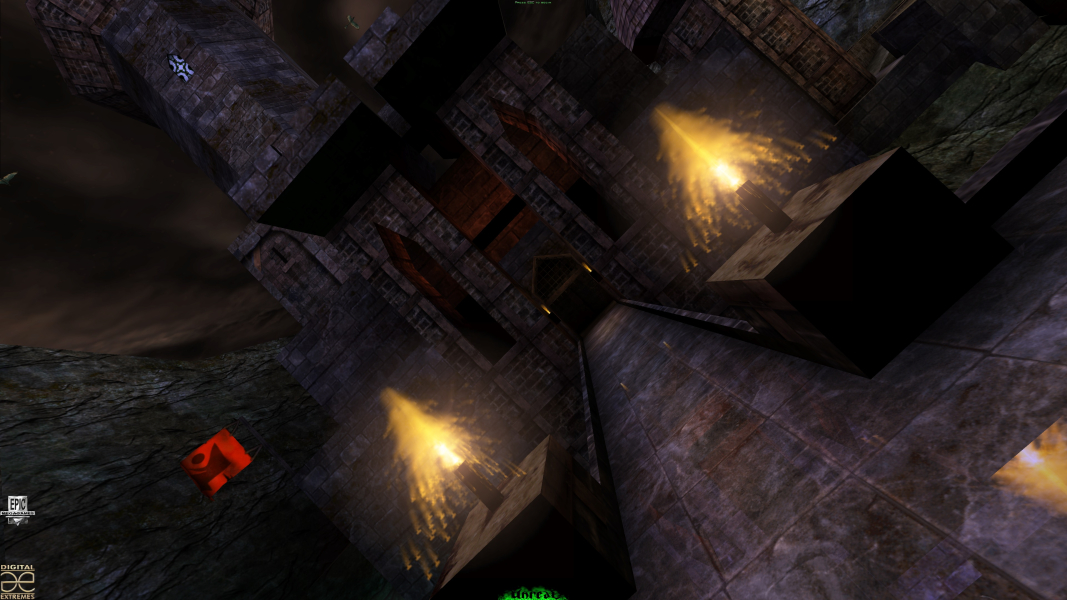
Additional Screenshots