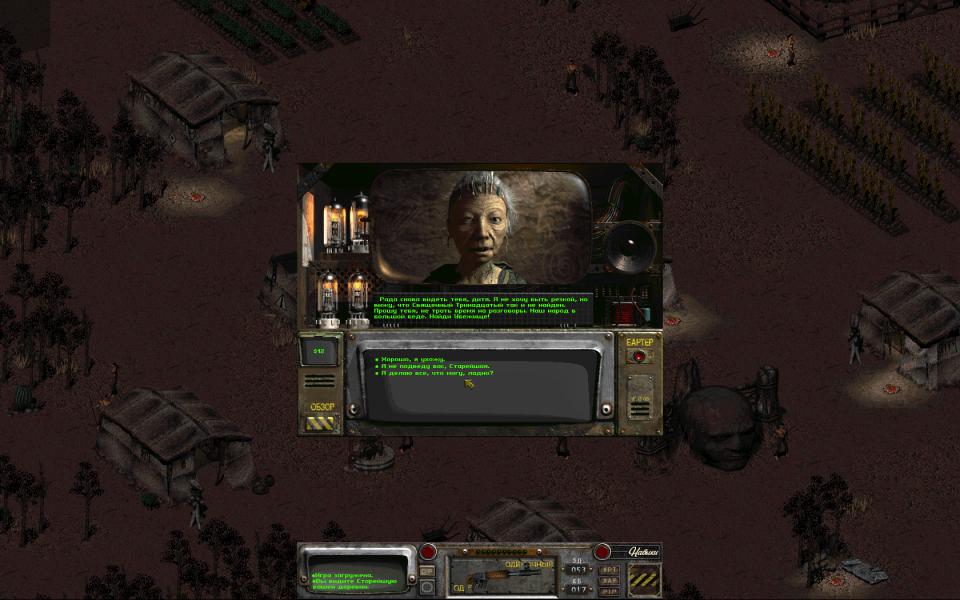
Fallout 2 is a computer role-playing game published by Interplay in 1998. The second game takes place in 2241, 80 years after the first Fallout. It tells the story of the original hero's descendant and his or her quest to save their primitive tribe from starvation by finding an ancient environmental restoration machine known as the "Garden of Eden Creation Kit", or GECK. Although featuring an almost completely new game world, stories, and adventures that are several times larger than its predecessor, the game mechanics from Fallout remain mostly unchanged, with the majority of changes to fix interface issues.
Support Summary
Widescreen | Ultra/Super‑Wide | Multi-Monitor | 4K Ultra HD | |
Support | ||||
Method | ||||
HUD | ||||
Cutscenes | ||||
FMVs |
Game Information
Screenshots Comparison
Solutions & Issues
Follow these instructions to get a Widescreen resolution:
Note: The Steam version of Fallout 2 has this pre-installed.
- Download the official patch from here: *Click*
- Head to your Fallout 2 root folder (Steam: [STEAM]\SteamApps\Fallout 2\).
- Extract the downloaded .zip to the folder.
- Execute the Fallout2_High_Resolution_Patch_[version].exe and wait.
- Execute the now extracted f2_res_Config.exe and choose your desired resolution. (Also enable Scaling X2 and disable Windowed for best experience)
- Launch the game and enjoy!
Thread of the patch: *Click*
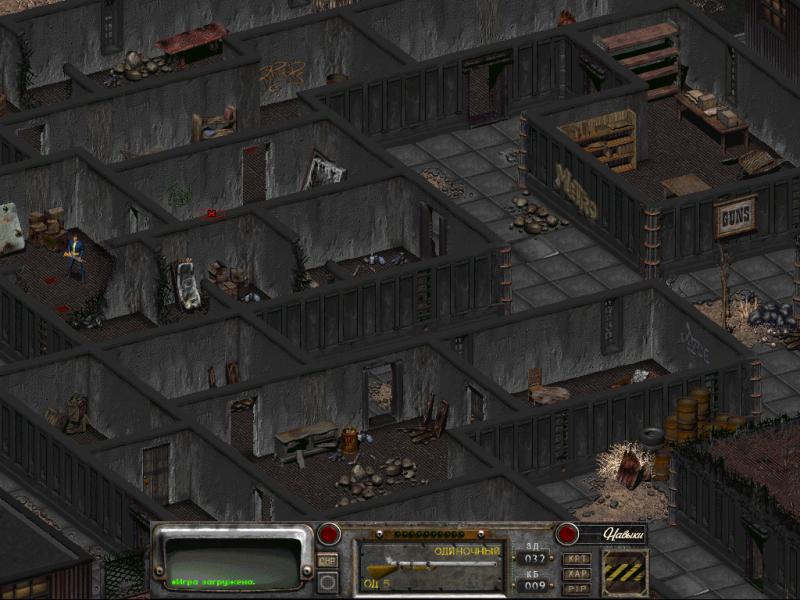
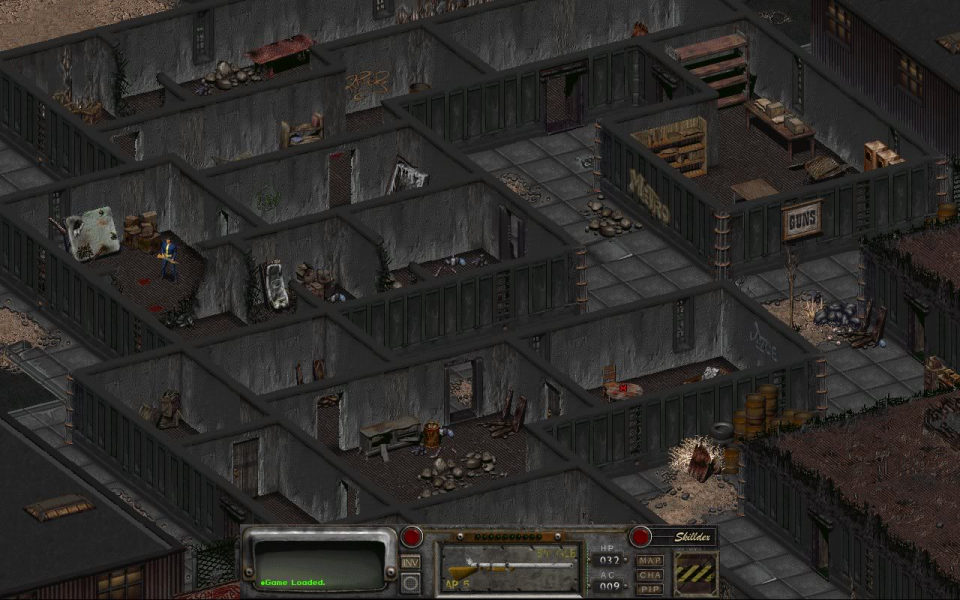
Gameplay Screenshots


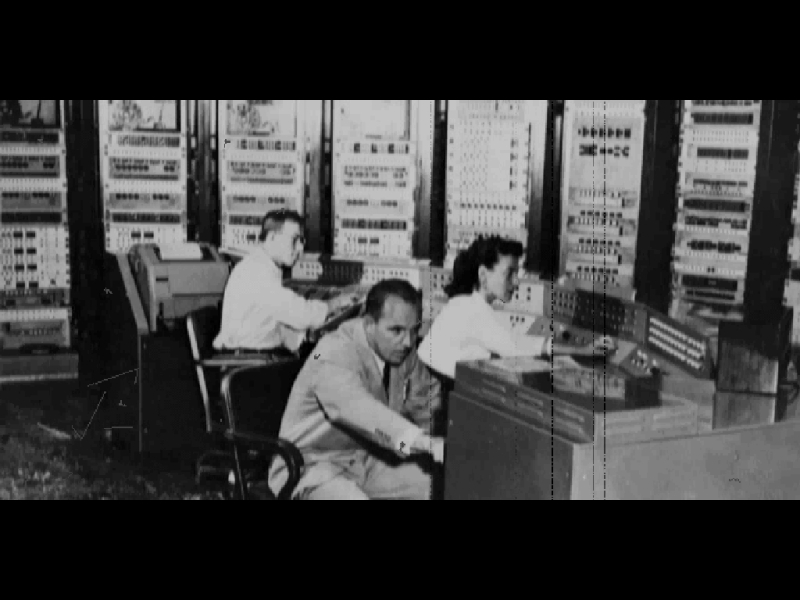
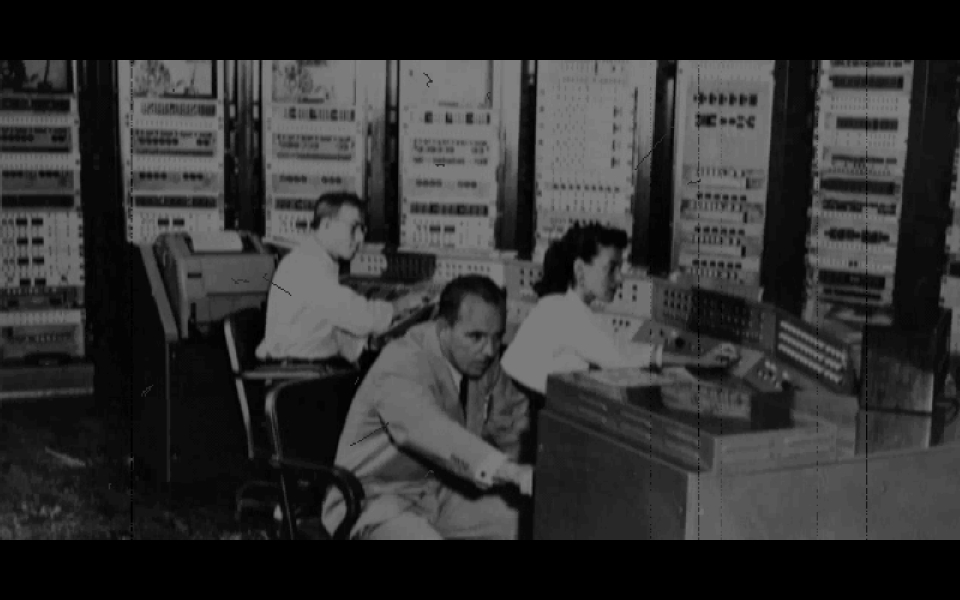
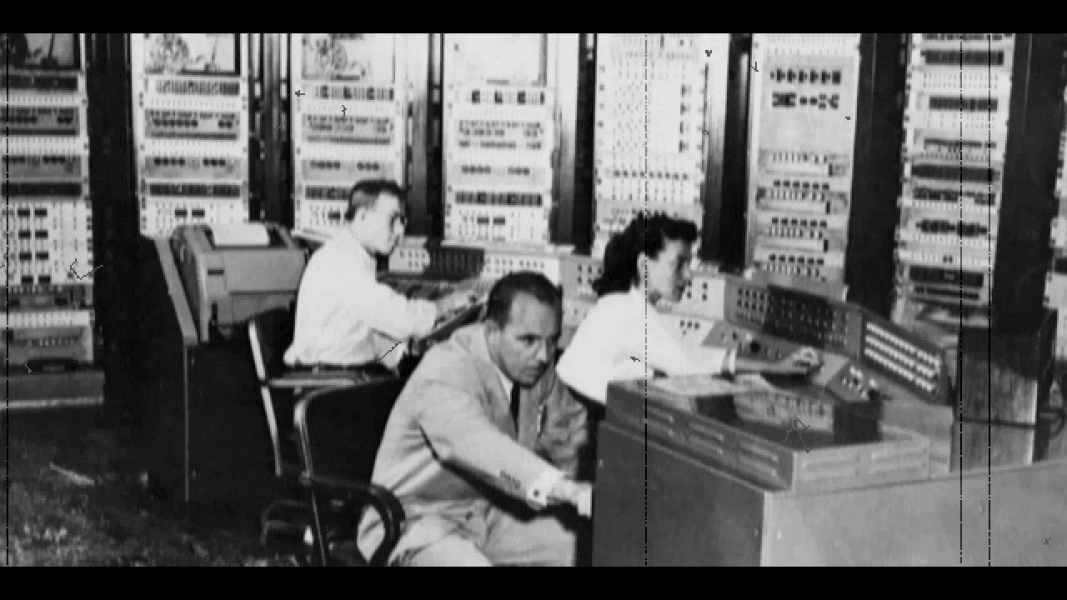
FMV Cutscenes
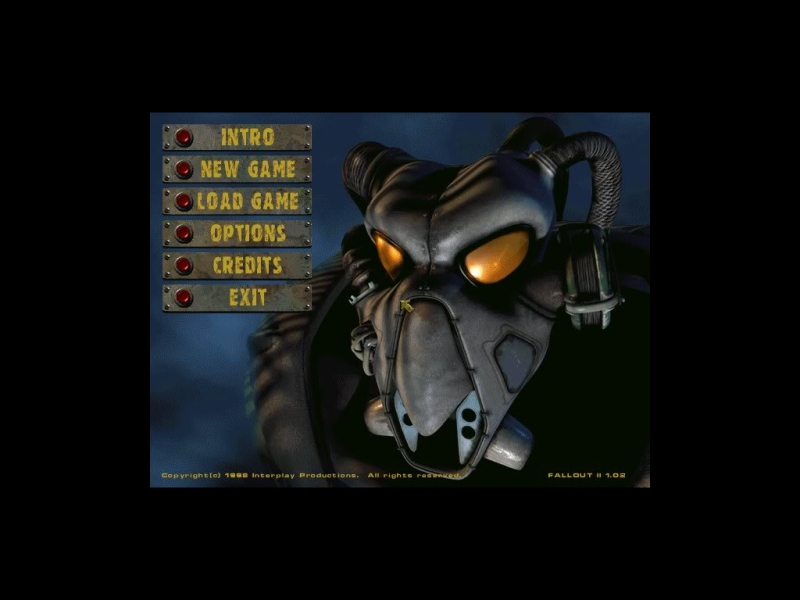
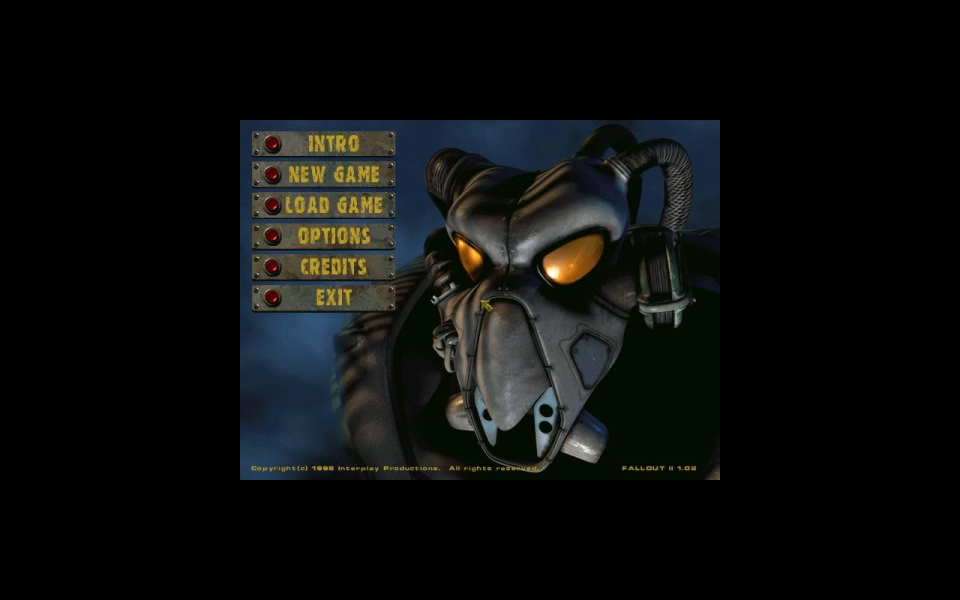
Menu Screenshots

Additional Screenshots