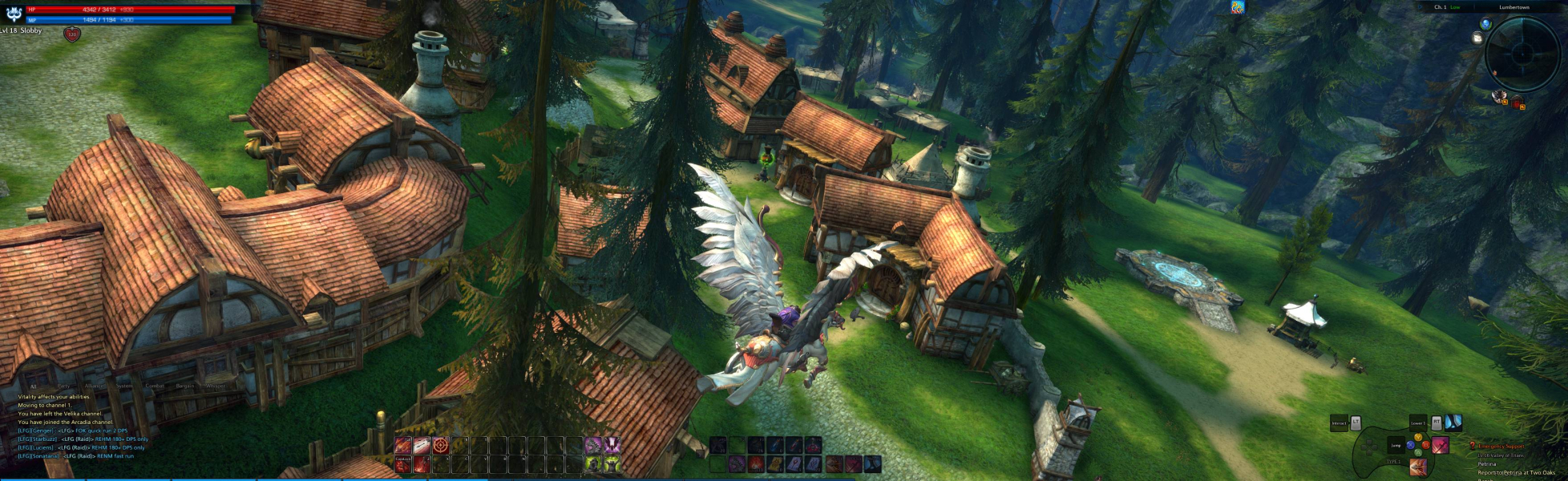
The Exiled Realm of Arborea, also known as TERA, is an MMORPG by Bluehole Studio. It was released in South Korea on January 25, 2011. The date for release of North America is May 1, 2012 and for Europe it is May 3, 2012 with open and closed beta testing taking place before their launch dates. Possible localizations for other regions have been mentioned, but have not yet been confirmed besides Japan.
Support Summary
Game Information
Screenshots Comparison
Solutions & Issues
Native
Minor issue:
Fix available from the PC Gaming Wiki Community Files (search there).
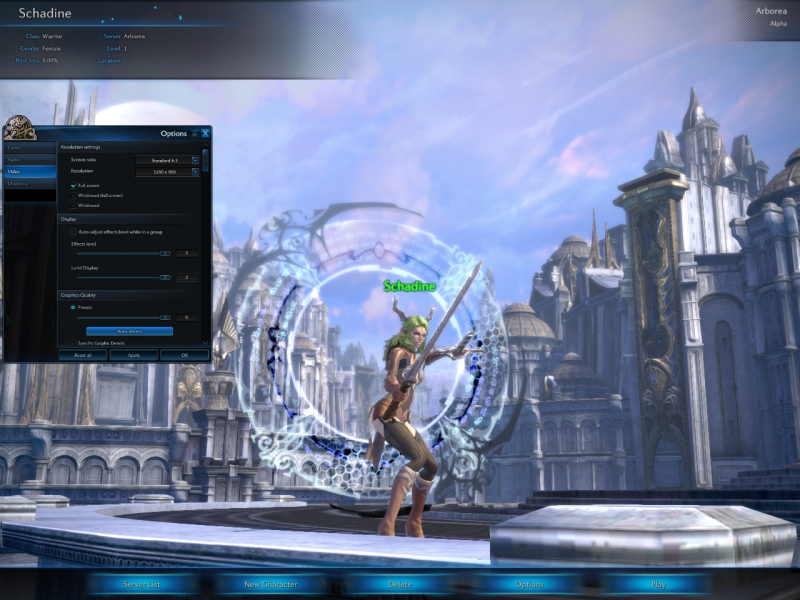
The games launcher doesn't seem to scale properly and becomes very large and the play button is unreachable at a 32:9 ratio (3840x1080). Luckily there is an easy way to bypass this problem. Before you start the launcher, set your desktop resolution to 1920x1080. Then run the launcher, it should now be the proper size and the play button should be visible.
Put your resolution back to what it is normally, then press play and enjoy!
There is also an easy way to get this setup automatically so you won't have to change resolution every time you want to play:
Download the 7z file "Tera Resolution Fix", there will be 4 files: "RC.exe" (exe to switch resolutions) and 3 *.bat files "RC1920.bat", "RC3840.bat" and "TERA Launcher.bat".
Unzip these in a location of your choice, they do need to be in the same folder for it to work.
You can make a shortcut of the TERA Launcher.bat to your desktop (or where you prefer) after everything is set up.
The RC1920 and RC3840 batch files give the command to switch to the desired resolution.
Right-click, then select edit and insert your own settings in these files, unedited they use my own display settings.
In the TERA Launcher batch file you'll need to add the location of your Tera launcher, currently it's displaying my games location so you can see what it is supposed to look like.
The next line "choice /d y /t 3 > nul": you can adapt the number behind the "t", this will tell it to wait for the number you specify in seconds (mine may be to fast, so adjust this to fit your PC's power if it doesn't work right).
Happy gaming!
Gameplay Screenshots



In-Game (Rendered) Cutscenes

Menu Screenshots



Additional Screenshots