

Quake is an FPS from iD Software. You play as a grunt who must travel to a variety of worlds through interdimensional portals and destroy a Lovecraftian horror and hundreds of minions before they can locate and overrun earth. Dark Places is a source port that has various enhancements over the official versions.
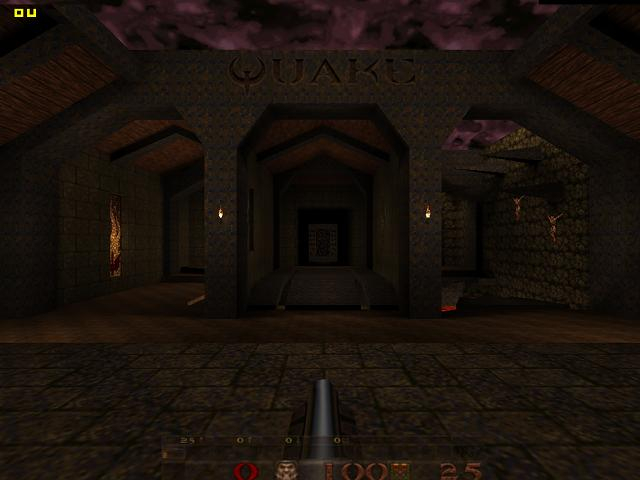
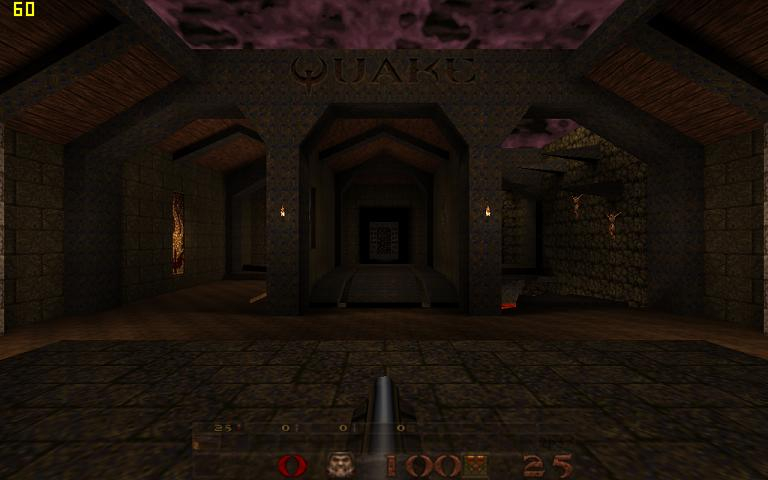
It may not be as impressive graphically as say, Tenebrae, but this port is the widescreen king of source ports, so it gets the honors here. Dark Places can be downloaded here (original Quake data is required and not included) http://www.icculus.org/twilight/darkplaces/
Support Summary
Game Information
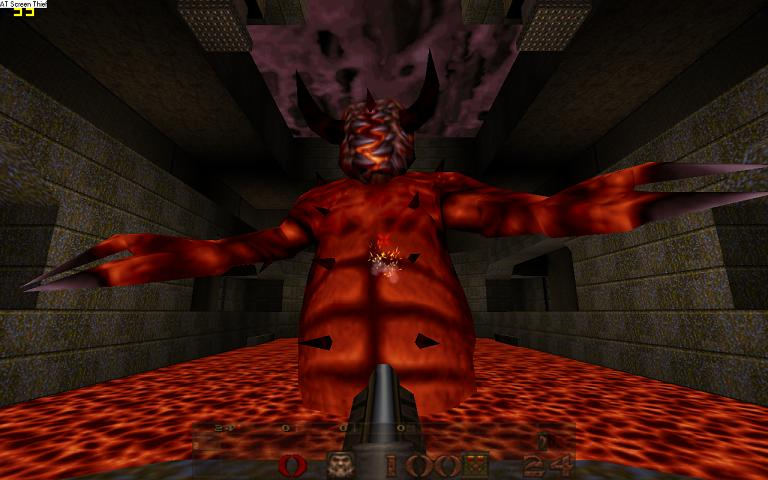
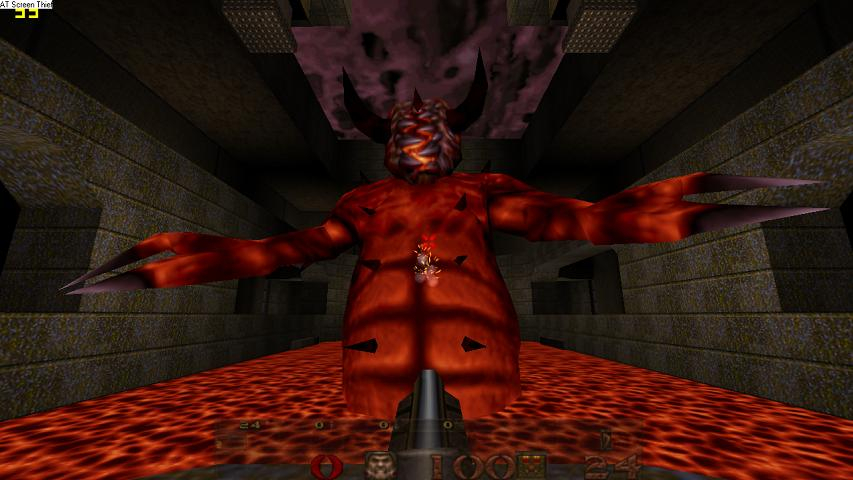
Screenshots Comparison
Solutions & Issues
Just go to the video options screen and select your resolution there. A couple of things, though, you will need to scroll through a LOT of resolutions to get to the widescreen ones (don't select a resolution described as "tall pixels" even if it looks like widescreen). Also, the list includes every resolution the game can support, even if your system can not support it; if you select a resolution and the game switches to 640x480 mode, it's because your system doesn't support that resolution. Also, do not touch any of the other video settings that look important to widescreen (like canvas size and FOV); the important ones will get adjusted automatically.
TH information:
You need to edit the file "config.cfg", preferably with textpad. If you don't have any expansion packs, you will find this file in the folder "Id1." If you do have expansion packs, you'll also find it in the folders "HIPNOTIC" and "ROGUE," and you'll need to edit all three of them to make TH work in all three games.
In config.cfg, find these lines:
vid_height "xxx"
vid_width "xxxx"
Edit them to set your resolution. Be careful not to mix up height and width.
In addition, find this line:
vid_conheight "xxx"
If it's not there, add it in. Set it to one third of your vertical resolution, rounding to the nearest integer. For instance, if you run 3840x1024, this would be 341. You're doing this so that the HUD doesn't stretch.
Gameplay Screenshots


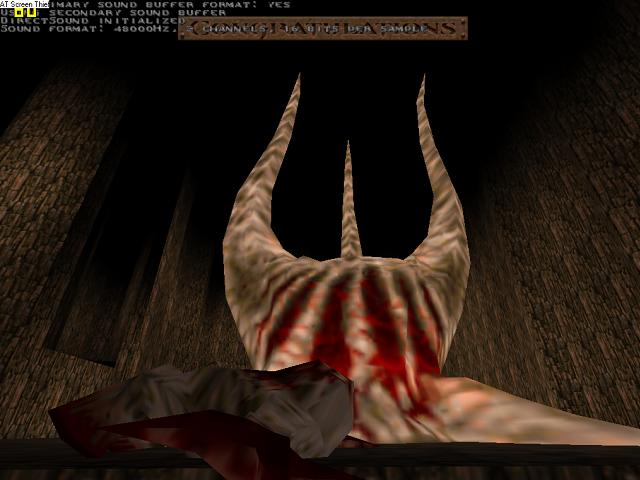
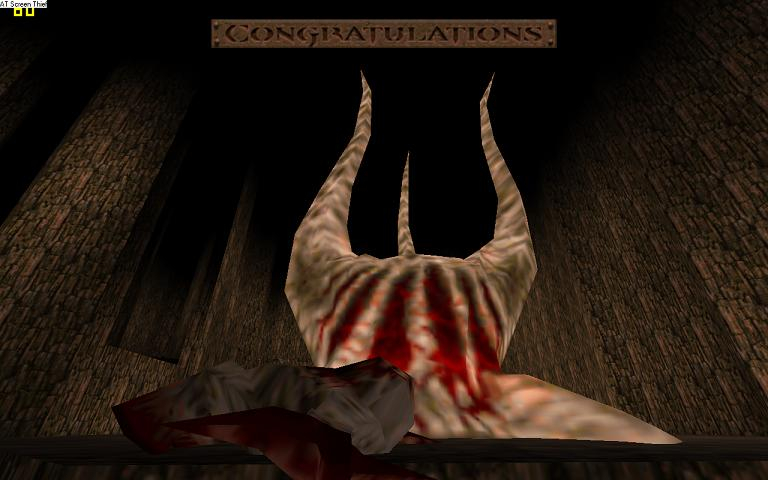
In-Game (Rendered) Cutscenes

Additional Screenshots