The player assumes the role of various characters during the single-player campaign, changing perspectives throughout the progression of the story. Each level is a mission that features a series of objectives that are displayed on the heads up display, which marks the direction and distance towards and from such objectives. Damage to the player is shown by blood appearing on the screen. The player's health regenerates as time passes. Tasks vary in their requirements, from having the player arrive at a particular checkpoint, to eliminating all enemies in a specified location, to defending an objective from enemy attack, or planting explosive charges on an enemy installation. The player is accompanied by friendly troops who cannot be issued orders. Laptop computers that contain enemy intelligence appear throughout the campaign and may be collected.
Support Summary
Game Information
Screenshots Comparison
Solutions & Issues
The game automatically uses the correct aspect ratio for your resolution. You can select a custom aspect ratio for any resolution as well if you wish. (4:3, 16:10, 16:9). The game does NOT support any AR wider than 16:9.
For 21:9 the Game is Stretched out of the Box - use HEX edit to get HOR+
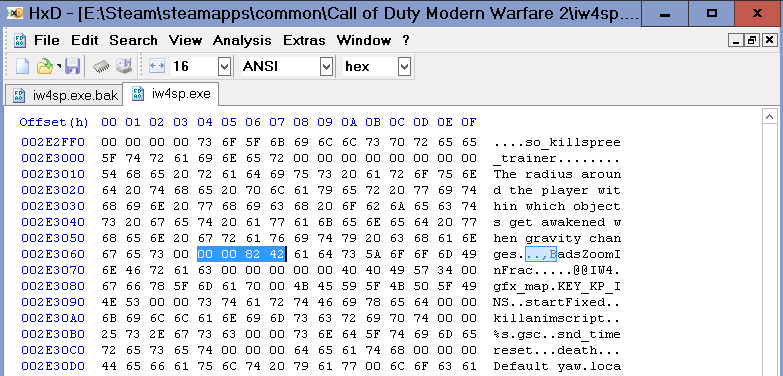
Hex edit Aspect Ratio: Go to --> ...\Steam\steamapps\common\Call of Duty Modern Warfare 2\iw4sp.exe
Look for 39 8E E3 3F and change it to CD 90 18 40
Now the Aspect Ratio of the Game,Menues and HUD is correct.
-----------------------------------------------------------------------------------------------------------------------------------
Alternative FOV edit:
Go to --> ...\Steam\steamapps\common\Call of Duty Modern Warfare 2\players\config.cfg
edit like this: bind UPARROW "+forward;cg_fovscale 1.5"
For Surround the Game is Stretched out of the Box - use HEX edit or Widescreenfixer to get HOR+
Hex edit Aspect Ratio: Go to --> ...\Steam\steamapps\common\Call of Duty Modern Warfare 2\iw4sp.exe
Look for 39 8E E3 3F and change it to AB AA AA 40 (3x16:9) or 9A 99 99 40 (3x16:10)
-----------------------------------------------------------------------------------------------------------------------------------
Alternative FOV edit:
Go to --> ...\Steam\steamapps\common\Call of Duty Modern Warfare 2\players\config.cfg
edit like this: bind UPARROW "+forward;cg_fovscale 1.5"
-----------------------------------------------------------------------------------------------------------------------------------
Widescreen Fixer is a hack therefore, theoretically, you can be banned for using it in multiplayer, so use at your own risk.
Gameplay Screenshots


In-Game (Rendered) Cutscenes





FMV Cutscenes


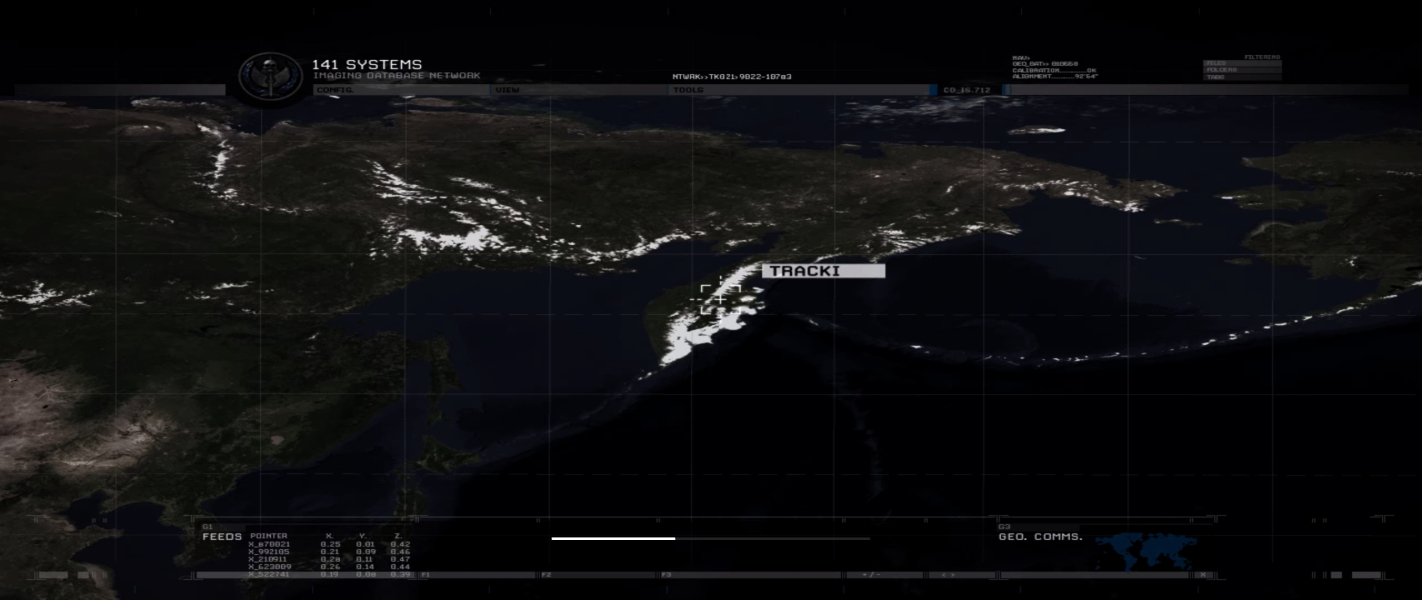

Menu Screenshots
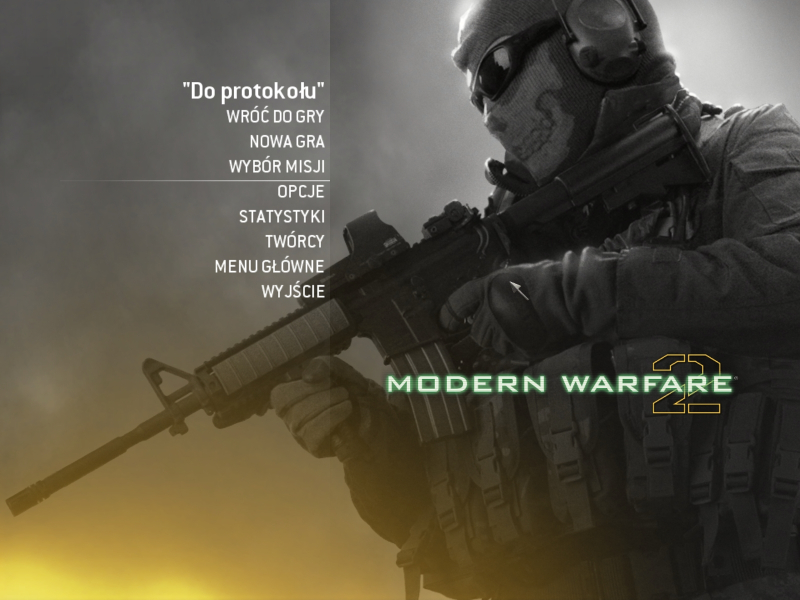
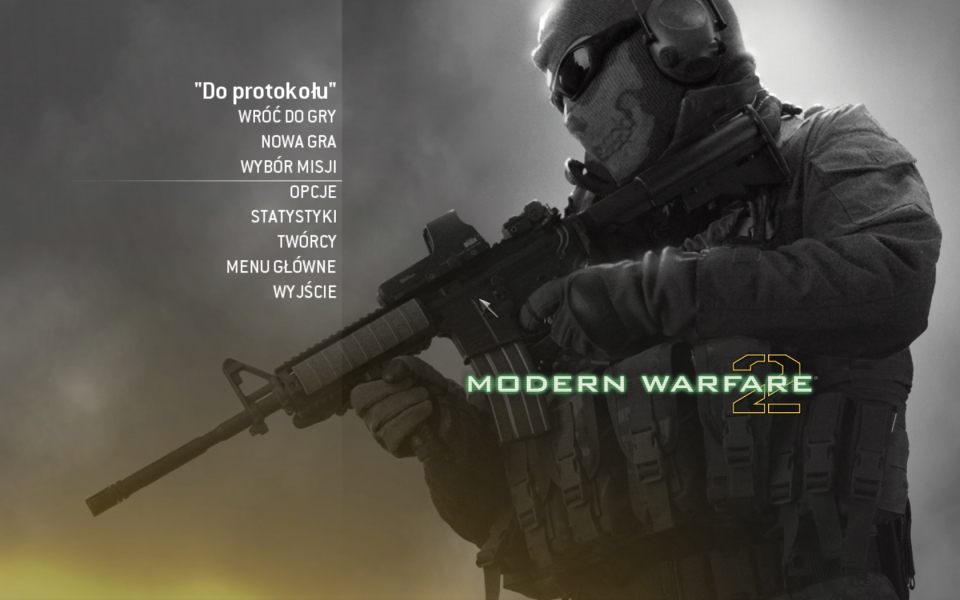

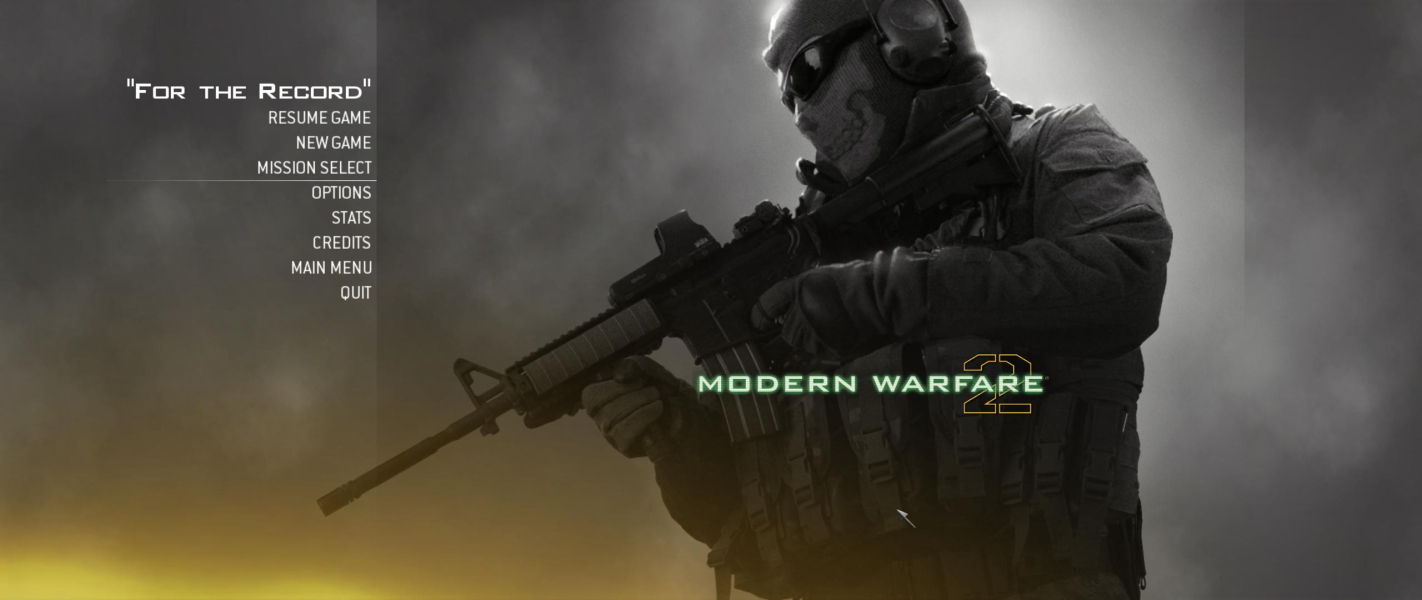

Additional Screenshots