Using your puzzle solving skills, you must lead the Alpha Team and stop Mr. Ogel from turning the world into zombies.
Instead of controlling the characters on screen, you must place lego blocks, ramps, stairs, pogo-pads and many other items to help the character dodge enemies and traps. But be careful, he/she is always on the move so you have to be quick to place the items in the right place. One wrong move, and you have to start all over again.
Support Summary
Game Information
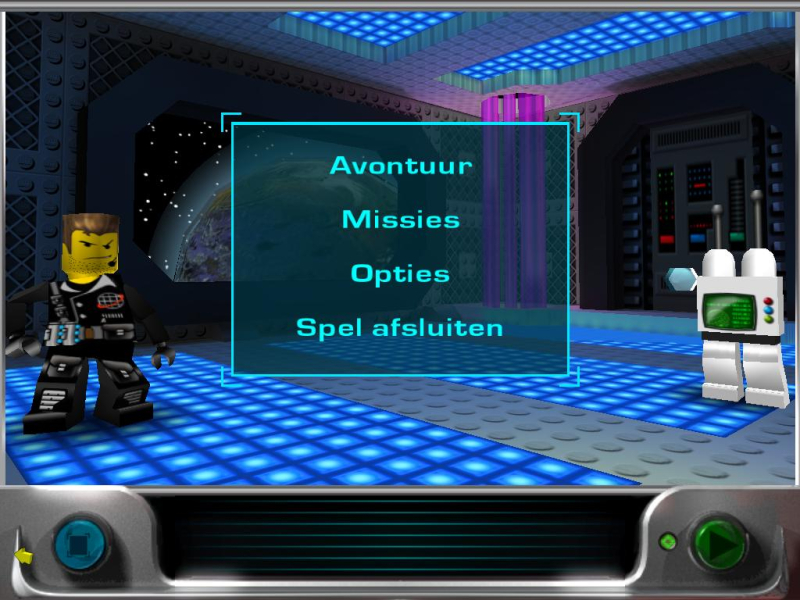
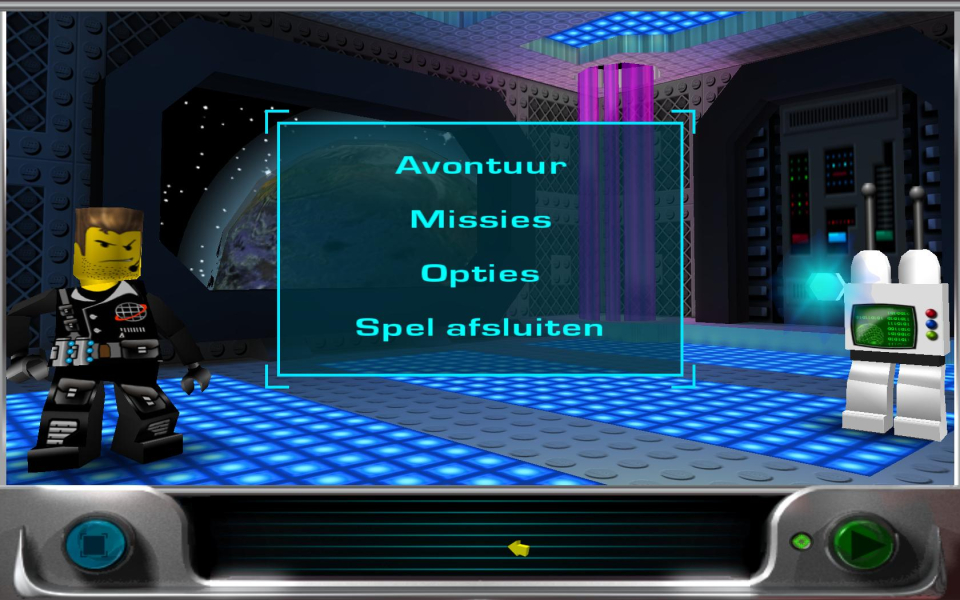
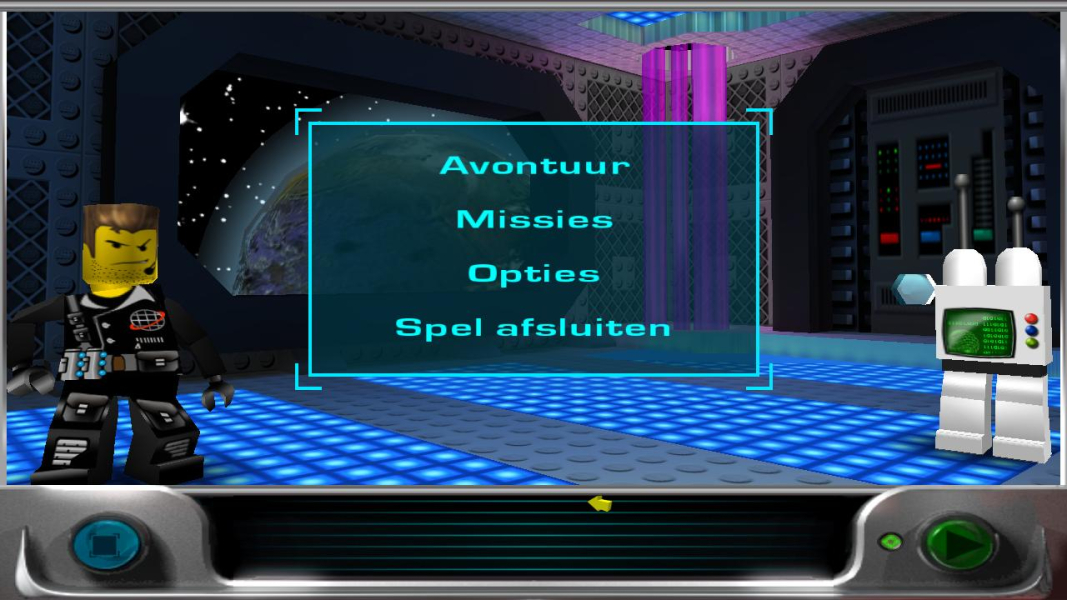
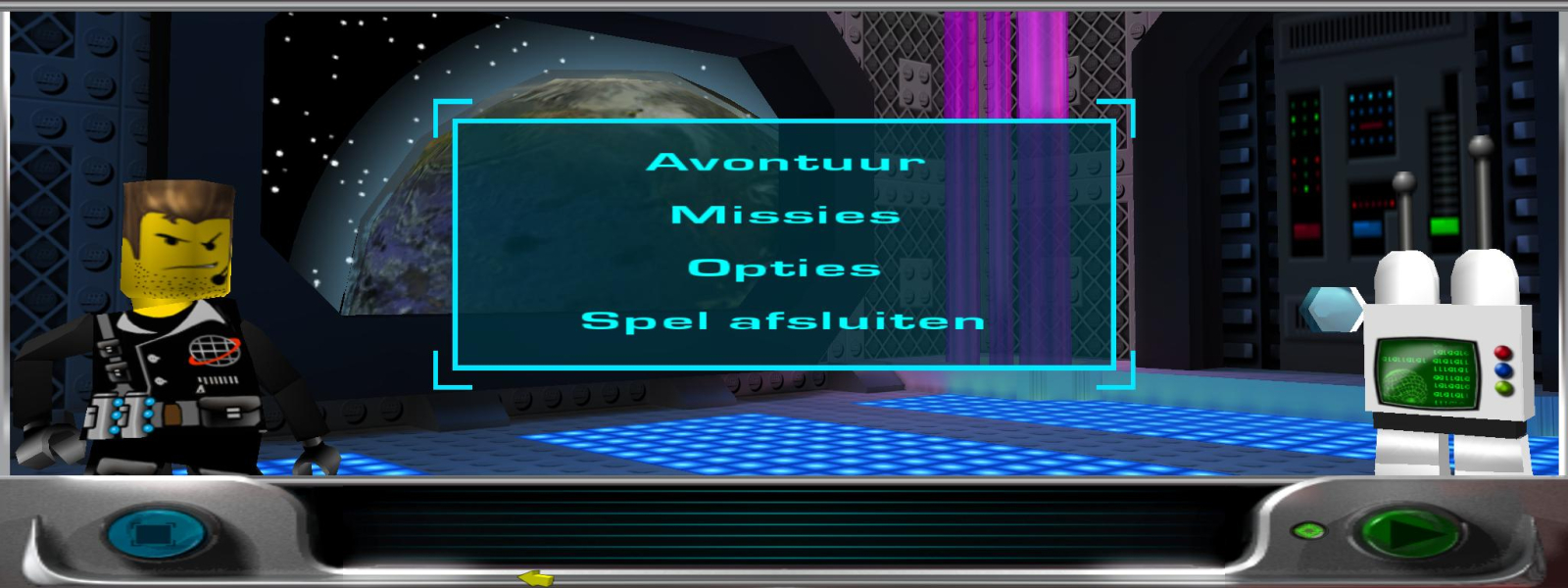
Screenshots Comparison
Solutions & Issues
Open the File Game.txt in
\Program Files\LEGO Media\Games\LEGO Alpha Team
In the file, edit Height to your resolution height.
edit Width to your resolution width.
But you have to look well in the file because the 2 counts are not near each other
The Height is the 6th row from the begining of the list and the Width is at the bottom.
for example for the resolution 1680x1050
Height 1050
Width 1680
(The editable counters in the file are only available after you saved some resolution changes IN the game itself. If it doesn't show up after that you have to start a new game as well and do the tutor level and the first level before you can edit the resolution.)
For multi monitor follow the same instructions as above,
but watch out.
As far as I could find the game could only handle dual 4:3 resolutions.
(I have dual monitor setup)
The game worked for me at 2048x768 and streched it over 2 monitors.
When I filled in the resolution for 2560x720 (dual 1280x720) or 2560x1024 (dual 1280x1024) the game reverted back to 640x480.
I don't know what the game is going to do over 3 monitors
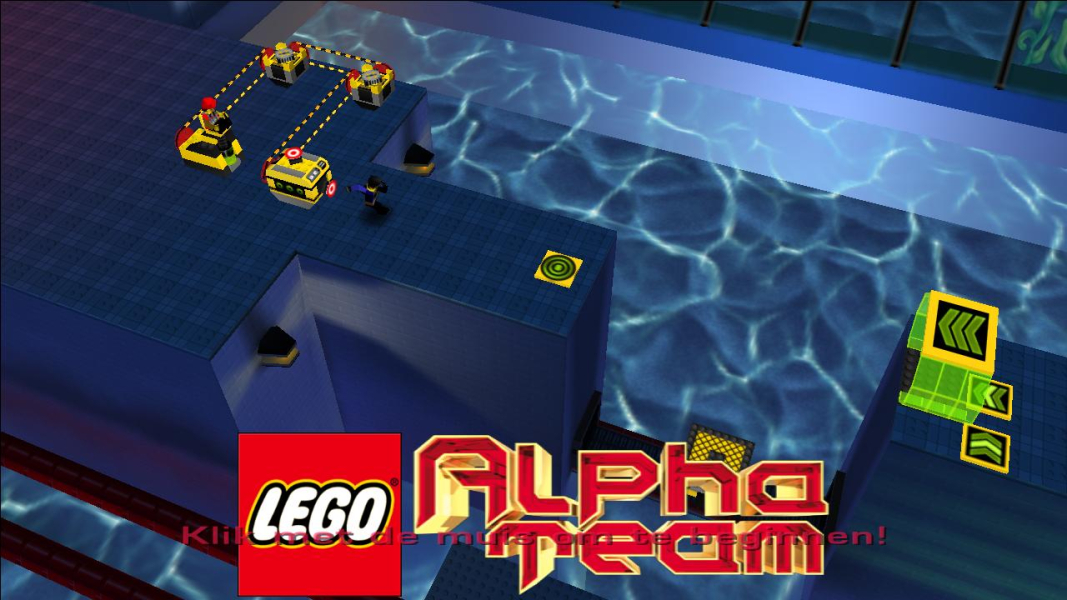
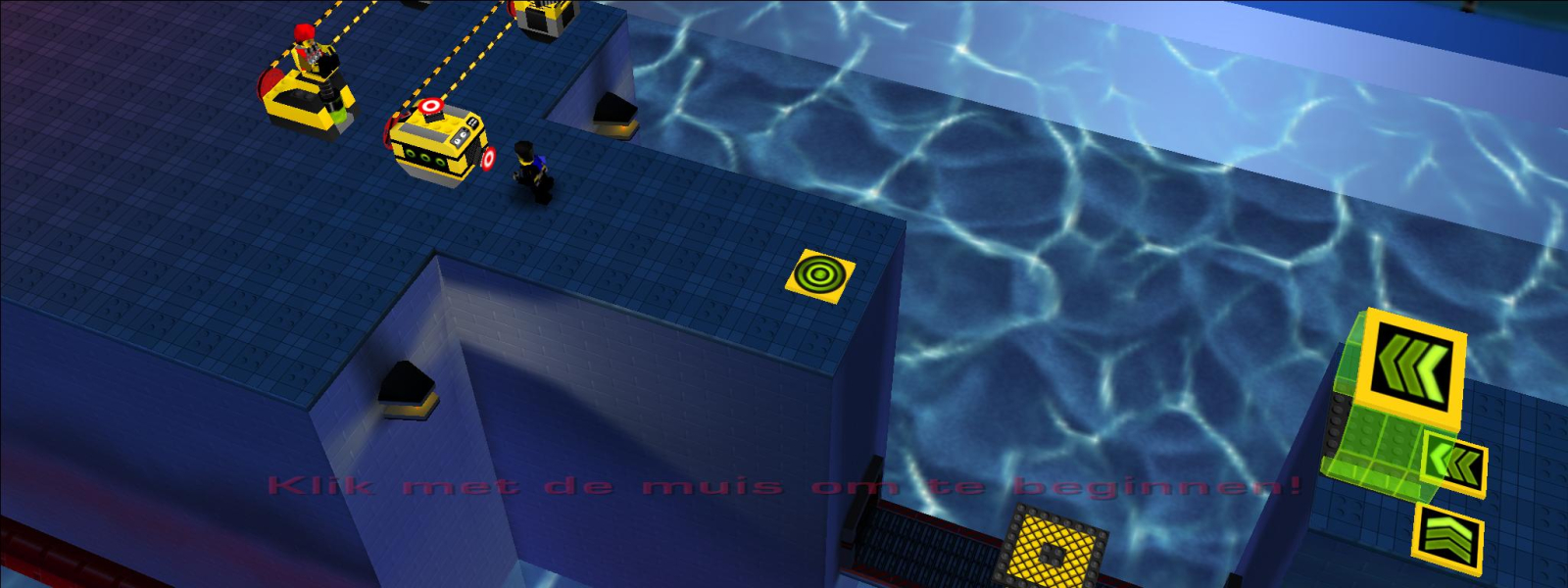
Gameplay Screenshots
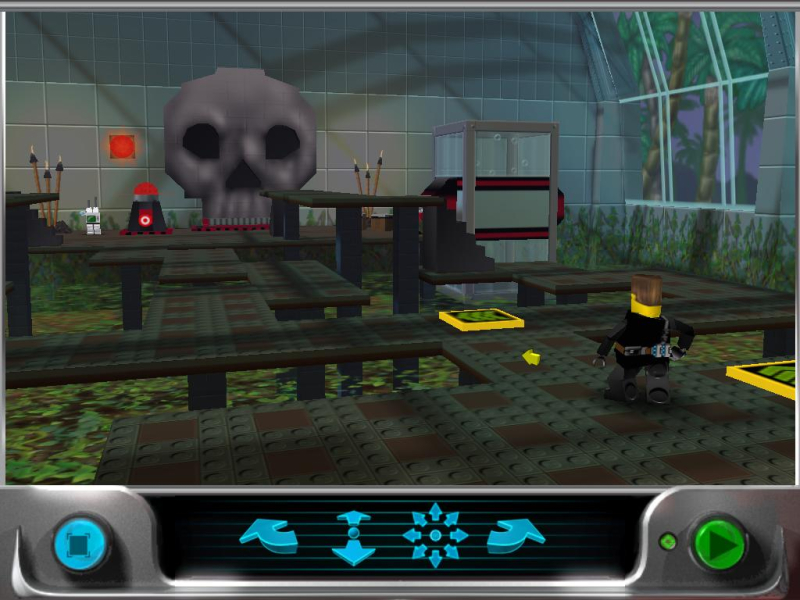
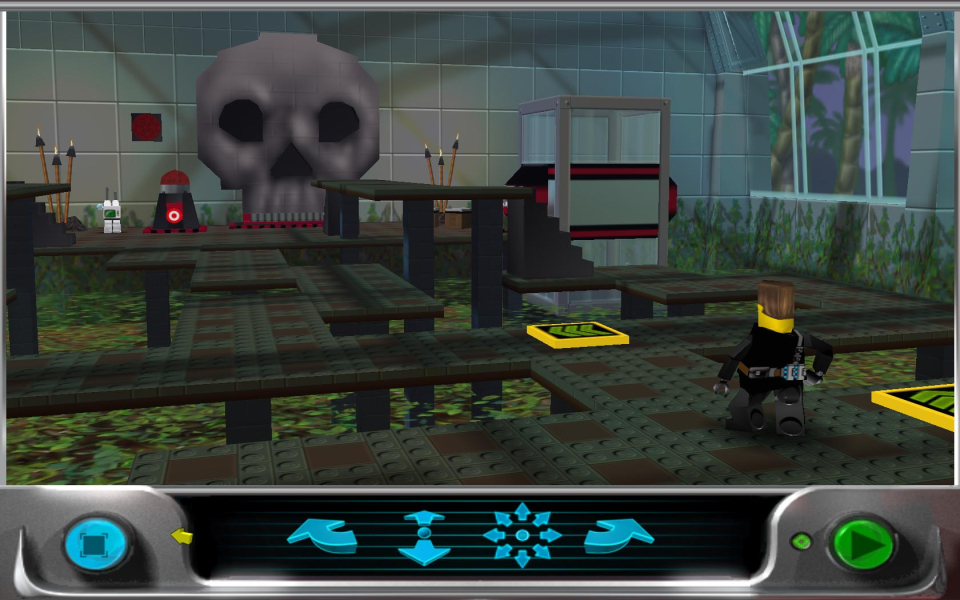


In-Game (Rendered) Cutscenes
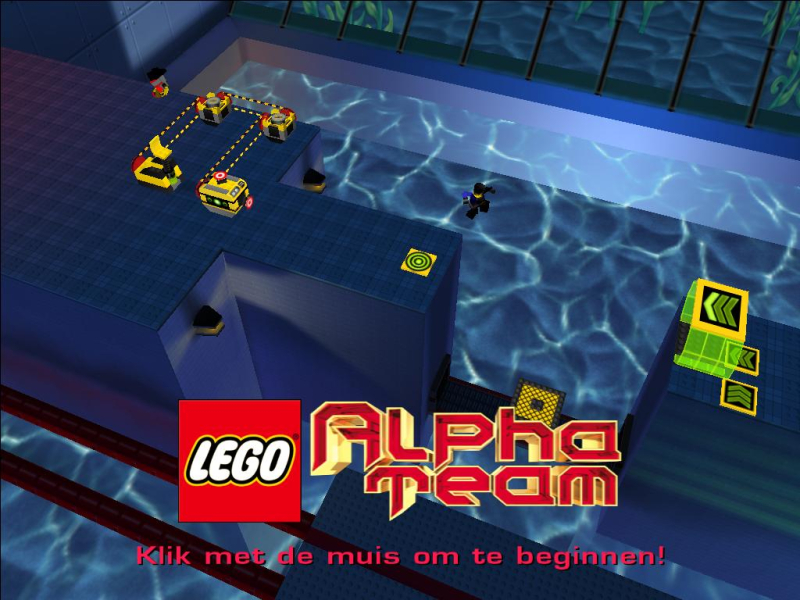
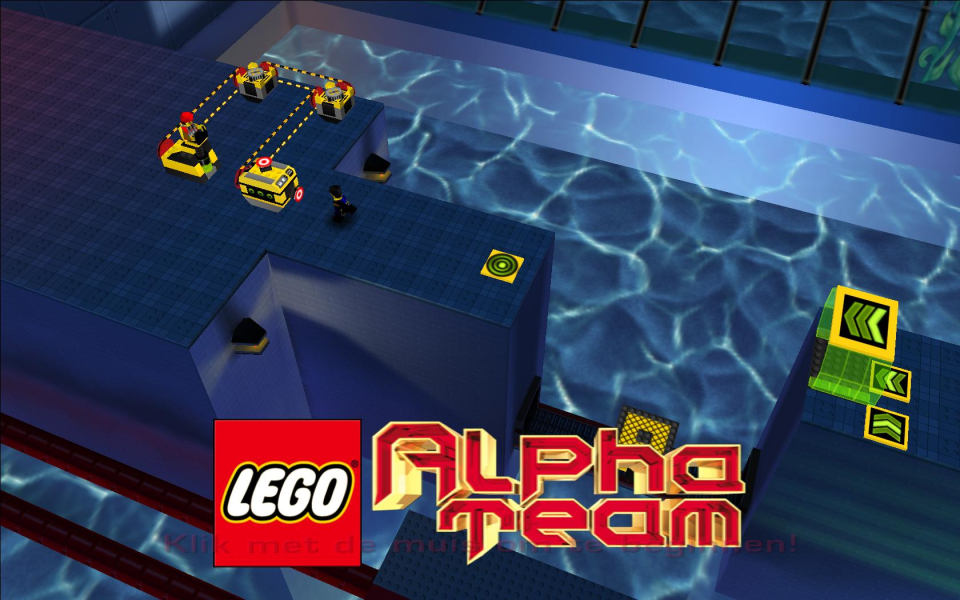
Menu Screenshots