Harry Potter: Quidditch World Cup is a 2003 video game produced by EA Games and EA Sports that features the fictional sport of Quidditch from the Harry Potter franchise. The user plays in the Hogwarts Quidditch Cup competition, competing amongst the four houses of Hogwarts: Gryffindor, Slytherin, Hufflepuff and Ravenclaw.
Players victorious in the house competition qualify for the Quidditch World Cup, competing against the United States, England, France, Germany, Scandinavia, Japan, Spain, Australia and Bulgaria.
Support Summary
Game Information
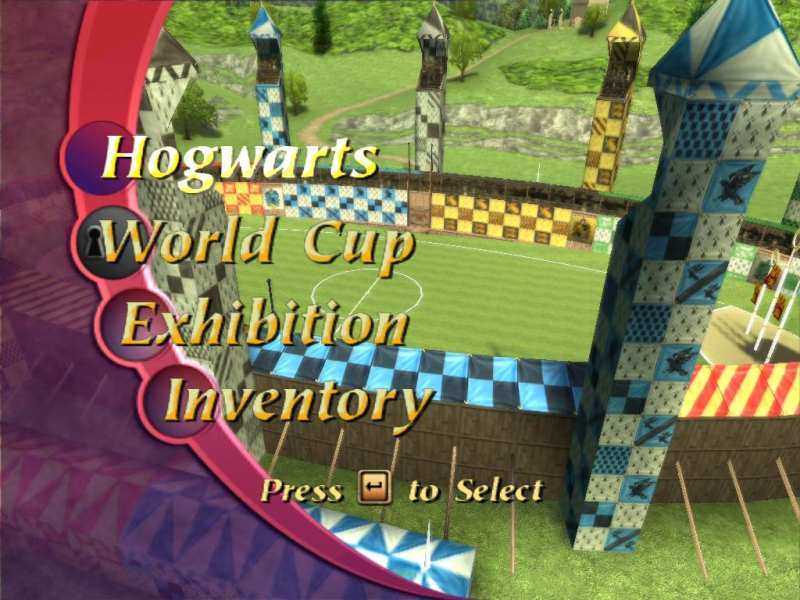
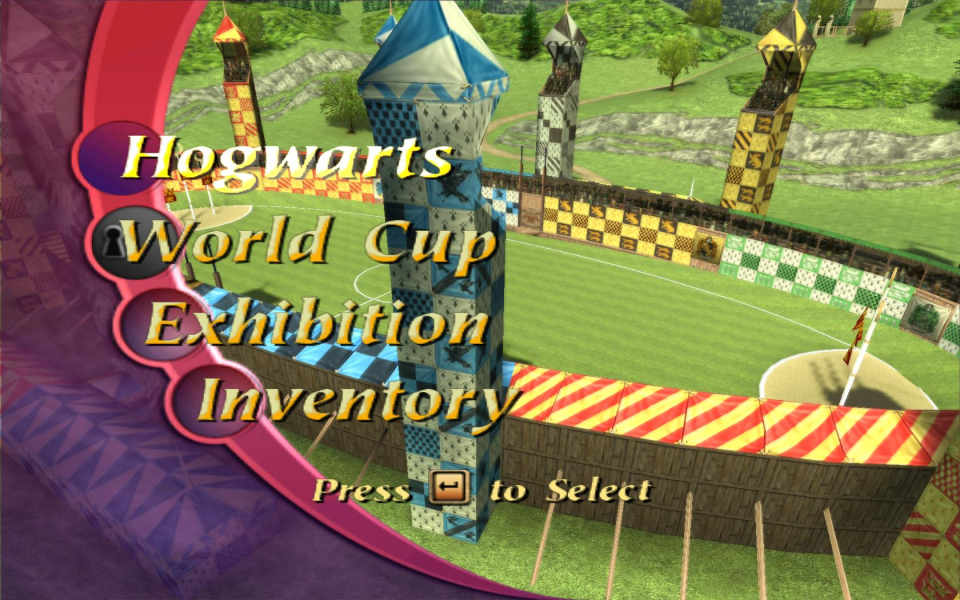
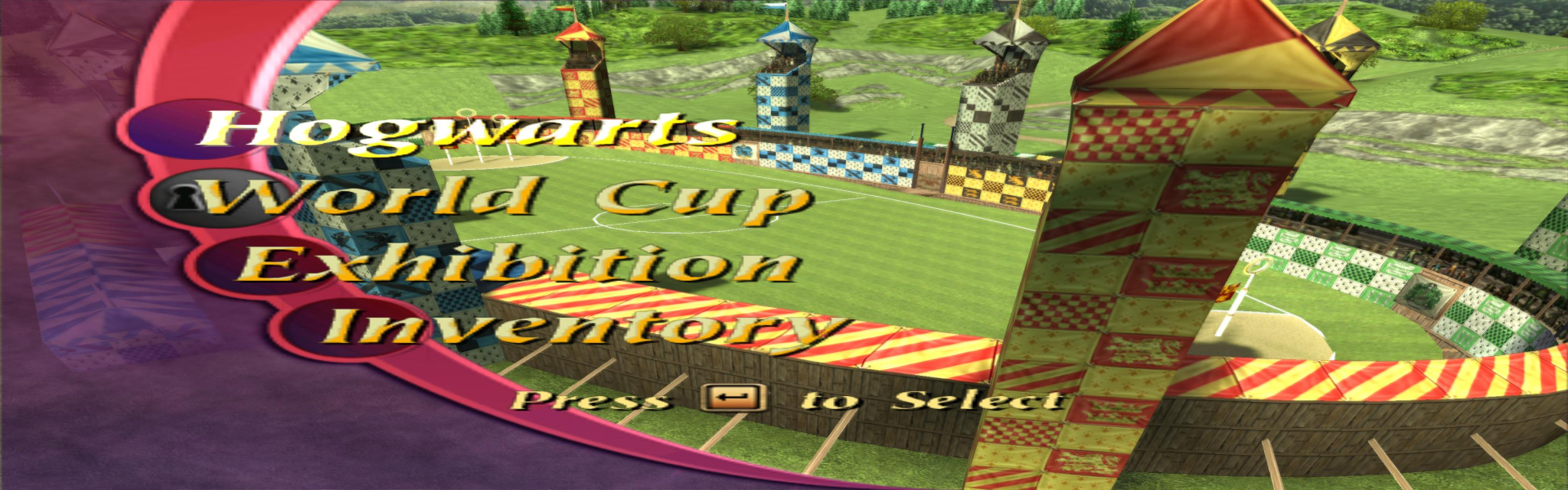
Screenshots Comparison
Solutions & Issues
The resolution of Harry Potter Quidditch World Cup is stored in the file: Screen.cli
The file is located in C:\Documents and Settings\"User"\My Documents\EA Games Saves\Harry Potter - Quidditch WC
Where "user" is place of used accountname.
Open the file with Notepad to reveal the following text inside of the document:
Screen.Width 800
Screen.Height 600
Screen.BitDepth 32
Screen.GfxDetail 2
Screen.FxDetail 2
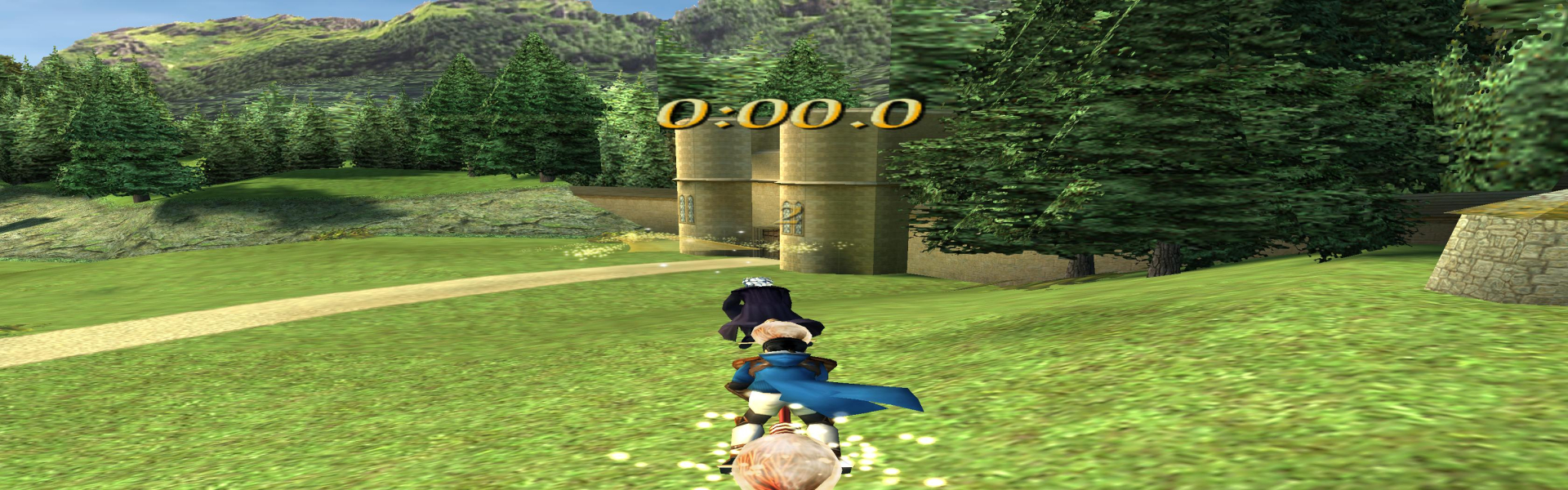
Edit the Width and Heigth to your monitor resolution.From what I could find, the game can only stretch. There is no correction ingame when playing training or a match.
So far known there is no way found of editing the field of view, or correcting the streching screen ingame.
Same as WS solution.
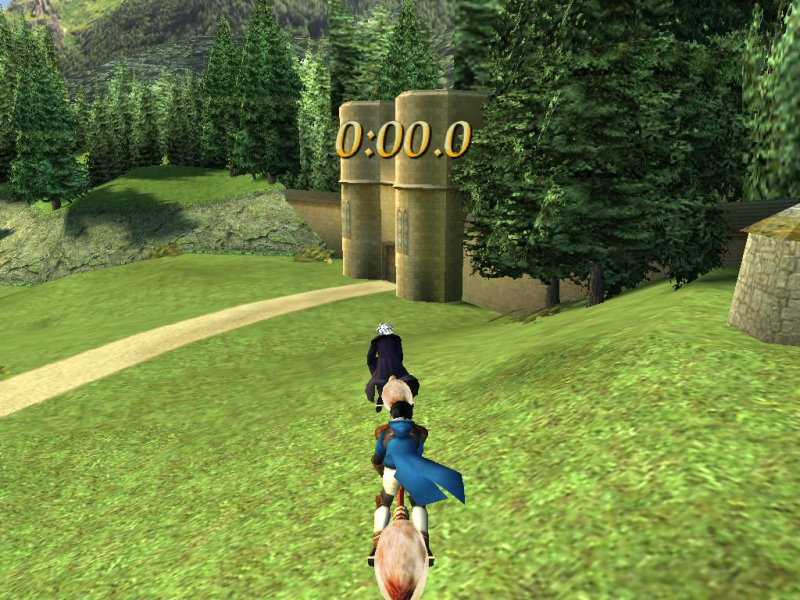
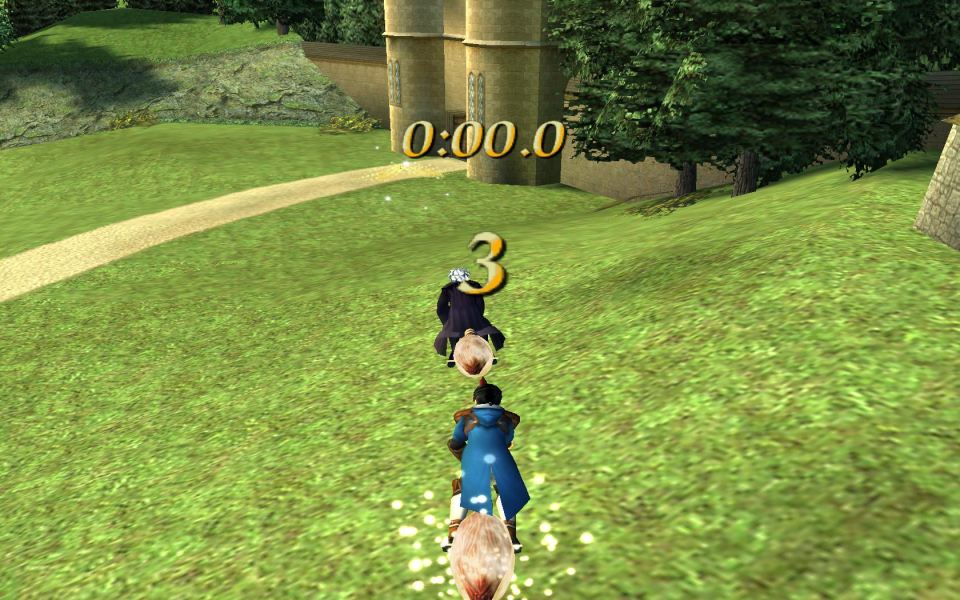
Gameplay Screenshots


Menu Screenshots