


Silent Hill 4: The Room is the fourth installment in the Silent Hill survival horror series, published by Konami and developed by Team Silent. Unlike the previous installments, which were set primarily in the disturbed town of Silent Hill, this game is set in the fictional town of South Ashfield, and is focused on the character of Henry Townshend attempting to escape from his locked-down apartment. He explores a series of supernatural worlds and finds himself in conflict with an undead serial killer.
Support Summary
Game Information
Screenshots Comparison
Solutions & Issues
Thanks to masato60 for this update: download the attached archive. Simple resolution changer. Put in a folder with a game and choose resolution. This program patch SILENT HILL 4.exe . Program creator "144kli".
Simple FOV changer. If you have 16 : 9 monitor place sh4w1.exe in a folder with a game, if 16 : 10 place sh4w2.exe. For optimization of FOV a game needs to be started by one of these files.
I recommend before to the starts of game patch SILENT HILL 4.exe using the archive of sh4resolution added before. FOV changer creator "brainDEAD1986".
SH4FOV.rar for [English/Japan] version. SH4FOV euro version.rar for European version.
Many thanks brainDEAD1986 for the done work.
P.S. Resolution changer only for [English/Japan] version.
Thanks to Garnet for the original widescreen solution ...
Download ArtMoney and this table.
You'll also need a 1.0.0.1 no-cd version exe of the game...
Here’s step-by-step ordered list:
1. Run the game.
2. Alt+Tab to desktop and run ArtMoney.
3. Choose Silent Hill 4: The Room process in ArtMoney process list.
4. Load patch table (Table → Load).
5. Edit values if necessary (width, height and even FOV if you want). To edit multiple values at once (handy for multiple width & height rows) shift-select a range of rows, right click and choose “Set value”.
6. Freeze FOV rows (click leftmost cell) because game resets them when you travel between room and other world.
7. Go back to game and your changes are there.
Don’t forget to slightly adjust FOV if you have a 16:9 display because the values in table are for 16:10...
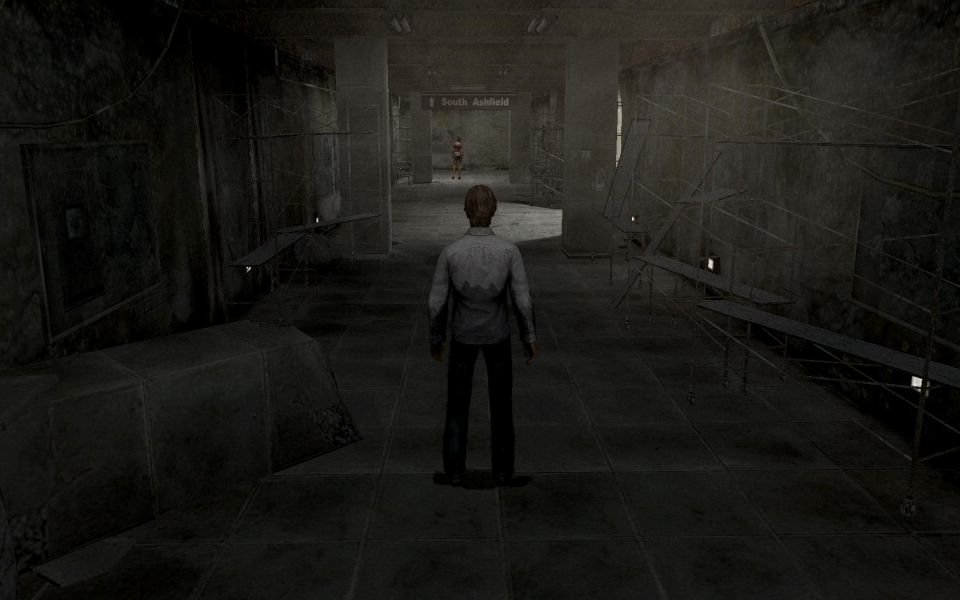
Gameplay Screenshots



Additional Screenshots


