Bastion is an action role-playing video game produced by independent Developer Supergiant Games and published by Warner Bros. Interactive Entertainment. The game's visual style is inspired by anime and its narrative style takes the form of a dynamic voice-over. It game takes place in the aftermath of the Calamity, a catastrophic event that suddenly fractured the world as people knew it into many pieces and led to an infestation of hostile creatures.
Players take control of the Kid, a silent protagonist who awakens on one of the few remaining pieces of the old world and sets off for the titular Bastion, where everyone agreed to go in troubled times. He finds almost nothing left upon arrival, but is told by a wise old man that together, they could build something special. The Kid then embarks on a quest to reconstruct the world the way it used to be, while the old man narrates his adventure and provides details on what exactly has happened.
Support Summary
Widescreen | Ultra/Super‑Wide | Multi-Monitor | 4K Ultra HD | |
Support | ||||
Method | ||||
HUD | ||||
Cutscenes | ||||
FMVs |
Game Information
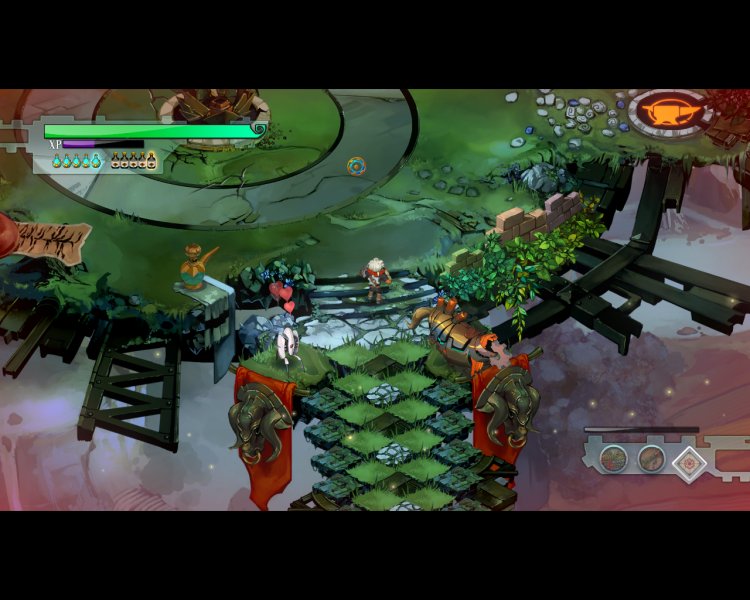
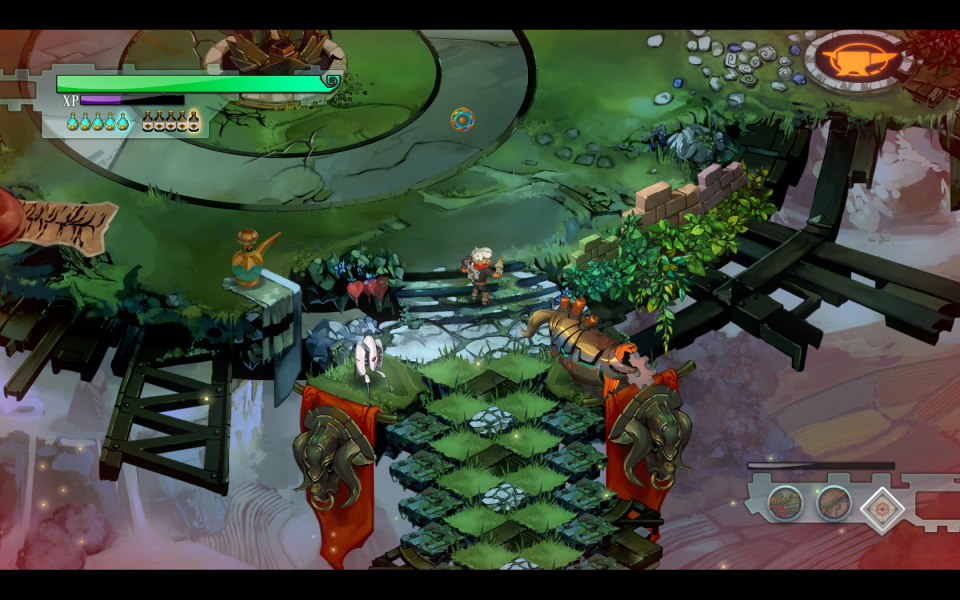
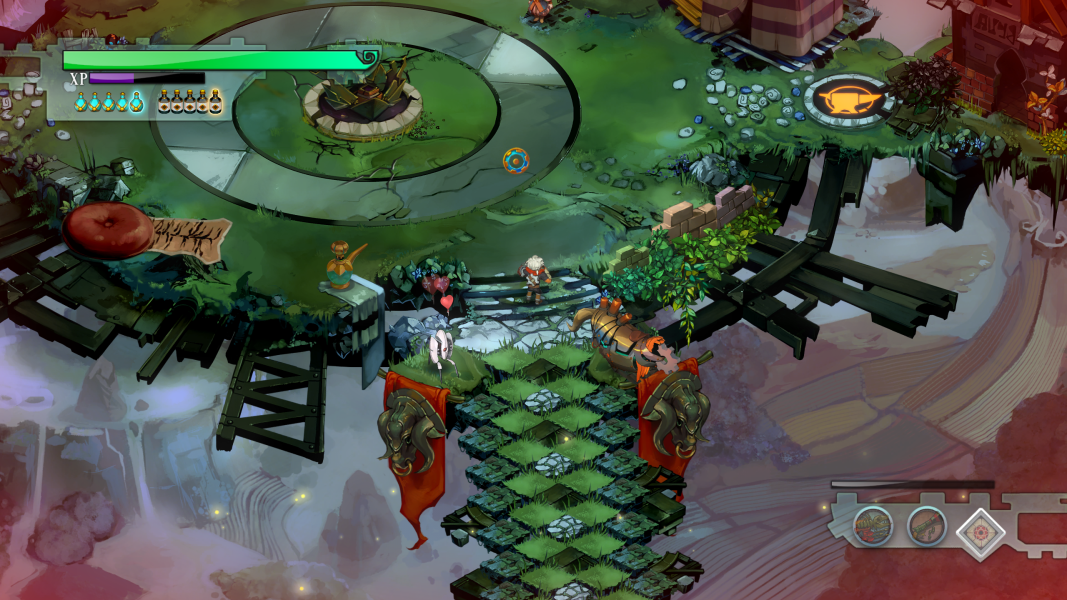
Screenshots Comparison
Solutions & Issues
Native support till 1920x1080. You can force game to run in windowed mode, or set a specific resolution, using the Launch Options in Steam (right-click on Bastion in your game library, select Properties, then select Set Launch Options).
The parameters are:
-windowed -noborder = Forces the game to start in borderless windowed mode.
-x XXXX -y XXXX = force higher resolution with parameter (only upscaled from 1920x1080).
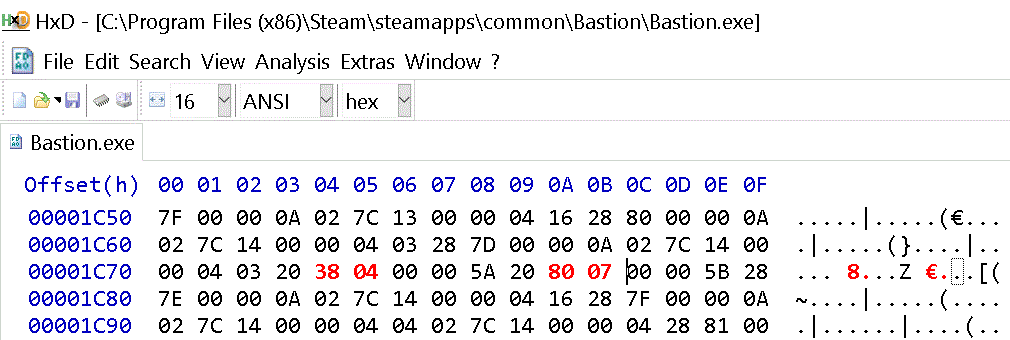
If you want real resolution higher then 1920x1080 then you need to Hex edit the Bastion.exe.
I created some resolutions in Files available from the PC Gaming Wiki Community Files. If the Game does not start in your selected resolution go to Video Option and select it there.
For manual Hex edit click on Disuse Link
Same Solution - use your resolution from the files available from the PC Gaming Wiki Community Files.
Menus are zoomed in (hor-), does not affect gameplay.
Same Solution - but the HUD became way to big.
True 4K - same Solution - use your resolution from the Attachment.
Gameplay Screenshots



In-Game (Rendered) Cutscenes





FMV Cutscenes





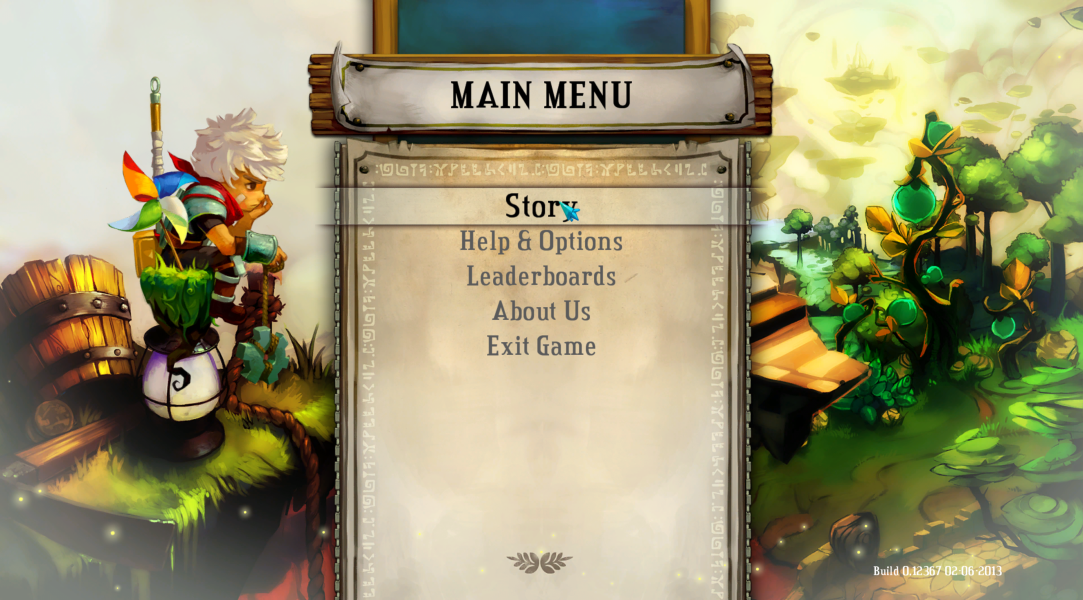
Menu Screenshots

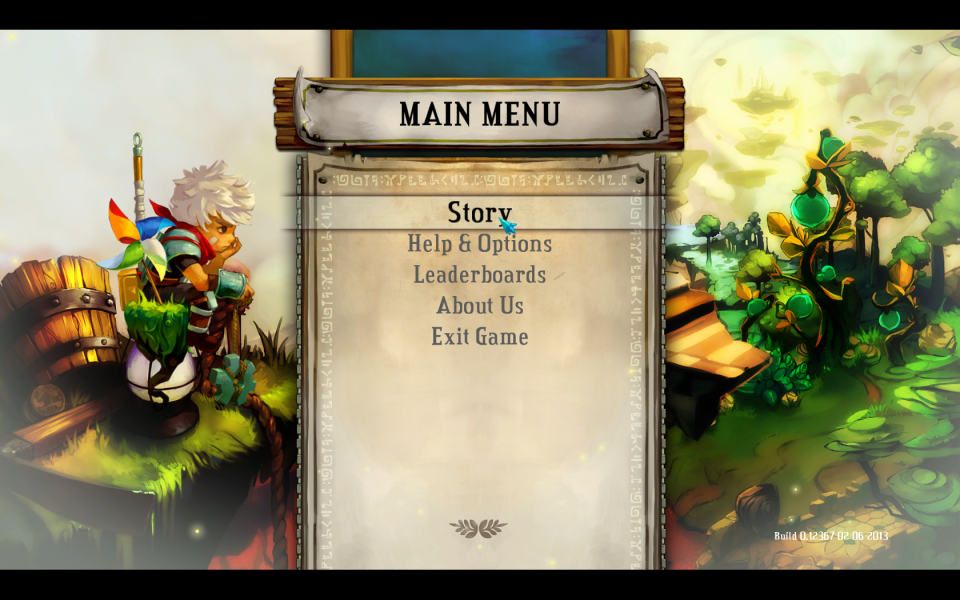
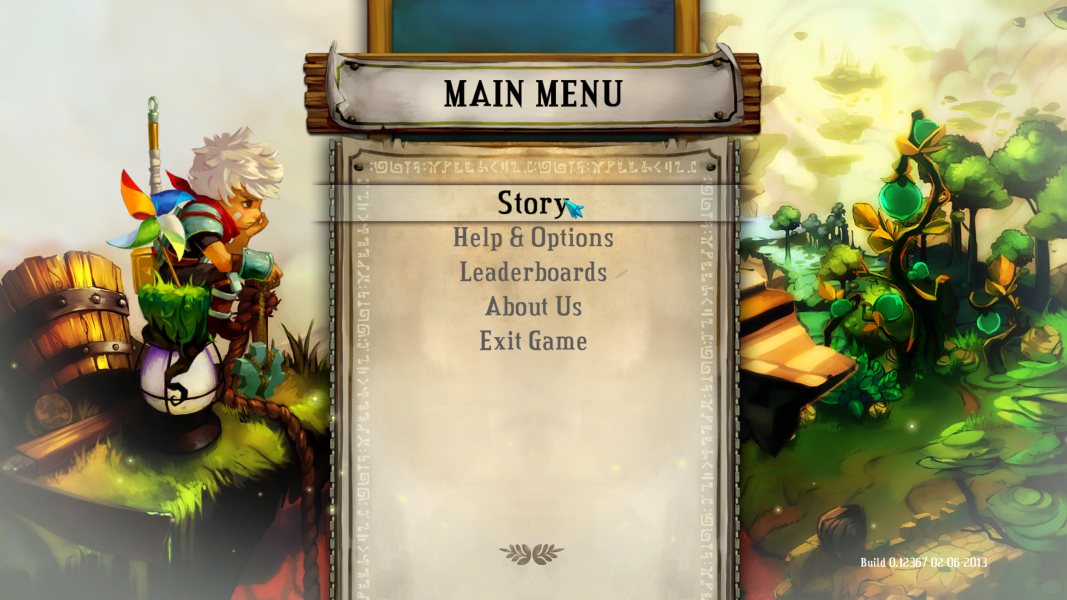
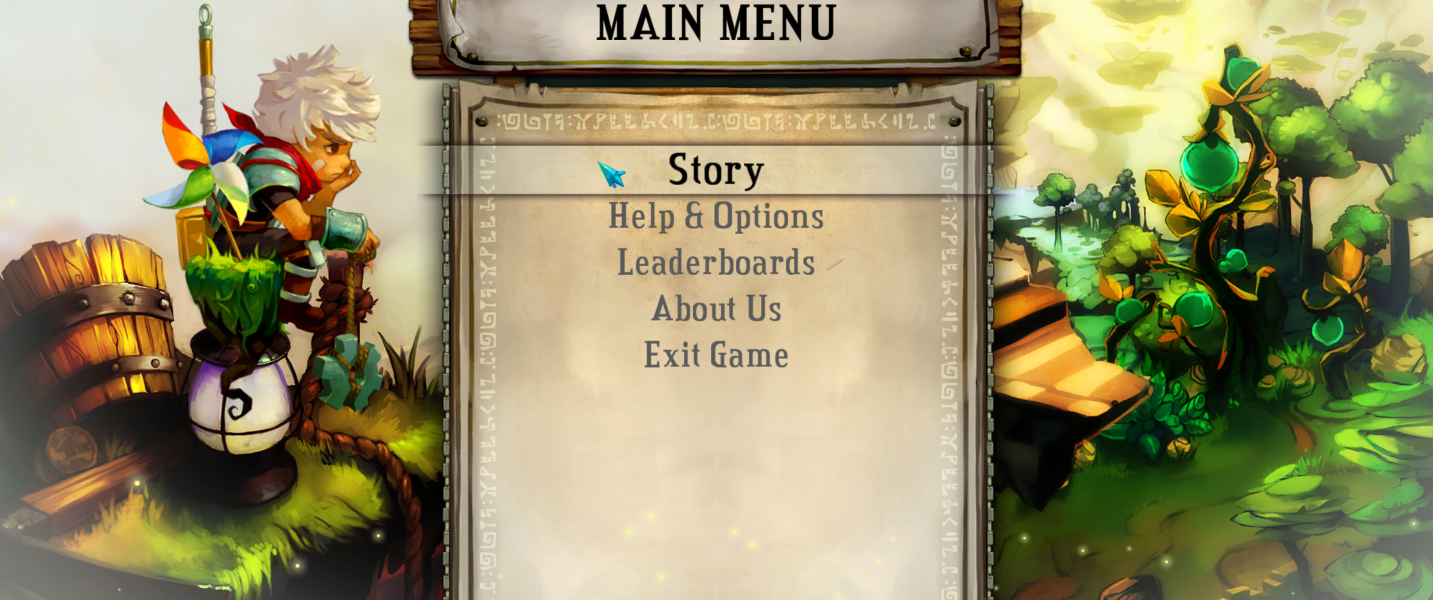

4K UHD Screenshots
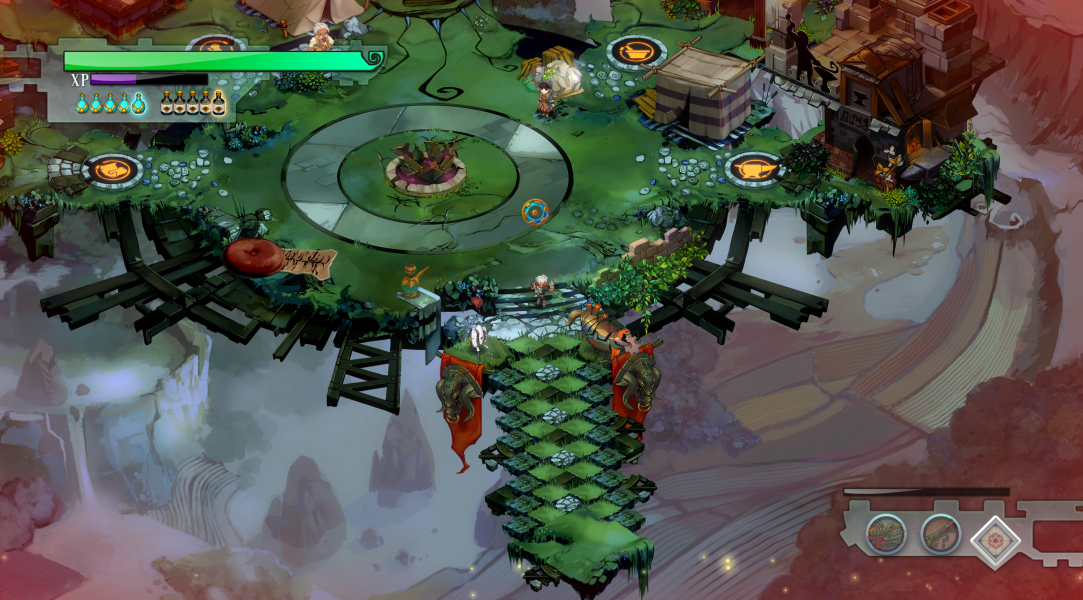


Additional Screenshots