Second in the genre defining RTS series. Covers both the original and the expansions.
Support Summary
Widescreen | Ultra/Super‑Wide | Multi-Monitor | 4K Ultra HD | |
Support | ||||
Method | ||||
HUD | ||||
Cutscenes | ||||
FMVs |
Game Information
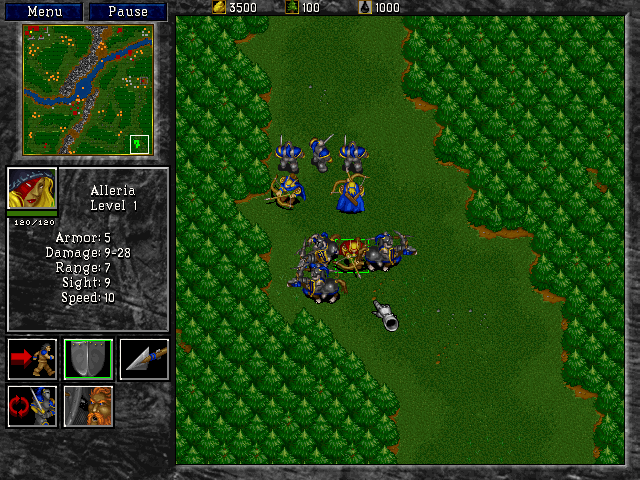
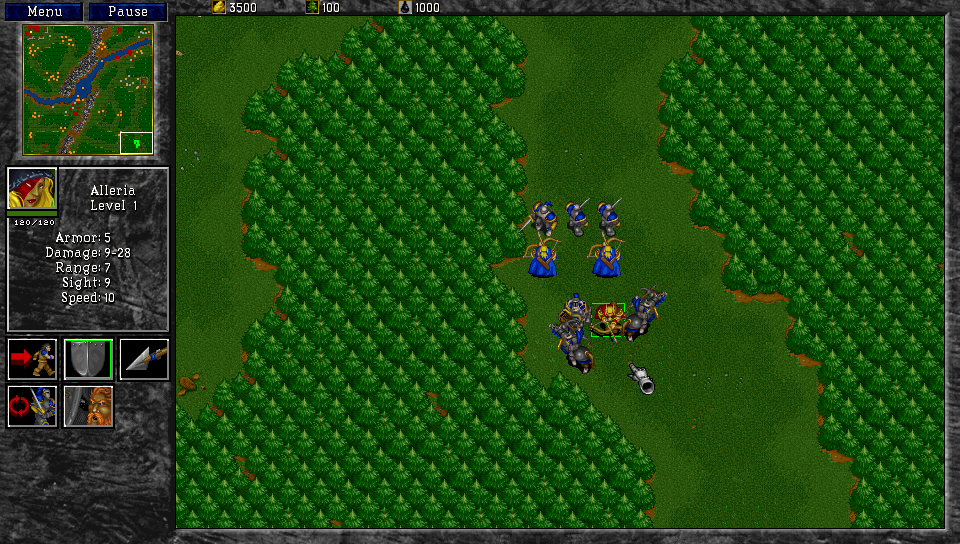
Screenshots Comparison
Solutions & Issues
Warcraft II is now playable in Widescreen thanks to the Widescreen Patch by "FunkyFr3sh."
MickCraft produced a video that details the steps to utilize this mod. The video is from an older version of the patch, but the steps are the same.
Relevant details for the patch, taken directly from ModDB:
- Download and extract all files into your game folder (overwrite existing files).
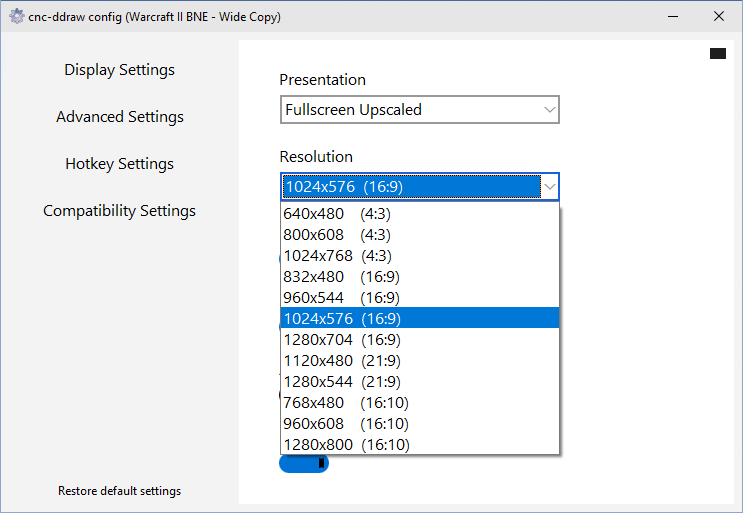
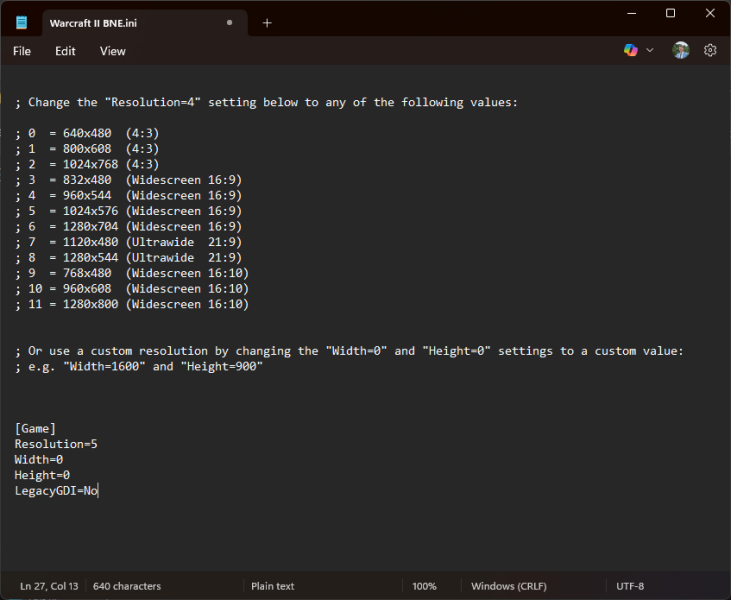
- To configure your resolution and other settings (e.g. windowed mode) use Warcraft II Config.exe.
Relevant features
- Widescreen / High resolution patch - Run the game at any resolution, enable via Warcraft II Config.exe
- Res bug fix - Fixes the issue where you end up having the wrong resources setting when hosting a game
Please note: Warcraft II: Remastered (2024) runs natively in widescreen as well.
Follow the same steps from the standard widescreen fix using the "Warcraft II Widescreen Patch." Any resolution can be entered and there are preset 21:9 resolutions. Please note that since the game uses pixel-based scaling, smaller resolutions are preferred.
Due to the pixel-based scaling of the game, displaying the game in 4K UHD results in a significantly scaled down HUD and units. Instead, select a lower resolution and you can select an upscaled fullscreen option using the "Warcraft II Widescreen Patch."
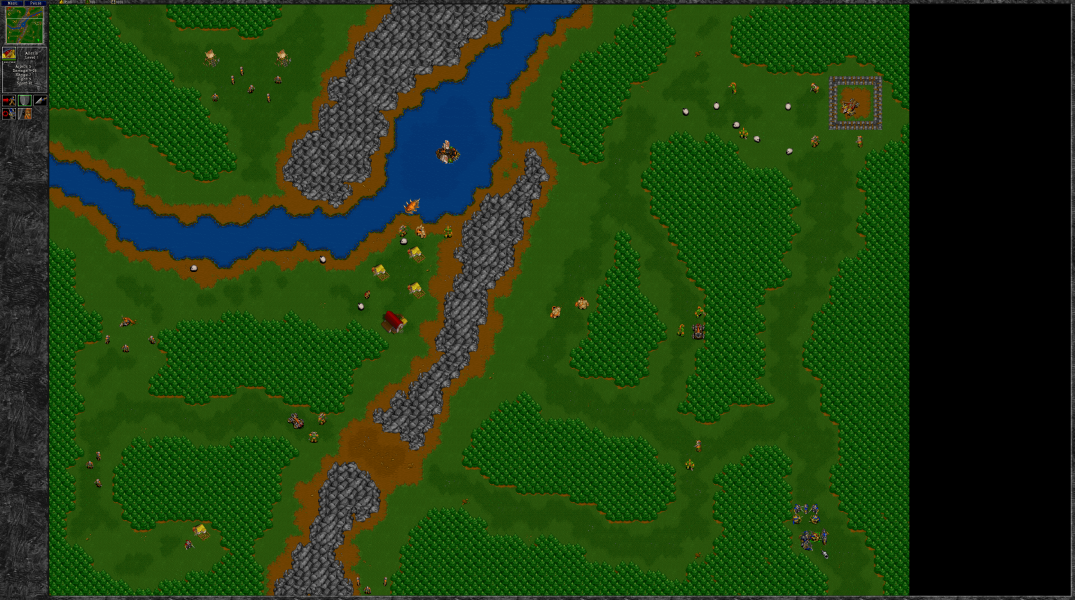
Gameplay Screenshots

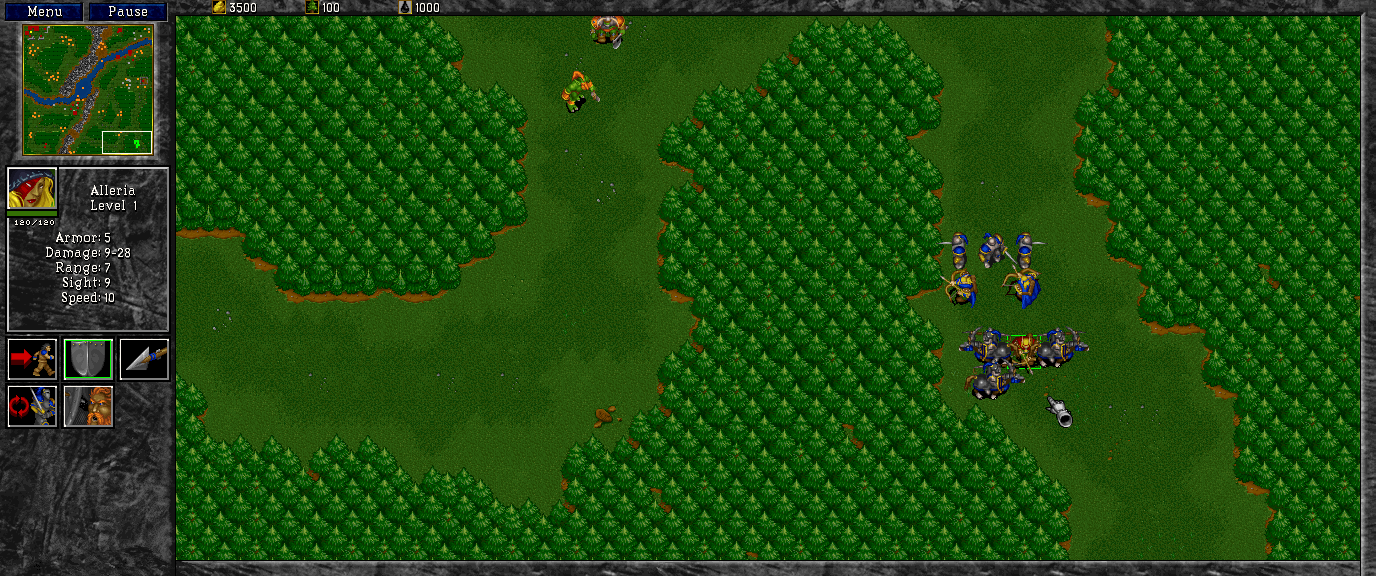


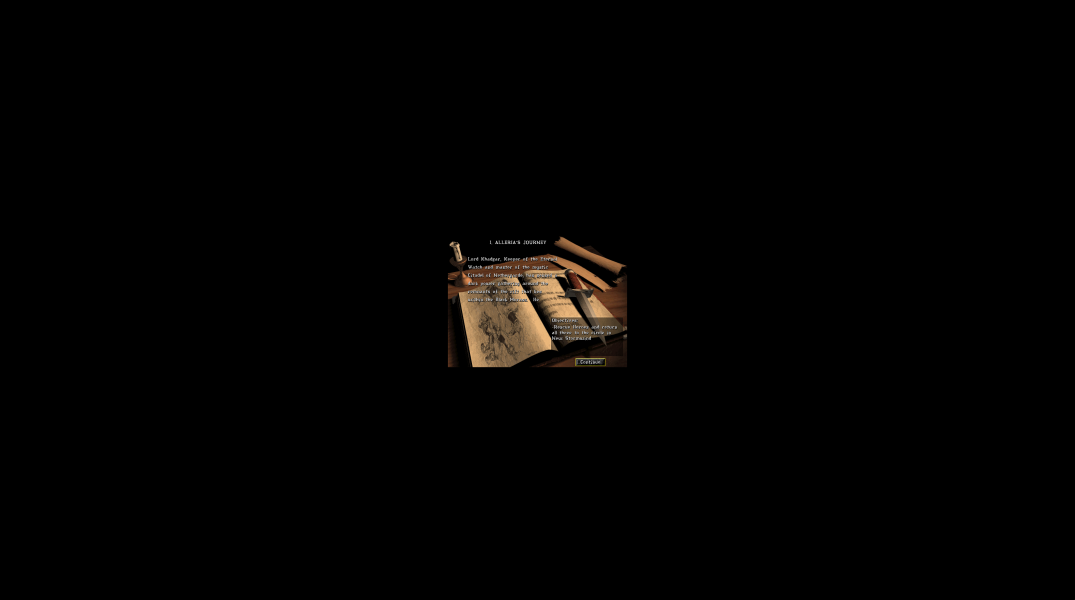
In-Game (Rendered) Cutscenes
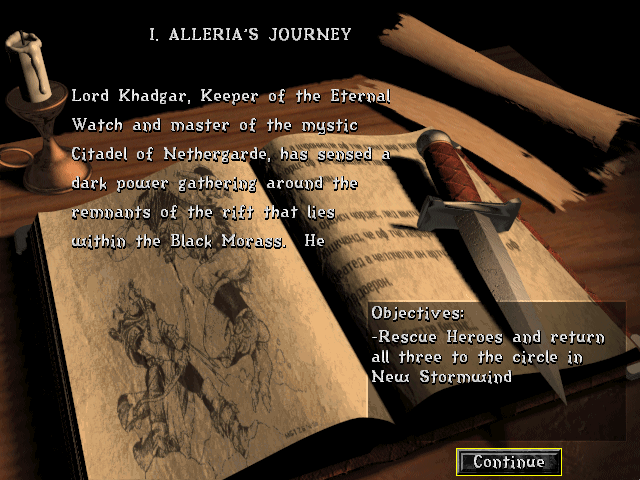
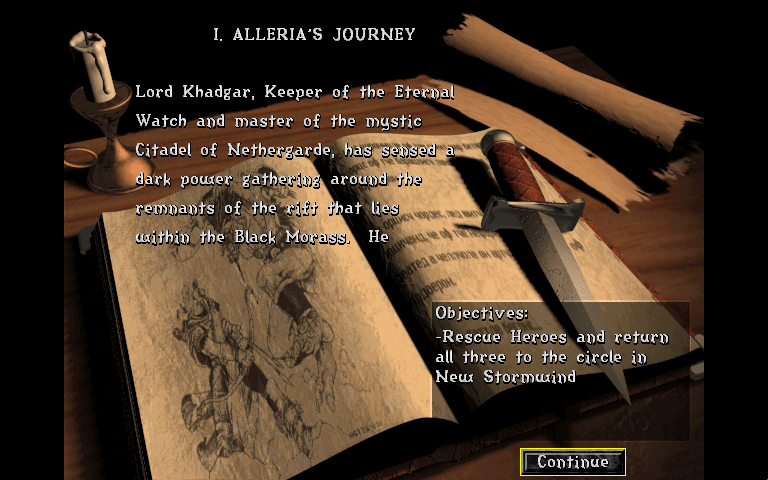
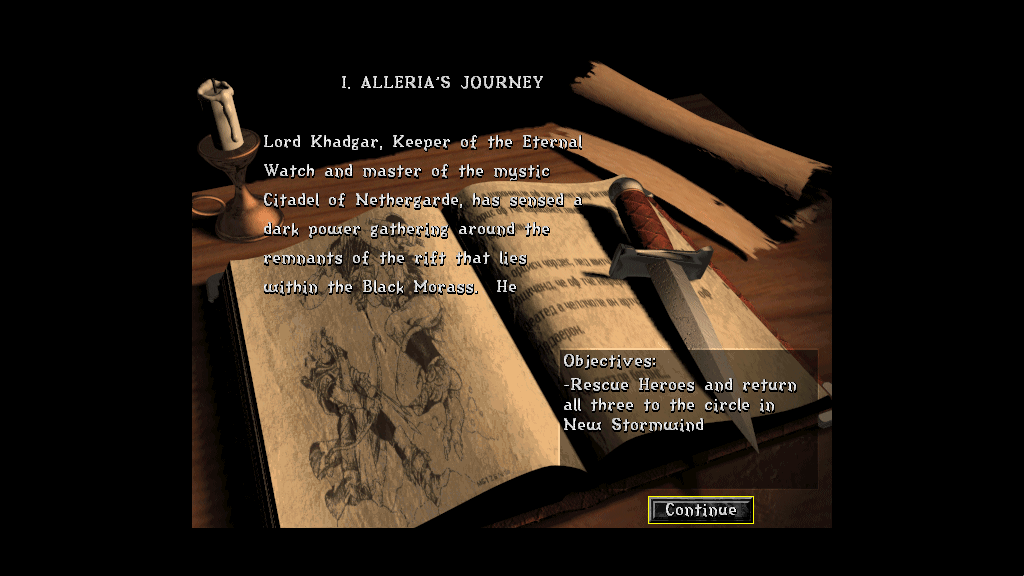
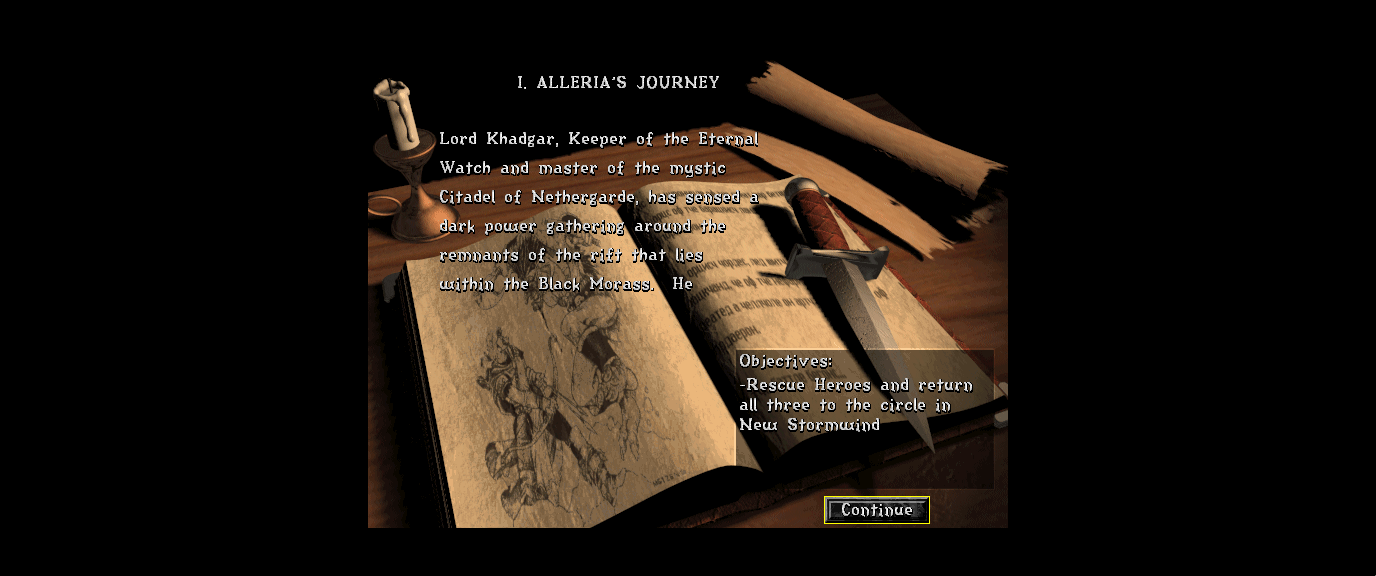

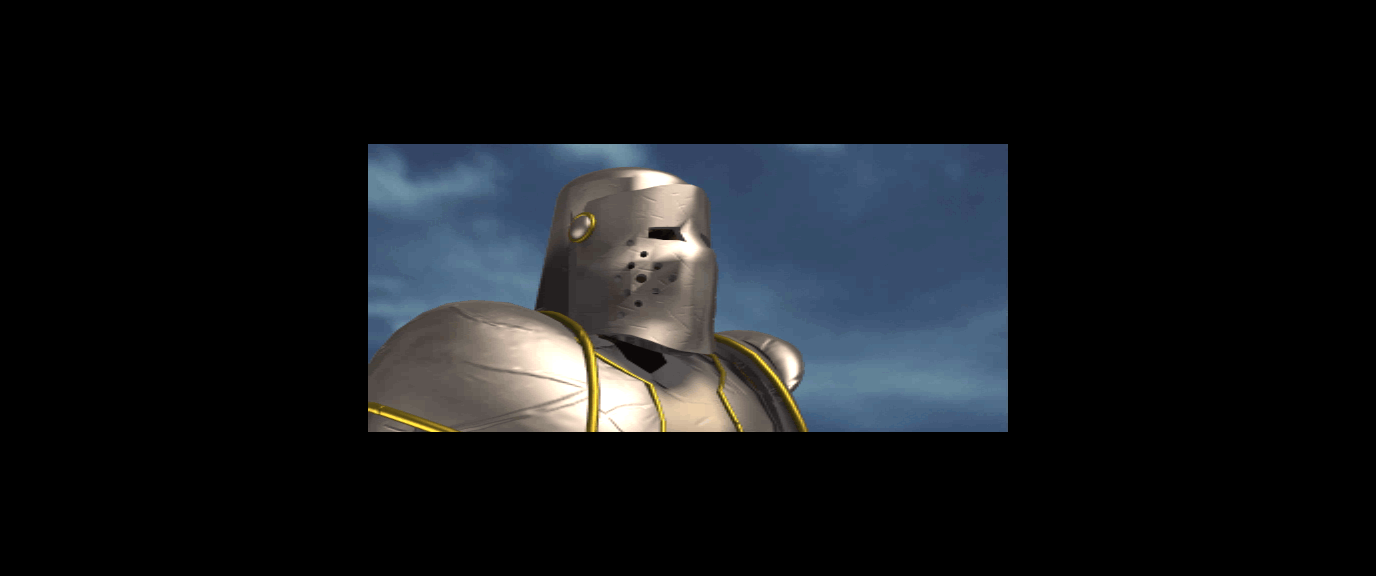
FMV Cutscenes
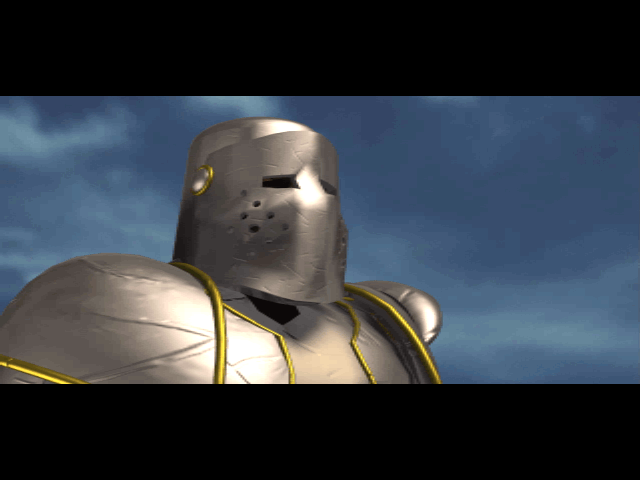

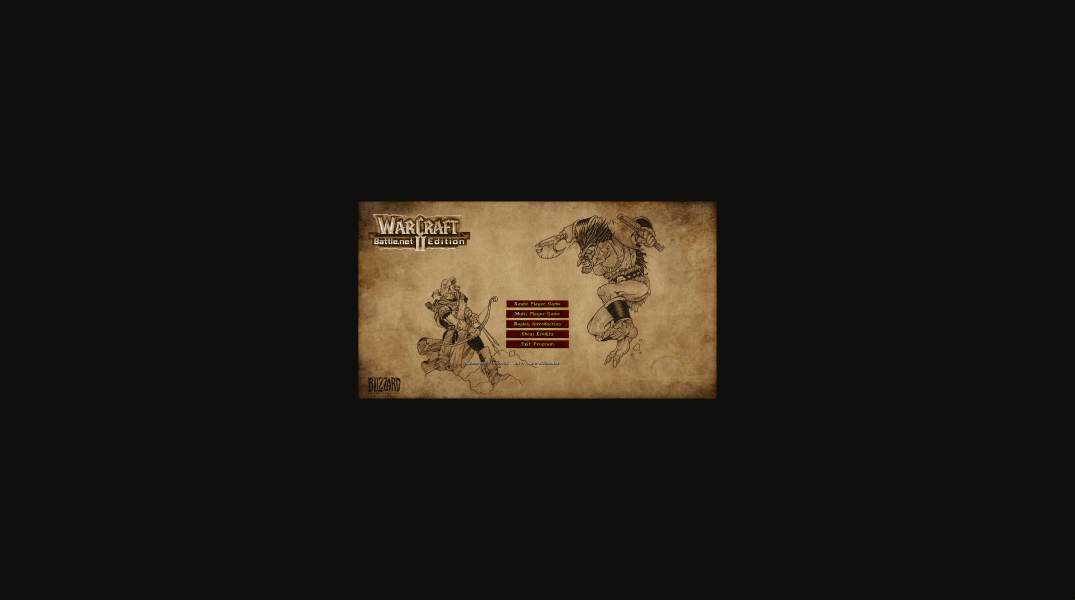
Menu Screenshots

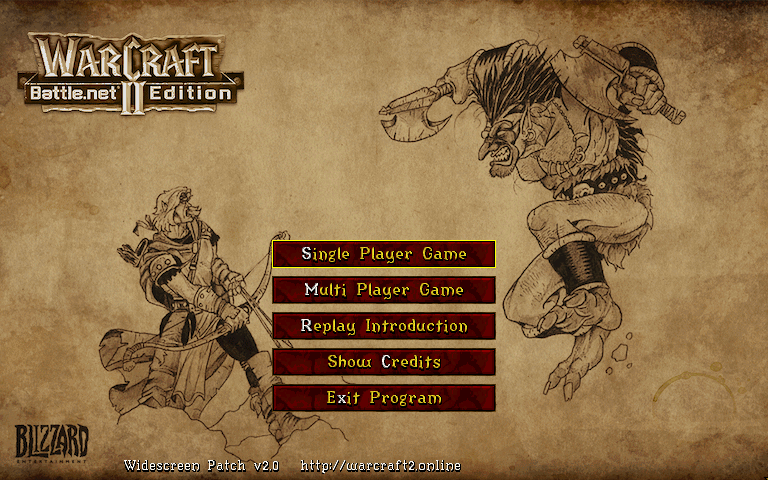
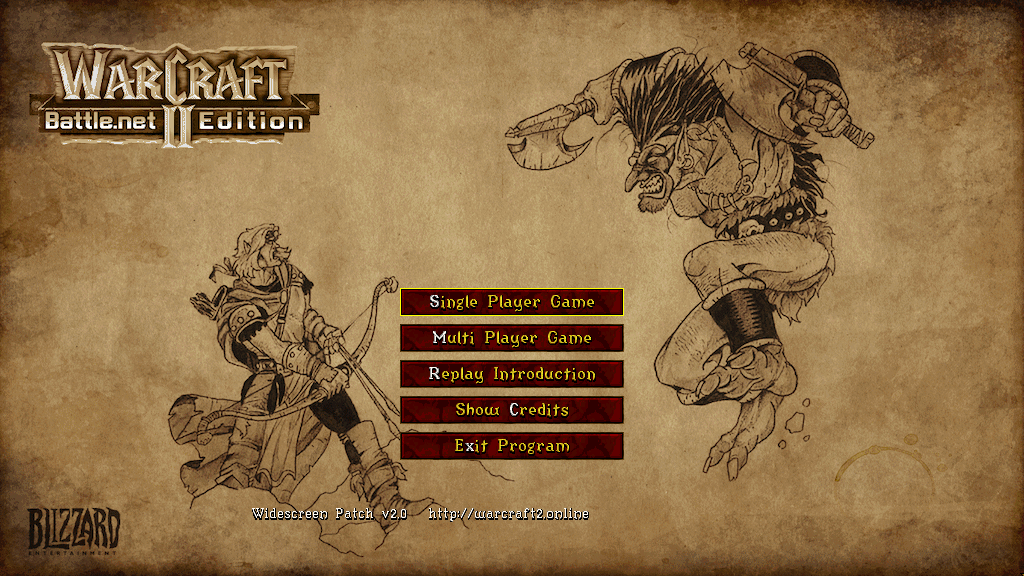
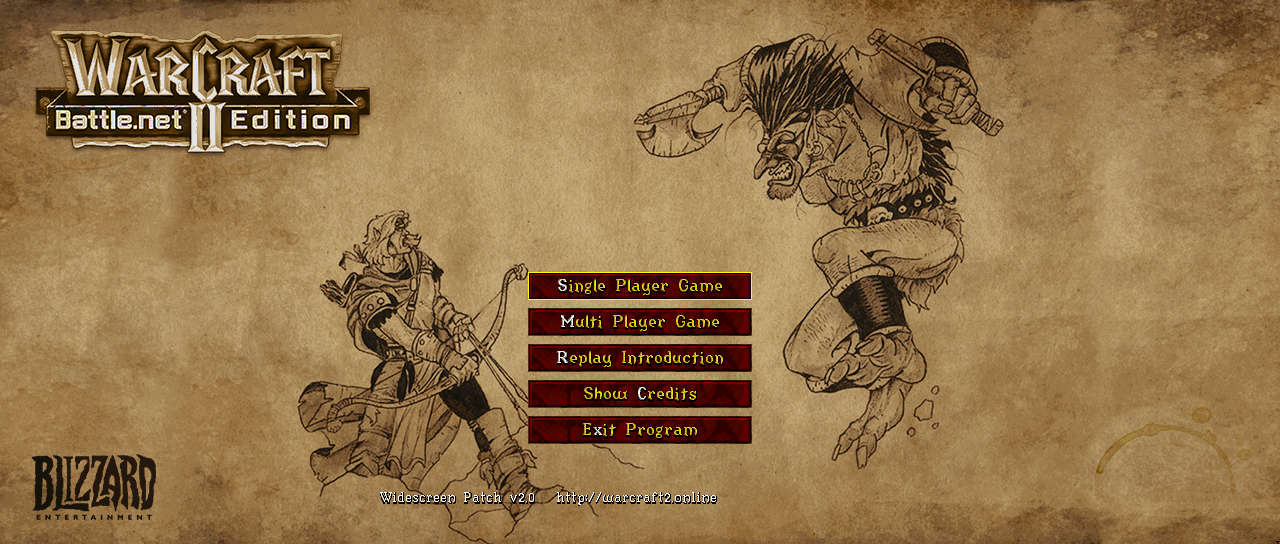

4K UHD Screenshots

Additional Screenshots