


Tron 2.0 was developed by Monolith Productions. This is a FPS that is designed as a continuation of the movie Tron. Players can use a variety of weapons including the famous identity disc from the movie. Points can be earned which allow players to upgrade and customize their character's abilities. Light cycle racing is available in singleplayer and multiplayer modes.
Support Summary
Screenshots Comparison
Solutions & Issues
The Killer App Mod is a fan-made collection of fixes and optional additions to Tron 2.0, some inspired by the exclusive features of the Xbox version of the game (Tron 2.0: Killer App). More importantly to us, it adds proper widescreen support to the game.
==Method==
Download and install the mod: http://www.moddb.com/mods/killer-app
During setup, you will be prompted to choose an aspect ratio (16:10 or 16:9) and a resolution. Your game (3D world, weapons, UI, cut-scenes) will then be modded for either 16:10 or 16:9.
Other aspect ratios are supported through a couple edits.
For 15:9, setup the Mod for 16:10 and edit the following files:
Resolution: C:\Program Files\Buena Vista Interactive\TRON 2.0\display.cfg
"screenwidth"
"screenheight"
(or simply input your custom resolution during setup of the KA Mod)
FOV and stuff: C:\Program Files\Buena Vista Interactive\TRON 2.0\autoexec.cfg
"fovx" // value is 100 for 16:10, 106 for 16:9. Use FOVCalc to find the right value for your desired aspect ratio (e.g 102.3 for 15:9).
"fovxinterface" // same value as fovx. Used on the "main user interface" (character sheet) and for the 3D elements of the main menu (backdrop animation, MP avatars).
"windowed" // 0=fullscreen, 1= windowed
On the character sheet screen, hitboxes are slightly misaligned: the mouse cursor must hover over the outer edge of buttons (relatively to the center of the screen) to effectively select them. This is hardly a problem in widescreen, but the higher the AR, the worse it gets (see Surround section below).
==Surround Gaming Support==
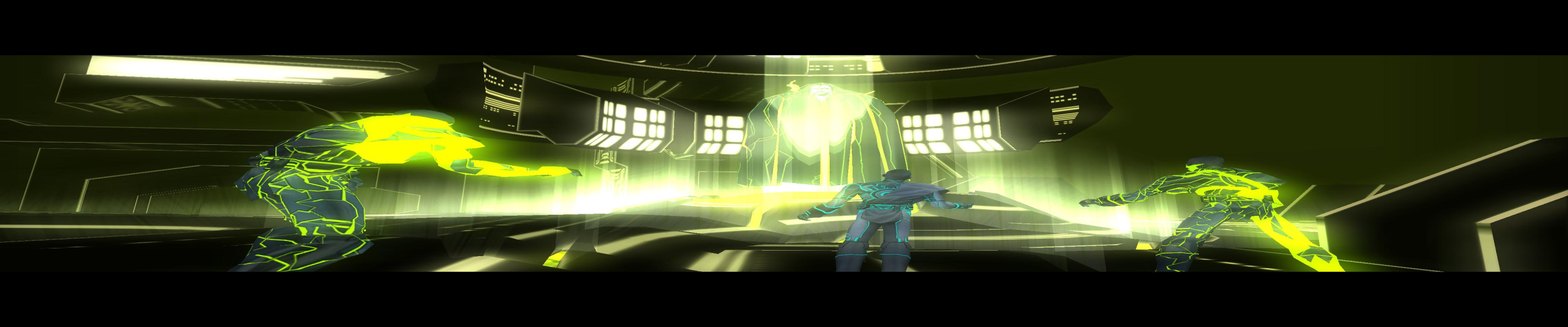
Partial. A simple edit will make the FOV Hor+, however it does not fix the cutscenes or interface:
1) Install the mod for 16:9 plus your custom resolution.
2) Open C:\Program Files\Buena Vista Interactive\TRON 2.0\autoexec.cfg in Notepad and use [url=http://www.widescreengamingforum.com/fovcalc.php] to get the proper value for "fovx" and "fovxinterface" (default is 100 for 16:10).
e.g for 48:10
"fovx" "148.75"
"fovxinterface" "148.75"
3) Should you need to go back to a widescreen resolution or activate windowed mode, see the Method section for widescreen.
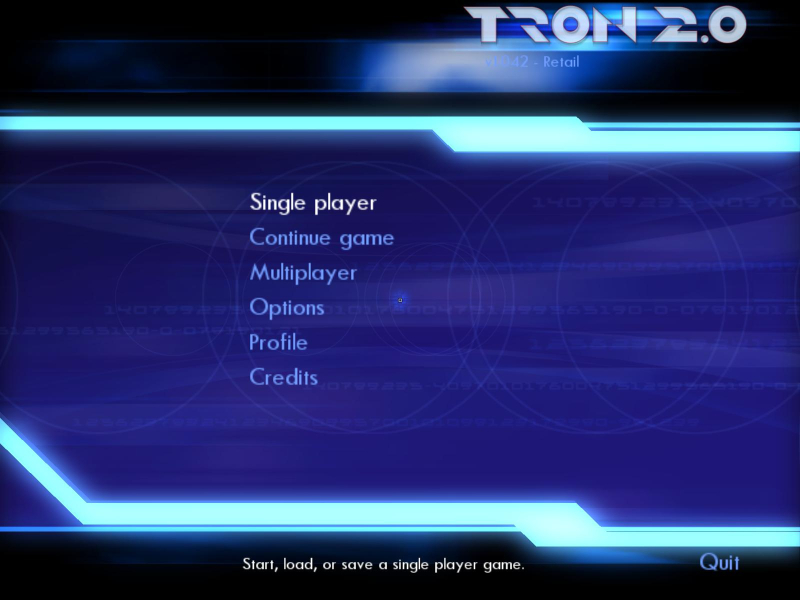
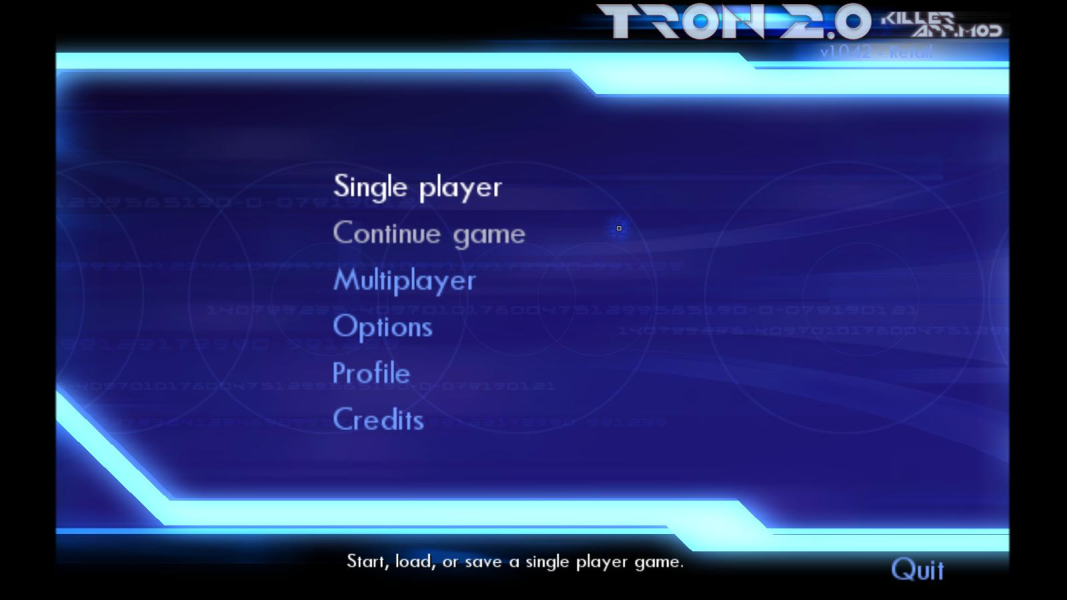
All 2D screens look like crap, but although some interface screens are helplessly broken, most menus can be navigated using the arrow keys. Pay attention to the text description of invisible items and you should be ok. The main menu for instance is fully working.
However...
-The Singleplayer light cycle arena mode is out of reach because of the broken menu.
-The MP lobby is working, but you'll only be able to view the names and details of the first three servers in the list.
-You won't be able to read collected Help Files and E-Mails in the Singleplayer campaign.
-The top and bottom thirds of the "character sheet" can't be used because of the hitbox misalignment. So the whole interface screen is basically unavailable, which badly hurts singleplayer gameplay.
Gameplay Screenshots

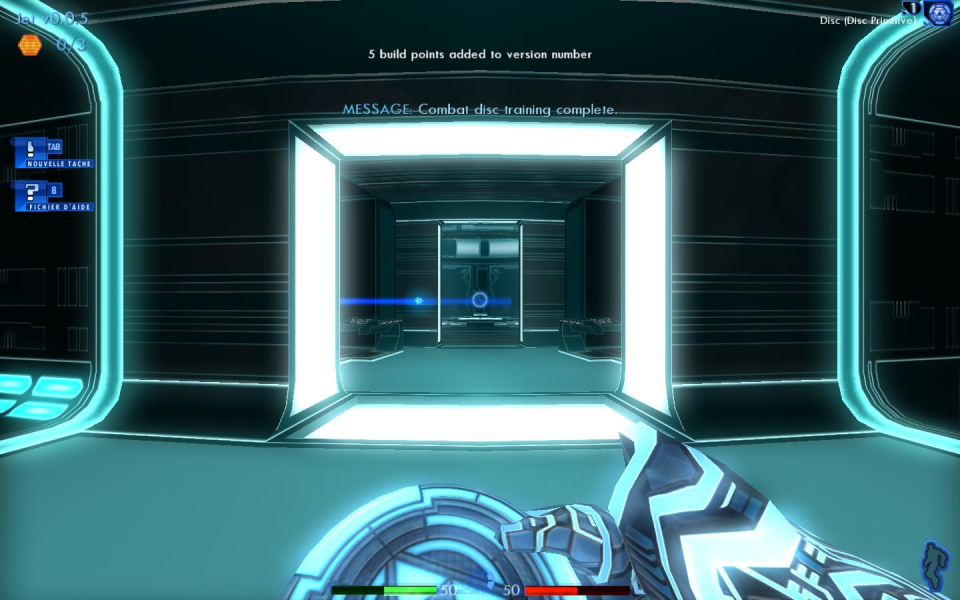


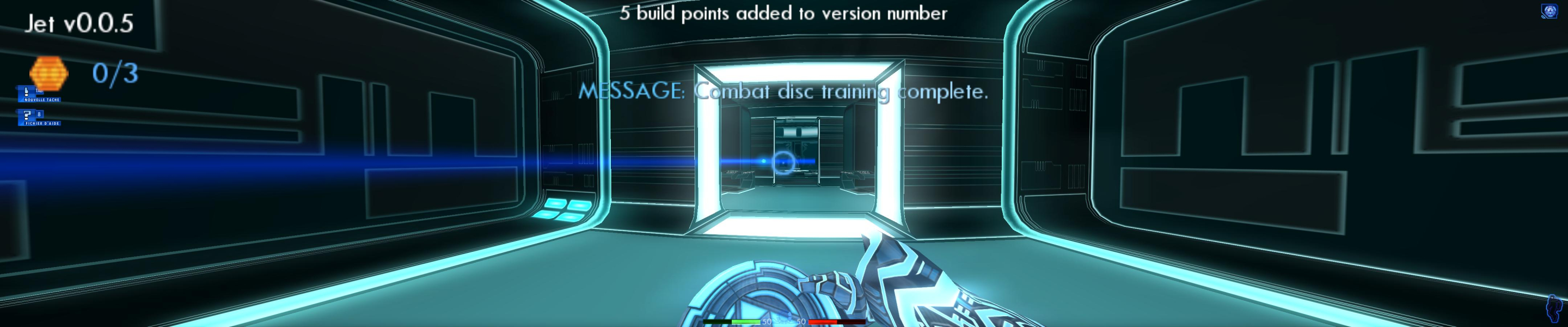
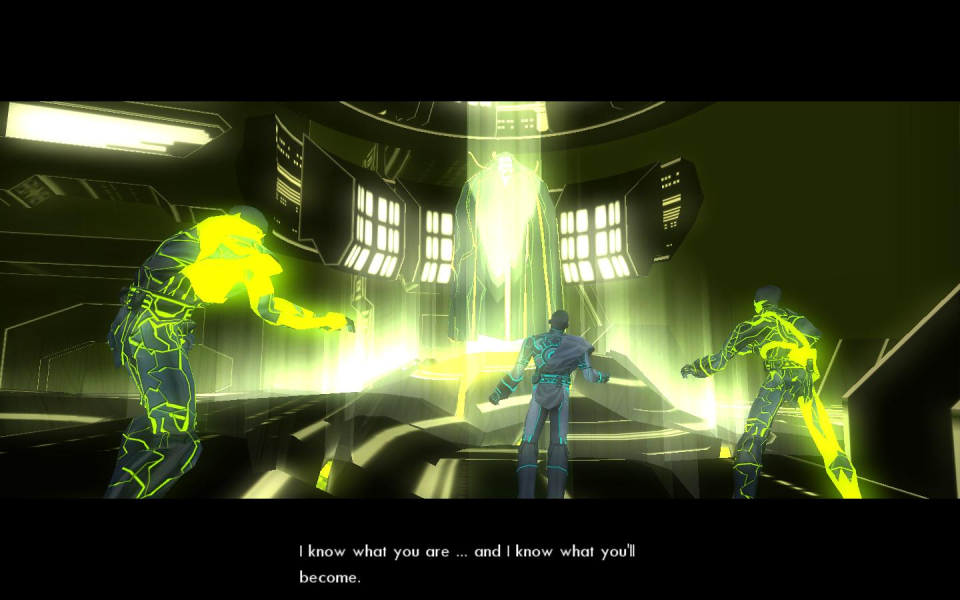
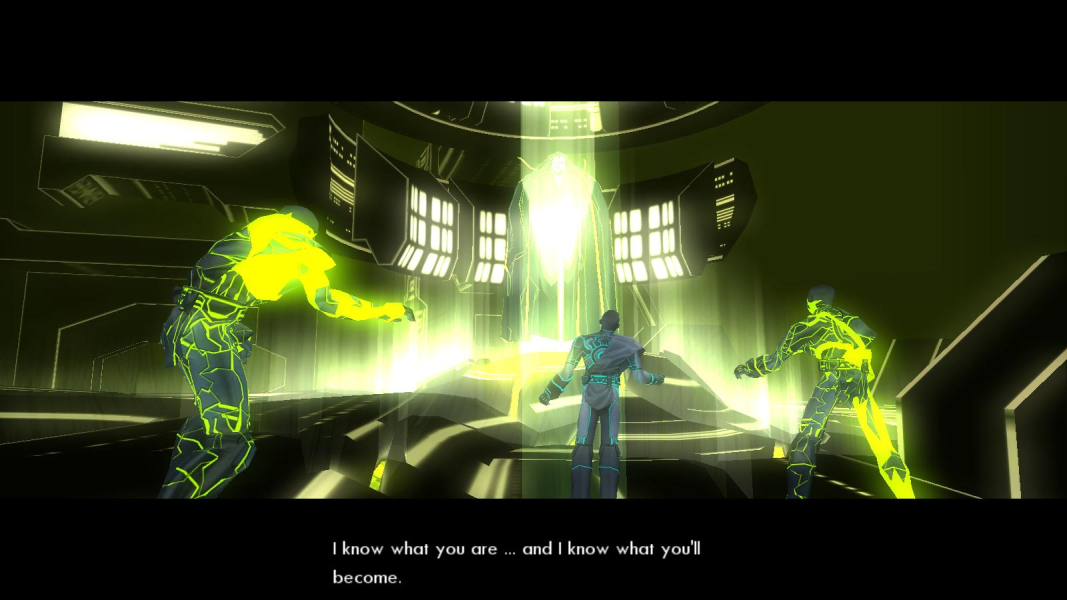
In-Game (Rendered) Cutscenes

Menu Screenshots


Additional Screenshots


