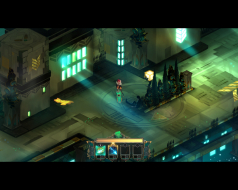
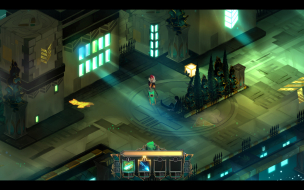
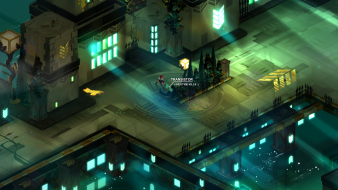
From the creators of Bastion, Transistor is a sci-fi themed action RPG that invites you to wield an extraordinary weapon of unknown origin as you fight through a stunning futuristic city. Transistor seamlessly integrates thoughtful strategic planning into a fast-paced action experience, melding responsive gameplay and rich atmospheric storytelling. During the course of the adventure, you will piece together the Transistor's mysteries as you pursue its former owners.
Oldman wrote:The attached files do not work anymore. Can someone post an updated hex edit file or tutorial for this game ? Much appreciated.
I just tested the file for 2560x1080. Works fine for increasing the horizontal fov, but the menus are messed up as described. You have to select the new resolution in the menu after replacing the dll.
20180824194607_1.jpg (335.55 KiB) Viewed 16712 times
20180824194352_1.jpg (384.42 KiB) Viewed 16710 times
When I replace the file with the one attached the game doesn't launch (I'm using the 3440x1440 one). I'm using the GOG version maybe thats the problem ?
So after playing a bit with the Engine.dll file I managed to get it working with the HUD visible. Unfortunately, the game is unplayable with the mouse, you have to use a gamepad. The "action area" seems to have shifted to the left, where the hud is.
Chachardus wrote:@Oldman, Would it be possible to upload your modified "engine.dll" file or to explain how you get it working with the HUD visible ? Thanks
Here is the 2560x1080 version. Can't attach a dll file so here's a link : https://ufile.io/higrj
I changed the hex value 80 07 on line 590 and line 5B340 to 00 0A and then selected the new resolution in game.
Chachardus wrote:@Oldman, Would it be possible to upload your modified "engine.dll" file or to explain how you get it working with the HUD visible ? Thanks
Here is the 2560x1080 version. Can't attach a dll file so here's a link : https://ufile.io/higrj
I changed the hex value 80 07 on line 590 and line 5B340 to 00 0A and then selected the new resolution in game.
Hello, can you please upload "engine.dll" file again?