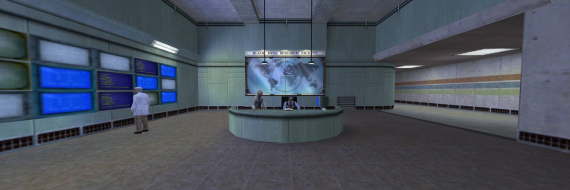
I am currently trying to get Half Life (non-steam) to work on a 3 monitor eyefinity setup at 3840x1024. I think there might be 2 possibilities:
Method 1: Setting the resolution using a hex-editor, as described in the existing guide. The hex-values in this guide correspond to the resolution in little endian. You can thus convert your desired resolution to hexadecimal using some online converter and then flip the byte order to get the value to be put in the exe-file. The byte order is flipped by switchting the digit block 1-2 with 3-4. Example: 800 = 0320 in hex (note the leading 0) = 2003 in hex, little endian. This works fine up to a total pixel amount. 3400x900 (3060000 pixels) works, but 3400x950 (3230000 pixels) does not work anymore. Any ideas why this is the case? I ran the game in window mode btw.
Method 2: Use an alternative engine. Xash3D is a remake of the original engine that perfectly runs the game at many more resolutions than the original one. However, I could not figure out yet how to set a custom resolution. The original -w -h does not work, but I did not try adding the value directly to the exe yet.
Use this patch, it lets you choose any resolution, automatically fixes FOV, and even fixes MP3 playback issues in the extension packs! https://community.pcgamingwiki.com/files/file/1228-half-life-won-resolution-fov-mp3-patch/