The game seems to take the Aspect Ratio from your desktop ...
So in TripleHead the Aspect Ratio is correct but when I ran it on a single screen it took the Aspect Ratio from all 3 screens.

That said ... the FOV for 3 screens is not correct.
Here is how to change it ...
Find this file ... GamerProfile.xml ...
(In this file there are various settings for Aspect Ratio ... I did not change any of them)
On win 7 it is found here ... C:Users*USERNAME*DocumentsMy GamesAvatar Demo
I would imagine for XP it will be a similar ... Avatar Demo ... folder and probably in the ... My Games ... folder in My Documents of Windows XP.
Open it with NotePad or WordPad ...
Find the text ... WidescreenFOV="0"
Change it to ... WidescreenFOV="1"
As you can see the HUD in TripleHead seems to be set for an Aspect Ratio of 16:9.
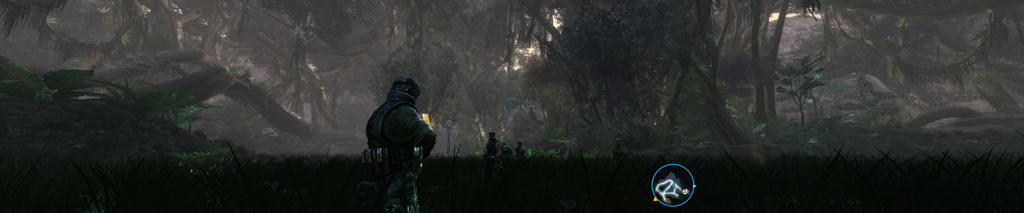
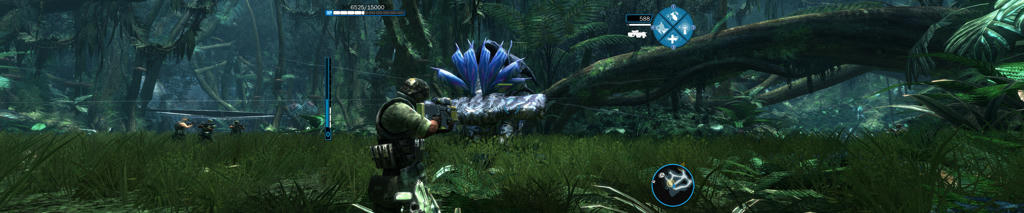
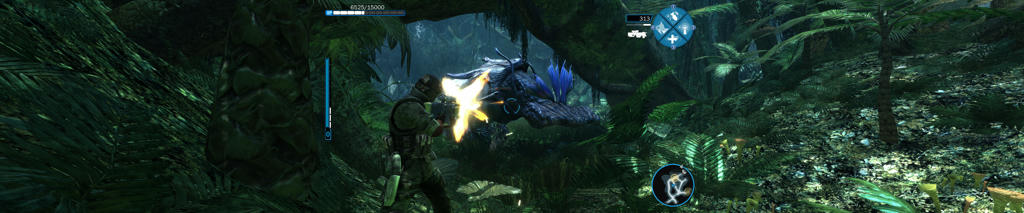
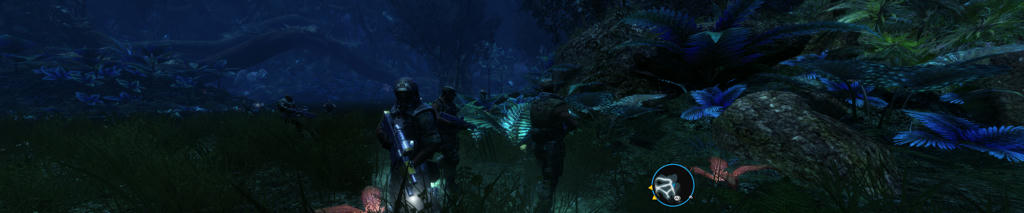
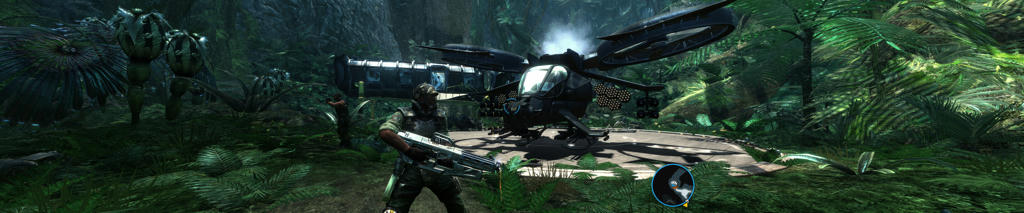
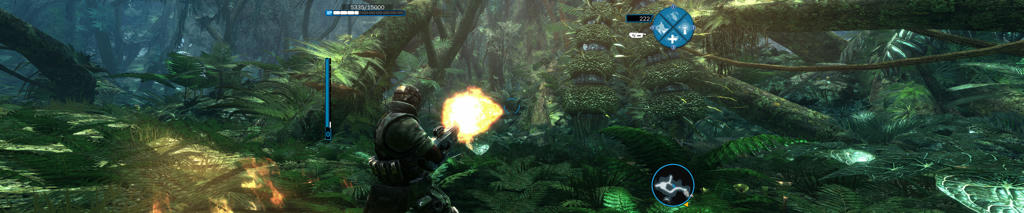
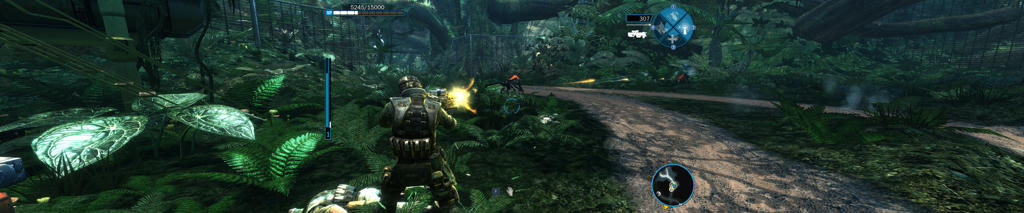
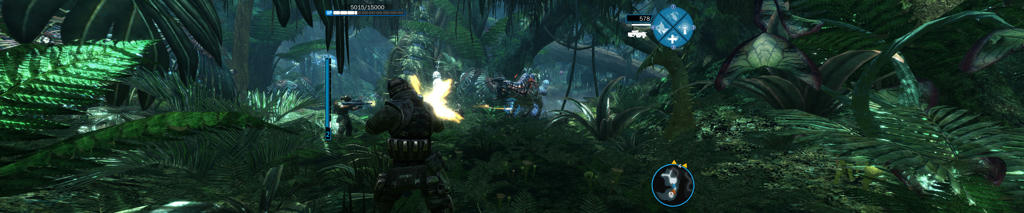
Screens ...
Click to enlarge ...
WidescreenFOV="0" ...

WidescreenFOV="1" ...

WidescreenFOV="0" ...

WidescreenFOV="1" ...