SWAT 4

Detailed breakdowns of how games react to widescreen, ultra-wide, 4k and multi-mon
Post Reply
NoName20
Posts: 3
Joined: 01 Aug 2004, 12:36

SWAT 4

Post by NoName20 »


Widescreen Grade: C
Ultra-Widescreen Grade: Incomplete
Multi-monitor Grade: Unsupported
4k Grade: Incomplete

Read Full Detailed Report - SWAT 4

SWAT 4 and its expansion, The Stetchkov Syndicate, are tactical FPSes in the Rainbow Six-inspired CQB area. It features a campaign mode, quick mission maker, randomly placed enemies/friendlies, and an Internet or LAN online mode.


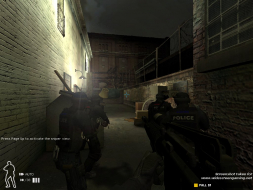
4:3


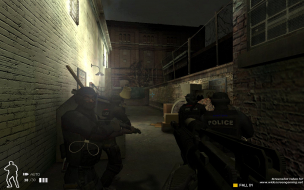
16:10


16:9


3x1

Last edited by NoName20 on 25 Jan 2017, 03:21, edited 3 times in total.
Reason: Edit
slick0
Posts: 14
Joined: 17 Dec 2005, 09:08

Solution: SWAT 4: The Stetchkov Syndicate [Res][Edit][FOV-V]

Post by slick0 »

Navigate to SWAT 4ContentExpansionSystem and open Swat4X.ini in a text editor such as Notepad.

Search for the following lines:

FullscreenViewportX=
FullscreenViewportY=

Modify these lines to suit your resolution. X is horizontal and Y is vertical.

The following example would force the game to run in the resolution of 1440x900.

FullscreenViewportX=1440
FullscreenViewportY=900

After changing the values, save the file and make it read only. This will prevent the game reverting back to a 4:3 resolution.

When launching and exiting the game you will get the error "File Not Saved: Failed to write SWAT 4ContentExpansionSystemSwat4X.ini." This error is fine, just click OK to continue.

Some vertical view is lost when running in a widescreen resolution.

Screenshots (click on thumbnails for larger images):

4:3


16:10

Post Reply

Who is online

Users browsing this forum: No registered users and 7 guests