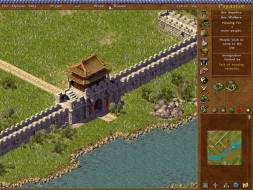
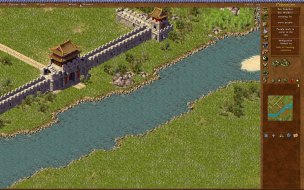
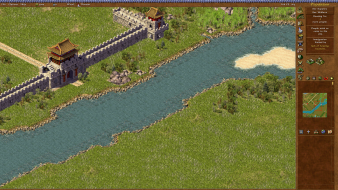
Emperor: The Rise of the Middle Kingdom is a game about politics, trade, and city design in ancient China. In Emperor, players progress through 3000 years of Chinese history, facing ever-changing economic, military, and diplomatic challenges as each Chinese dynasty waxes and wanes.
This game is similar to Caesar III or Pharaoh and is the forth full game in Impressions City Building Series. Gameplay is centered around laying out a city in the best possible manner. For instance, all houses will need access to a market and a water source but also to entertainment and religious structures as well. The game begins easily and walks you through all the needs of a city. Later scenarios add requirements such as building a large structure or defending the city against an attack.
Unlike other games in the city building series, Emperor adds multiplayer play and an engine that supports more detailed graphics.
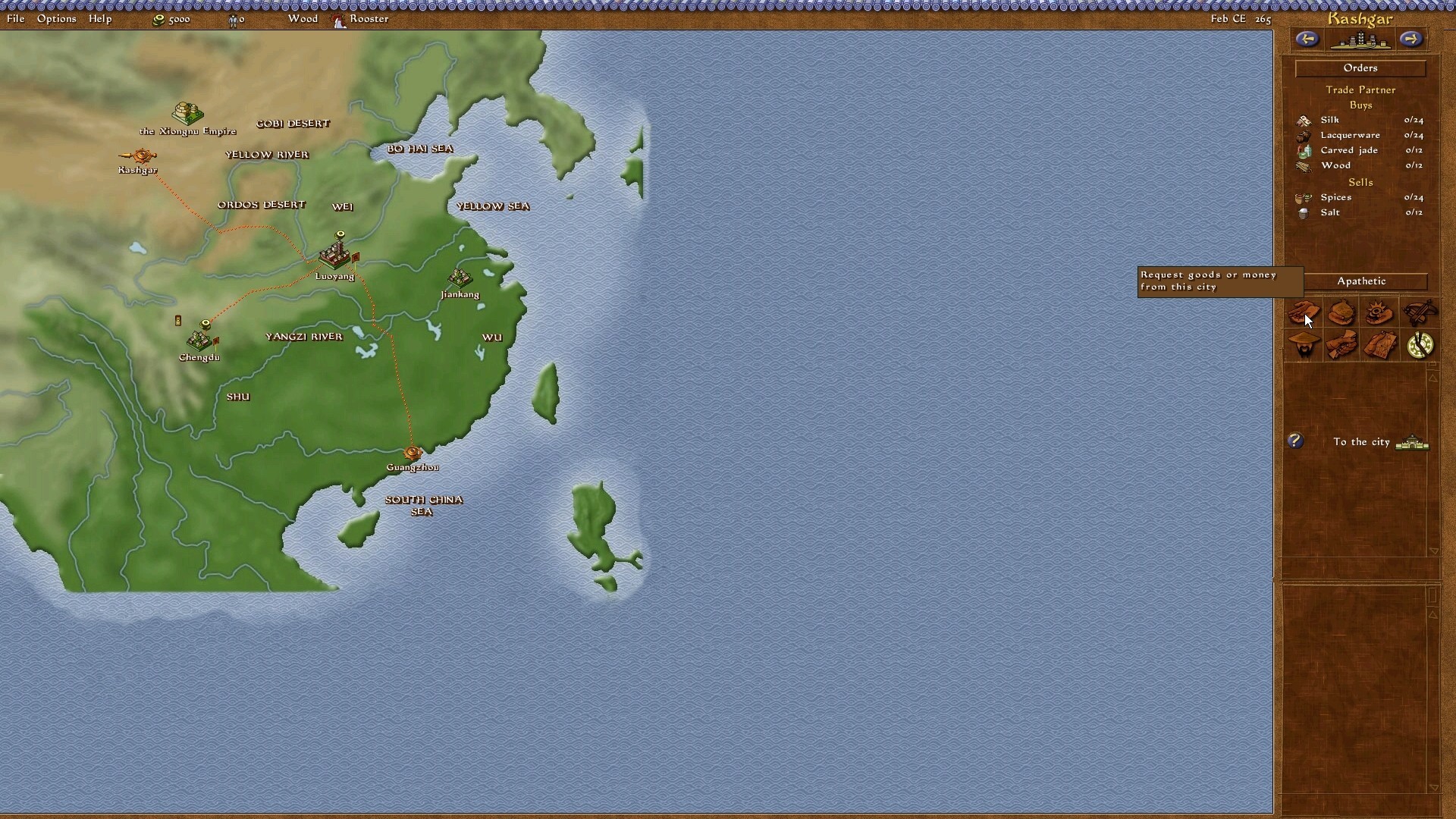
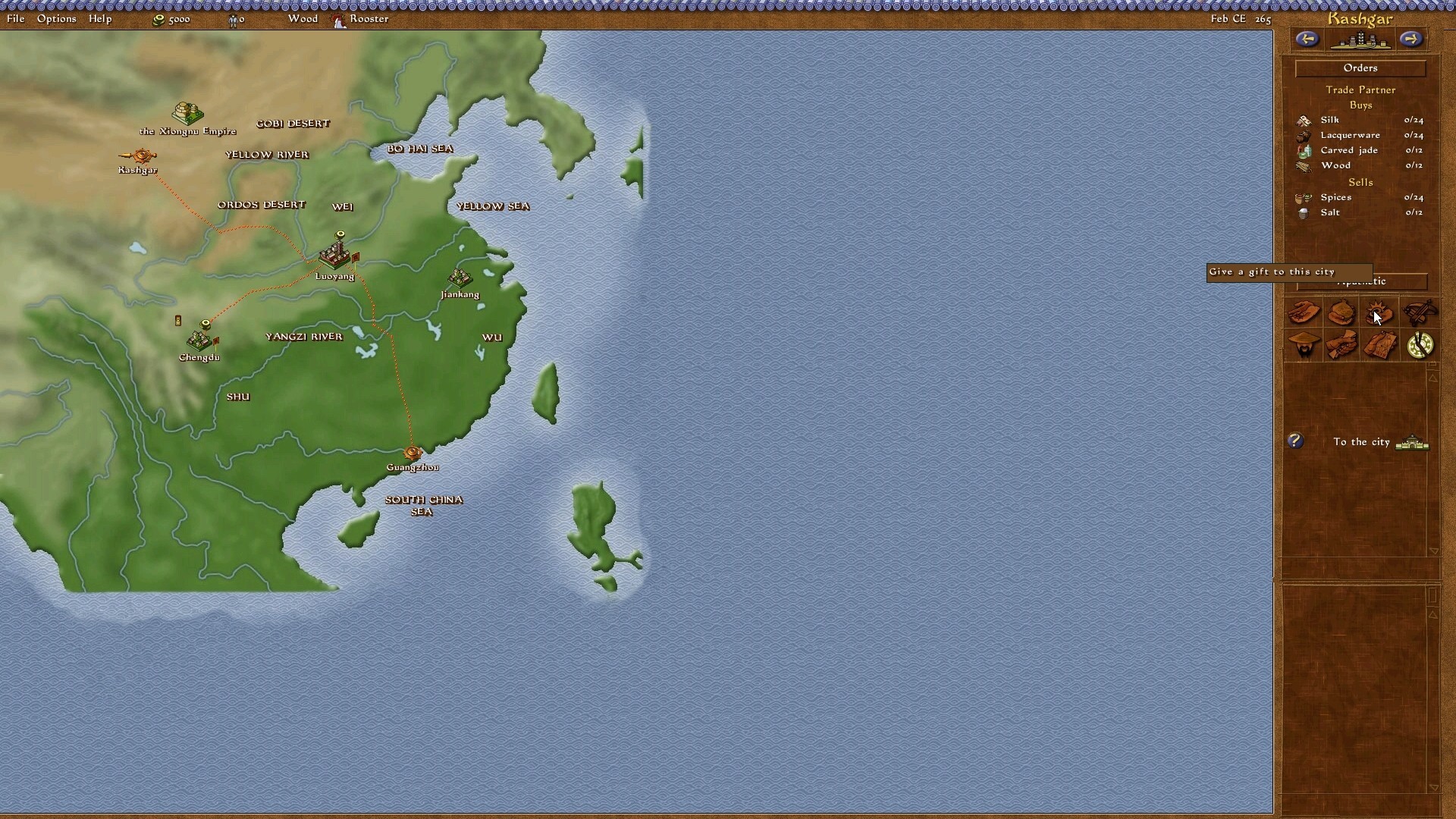
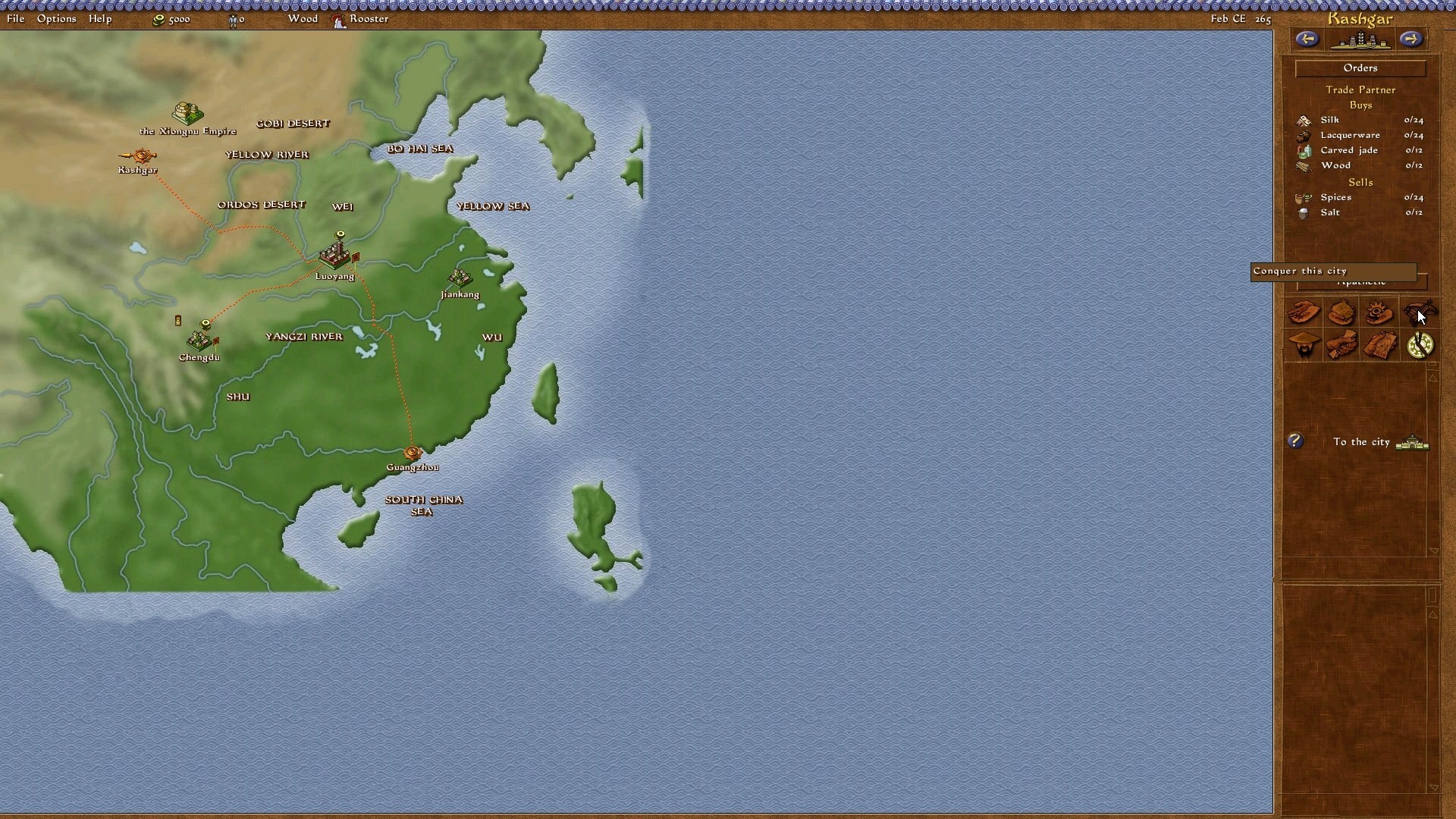
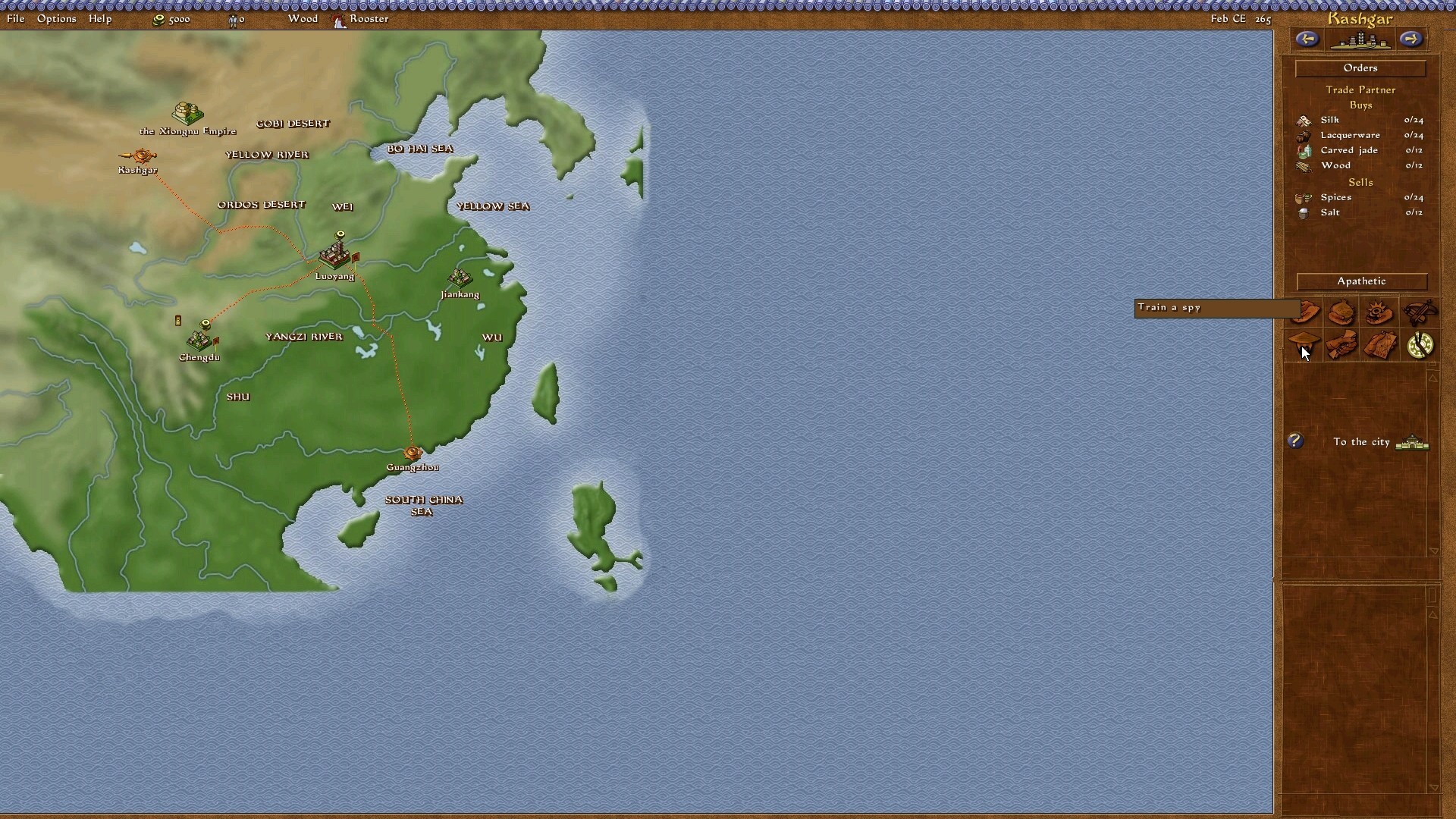
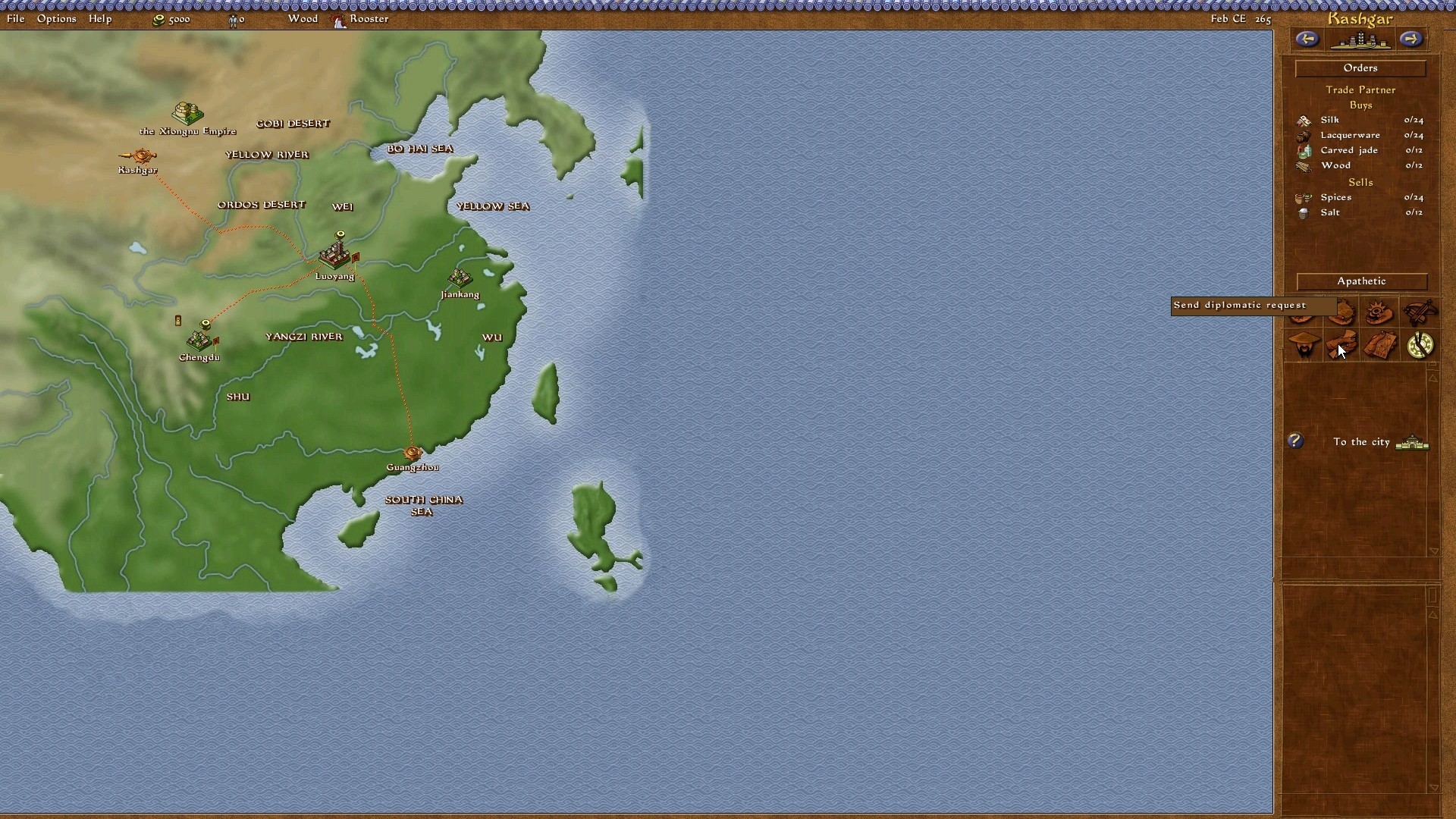
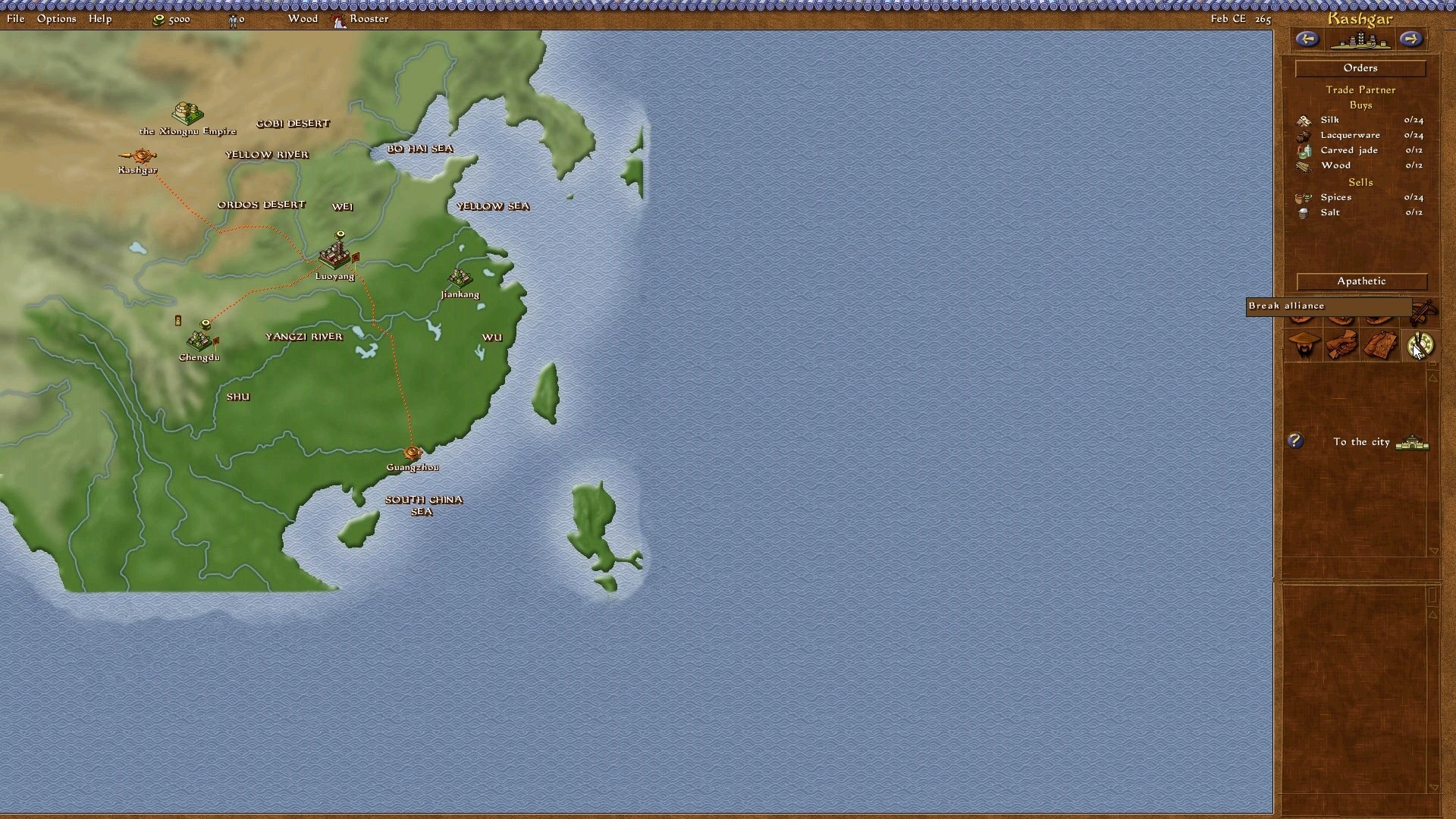
There are some issues however, namely the buttons for diplomatic responses are messed up. They are in the wrong place. For instance, the "permit" diplomatic button is in the place where "execute" is meant to be. Plus they have the wrong names anyway.
There are some issues however, namely the buttons for diplomatic responses are messed up. They are in the wrong place. For instance, the "permit" diplomatic button is in the place where "execute" is meant to be. Plus they have the wrong names anyway.
The single scenarios or open game not run in the patch -the campaign works good- This is normal in the cracked no-cd exes of the game that i find on internet. The original exe of updated emperor 1.0.1.0 only require CD, but the cracked exes are no-cd and fail to load single escenarios...
Los escenarios sueltos o partida abierta no funciona -la campaña funciona bien-. Esto es normal en los exes no-cd crackeados del juego que circulan por internet. El exe original del emperador 1.0.1.0 solo requiere el CD, pero los exes crackeados son no-cd y fallan al cargar los escenarios sueltos...
Sorry for my poor english, I'm spanish. I dont know if this problem is only present on spanish version, but your patched widescreen exe run very well on my spanish version of the game, except for the problem in thesingle scenarios.
Perdonad mi pobre inglés. Soy español. No tengo conocimiento de si este problema se presenta únicamente en la versión española, pero tu exe parcheado para pantalla panorámica funciona perfectamente en mi versión española del juego, exceptuando el problema en los escenarios sueltos.
This is a great job. Thanks for all. De todas formas es un gran trabajo. Gracias por todo.
There are some issues however, namely the buttons for diplomatic responses are messed up. They are in the wrong place. For instance, the "permit" diplomatic button is in the place where "execute" is meant to be. Plus they have the wrong names anyway.
Hello. I've a little problem with this mod. The widescreen is working great BUT I think u changed something with the encoding or its different in my executable. I've a polish language version of the game and there are missing characters from polish alphabet. Could you please take a look into it?
Just wanted to let you know that when I click on the widescreen patch I get a big red screen saying that google found a threat and i can't actually download the thing.
No idea if it's just me, but thought you might want to know.
It´s the same for me, I always get a red screen. It´s telling me it´s to dangerous to download the file and nothing happens then. Can´t download it! Pls fix it soon.
Hope this thread is not dead. First off all, GREAT JOB! It's working. But...Free Play option (don't remember in game name) is "unclickable" Clicking it backs You to the previous menu. But there is more!I guess you used standard Eng fonts (that's all right, I understand it) but it generates problem. The problem is, lack of my native fonts (Yeah, I'm from Poland, and as I see there is another guy with same problem), I seriously don't want to play Eng version, due to great Polish Localization. So putting it all together, first problem may occur due to me not installing patch first,but solving of second One is all up to You (and Your mercy ^^), is there ANY option for You to make another version of Your patch ? If You need any file I can send it to You. Hope You will answer.
"But...Free Play option (don't remember in game name) is "unclickable" Clicking it backs You to the previous menu." - I got same problem as you, but there is a workaround!
1. copy the original *exe again 2. start the original 4:3 Version 3. create a Free Play map and save once your ingame 4. copy the widescreen *exe agian 5. enjoy the game in 16:9
I wrote that script, because it´s quite annoying if you want to play a random game
edit: ups, i wrote a second script with the option: unpatch but this is the old one here, I will upload it soon as possible
First off, it's awesome to see this game supported like this all these years later. I've always thought it was the best of the city builders, but yesterday when I dug out my copy to play again the tiny resolution made feel like my eyeballs were being squeezed in a vice.
I'm having trouble with the widescreen patch. I copied the .exe and DATA file as instructed, and made sure my game version is the patched 1.0.1
When I launch the game it defaults to the smallest resolution possible no matter which resolution I use. When I use 1980x1020 (native monitor resolution) the game crashes when I load to a mission screen. All the others just stay stuck at 640x480. Sometimes the option bar at the top of the screen displays a sky pattern texture from the global map, othertimes not.
I can't for the life of me figure out what's going on. This seems like it should be a very simple process. I've reinstalled four times and get the same issue every time.
Note that I have a later edition of the game from Sold Out games (still on CD) that comes with the patch pre-installed. Maybe there's a setting in a config file that's conflicting?
Ok quick update: I was able to get the resolution working. For anyone running into the same problem, you have to load a mission and then set the display option to the highest resolution. It will then default to the widescreen setting you installed. I don't think I ever saw that instruction anywhere.
So probably a silly question but isn't there a way to make it work in other AR like 21:9? I would literally kill or pay for it, whichever someone chooses if it can be done
But as I understand it's hardcoded right? Thx for info.
Eva wrote:It´s the same for me, I always get a red screen. It´s telling me it´s to dangerous to download the file and nothing happens then. Can´t download it! Pls fix it soon.
Pls ppl watch out carefully, there is also in chrome a button that says: more details and there u can still download even if there is a red screen. Its just like a warning. The file is still there like it was all the time.
Hey, I know this thread is was pretty much absent for a long time but I've been having trouble getting this to work.
I have the GOG version of Emperor and I have no idea if that has any effect on whether or not the widescreen fix works for this version.
Anyhow, I downloaded emperor.7z and extracted 11 folders, each with their respective resolution number. So I chose one that fit my aspect ratio, 16:9.
What I did to "install" the widescreen patch was to copy the files from the respective resolution folder to the Emperor installation directory.
I backed up the original emperor.exe and stored it away, outside of the installation directory and I backed up the original DATA folder as well and put it outside of the installation directory.
However, when I started up the game, nothing seemed to change except for the menu screen. The menu screen was now black.
I also noticed that when I ran the game, the .exe would try to resize itself many many many many times. I *did* try to change the resolution from the display menu to the highest option (only 3 options, 2 of which are resolution options) and it did not change a thing.
Please help me? Also, regarding the earlier .cmd program, it doesn't work unless the installation directory has no spaces in its name. For example: I chose 3 directories. 1. D:\GOG Games\Emperor - Rise of the Middle Kingdom 2. C:\Program Files (x86)\Sierra\EmperorROTMK 3. C:\Sierra\EmperorROTMK
Of these 3, the .cmd only ran the last directory. For all others, the .cmd failed to read the directory.
Also, for some reason, there are times when I tried to change the resolution from 800x600 to 1024x768 (in the display menu so the purpose was to change from 4:3 to 16:9) and what happened was that the screen just went completely black. It had a mouse and I could hear my mouse clicks having some sort of interaction but it was just completely black.
Again, its been a while but I can't seem to get it to work. I don't think I'm the only person who couldn't get the widescreen fix to work.
Edit: I also noticed that when I ran the game with administrator, the game just turns completely black when I try to run it in 1024x768.
When I ran it using a specific gpu (I have 2), I end up with a 1024x768 resolution but can't go any higher.
This patch works great for the English version of the game. Thank you very much for providing it. However, there's a little but pretty annoying problem in the Polish version of the game. The Polish diacritical signs are not displayed correctly. For example: ą isn't displayed at all ę is displayed as ł ś is displayed as Ą ć is displayed as ń I didn't capure all the Polish chars which are żółćęśąźńŻÓŁĆĘŚĄŹŃ. Is there a way to fix this? I coldn't send the original Polish EXE as an attachment so I've uploaded it here: (links removed) I know there are some exes for Polish version available but unfortunately there are meant for resolutions that are not supported by my display. I also tried to play around with exes with Reource Hacker but it didn't work.