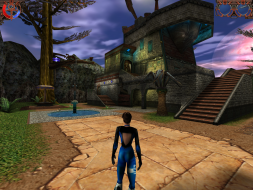
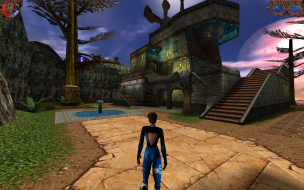
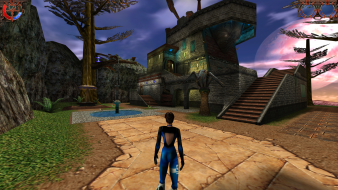
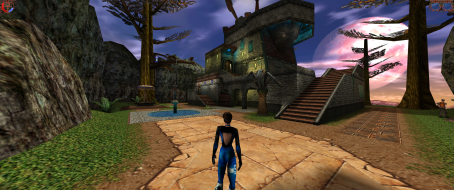
Heavy Metal: F.A.K.K.² is a third-person shooter video game made by Ritual Entertainment in 2000. A sequel to the Heavy Metal 2000 animated movie, the game stars Julie in her quest to save her home planet of Eden from GITH, an ancient entity seeking to conquer the universe. Using a variety of weapons, Julie must now fight off GITH's forces while at the same time uncovering a secret hidden deep within the planet.
Cutscenes uses multiple values - i found one in OFFSET 562A0 --> look for 00 00 B4 42. Change it to 00 00 F4 42 to see the difference and start a NEW Game (since the Savegames stores the old FOV Value).
czarman wrote:Cutscenes uses multiple values - i found one in OFFSET 562A0 --> look for 00 00 B4 42. Change it to 00 00 F4 42 to see the difference and start a NEW Game (since the Savegames stores the old FOV Value).
I will check it out.
Also, if you open the pak0.pk3 archive there is a folder called "cams" with FOV values for some scenes. If I knew the default value used maybe I could make a little program that adds that value in the camera definition where it isn't present, then multiply all the FOV values by a given factor.
Edit: It seems changing the "cams" files seems to work, and if I set my PC date before my last save when editing the files, I don't even have to restart the game. I just need that default value now.
Never mind. My method actually doesn't work, the scene starts with the old FOV then suddenly jumps to my new FOV only at the end of the shot. Your hex edit method seems to work for the intro, but already in the next scene it's back to old. Tried doing both, but that didn't help. Also there are some FOV values in the map folder in .scr files, it's a mess
Sorry for the triple post, but I just want to confirm the new fix by jackfuste works and cut-scenes are now hor+, so people know the previous discussion was about the old fix. You also do NOT have to start a new game, old saves work.