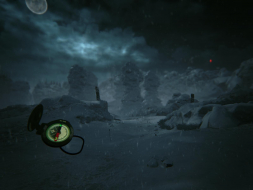
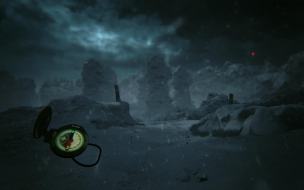
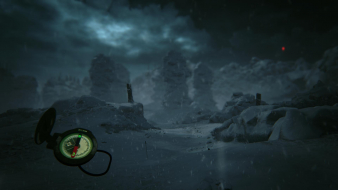
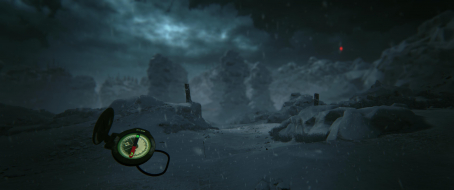
Investigate the deaths of nine students on an expedition in the Ural in 1959. Armed with a list of coordinates, use your map and compass to reach haunted landmarks - and your ears to locate clues along the way. A chilly adventure with a shroud of mystery, a hint of danger and a lot of hiking.
Hi. Just downloaded the Steam version of this game today as it was 60% off. I've previously checked WSGF to ensure that it has some kind of triple monitor support. Unfortunately with the current build, with a Surround setup, the suggested fixes still leave you with an unusable map and compass that is off-screen. On the steam version, the two .ini files are located here: C:\Program Files (x86)\Steam\steamapps\common\KHOLAT\Kholat\Intermediate\Config\CoalescedSourceConfigs
Both the Game.ini and GameUserSettings.ini files would be over-written if I modified them. From other comments on Steam Community it looks like a common issue.