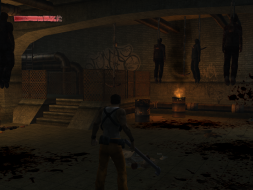
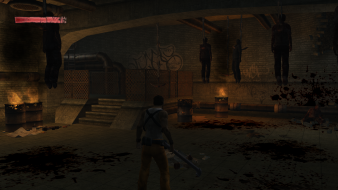
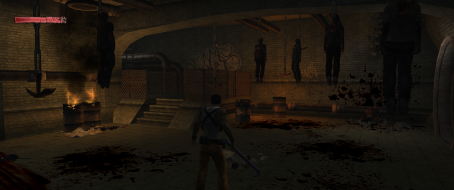
The Suffering: Ties That Bind is the sequel to The Suffering, and picks up after the ending of that game. Players who have a game save of the different endings of The Suffering can decide with which morality to start with, starting with a different morality changes the dialogue and intro of the game. Ties That Bind features a number of gameplay changes from the original The Suffering.
The player can no longer carry around xombium bottles to refill their health whenever they need to, and instead must rely on stationary pickups located throughout the level. When critically injured, the player may also heal a very small percentage of their health by hiding from the immediate battle to recover. The player is also now limited to only carrying two weapons at a time, which now adds a sense of strategy to the gameplay.
This fix not working for me, when I overwrites files and try launch game i see message No disc detected in the drive, insert disc and click OK, or click Exit.... Game is original, widescreen fix for Suffering 1 works fine (v.1.1), Ties than bind version is 1.0. I lost the CD and I do not know what to do. I have Polish version of game. Windows 10 x64.
This fix not working for me, when I overwrites files and try launch game i see message No disc detected in the drive, insert disc and click OK, or click Exit.... Game is original, widescreen fix for Suffering 1 works fine (v.1.1), Ties than bind version is 1.0. I lost the CD and I do not know what to do. I have Polish version of game. Windows 10 x64.
Hi, this also not working for me. In the menu I have higher resolution (1366x768), but still have black stripes on the sides and resolution of 1024x768. This fix does not work in the first part of the game and the second one (Ties than Bind). I run the game as Administrator with XP SP3 compatibility.
Hi, this also not working for me. In the menu I have higher resolution (1366x768), but still have black stripes on the sides and resolution of 1024x768. This fix does not work in the first part of the game and the second one (Ties than Bind). I run the game as Administrator with XP SP3 compatibility.
If you prefer to play the game in first person, when you save, quit and load that save, the view will be in Vert-. You have to switch to third person and back again to get Hor+ to work.