
Features:
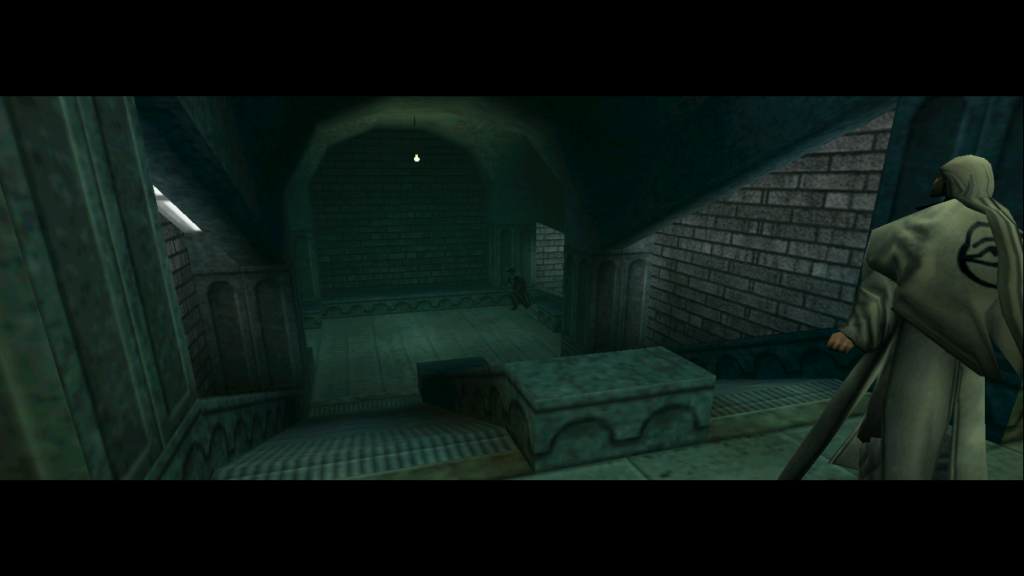
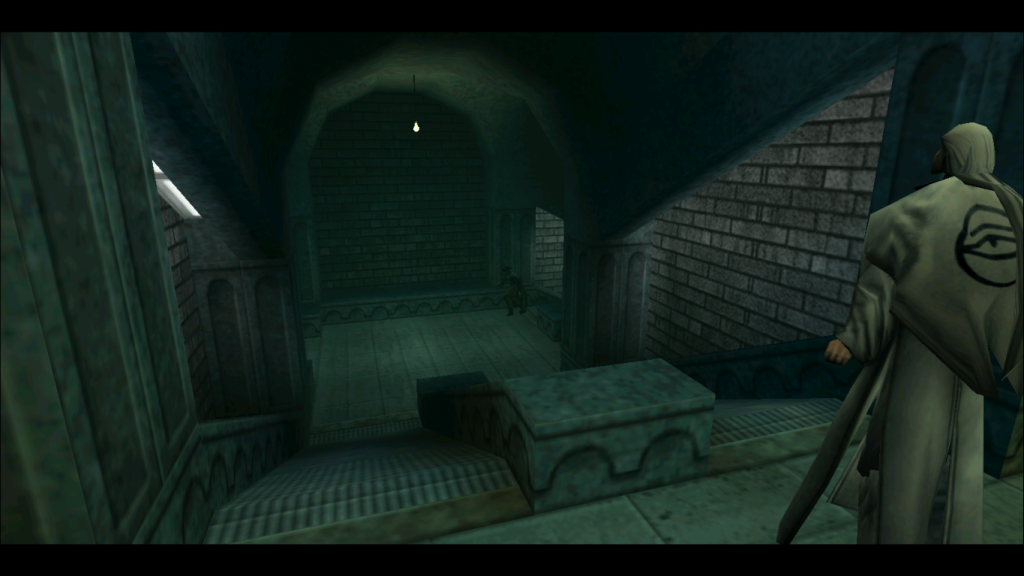
-The FOV is Hor+ (the larger the aspect ratio, the more is seen) and can also be set manually.
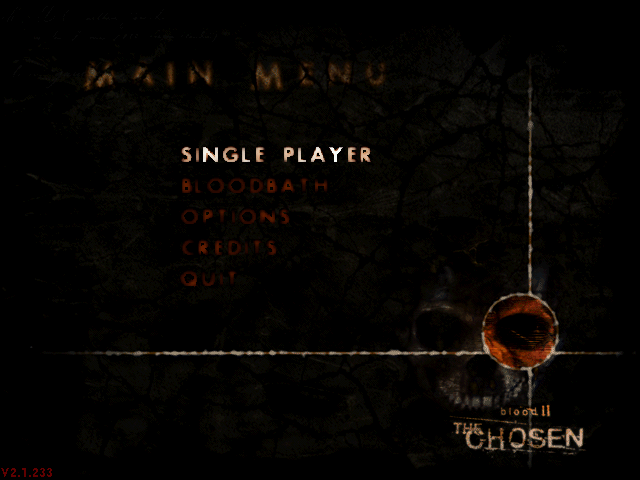
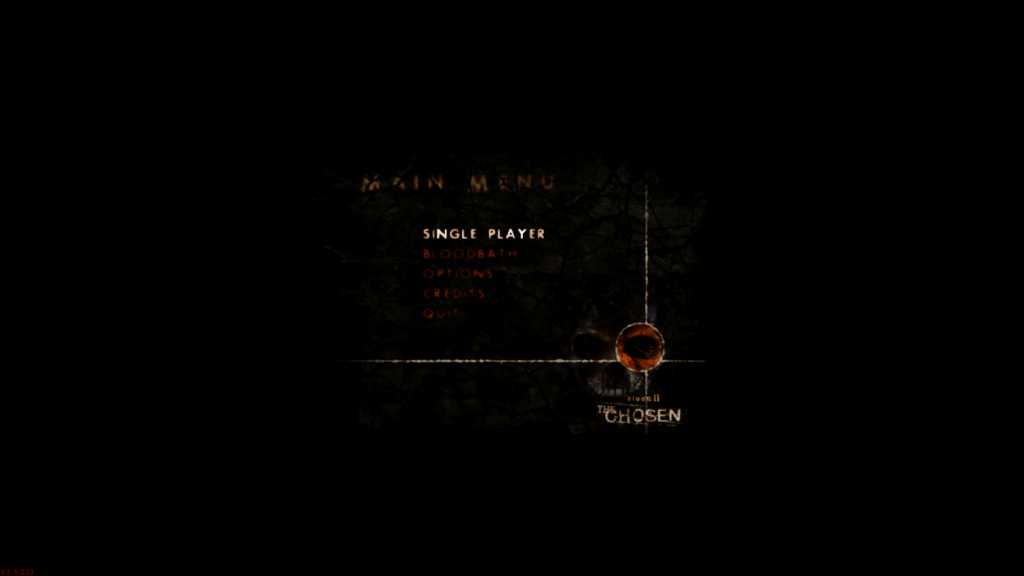
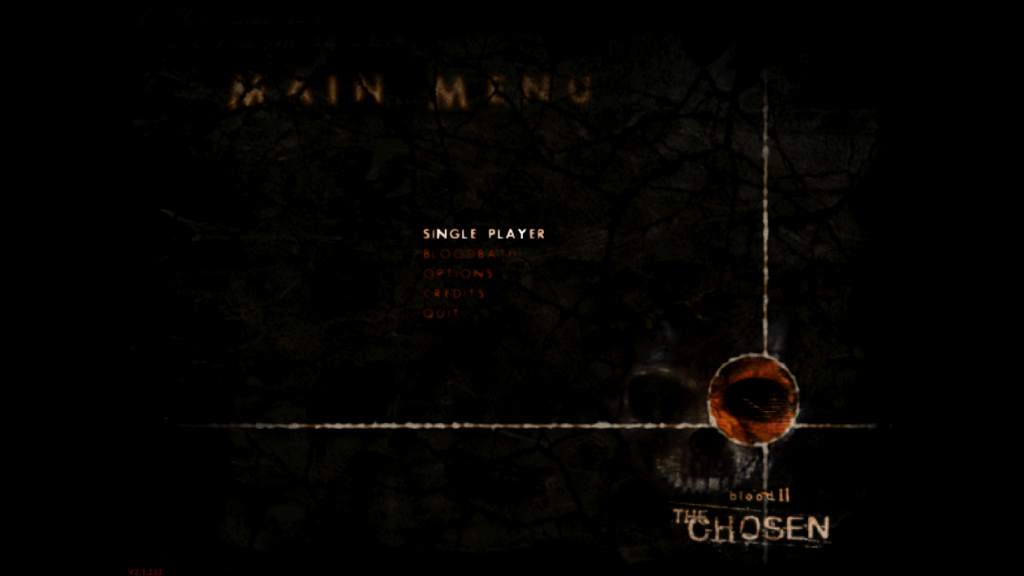
-The menu backgrounds, loadingscreens and splashscreen scale correctly and dont stretch.
-The crosshairs scale with the screen resolution.
-The cutscenes are anamorphic (they zoom in so that the original aspect is kept).
Installation:
1. Put the "WidescreenPatch.rez" and "WidescreenPatchNm.rez" files in the "Custom" folder in the
Blood 2 Installation directory.
2. Run the launcher, click on "Display", choose your resolution and click "OK".
3. Click on "Customize", select either "WidescreenPatch.rez" for Blood 2 or "WidescreenPatchNm.rez
for the Nightmare Levels and "and click on "Add". Whenever you enable and disable the Nightmare Levels
you have to add the right patch and remove the other one.
4. Make sure that "Always load these rez files" is enabled and click "OK".
5. If you want to set the horizontal FOV to another value:
1. Click on "Advanced".
2. Write „+FovX "value"„ in the command line field (without the outer quotes).
3. Make sure that "Always pass these command-line parameters" is checked.
6. Click "OK" and start the game.
Enjoy the game!
Known Problems:
Spoiler:
Download from here
Feedback would be appreciated.
Comparisons:
Spoiler:
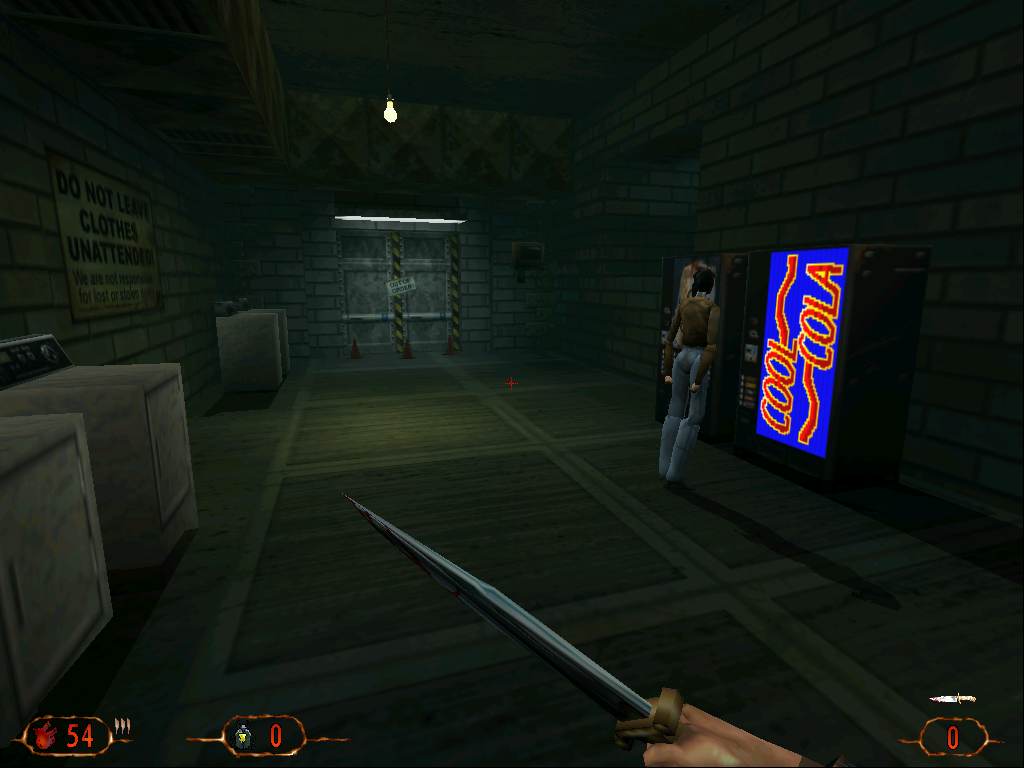
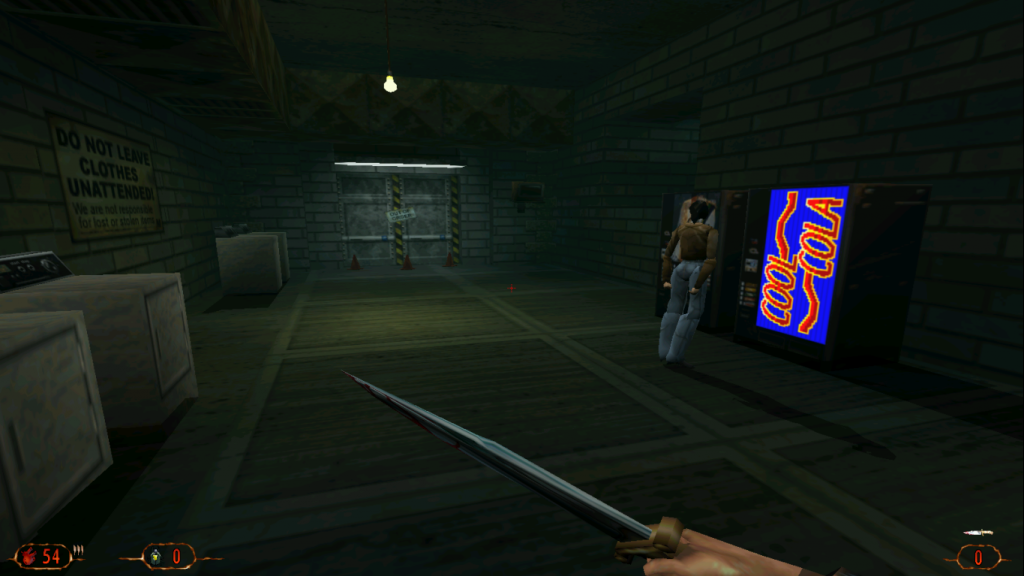
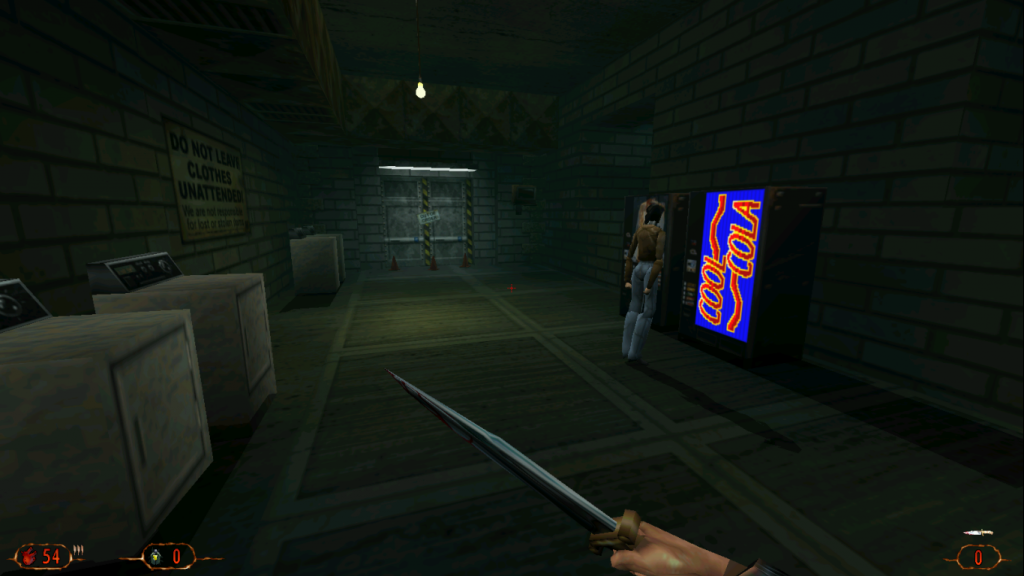
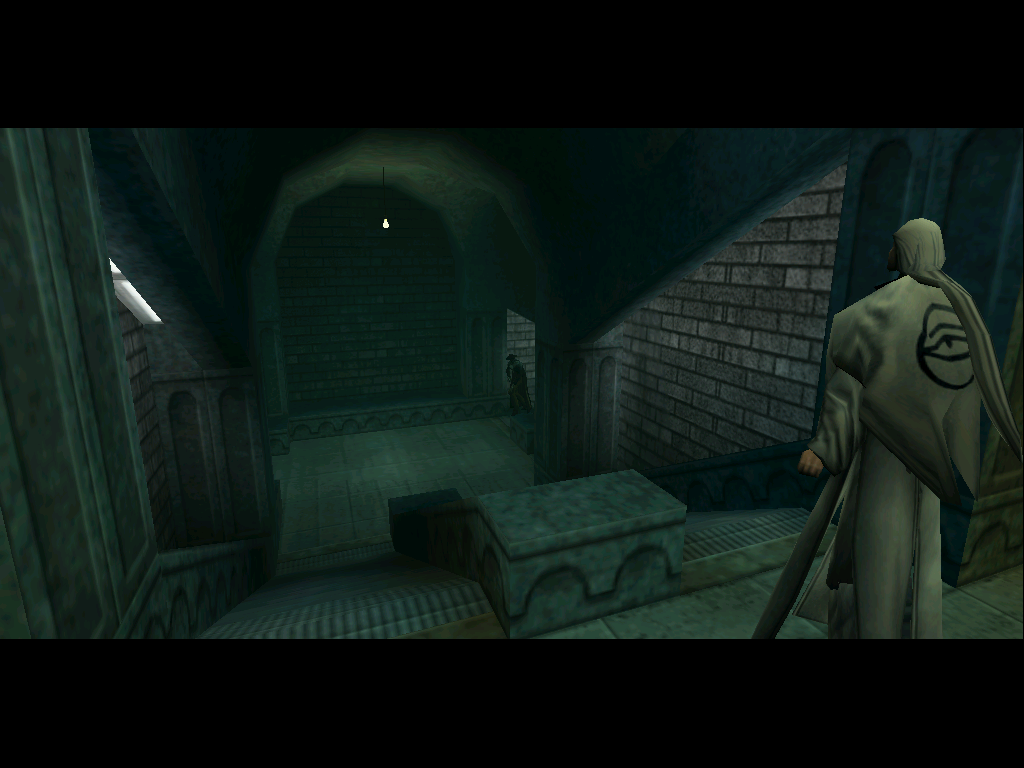
Edit:
There was a problem with the FOV when using the alternative fire of the orb weapon. I fixed it now.


