Blood II - The Chosen Widescreen patch

Topics about game solutions, and success or failure in getting them to work.
Post Reply
Wobak
Posts: 24
Joined: 02 Jan 2014, 18:04

Blood II - The Chosen Widescreen patch

Post by Wobak »

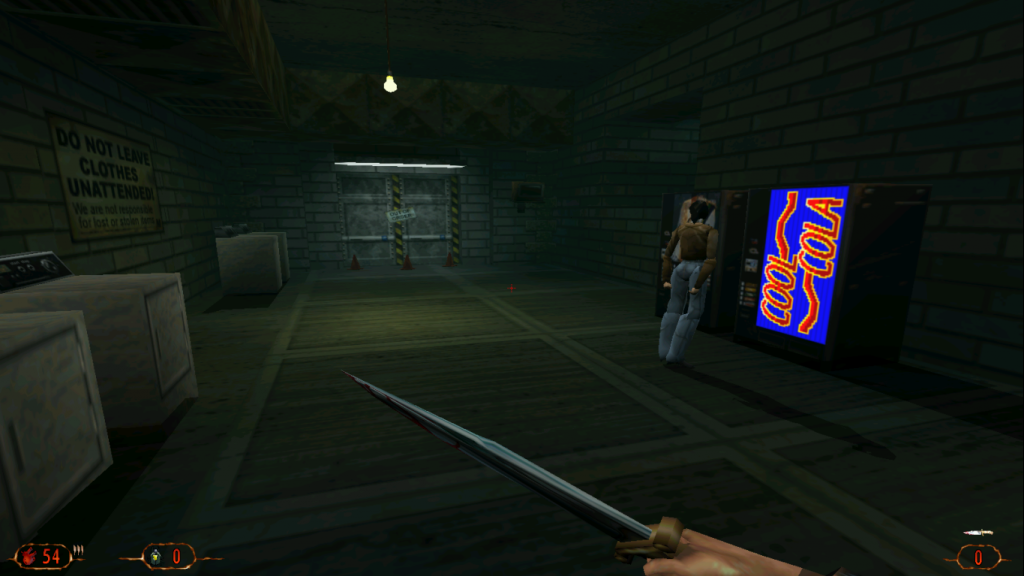
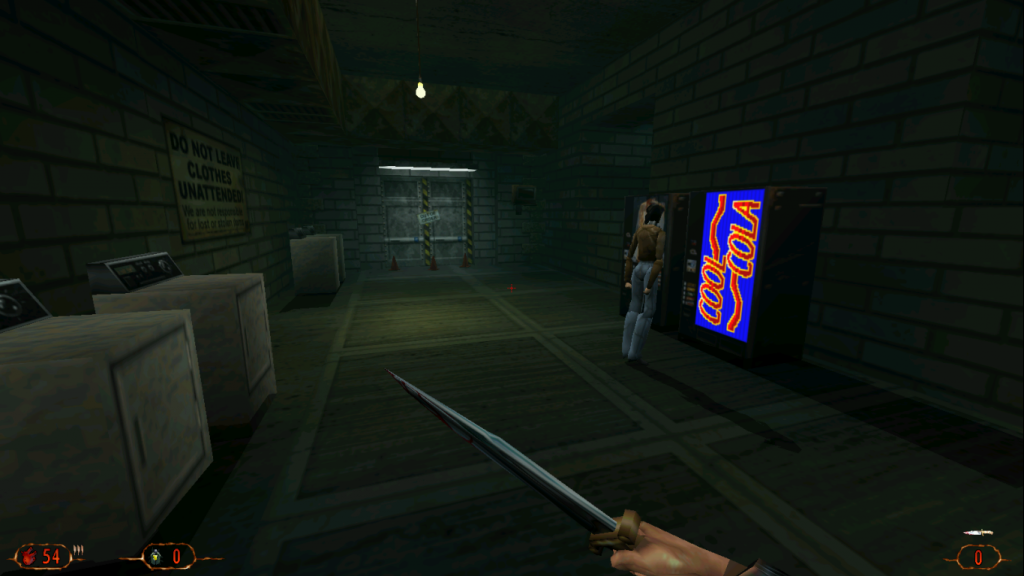
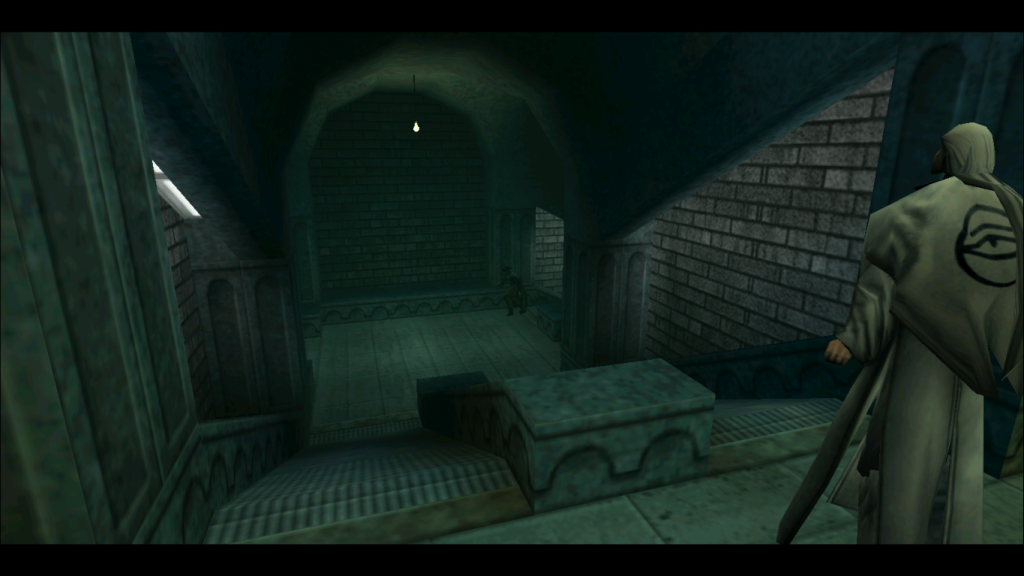
Here is another lithtech widescreen patch, this time for Blood 2.

Features:
-The FOV is Hor+ (the larger the aspect ratio, the more is seen) and can also be set manually.
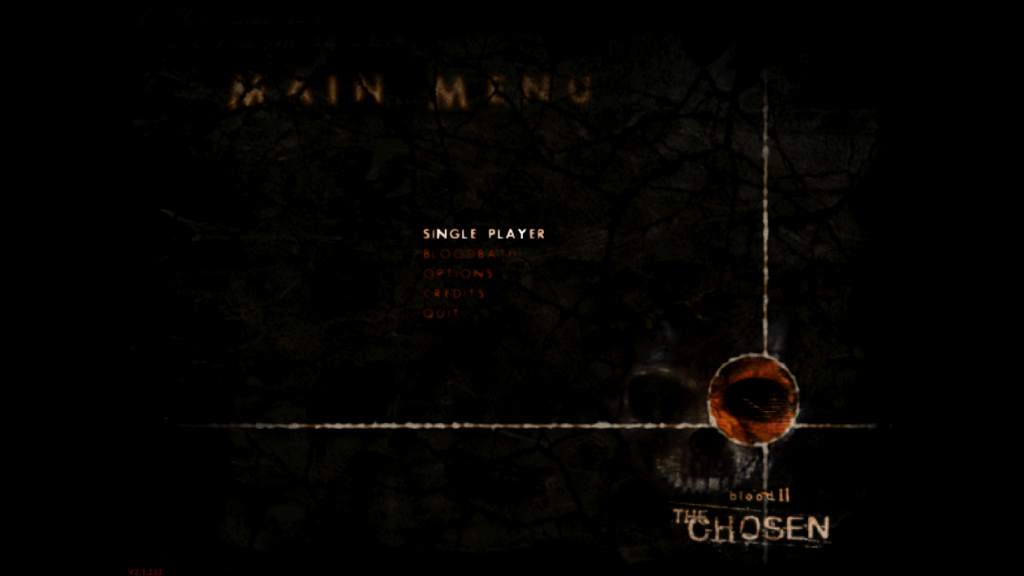
-The menu backgrounds, loadingscreens and splashscreen scale correctly and dont stretch.
-The crosshairs scale with the screen resolution.
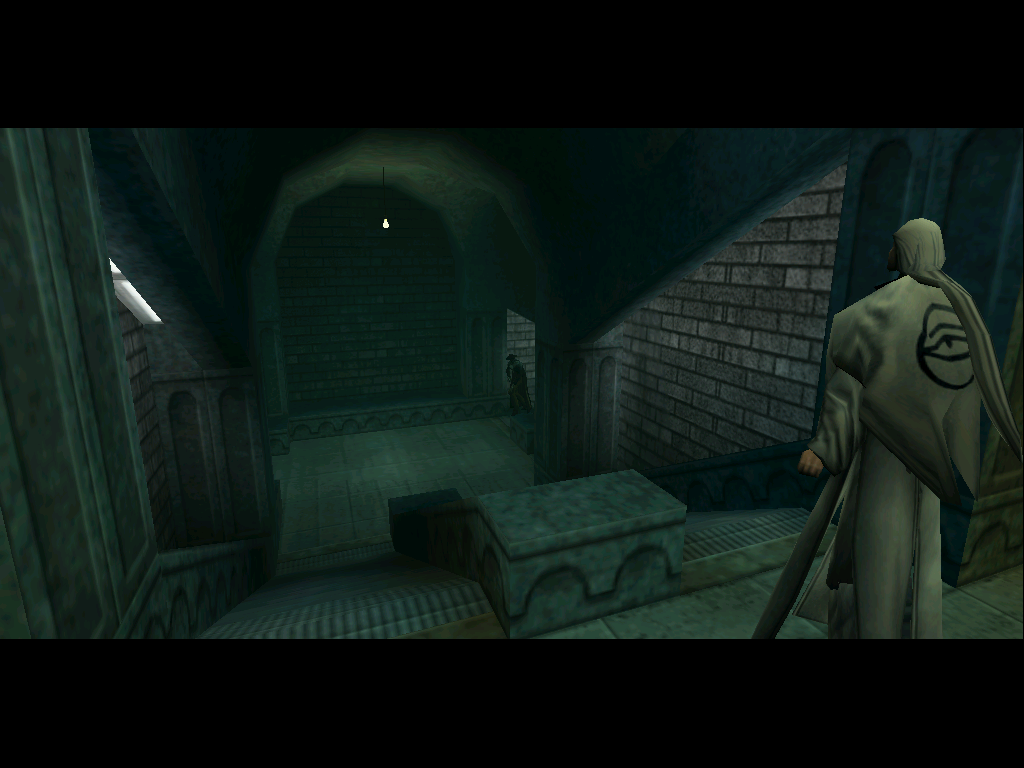
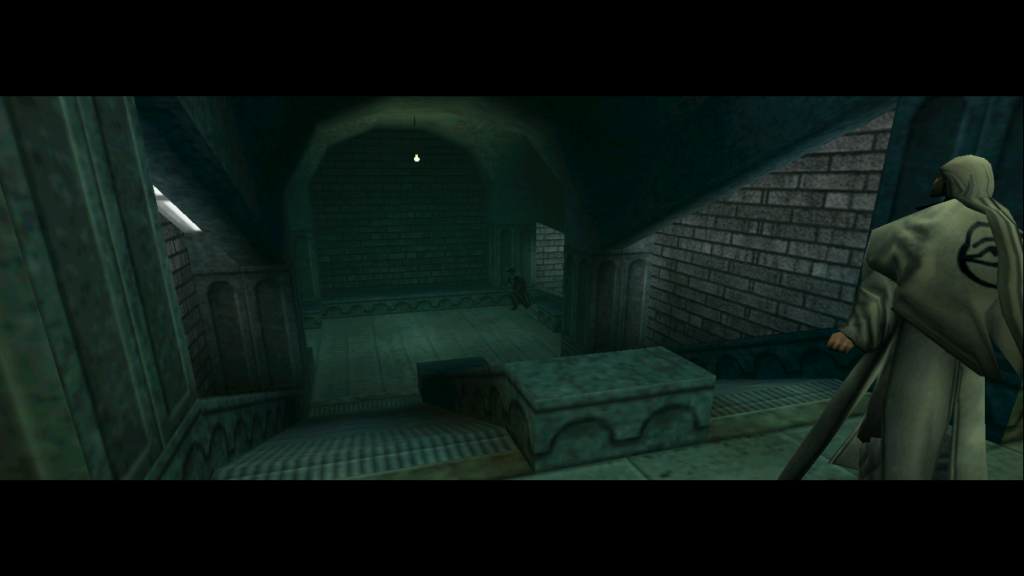
-The cutscenes are anamorphic (they zoom in so that the original aspect is kept).

Installation:
1. Put the "WidescreenPatch.rez" and "WidescreenPatchNm.rez" files in the "Custom" folder in the
Blood 2 Installation directory.
2. Run the launcher, click on "Display", choose your resolution and click "OK".
3. Click on "Customize", select either "WidescreenPatch.rez" for Blood 2 or "WidescreenPatchNm.rez
for the Nightmare Levels and "and click on "Add". Whenever you enable and disable the Nightmare Levels
you have to add the right patch and remove the other one.
4. Make sure that "Always load these rez files" is enabled and click "OK".
5. If you want to set the horizontal FOV to another value:
1. Click on "Advanced".
2. Write „+FovX "value"„ in the command line field (without the outer quotes).
3. Make sure that "Always pass these command-line parameters" is checked.
6. Click "OK" and start the game.
Enjoy the game!

Known Problems:
Spoiler:
-The menu items dont scale. It is impossible to scale them because they are drawn directly to the screen,
unlike the bitmaps.
-The character creator looks weird. This is because the menu is a mix of background elements which have
been scaled properly and control elements that cant be scaled.


Download from here

Feedback would be appreciated.

Comparisons:
Spoiler:
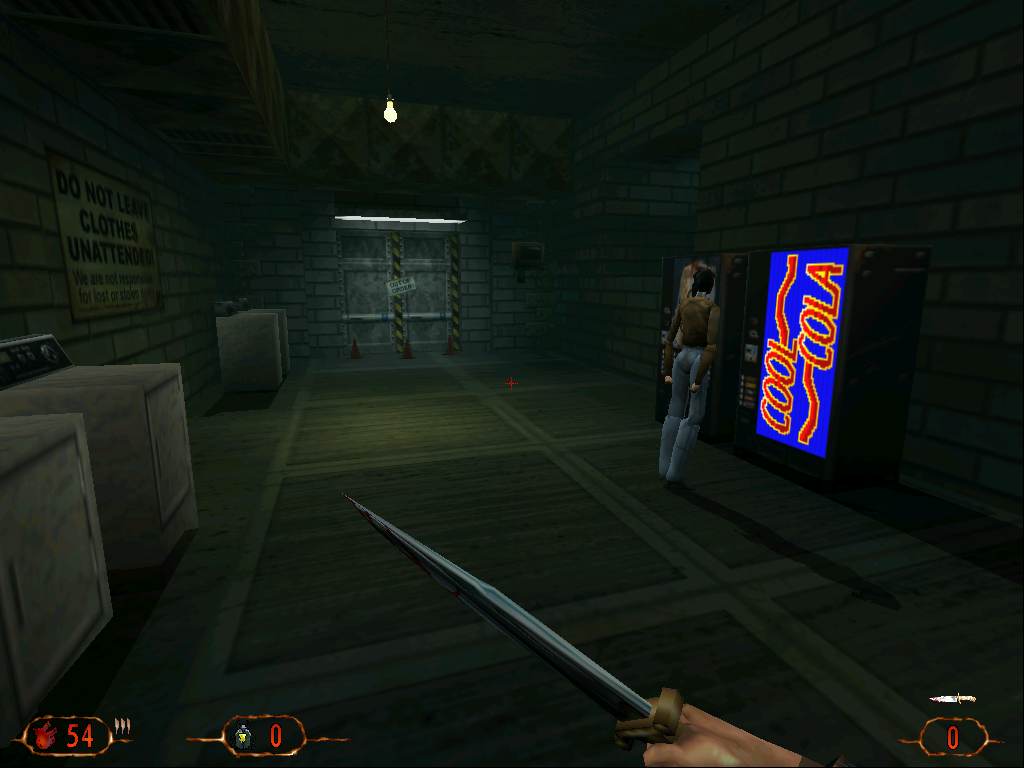
First person:
4x3:
Image

16x9 original:
Image
16x9 patched:
Image


Cutscene:
4x3:
Image

16x9 original:
Image

16x9 patched:
Image


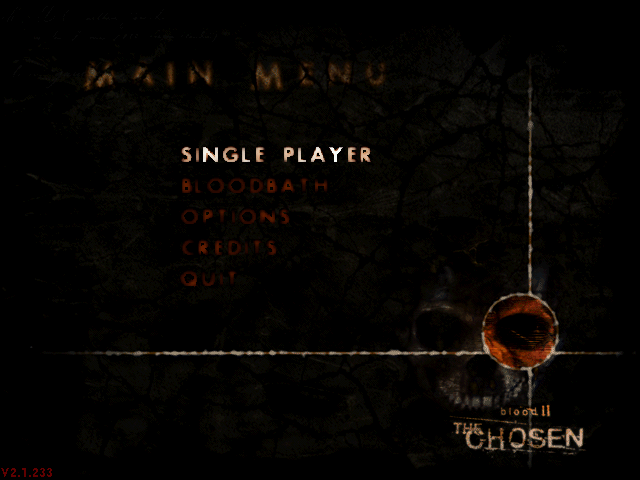
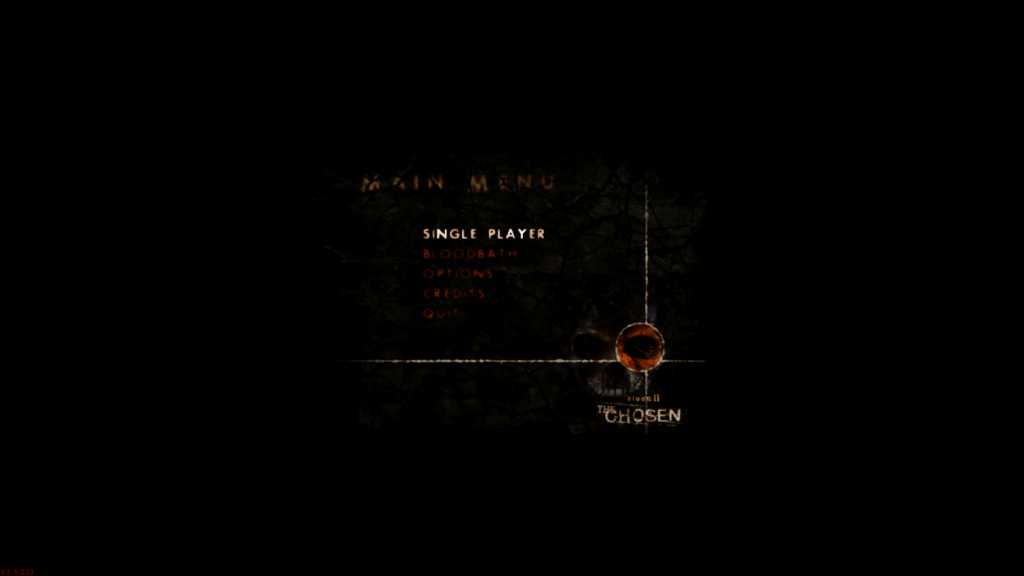
Menu:
640x480:
Image

1600x900 original:
Image

1600x900 patched:
Image


Edit:
There was a problem with the FOV when using the alternative fire of the orb weapon. I fixed it now.

User avatar
czarman
Insiders
Insiders
Posts: 685
Joined: 11 Dec 2008, 23:51
Location: Germany

Re: Blood II - The Chosen Widescreen patch

Post by czarman »

Hi,

the fix doesn't work for me at all. I have the GOG Version of Blood2 installed it on Win7 and Win8. The Game normally runs without any Problems till 1280x960.

If i put the REZ File like in your desc. and choose any Resolution in the over 1280 the Game crashes "Client MFC App. crashed...."

If i start the Game and change the Resolution afterwards (in the Game) then i can go up till 1920x1440 (never the max Resolution 2560x1440) but after reloading Game or Level change Game crashed again (Client MFC App......).

Same thing goes for SHOGO....... :(
CZARMAN aka 彼得爸爸
Wobak
Posts: 24
Joined: 02 Jan 2014, 18:04

Re: Blood II - The Chosen Widescreen patch

Post by Wobak »

Hello, the patch is not meant to fix the crashes, it only removes the startching when playing in widescreen aspect ratios. Fixing the crashes would require hacking the exe or the renderer and I have no idea how to do that.
User avatar
czarman
Insiders
Insiders
Posts: 685
Joined: 11 Dec 2008, 23:51
Location: Germany

Re: Blood II - The Chosen Widescreen patch

Post by czarman »

I finally found a Solutions for all the Crashes - thanks a lot Wobak -> http://www.wsgf.org/forums/viewtopic.php?f=95&t=28026
CZARMAN aka 彼得爸爸
Post Reply

Who is online

Users browsing this forum: No registered users and 12 guests