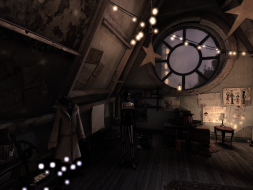
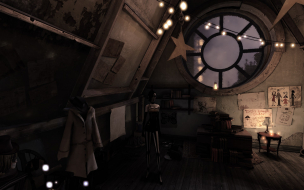
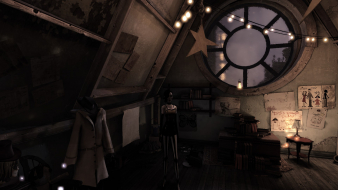
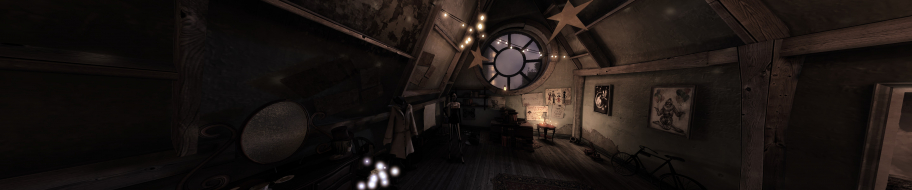
CONTRAST is a puzzle/platform game where you can move between a fantastic 3D world and a mysterious shadowy universe in 2D in the blink of an eye. Delve into a dreamlike and surreal 1920s world, inspired by the performance art world of vaudeville and film noir, and cradled by a smooth and sultry jazz ambiance.
Toothless Spoon wrote:Mate I can't get your fov fix to work - did you have to try it a few times? When I looked at it, I could only change the aspect ratio from X to Y.
So when you press L while in game nothing happens? To be honest it really just worked for me. Maybe someone else here owns the game and can confirm whether it works or if I just got lucky.
Toothless Spoon wrote:Mate I can't get your fov fix to work - did you have to try it a few times? When I looked at it, I could only change the aspect ratio from X to Y.
So when you press L while in game nothing happens? To be honest it really just worked for me. Maybe someone else here owns the game and can confirm whether it works or if I just got lucky.
Cheers - Revy
Yeah man, I press L or F10, whatever I assign it to and nothing happens. You didnt change anything else? The only thing that works for me is changing the aspect ration from X to Y.
EDIT: Yeah I keep trying but no success. I've found that in the newer games that use unreal - Batman: Origins, contrast etc the older tweaks for the engine don't work as well. When I try to disable the intro movies - it works, but when you get in-game you get a black screen. Also the fov bindings tweak hasn't worked for me on this game or batman.
起死回生(kishi kaisei)Wake from death and return to life..
Just wanted to let you know that HaYDeN has released a plugin for Contrast with the latest Flawless Widescreen version. This should solve all the problems, like pillarboxing, HUD elements and FOV. (Get it here: http://www.flawlesswidescreen.org/)
So I'd strongly advise everyone to use it if you want to play Contrast with a MM setup.