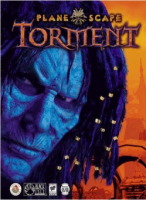
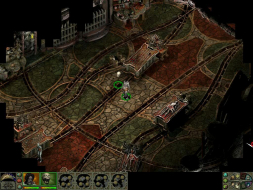
Planescape: Torment is a top-down RPG made by Black Isle Studios (closed in 2003) and released in 1999. This game focuses more on the story telling (the 'role playing' part of RPG) than fighting. It has some really nice and funny dialogs delivered in both voice and text. You can avoid many combat situation by talking your way out of it. Which is pretty nice. The game received very high review scores but didn't sell too well. I was hoping for a sequel after I played through it the first time on my old junky computer way back when. Alas, I remember reading an interview where Black Isle said they don't want to spend time making a sequel of the same game but instead work on new game. But PT is so good. It desperately needs a modern day sequel. If not, then maybe a spiritual successor ala Bioshock to System Shock?
I registered here just to ask why, if Fallout 1/2 was made with the same engine, and the widescreen/hi-res mods for those games give you full screen cutscenes, why do none of the PS:T widescreen/hi-res mods give us full screen PS:T cutscenes?
The moment you even go to just 800x600 you get the cutscenes as a window 1/3 the size of the screen!
Why can't I have a 1024x768 game screen with stretched cutscenes, or whatever method is used in the Fallout 1/2 widescreen/hi-res mods? Because that's what I get when I play fallout 1/2!
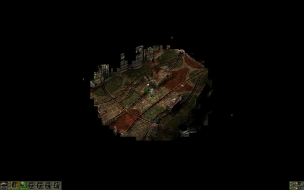
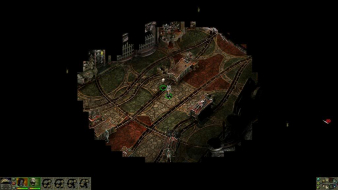
For those ATI users who have problems with getting real fullscreen with native aspect rate resultions lower than monitor's maximum (i.e. for ex. your monitor's native resolution is 1920x1080 and you want 1280x720) instead of getting large black borders around the centered picture:
1. Using CCC v13+ go to "My Digital Flat Panels", select the Properties (Digital Flat-Panel) menu and in the appeared screen tick the "Enable GPU scaling" checkbox under the "Image Scaling" section:
Btw, this applies for all Infinity Engine full screen mods.