
Tomb Raider: Underworld

The third Tomb Raider game since Crystal Dynamics took over the series, Tomb Raider: Underword continues from the story line started in Tomb Raider: Legend where it was revealed that Lara's mother may not be dead, but rather trapped in the mythical realm of Avalon (from the King Arthur legend). For the uninitiated, the Tomb Raider series is about lady adventurer Lara Croft, who is intelligent, athletic, infatuated with ancient history, and distractingly busty! The gameplay largely revolves around environmental puzzles (navigating various ledges and jumps) and mechanical puzzles (gears, switches, crate pushing) in fantastical ancient ruins and, in recent games, more typical present day locations. Combat is a part of the game as well and Lara uses her iconic dual pistols to fend off both human and exotic animal foes.

Support Summary

Widescreen
Ultra/Super‑Wide
Multi-Monitor
4K Ultra HD
Support
Method
HUD
Cutscenes
FMVs

Game Information

Game Status:Released
Release Date:
Tested Version:Demo, Retail PL
Play Styles:Single-Player
Setting:Modern

Screenshots Comparison

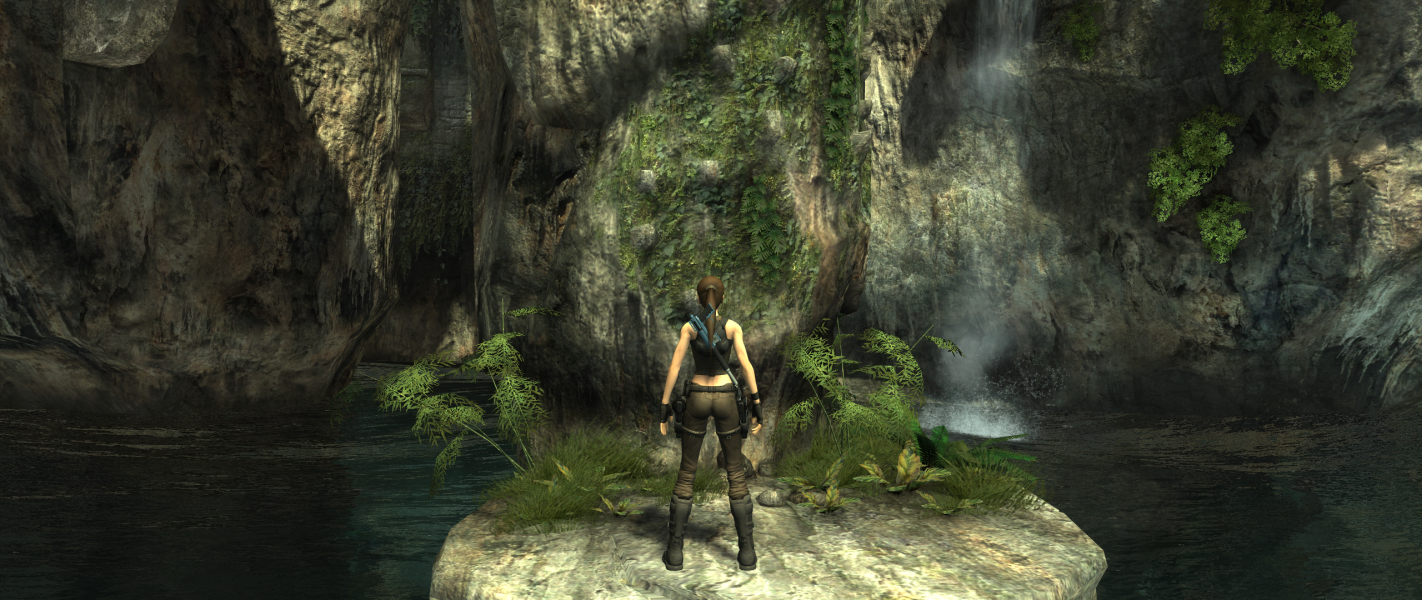
4:3 Screenshot
16:10 Screenshot
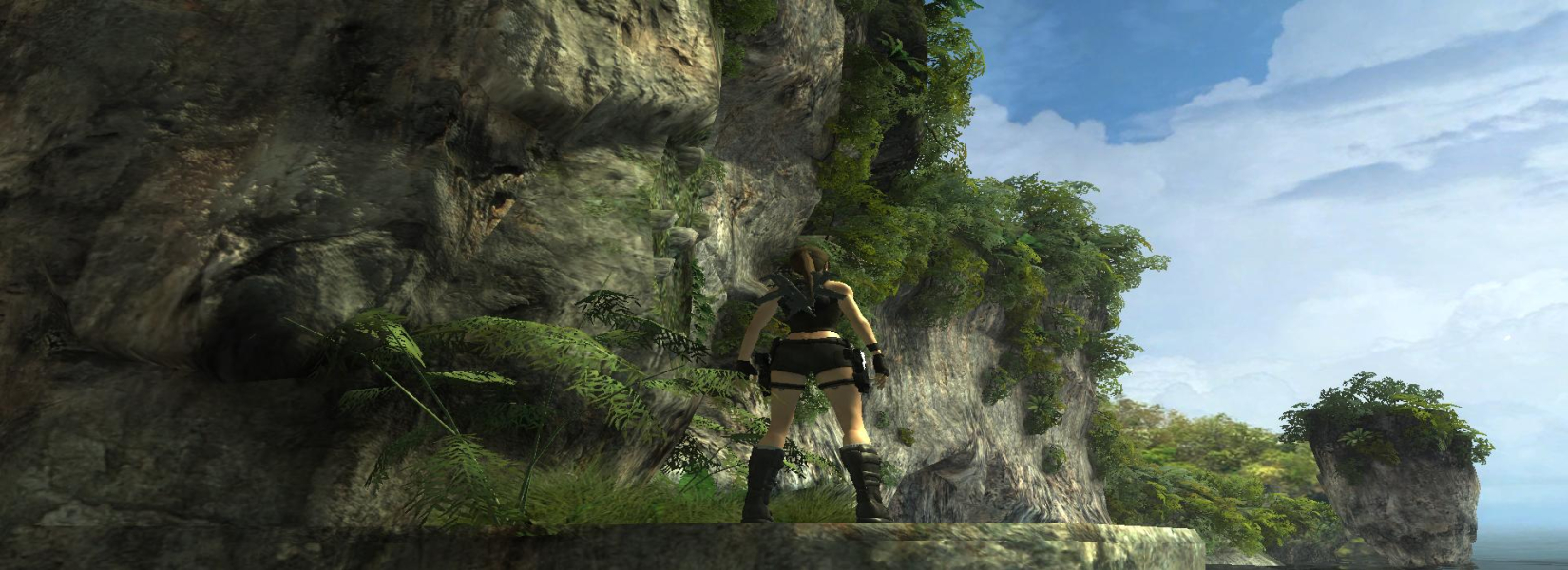
16:9 Screenshot
21:9 Screenshot
32:9 Screenshot
Eyefinity / Surround Screenshot
Solutions & Issues
Widescreen Solution & Issues:

Native support of all resolutions in the config launcher.
However Aspect Ratio is a separate setting and can only be 16:9 or 16:10. For less common aspects, see Multi-Mon Solution below.

Ultra/Super-Wide Specific Solution & Issues:

21:9 resolution is supported, but you need to edit aspect ratio in the registry (see Multi-Mon Solution)

Eyefinity / Surround Specific Solution & Issues:

Registry edit required, thanks to howdid for this solution.
1) Windows Start menu / Execute... / regedit
2) On the left panel, navigate to HKEY_CURRENT_USER\Software\Crystal Dynamics\Tomb Raider\Graphics
3) On the right panel, double-click the AspectRatio key, then change the value to 48000 (decimal) for 48:10.

Important note: display width must be under 4096 or the game won't start !
If your native res is 5040x1050, select 3840x800 in the launcher and change AspectRatio to 48000 (decimal).
If your native res is 5760x1080, select 3840x720 in the launcher and change AspectRatio to 53333 (decimal).
To get the exact AspectRatio value that you need, calculate (width:height)x10000.

Automatic fix available from the [url=https://community.pcgamingwiki.com/files]PC Gaming Wiki Community Files[/url] (search there)

4:3 Screenshot
16:10 Screenshot
16:9 Screenshot
21:9 Screenshot
32:9 Screenshot
Eyefinity / Surround Screenshot
3840x720
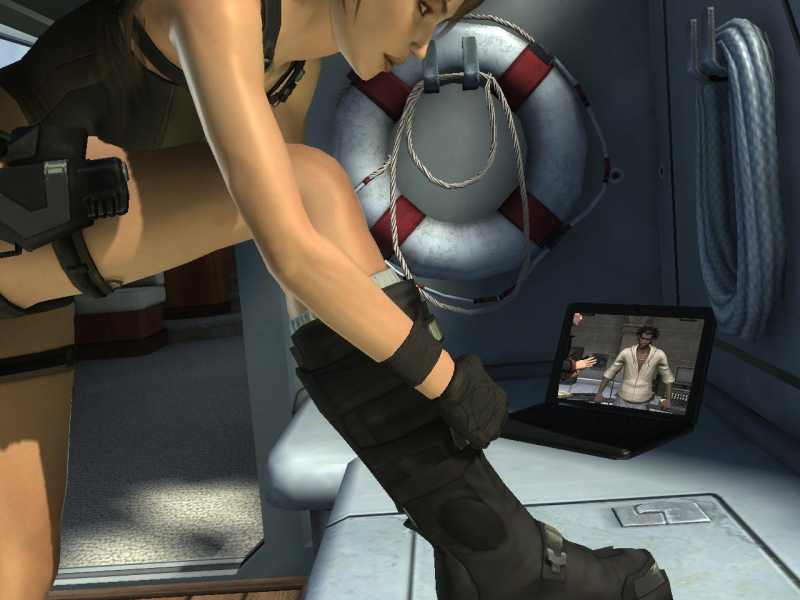
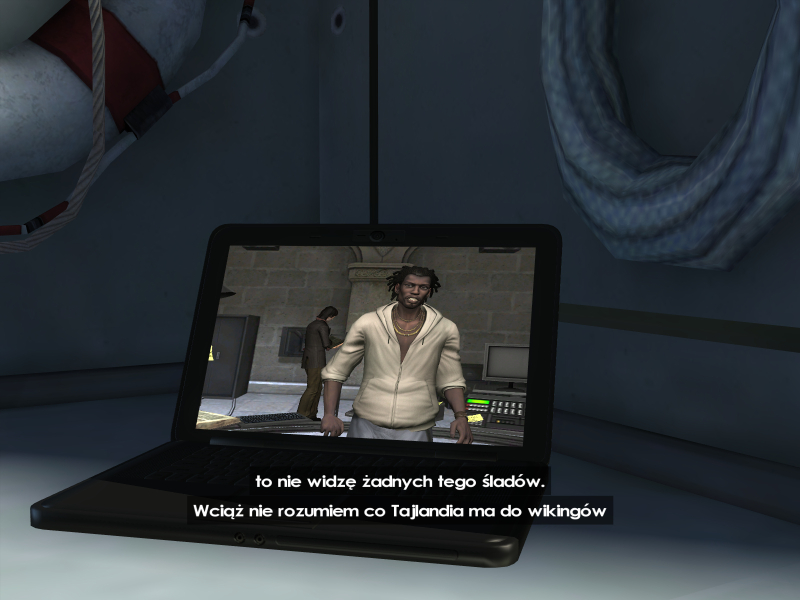
4:3 Cutscene
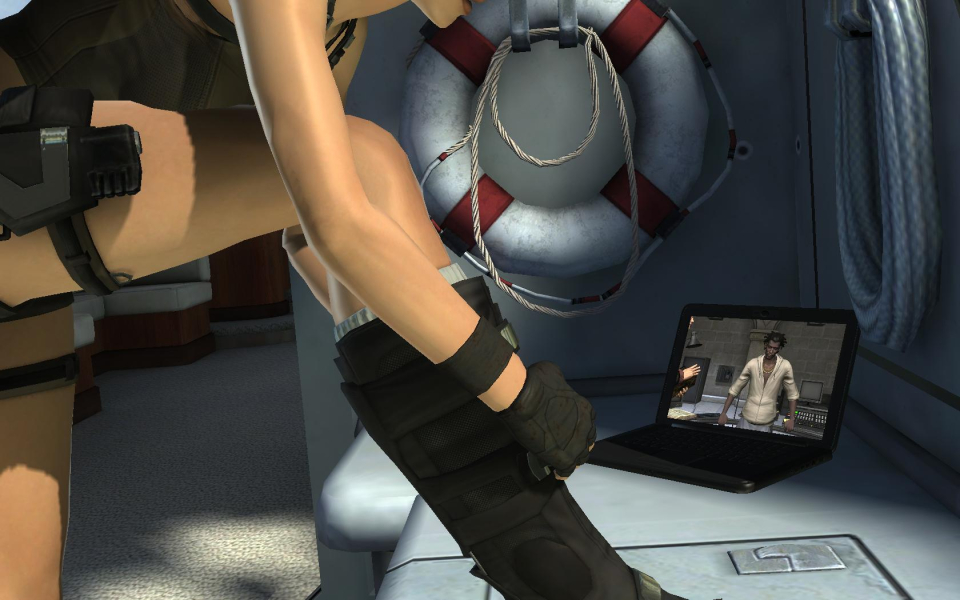
16:10 Cutscene
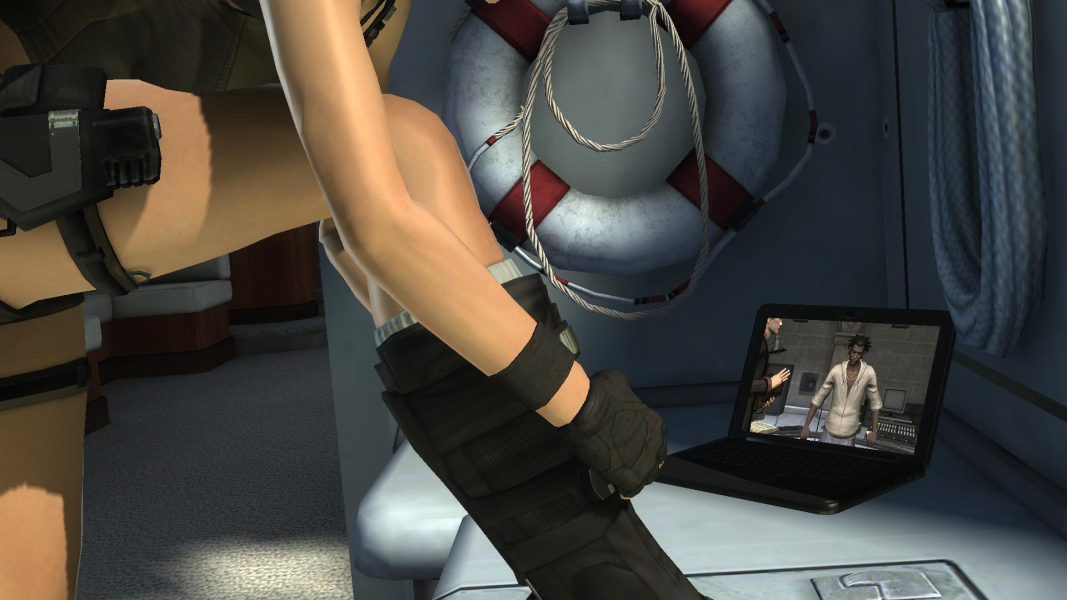
16:9 Cutscene
Eyefinity / Surround Cutscene
4:3 FMV Cutscene
16:10 FMV Cutscene
16:9 FMV Cutscene
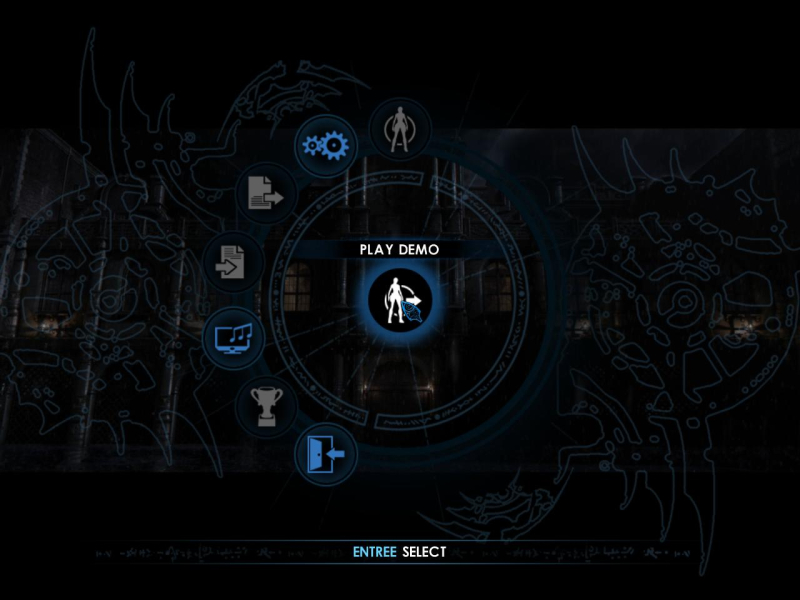
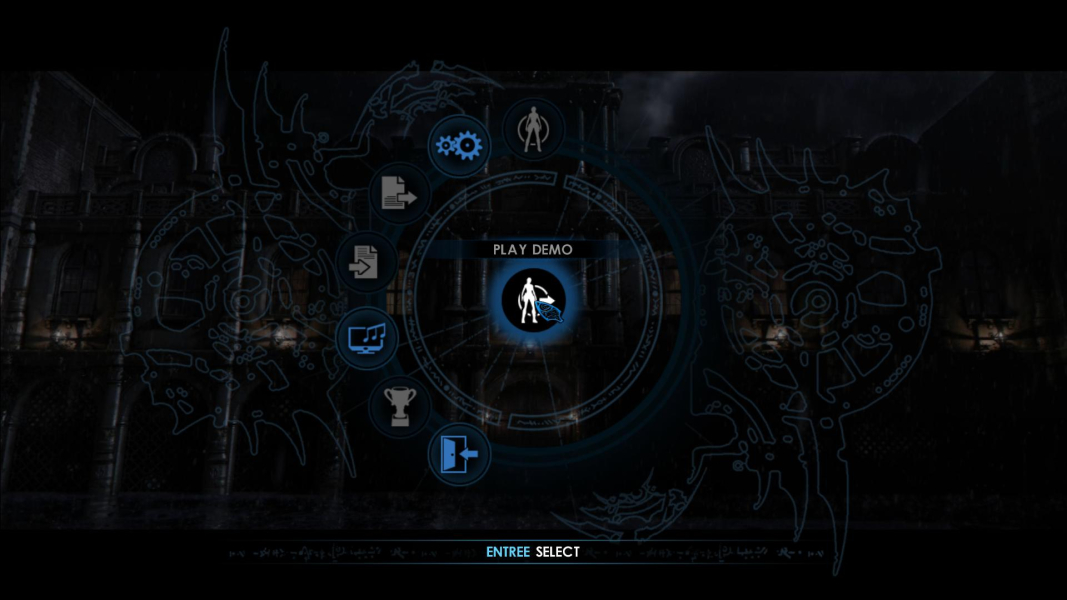
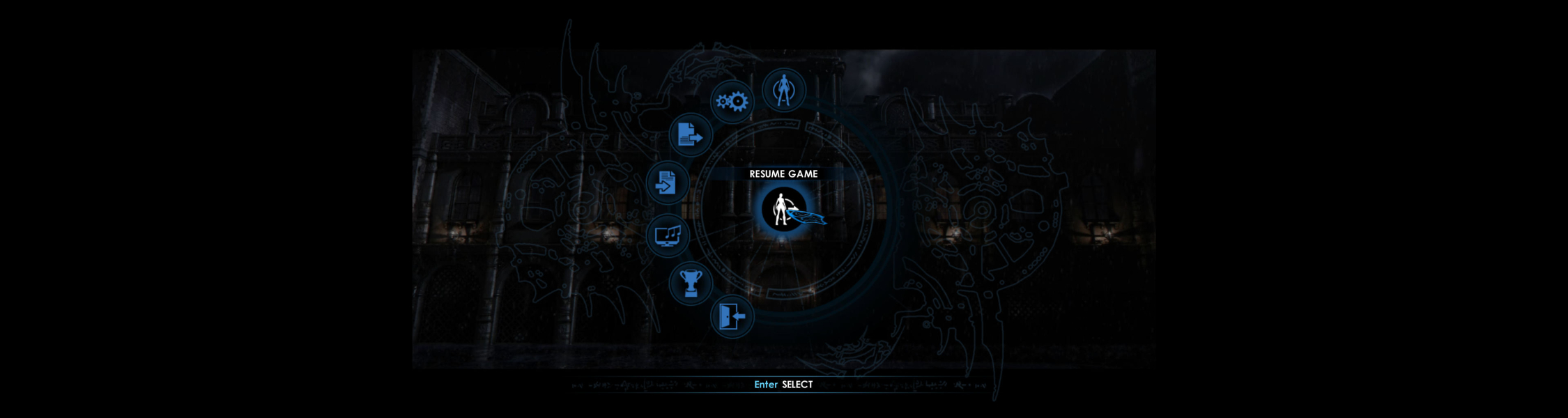
4:3 Menu
16:10 Menu
16:9 Menu
Eyefinity / Surround Menu
4K Gameplay Screenshot
Uploaded by: skipclarke
HUD 4:3
Uploaded by: skipclarke
HUD 16:10
Uploaded by: skipclarke
HUD 16:9
Uploaded by: skipclarke
16:9 for comparison with 3x1
Uploaded by: skipclarke
3x1 norm (stretched)
Uploaded by: skipclarke
3x1 Game norm
Uploaded by: skipclarke
3x1 Game fixed
Uploaded by: skipclarke
3x1 HUD norm
Uploaded by: skipclarke
3x1 HUD fixed
Uploaded by: skipclarke
HUD (Manual Aim), 4:3
Uploaded by: skipclarke
HUD (Manual Aim), 16:10
Uploaded by: skipclarke
HUD (Manual Aim), 16:9
Uploaded by: skipclarke
HUD (Manual Aim), 48:9
Uploaded by: skipclarke
Camera Mode, 4:3
Uploaded by: skipclarke
Camera Mode, 16:10
Uploaded by: skipclarke
Camera Mode, 16:9
Uploaded by: skipclarke
Camera Mode, 48:9
Uploaded by: skipclarke
PDA Interface, 4:3
Uploaded by: skipclarke
PDA Interface, 16:10
Uploaded by: skipclarke
PDA Interface, 16:9
Uploaded by: skipclarke
PDA Interface, 48:9
Uploaded by: skipclarke
Loading Screen, 4:3
Uploaded by: skipclarke
Loading Screen, 16:10
Uploaded by: skipclarke
Loading Screen, 16:9
Uploaded by: skipclarke
Loading Screen, 48:9
Uploaded by: skipclarke
Gameplay Comparison, 4:3
Uploaded by: skipclarke
Gameplay Comparison, 16:10
Uploaded by: skipclarke
Gameplay Comparison, 16:9
Uploaded by: skipclarke
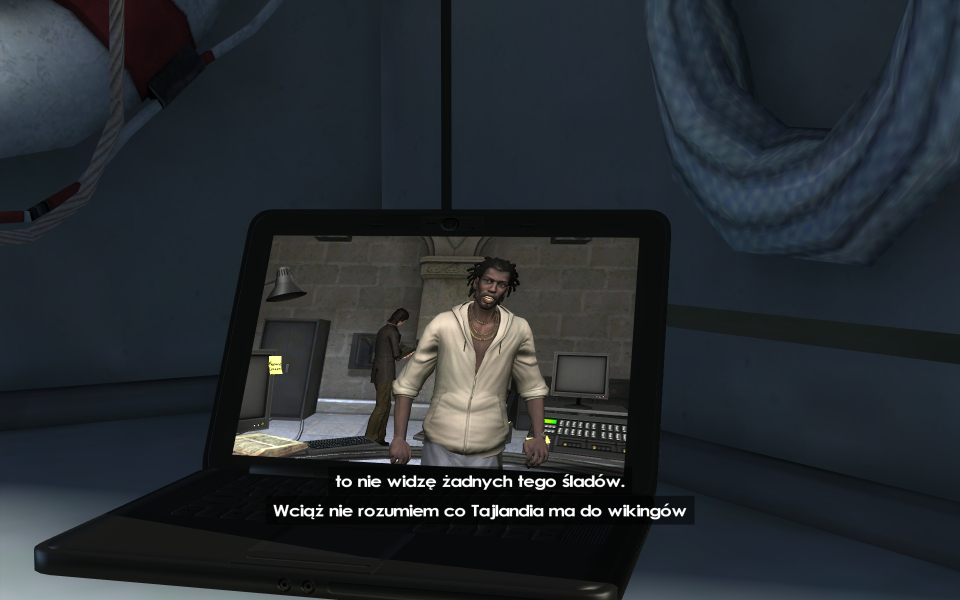
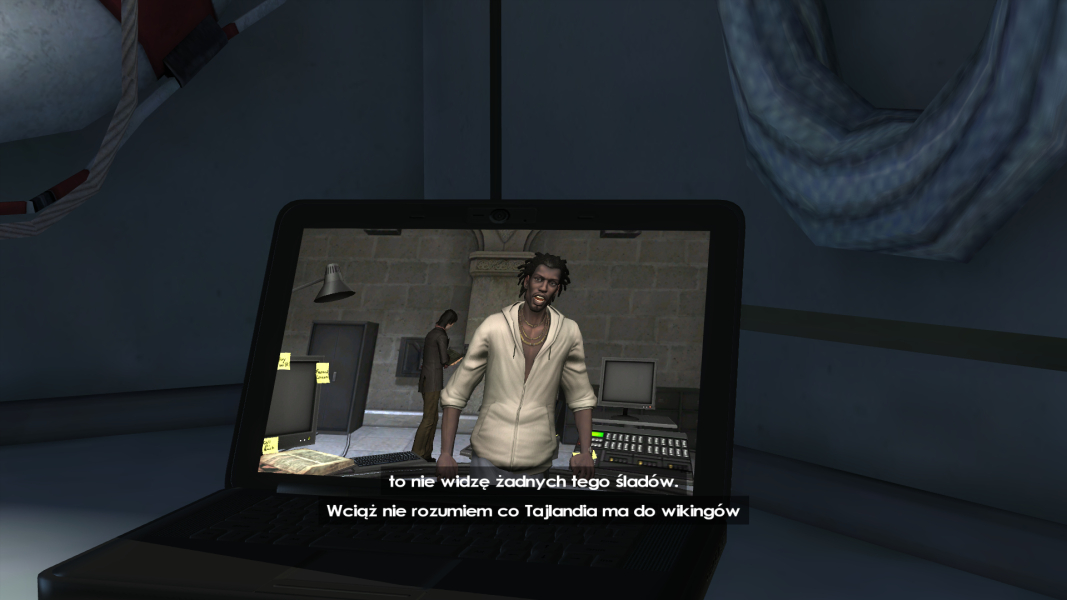
wrong AR of the "video" (rendered on game's engine) in cutscenes, even if you set 4:3 AR in the settings
Uploaded by: skipclarke
wrong AR of the "video" in cutscenes, even if you set 16:10 AR in the settings
Uploaded by: skipclarke
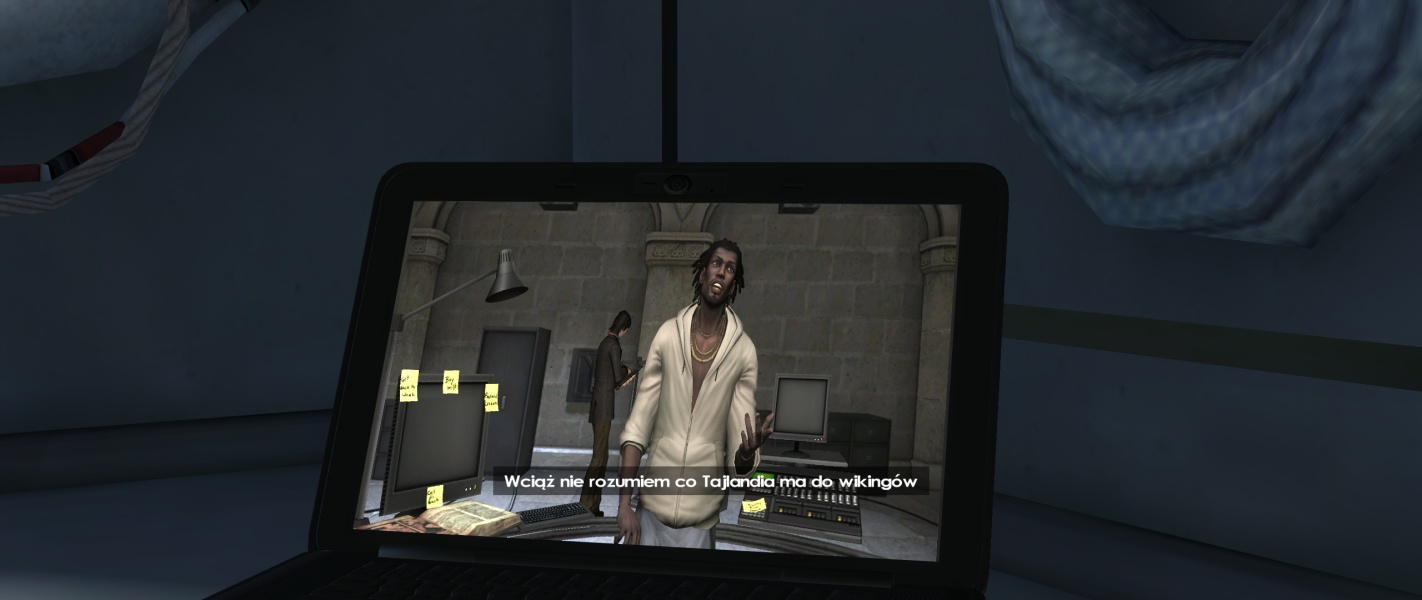
the AR of the game and "video" rendered on the game's engine is designed to be 16:9.
Uploaded by: skipclarke
wrong AR...
15:9 Resolutions:1280x768
Ultra/Super-Wide (21:9/32:9) Resolutions:2560x1080
4K UHD Resolutions:3840x2160
Multi-Monitor Types:Nvidia Surround
Multi-Monitor Layouts:3x1-L
Unsupported Resolutions: