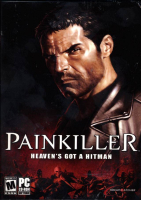


You play as Daniel Garner, a seemingly regular guy who has just been killed in a horrific car accident. Trapped in a dark and unwelcoming world between heaven and hell, you struggle to uncover the reasons why you've been denied entry into heaven. Awaiting your purification, you must fight through an endless number of demon soldiers as you attempt to stop the imminent war.
Support Summary
Game Information
Screenshots Comparison
Solutions & Issues
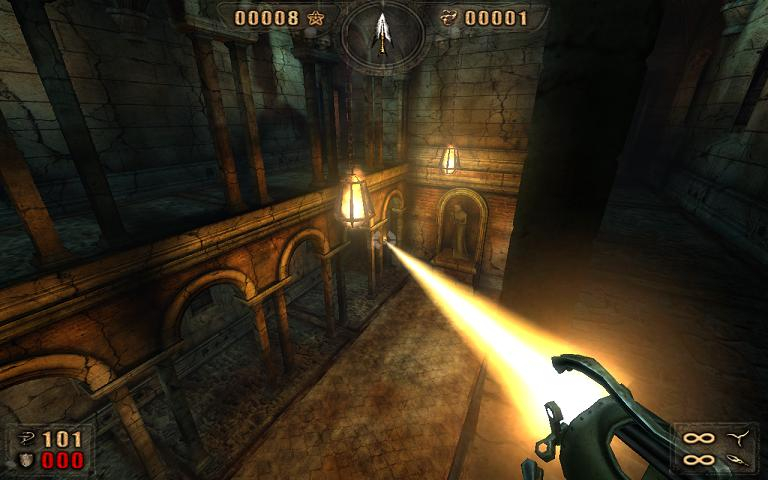
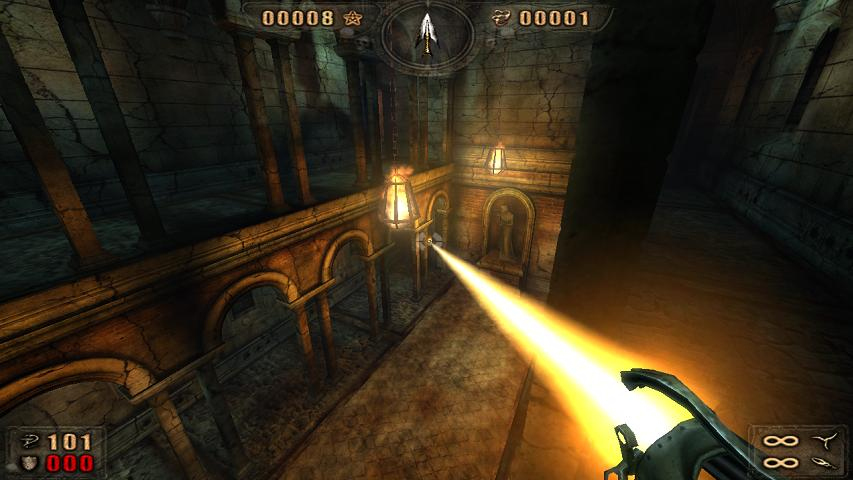
Widescreen resolutions work out of the box, you just select one from the video options menu. But, you'll need to increase the FOV manually. This can be done through the console, or you can edit config.ini, which is located in \bin.
You can use Delphium's Field of View & Aspect Ratio Calculator .
Edit the file, and search for this line:
Cfg.FOV = 95
Increase the value according to your preference. Appropriate values for the aspect ratios are:
4:3 - 95
16:9 - 111.013676485
16:10 - 105.275347504
If you also want the screen to be hor + while zoomed in (using weapons that support zoom), look for this line too:
Cfg.ZoomFOV = 50
Increase the value according to your preference. Appropriate values for the aspect ratios are:
4:3 - 50
16:9 - 63.744671398
16:10 - 58.461499463
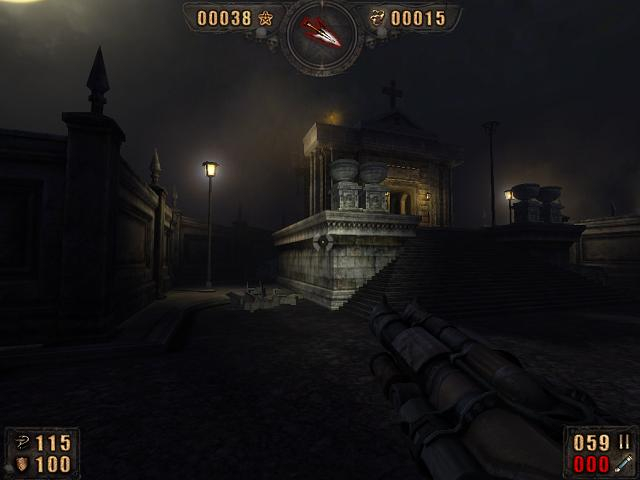
Gameplay Screenshots


FMV Cutscenes
Additional Screenshots