




Combat flight sim set in WW2. This is the newest title in the long running series.
Support Summary
Game Information
Screenshots Comparison
Solutions & Issues
By default the game is Vert-, but built-in FOV control can result in Hor+ gameplay even in Eyefinity/Surround.
1) RESOLUTION
Set your desktop to your desired in-game resolution, then launch the game. You will be able to select any res of the same aspect ratio as your current desktop res.
Settings are saved in Documents\1C SoftClub\il-2 sturmovik cliffs of dover\conf.ini
2) FOV
Navigate to Options, Controls, Camera and look for the control associated with 'Hold to Adjust Field of View':
Hold this key/button and push the mouse away to get a higher FOV on all cameras. Your new setting will stick until you exit the current mission (or hit a FOV key, see below).
You must be in "independent" control mode to adjust the FOV; if you're using mouselook, press F10 to turn off "legacy" mode.
3) A word on FOV keys:
Three levels of zoom are also available by using Del (FOV 30), End (FOV 70) and PageDown (FOV 90).
Unfortunately these are fixed horizontal FOV values so using these keys result in Vert- screen change. There seems to be no way to fix this (hard-coded values ?).
Same method.
Matrox TripleHead2Go: users report anomalies at 3x 1920x1080 (main menu on left screen; gameplay using only the central portion of screens).
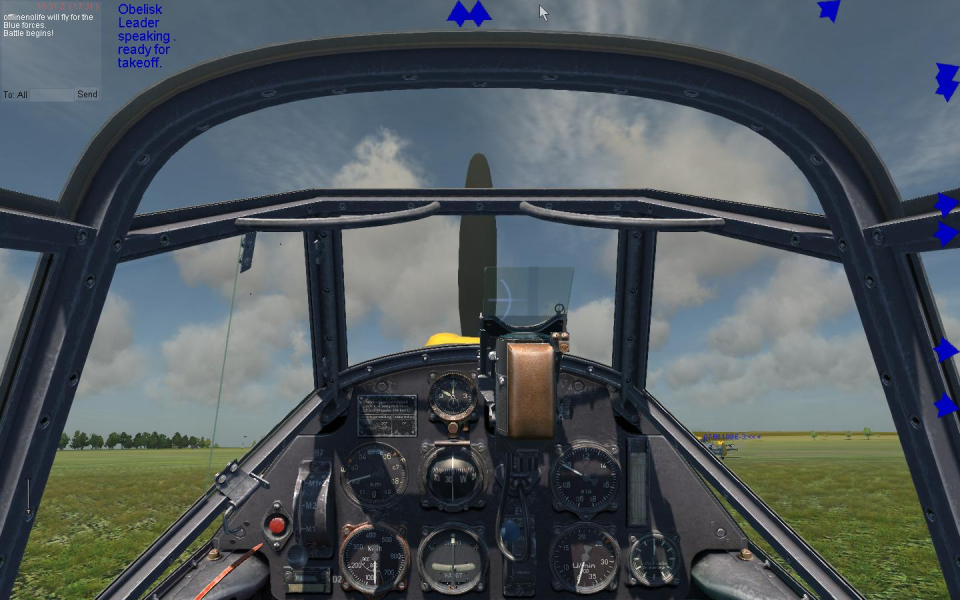
Gameplay Screenshots



Additional Screenshots


