

Command & Conquer: Red Alert 2 is an RTS from Westwood Studios and EA. In the alternate universe where Germany never rose to power, the Allies and Soviets are at it again, but this time the Soviets have launched a full scale invasion of the US. You can command Allied forces and repel the invasion, or command Soviet forces and lay waste to the US and its allies.
Support Summary
Widescreen | Ultra/Super‑Wide | Multi-Monitor | 4K Ultra HD | |
Support | ||||
Method | ||||
HUD | ||||
Cutscenes | ||||
FMVs |
Screenshots Comparison
Solutions & Issues
Go to your gamedir, and edit ra2.ini. Find these lines:
[Video]
ScreenWidth=640
ScreenHeight=480
StretchMovies=no
Edit the values of ScreenWidth and ScreenHeight to set your resolution. Note that RA2 uses 16 bit color, and if your system can handle a specific resolution at 32 bit color but not 16 bit color, RA2 will not run at that resolution.
As far as I can tell, setting StretchMovies to yes does absolutely nothing.
If you have Yuri's Revenge, do the same for ra2md.ini.
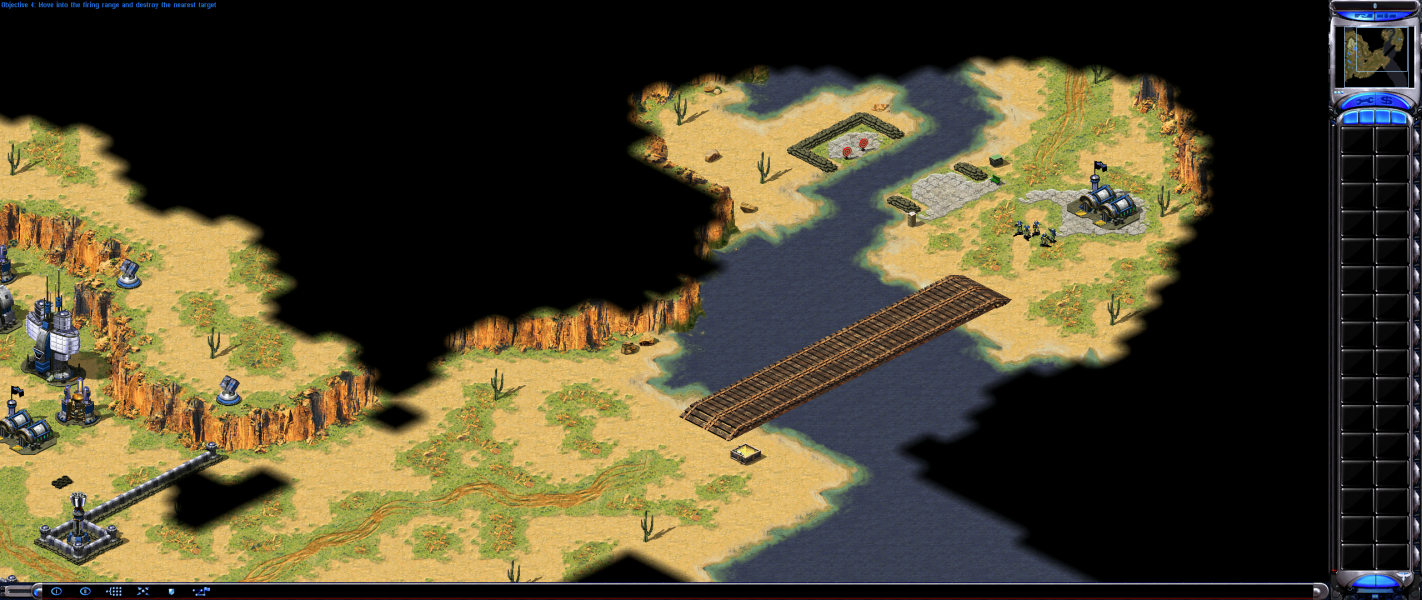
The game view is pixel-based. The more pixels in your resolution, the more territory you can see at once. For example, 1280x800 will appear to be wider and a little bit taller than 1024x768, but 1280x1024 will appear equally wide as 1280x800 and taller. The main menus are centred while the in-game menus display along the edges of the resolution. Everything scales correctly.
Widescreen in multiplayer works as described above. However, many hosts enforce resolution limits. If you try to join a game with a resolution limit, you will be forced to play the game at a non-widescreen resolution (usually 640x480). If you host a game and are using a widescreen resolution, you will not have the option of enforcing a resolution limit.
Same as widescreen.
If the resolution used is wider than the map the right-hand area beyond the map edges will have visual issues.
Gameplay Screenshots




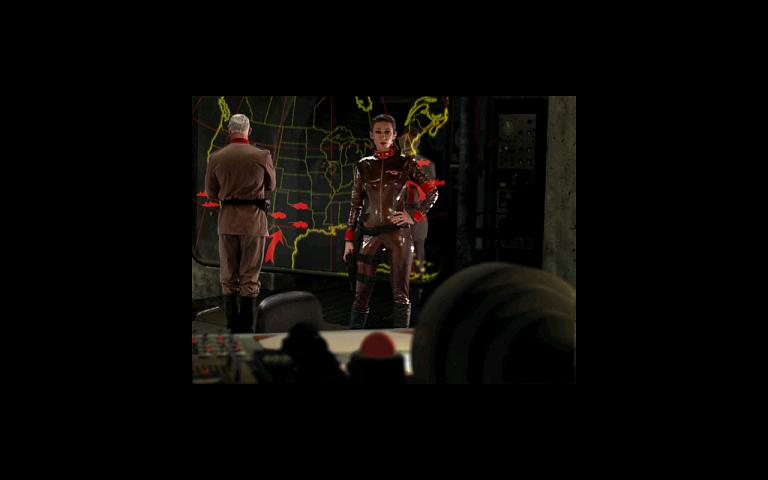
FMV Cutscenes