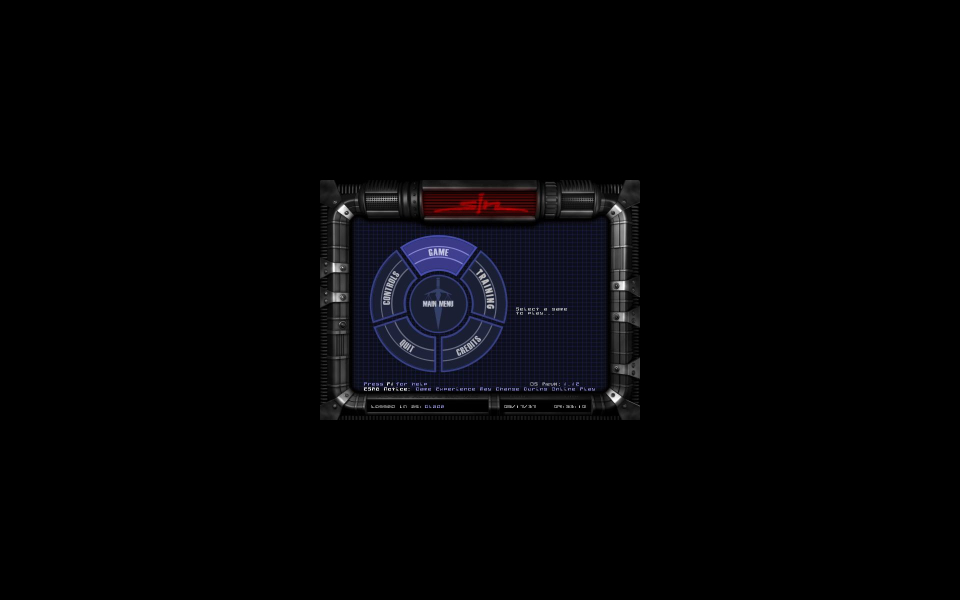
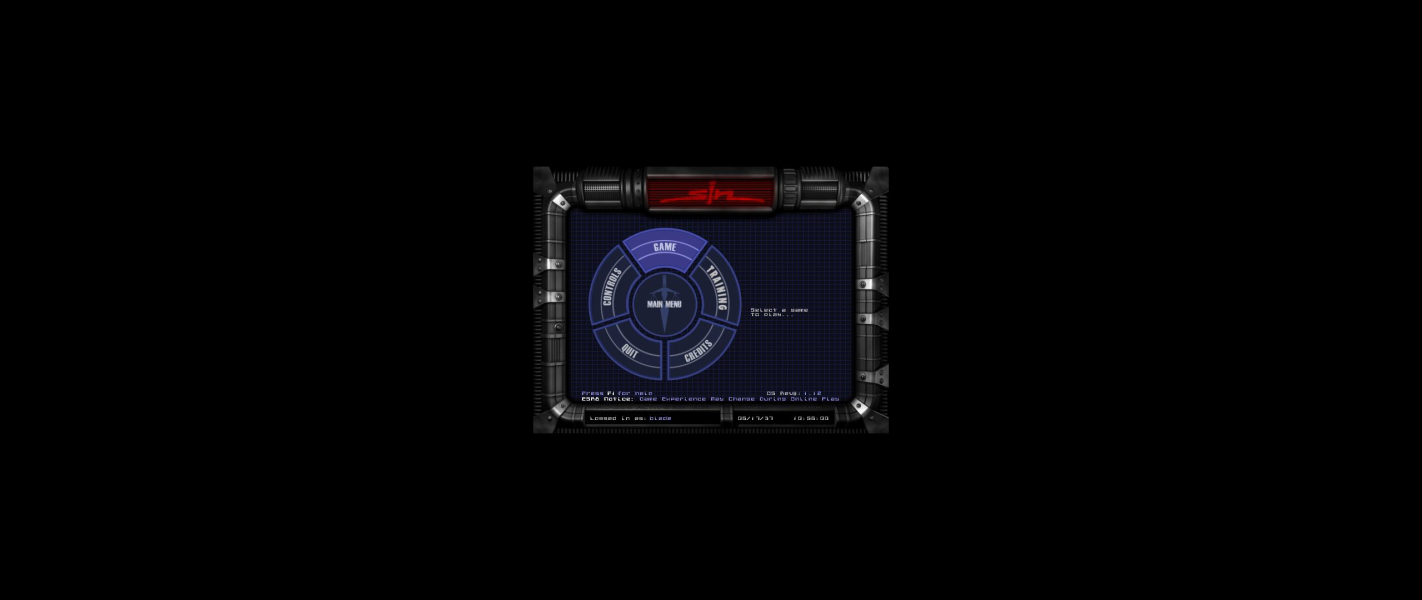
SiN is a first-person shooter that uses a modified version of the Quake II engine. John Blade is armed with a rather standard FPS arsenal, starting with a default bare knuckles and a pistol, and ending with heavy guns such as rocket launcher and plasma rifles.
Support Summary
Game Information
Screenshots Comparison
Solutions & Issues
Resolution fix available from the PC Gaming Wiki Community Files (search there).
Solution: You need to edit the resolution and FOV to get HOR+
1.Resolution: Use this Tool to edit your des. resolution: Steam 1.12 patcher:sinsteampatcher or Retail 1.11 patcher:sinpatcher
The Steam version of the game will be pre-patched, but you NEED to update the retail version of the game to the latest patch, aka 1.11, for this to work.
Put the application into the folder where the game is installed. Run the application, type in the resolution you wish to enable and click Apply Resolution.
That resolution will overwrite the built-in resolution of 1152x864 to whatever you specify. Once you select 1152x864 inside the game it will use the resolution you typed in instead.
2.FOV ini edit: Go to --> ...\steamapps\common\SiN 1\base\players\bladeSet\config.cfg or ...\base\players\"yourprofilename"\config.cfg
Look for set fov "90" and change it to 100.4 (16:10) or 106.3 (16:9)
Optional:
The Expansion pack, Wages of Sin, works with the Steam version (if you install it by following the instructions in this Steam Forums thread)
Same Solution as in Widescreen - use a FOV of 121.3.
Issues: Cut Scenes are VERT-
Same Solution as in Widescreen - use a FOV of 149 (3x16:10) or 152 (3x16:9).
Issues: Cut Scenes are VERT- and the HUD is not centered.
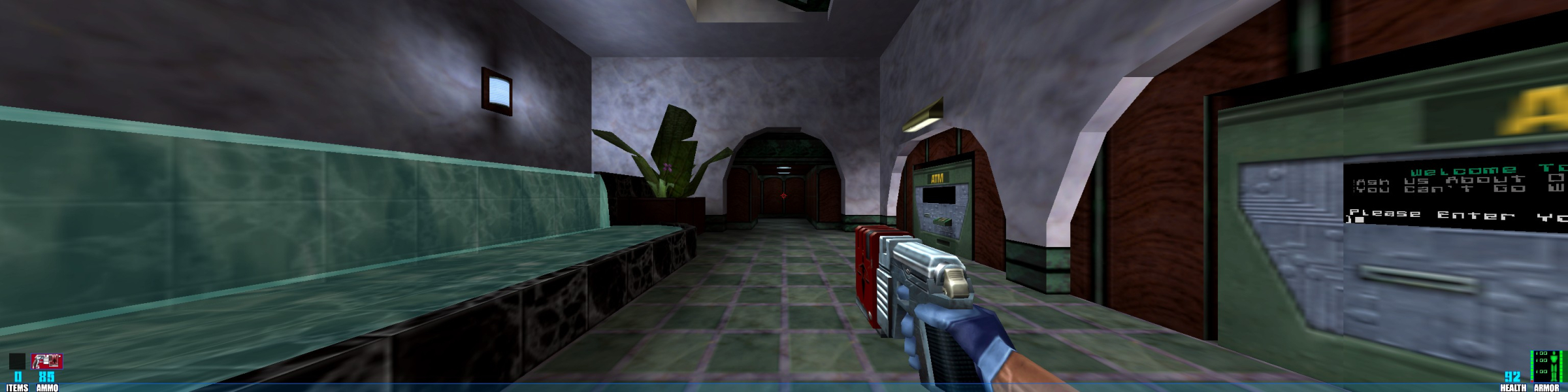
Gameplay Screenshots


In-Game (Rendered) Cutscenes
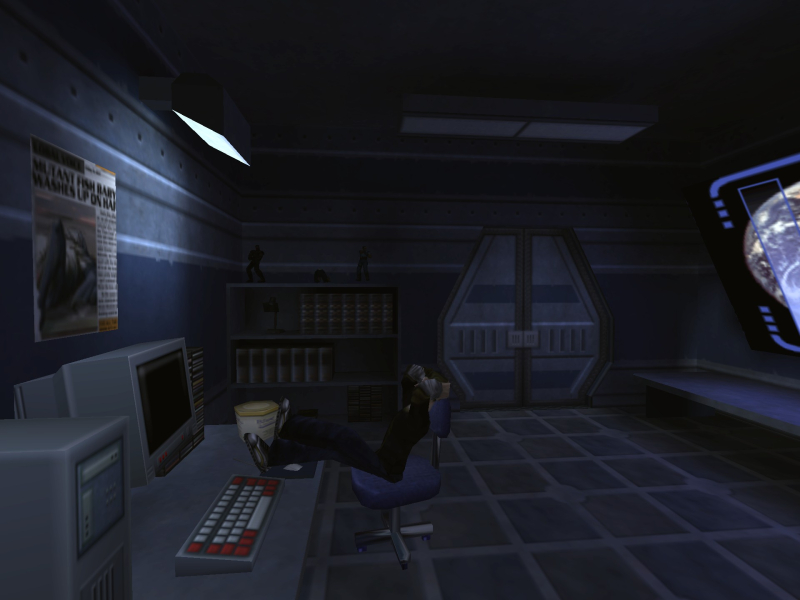
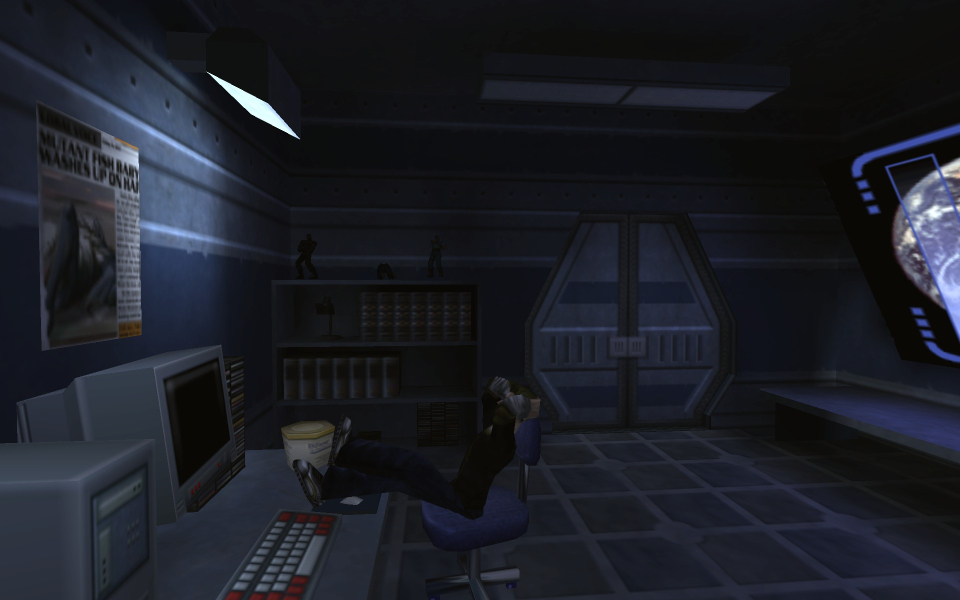
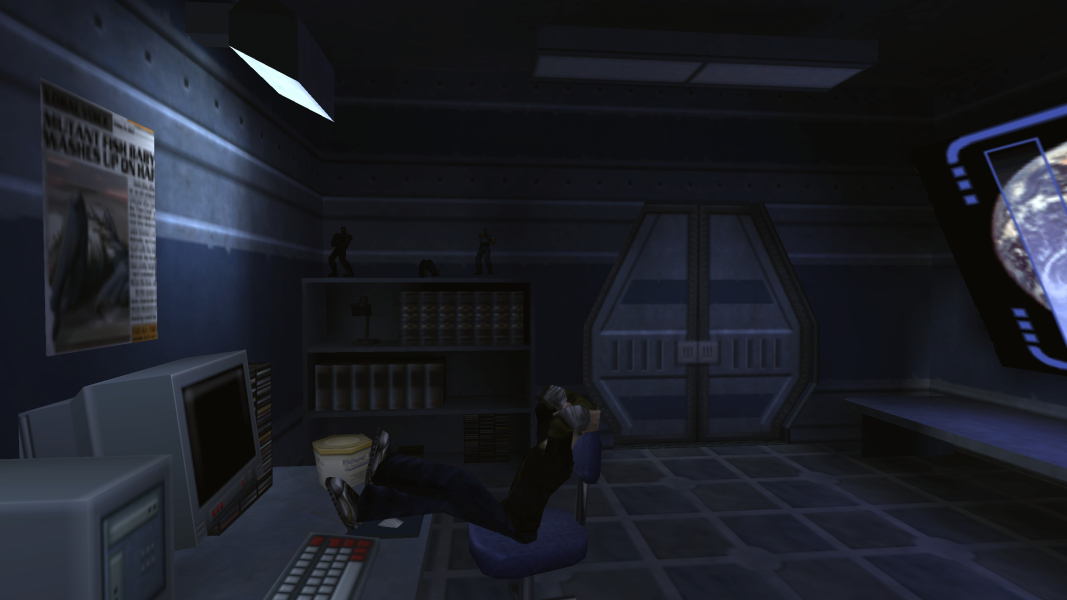
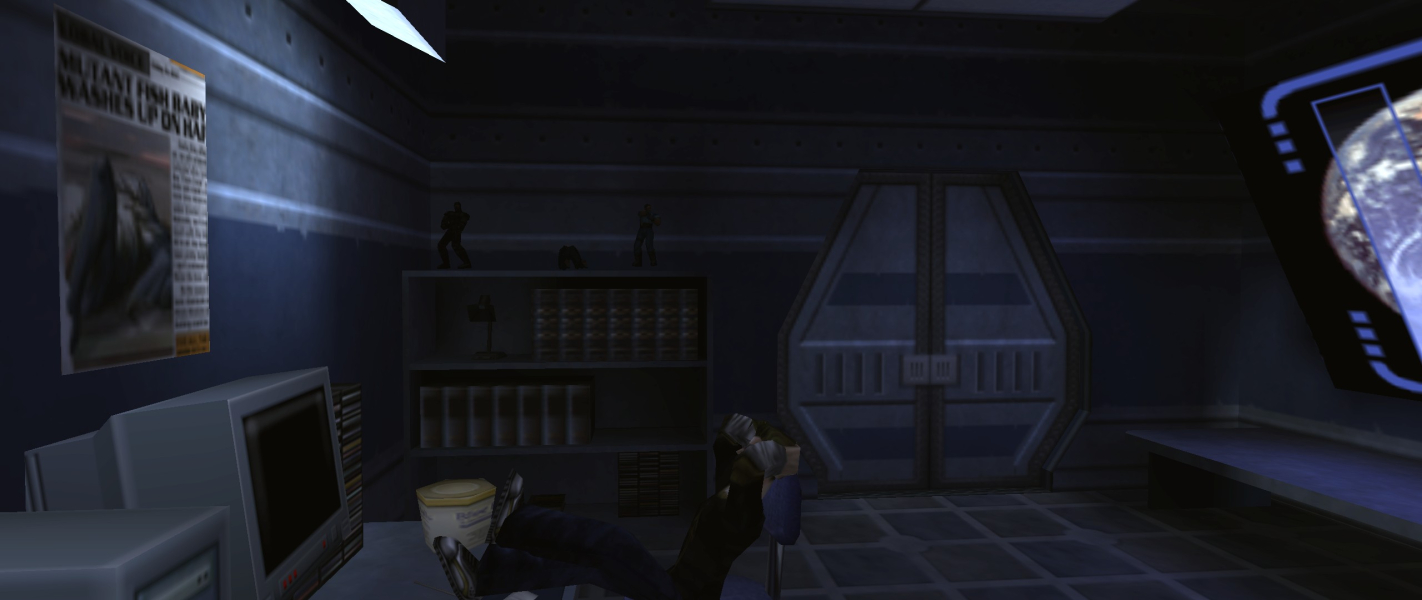
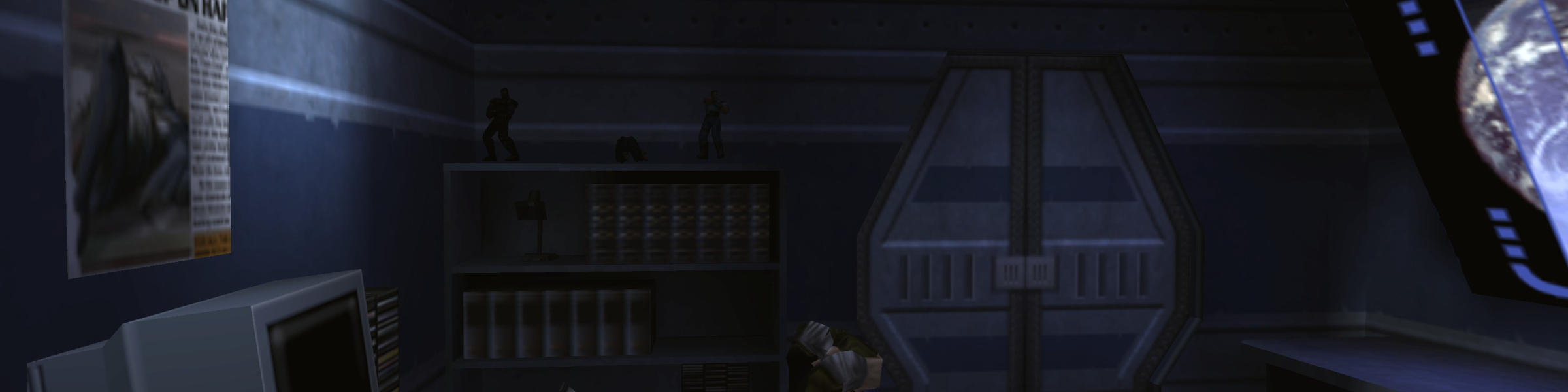
FMV Cutscenes


Menu Screenshots