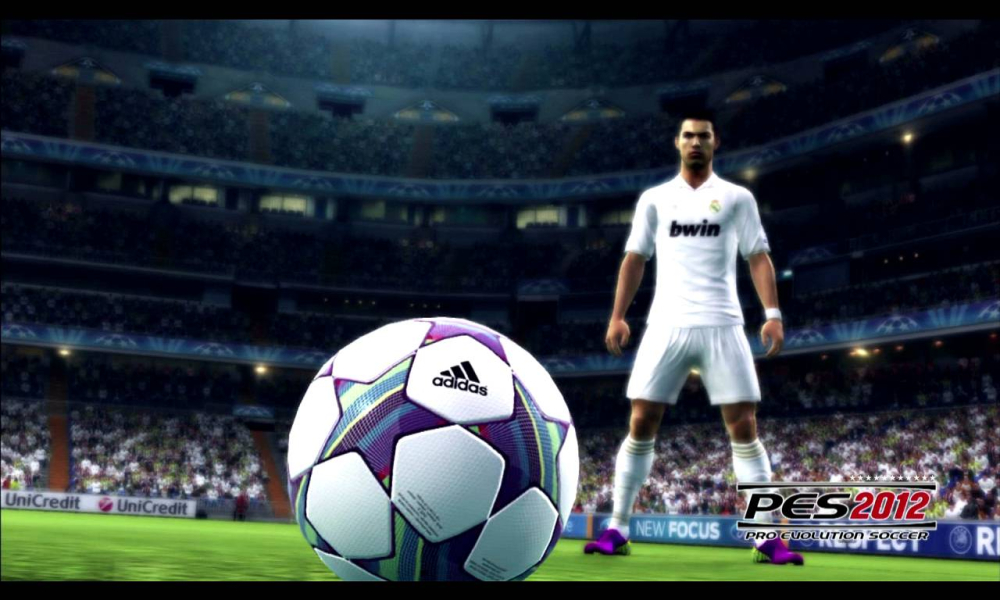
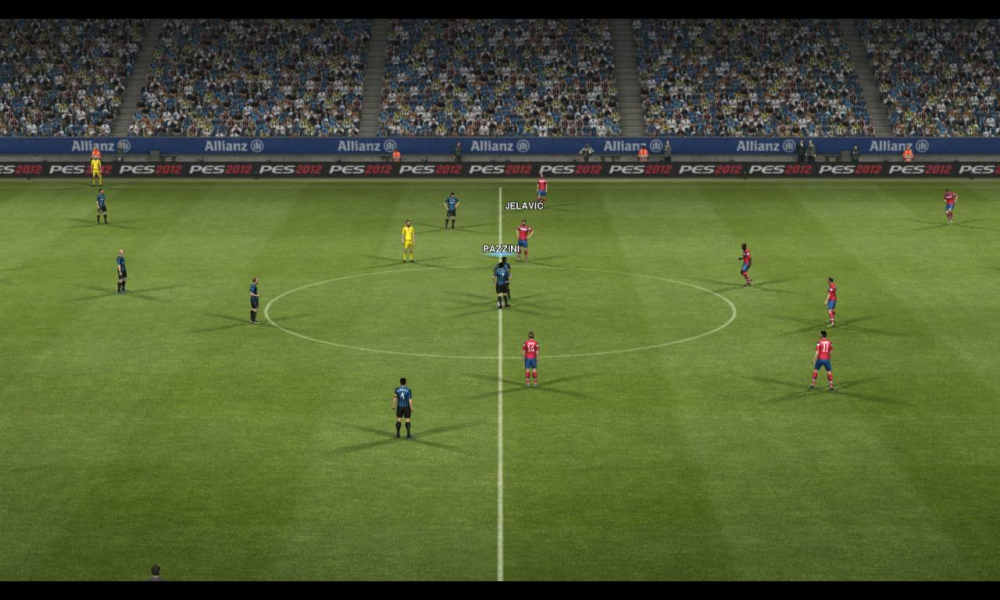
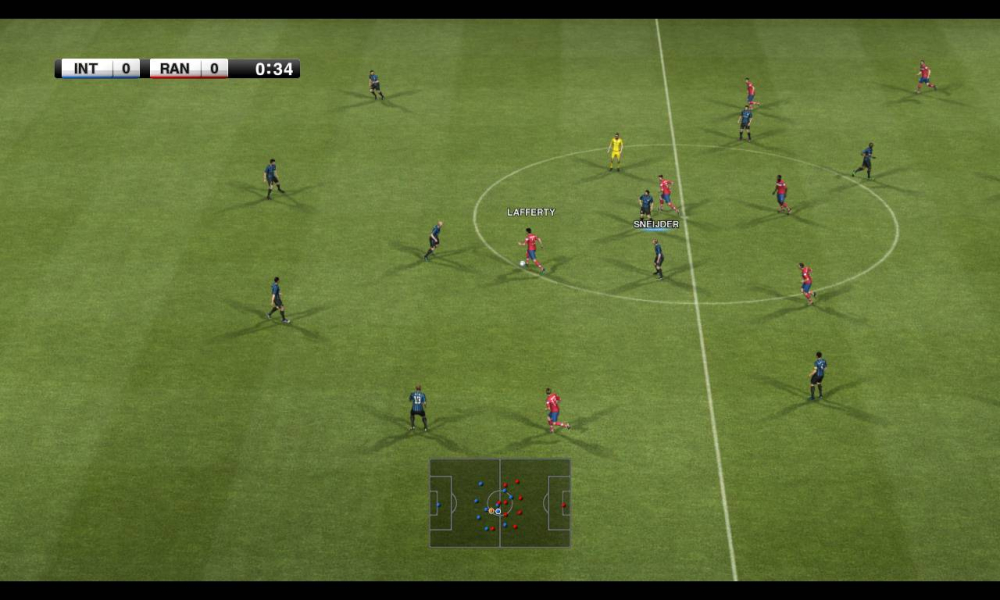
Pro Evolution Soccer 2012 (abbreviated to PES 2012) is the eleventh edition in the Pro Evolution Soccer series developed and published by Konami with production assistance from the Blue Sky Team. Like previous versions of the game, it will be exclusively licensed by UEFA to contain the UEFA Champions League, UEFA Europa League and UEFA Super Cup competitions along with a license from CONMEBOL to feature the Copa Santander Libertadores.
PES 2012's gameplay is primarily a refinement of PES 2011, with fewer big changes than the previous iteration but many smaller improvements and changes in areas such as artificial intelligence, speed, animation, and physics. Among the new features is the Teammate Control system, where a secondary player may be controlled, either during play, or at a set piece or throw-in. This allows players to be placed precisely, make runs, and shake off markers before calling for the ball. Manual and assisted versions of the feature are available for varying degrees of difficulty and control.
Support Summary
Widescreen | Ultra/Super‑Wide | Multi-Monitor | 4K Ultra HD | |
Support | ||||
Method | ||||
HUD | ||||
Cutscenes | ||||
FMVs |
Game Information
Screenshots Comparison
Solutions & Issues
Native anamorphic. Use "settings" at "C:\Program Files (x86)\KONAMI\Pro Evolution Soccer 2012 DEMO2\settings.exe" to configure the game, then launch the beta running "pes2012.exe" at "C:\Program Files (x86)\KONAMI\Pro Evolution Soccer 2012 DEMO2\pes2012.exe".
You have an option to eliminate the black bars at 16:10 / 15:9 resolutions (uncheck the "LB" option in the settings launcher), this will only "fit" the field of view on the screen.
Thanks to bitplane for posting this multi-monitor solution...
To enable proper multi-monitor support in PES 2012, download 'kitserver 12.0.3' (run it as admin) and attach it to the .exe. with the configuration program, you can set a custom resolution and aspect ratio. Don't forget to disable the [ ] LB checkbox in the pes settings.exe. 2D menu's will be stretched, but the game will have the proper aspect ratio.
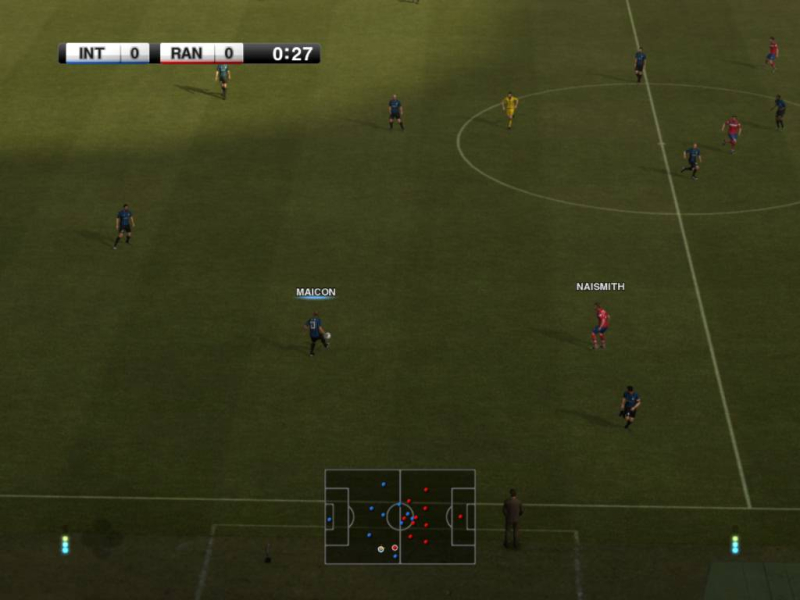
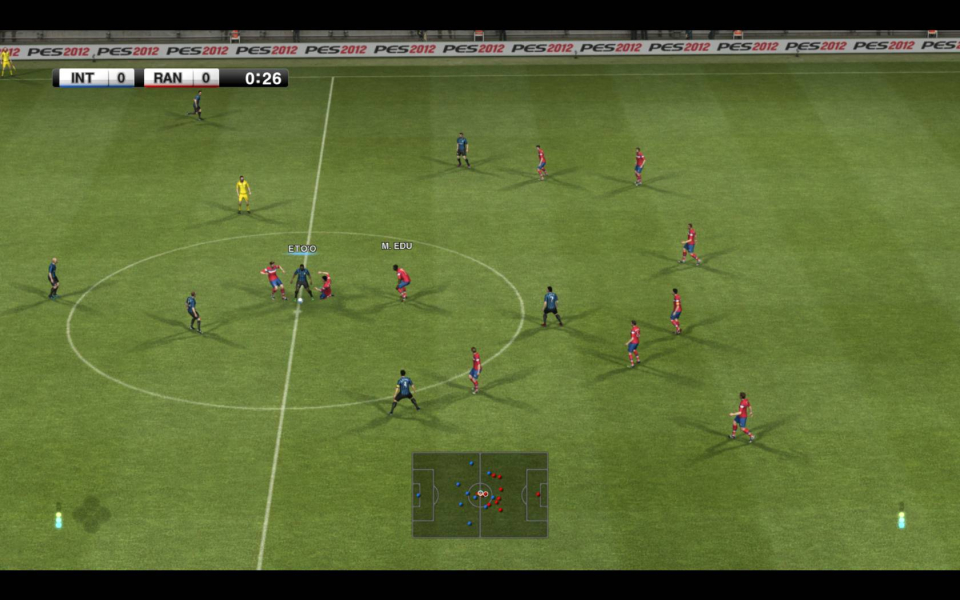
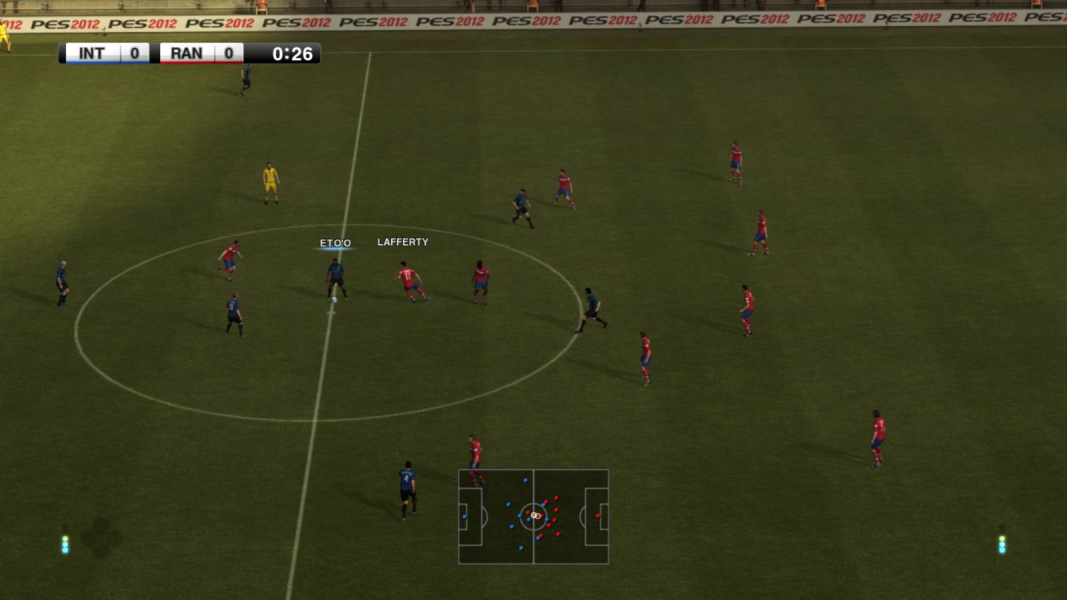
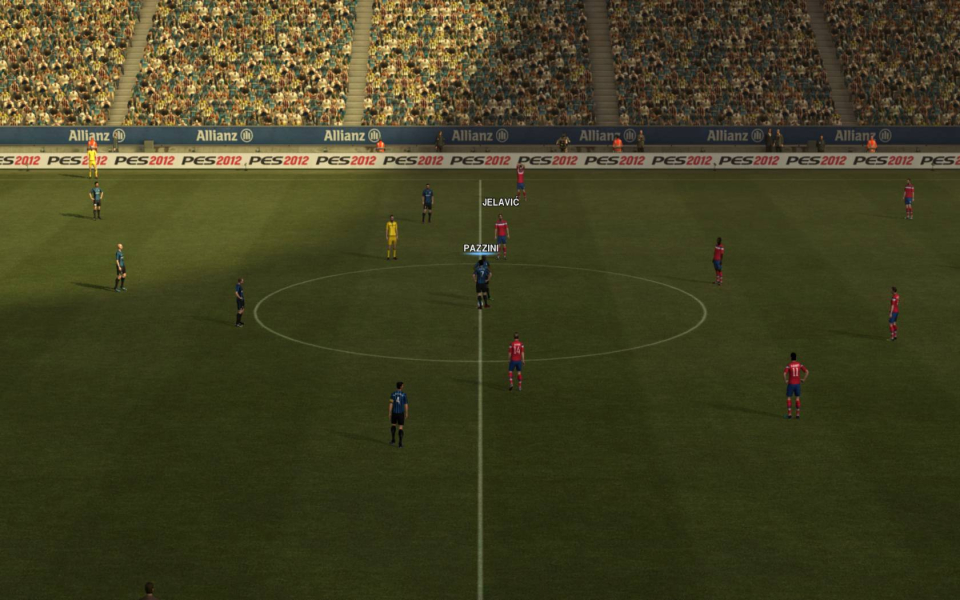
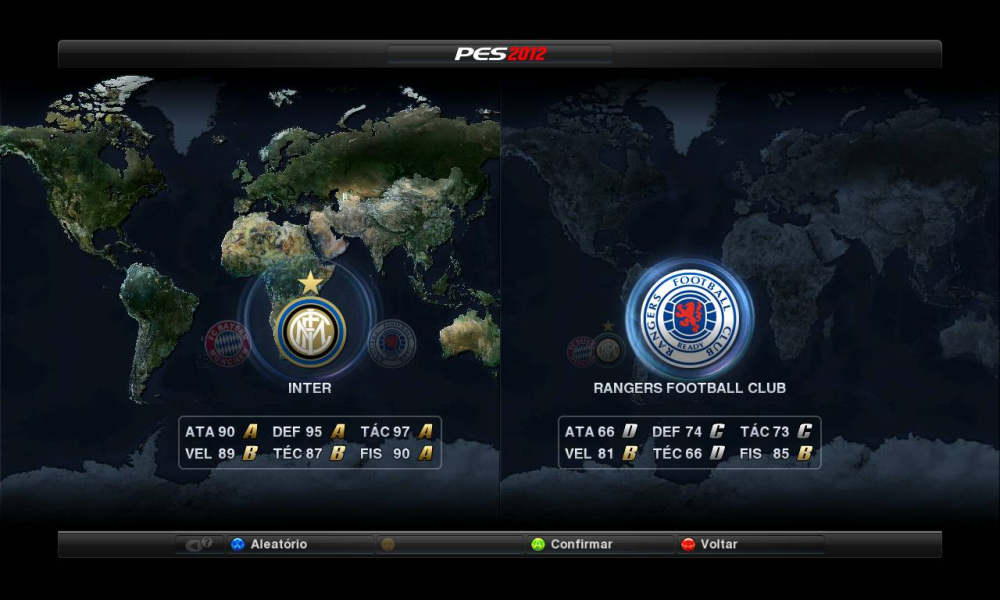
Please check some screenshots below (thanks to CamposMIC)...
[center]
 [/center]
Gameplay Screenshots


FMV Cutscenes



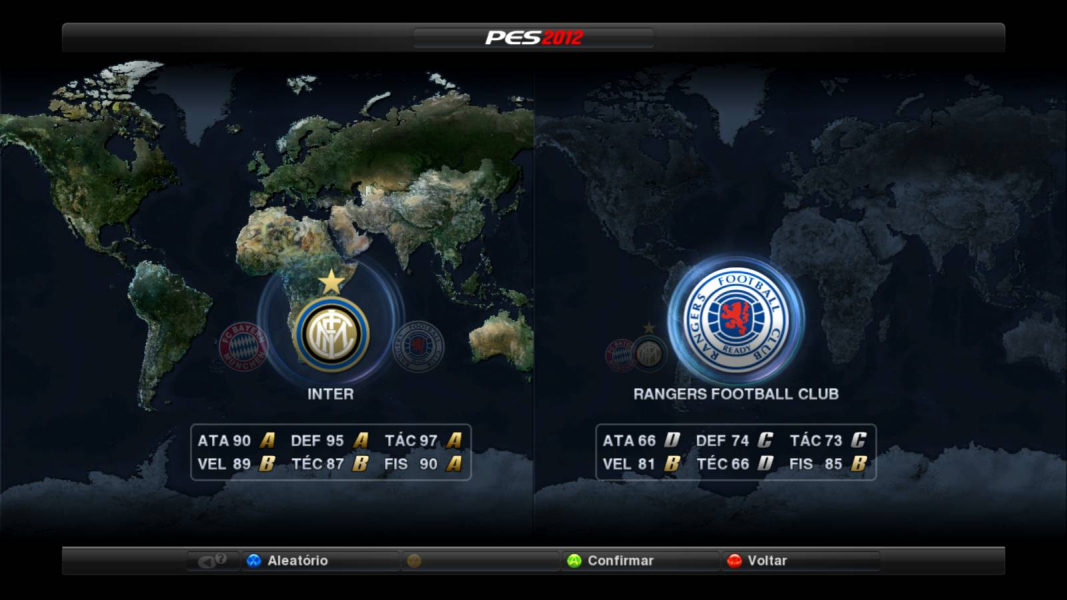
Menu Screenshots
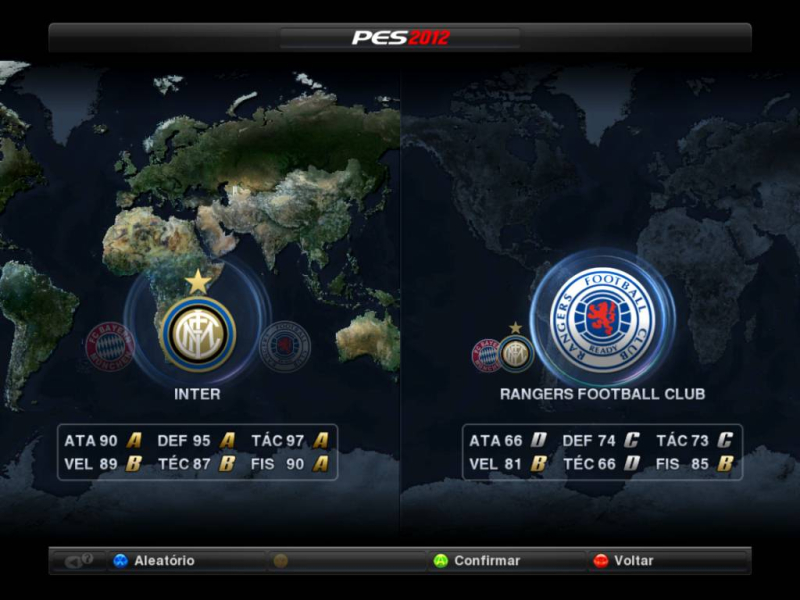
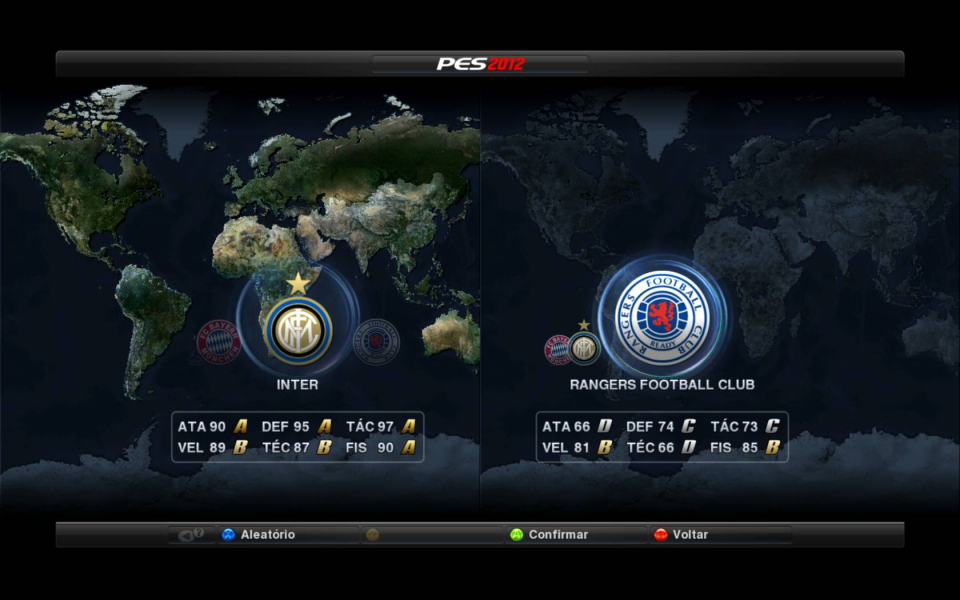

Additional Screenshots