

Nexus - The Jupiter Incident, released in November 2004, is a real-time stategy game set in space. The gameplay consists of controlling a small number of complex and highly detailed capital ships through a story based campain. The game is very much about micromanaging the few ships you control. You define the loadout for each ship before a mission and once in mission you can adjust energy levels and determine the targeting of individual weapons on each ship. Think Star Trek more than Star Wars. Despite the game's age, its graphics are still quite impressive. Unfortunately, it is a bit buggy. The game has a number of 100% guaranteed crashes in certain missions if the objectives aren't completed in the intended order. Support for the game was abandoned relatively quickly due to low sales and the developer, Mithis Entertainment, was eventually aquired by Eidos.
Support Summary
Game Information
Screenshots Comparison
Solutions & Issues
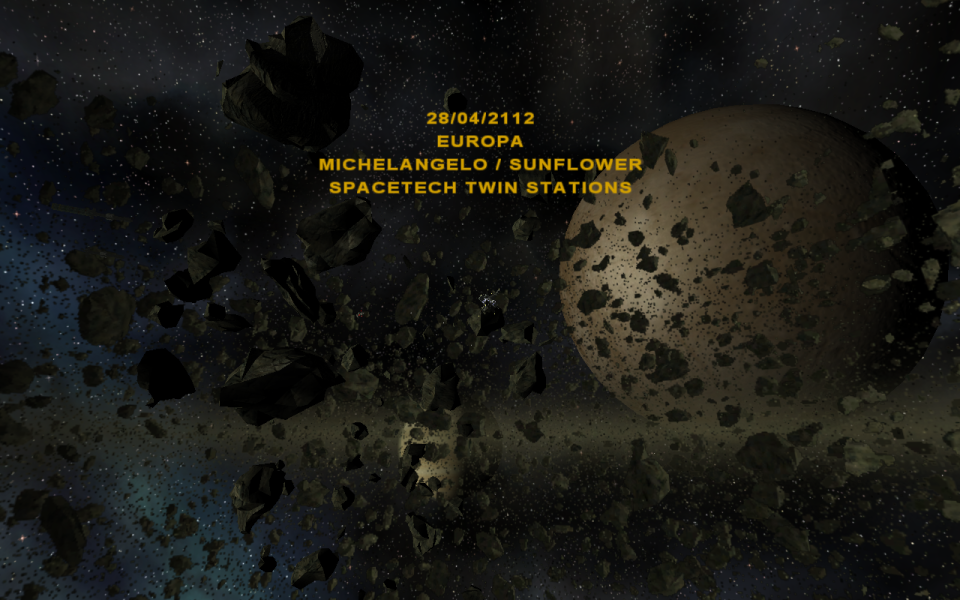
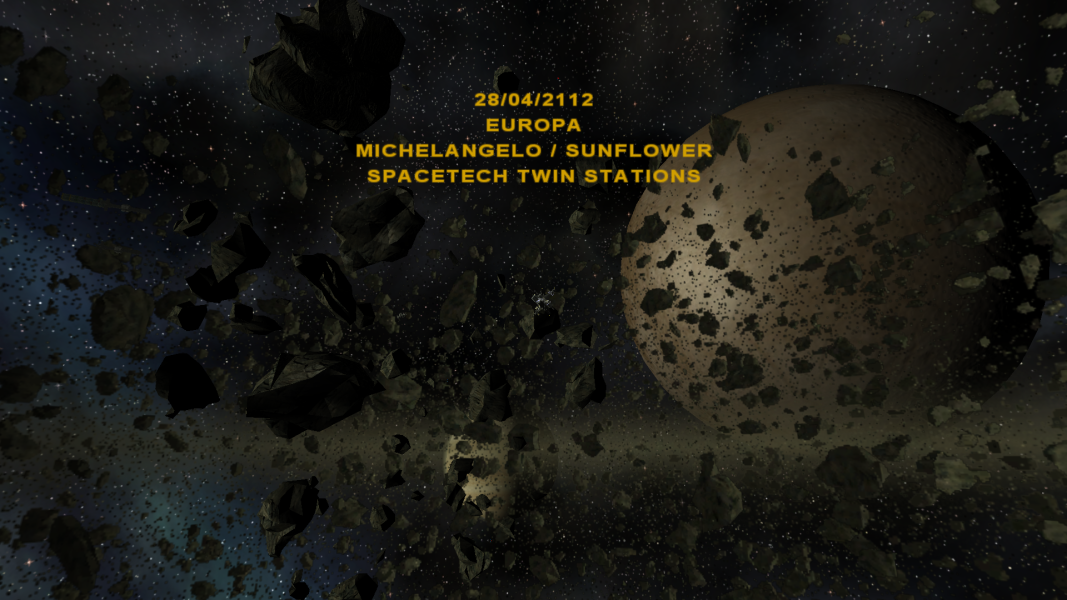
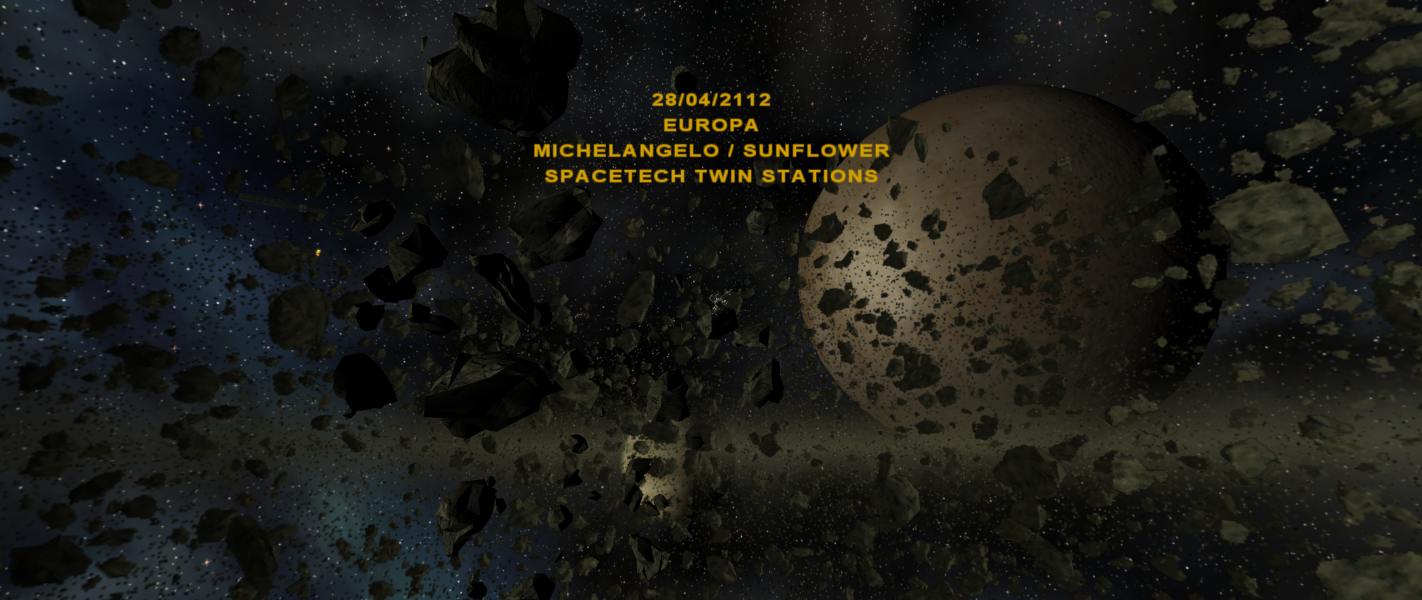
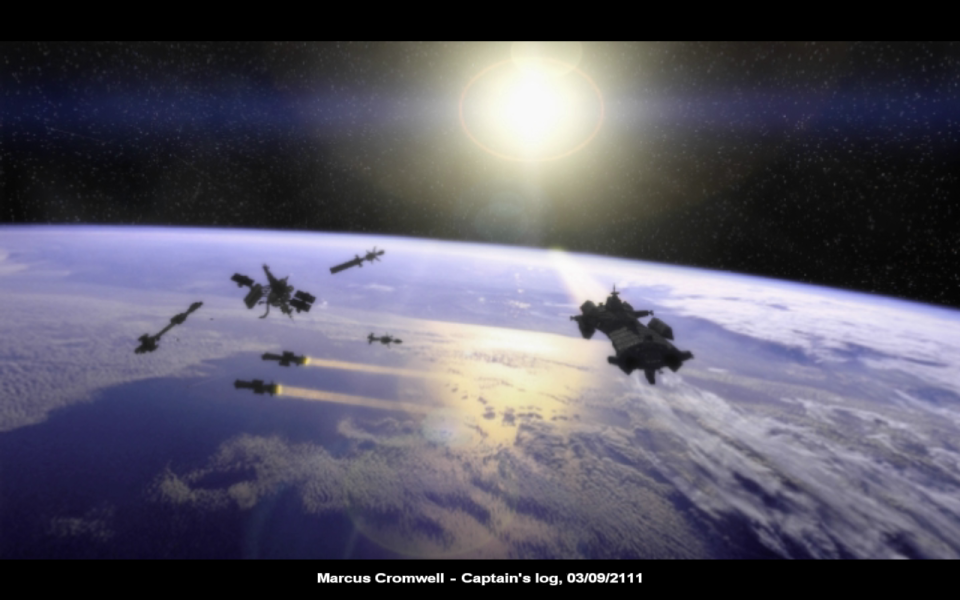
Real-time cutscenes are Hor+ but slightly Vert-. The default gameplay camera distance when starting a game is slightly Vert- but this can be adjusted as needed with the mouse wheel.
GOG.com and Steam versions: Native support. Uses the current desktop resolution by default. A small selection of resolutions is available in-game (1024x768, 1280x720, 1920x1080, 1280x800, and 2560x1080). Use the Desktop option for resolutions not listed in-game, or set by editing %APPDATA%\Nexus - The Jupiter Incident\Display.ini
Retail version: Set resolution by editing the registry (change Display_Height and Display_Width in Decimal mode):
- Not administrator, 64-bit: HKEY_LOCAL_MACHINE\SOFTWARE\Wow6432Node\Mithis\Nexus - The Jupiter Incident
- Not administrator, 32-bit: HKEY_LOCAL_MACHINE\SOFTWARE\Mithis\Nexus - The Jupiter Incident
- Administrator, 64-bit: HKEY_CURRENT_USER\Software\Classes\VirtualStore\MACHINE\SOFTWARE\Wow6432Node\Mithis\Nexus - The Jupiter Incident
- Administrator, 32-bit: HKEY_CURRENT_USER\Software\Classes\VirtualStore\MACHINE\SOFTWARE\Mithis\Nexus - The Jupiter Incident
The retail version has an issue with the pre-mission briefings which use 2D overlays on a 3D solar system explorer background. The 2D overlays are very misaligned. They aren't merely cut off vertically, but horizontally as well. It essentially looks like the overlay being used is much too large for the screen. The 3D background is simply Vert-. The briefings are fully voiced and mission objectives can be reviewed via an in-mission objectives screen, so the gameplay impact is minimal.
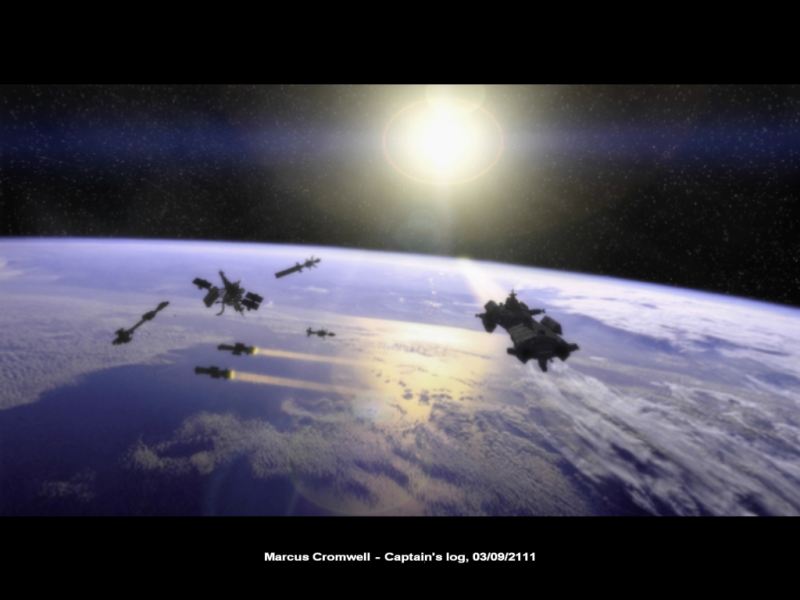
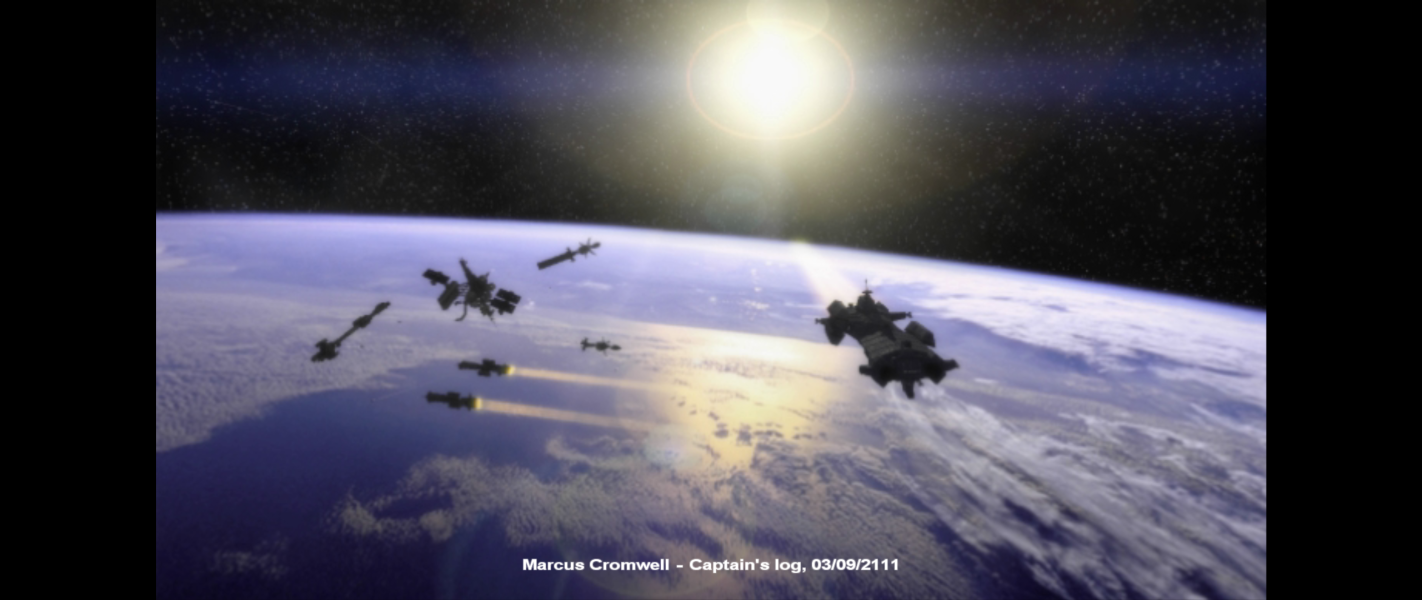
GOG.com and Steam versions: Only 2560x1080 is listed in-game; for other resolutions set resolution to Desktop or edit %APPDATA%\Nexus - The Jupiter Incident\Display.ini. Gameplay and real-time cutscenes are Hor+ from 16:9 without any further Vert- change. FMV cutscenes are pillarboxed.
The asteroid sprites are quite pixellated on the sides of the output.
GOG.com and Steam versions: Set resolution to Desktop or edit %APPDATA%\Nexus - The Jupiter Incident\Display.ini (the old-style TripleHead mode can be set here but is not needed). Gameplay and real-time cutscenes are Hor+ from 16:9 without any further Vert- change. FMV cutscenes are pillarboxed.
Retail version: Set resolution in registry (see widescreen steps) but set Display_Width to the single-display width (not the width of the group) and set Display_TripleHead to 1 to fix most UI issues.
Gameplay and real-time cutscenes are Vert- (gameplay camera can be fixed by zooming out with the mouse wheel).
Gameplay Screenshots
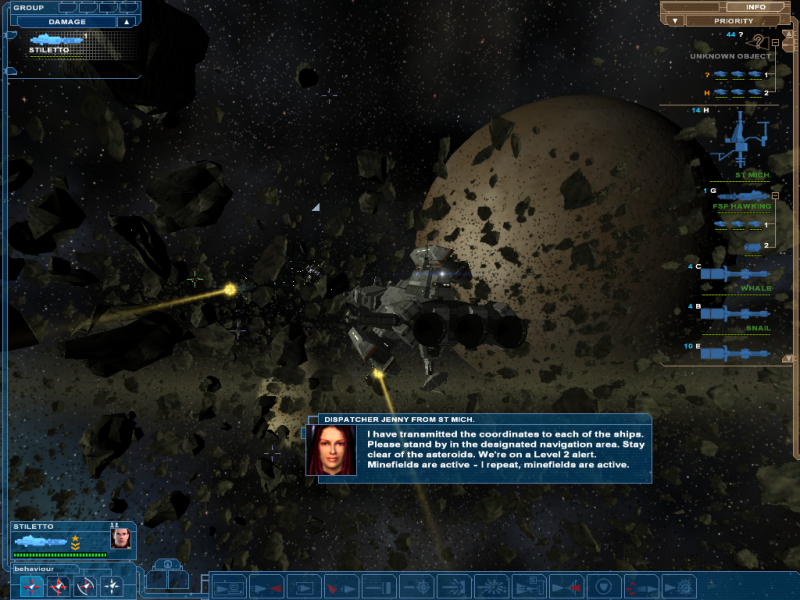
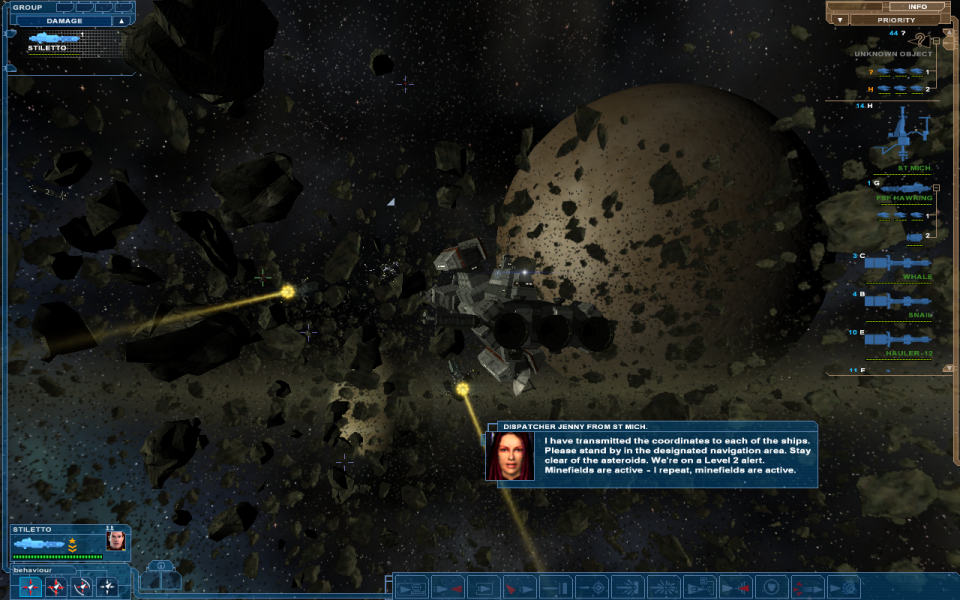
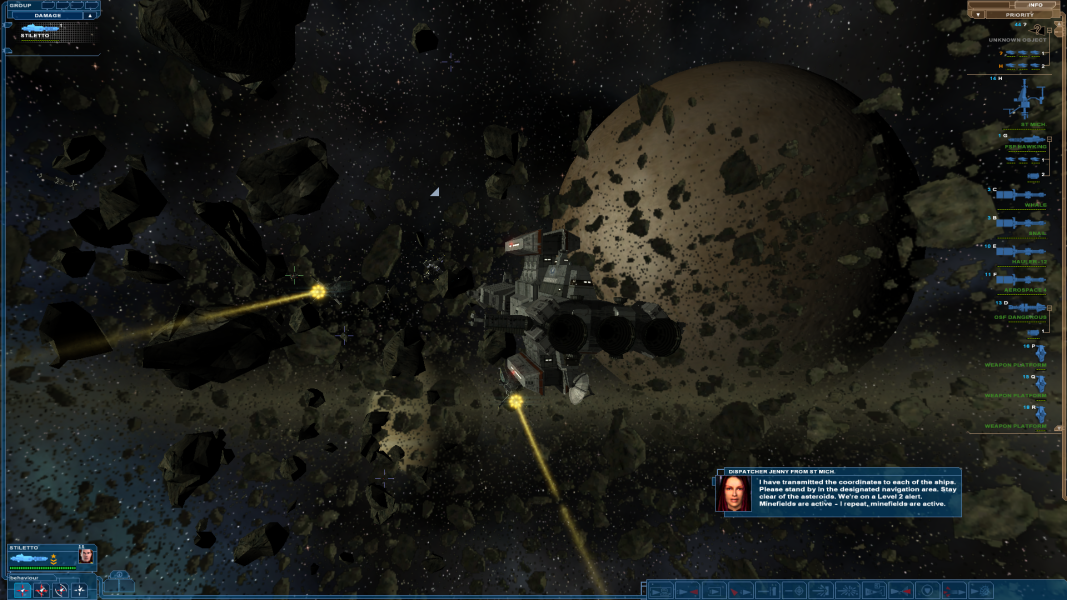



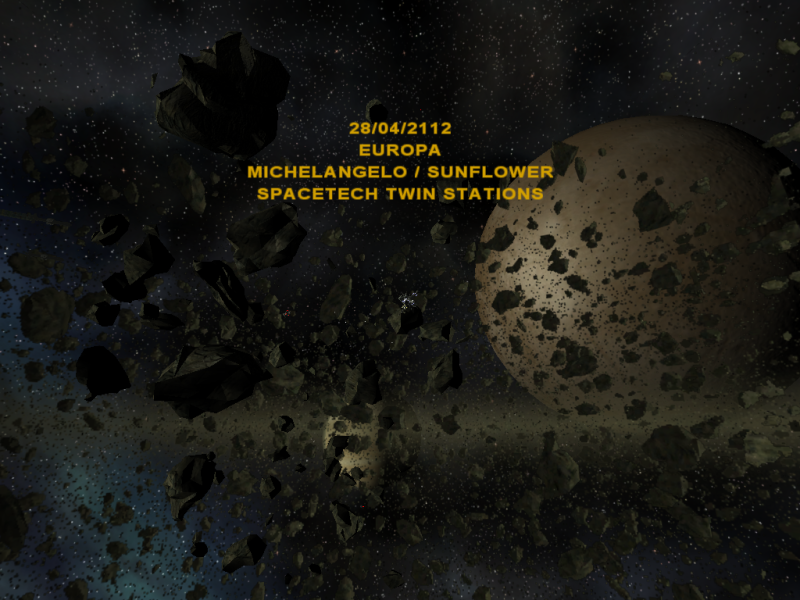
In-Game (Rendered) Cutscenes

FMV Cutscenes


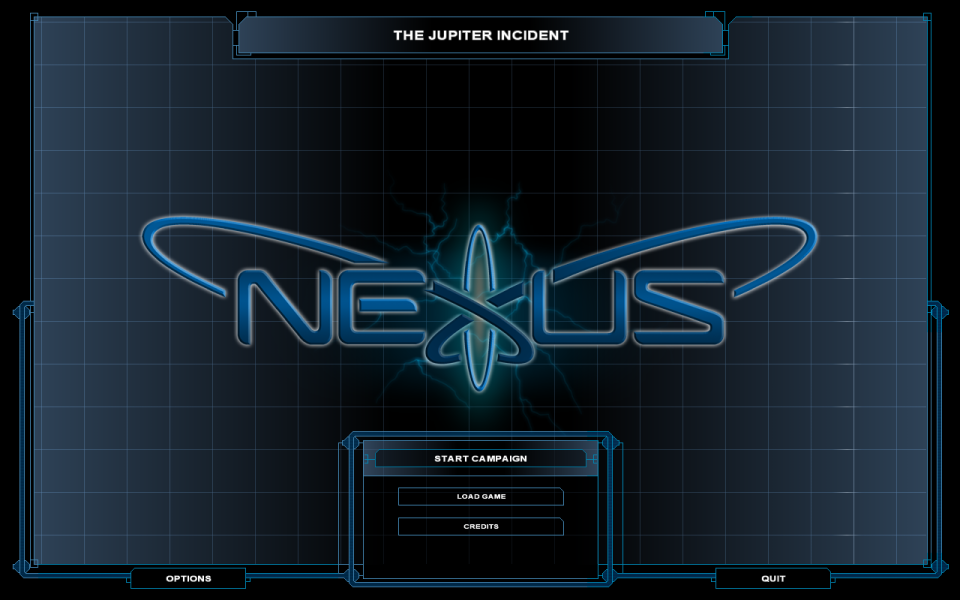
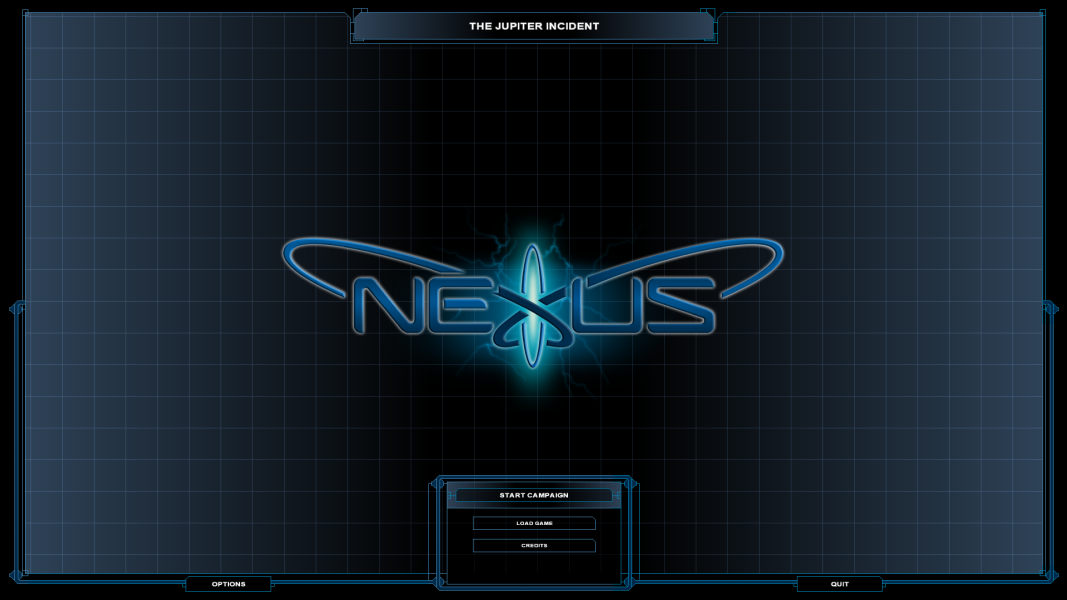
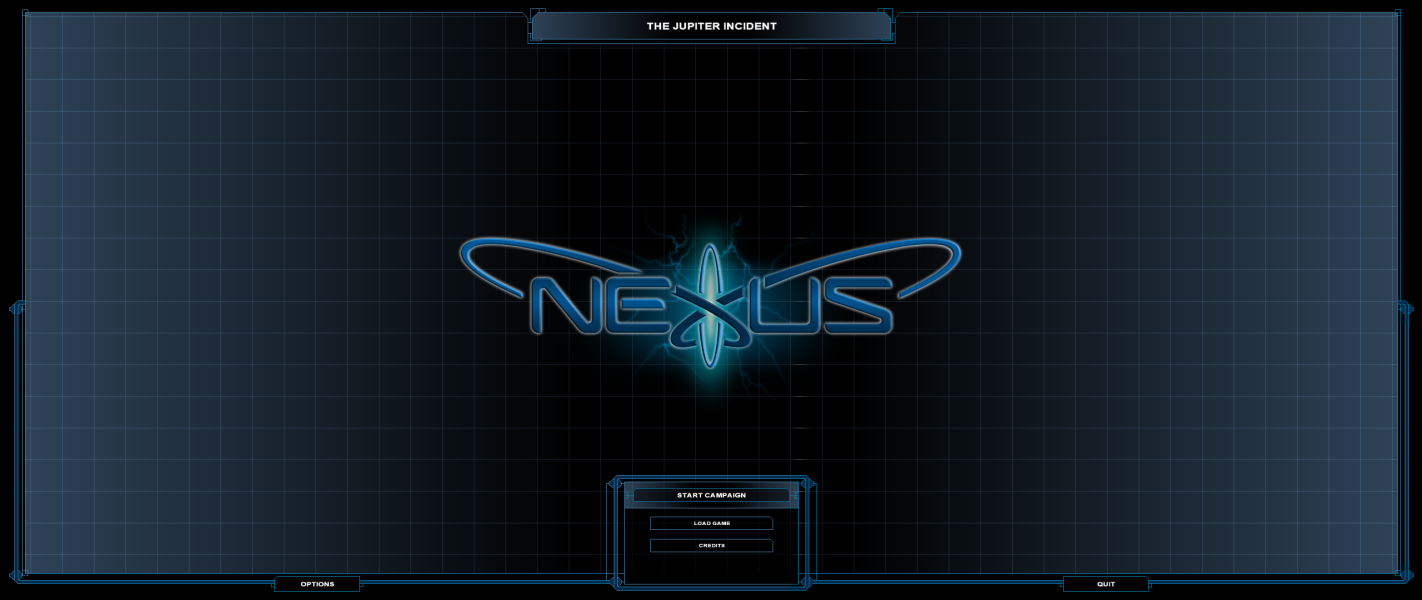
Menu Screenshots