

Emperor: The Rise of the Middle Kingdom is a game about politics, trade, and city design in ancient China. In Emperor, players progress through 3000 years of Chinese history, facing ever-changing economic, military, and diplomatic challenges as each Chinese dynasty waxes and wanes.
This game is similar to Caesar III or Pharaoh and is the forth full game in Impressions City Building Series. Gameplay is centered around laying out a city in the best possible manner. For instance, all houses will need access to a market and a water source but also to entertainment and religious structures as well. The game begins easily and walks you through all the needs of a city. Later scenarios add requirements such as building a large structure or defending the city against an attack.
Unlike other games in the city building series, Emperor adds multiplayer play and an engine that supports more detailed graphics.
Support Summary
Widescreen | Ultra/Super‑Wide | Multi-Monitor | 4K Ultra HD | |
Support | ||||
Method | ||||
HUD | ||||
Cutscenes | ||||
FMVs |
Game Information
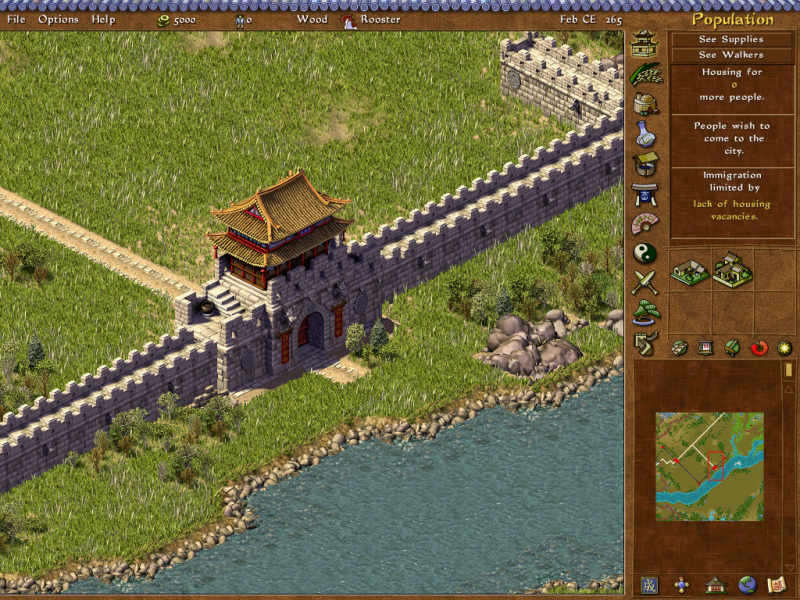
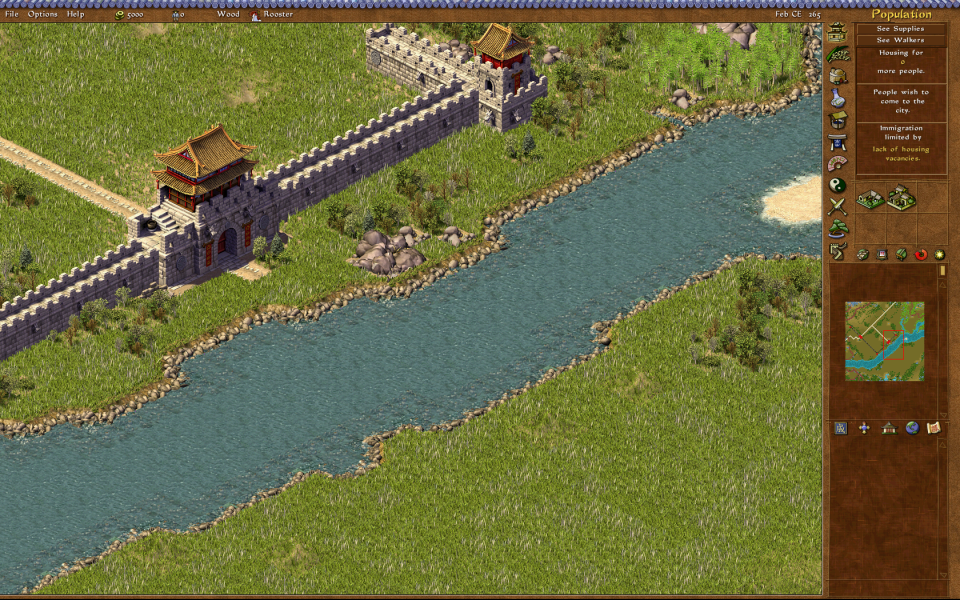
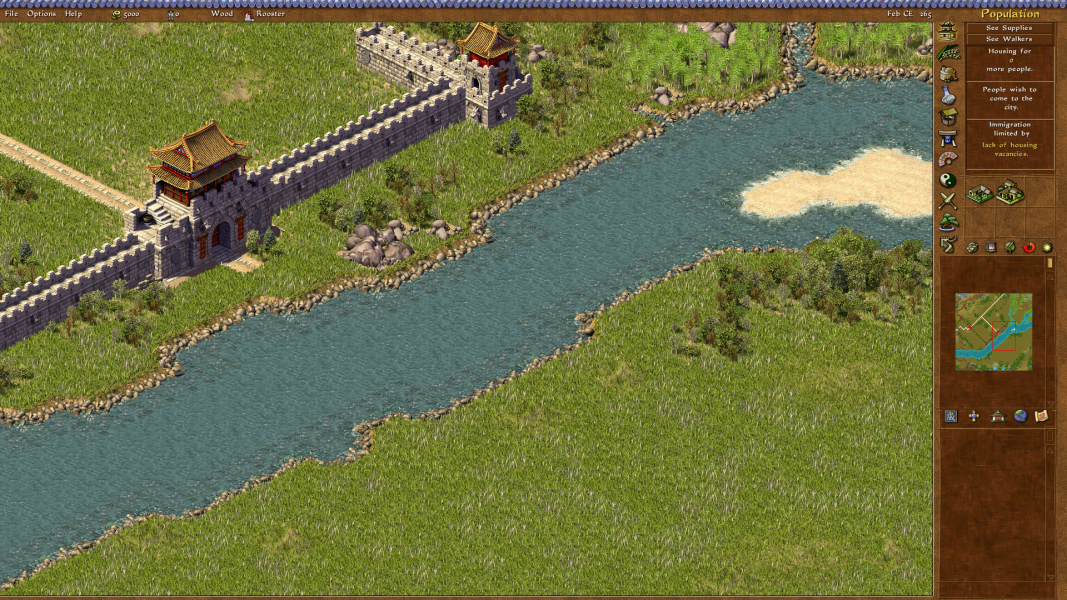
Screenshots Comparison
Solutions & Issues
Use the Emperor Resolution Customiser utility.
By default, the game has only two choices for resolution: "800x600" and "1024x768". This utility patches the "1024x768" option to instead render the game's window at a custom resolution supplied to the utility.
It is a good idea to read through the program's description and readme, but the basic installation procedure is:
- Download the program from the Files tab, under the Main files heading. Extract the downloaded archive somewhere.
- Open Emperor's installation folder, then copyEmperor.exe and EmperorText.eng to {location you extracted the files in step 1}\base_files. Also copy all JPG files in the DATA folder to {location you extracted the files in step 1}\base_files\DATA
- Run Emperor Resolution Customiser.exe. A window will then appear containing all the options available. You can click on the ? buttons to get a description of what each item does. The checkboxes are by default set to appropriate defaults.
- Don't forget to type in your desired widescreen resolution.
- Once you have picked the options you want, click on the Generate EXE button. The program will then drop the new files into the patched_files folder.
- Copy-paste the files inside the patched_files folder to the location you installed Emperor, overwriting any files already present.
- Download the file Display option patcher scripts found under Optional files header.
- Extract the file Emperor - Change Display Setting - Resolution - 1024x768 or Hacked resolution.exe to the location Emperor.exe is installed and run it.
Alternatively (but not recommended), if the program is not compatible with your copy of the game:
- Download My old widescreen fixes pack found under the Miscellaneous files header.
- Open the 1 - Fixed EXEs folder, then open the folder named after the resolution you want to use. Extract the contents of this folder into the location you installed Emperor.
Use the Emperor Resolution Customiser utility, and follow the instructions under the Widescreen section.
Note that this game has a maximum usable vertical resolution of 2560. While the utility below only caps vertical resolution at 5120, anything below the 2560th row of pixels will just be filled in with a brown background.
Use the Emperor Resolution Customiser utility, and follow the instructions under the Widescreen section.
Gameplay Screenshots