Doom3 is a Sci-Fi shooter, which is a sequel in the ongoing Doom series.
Support Summary
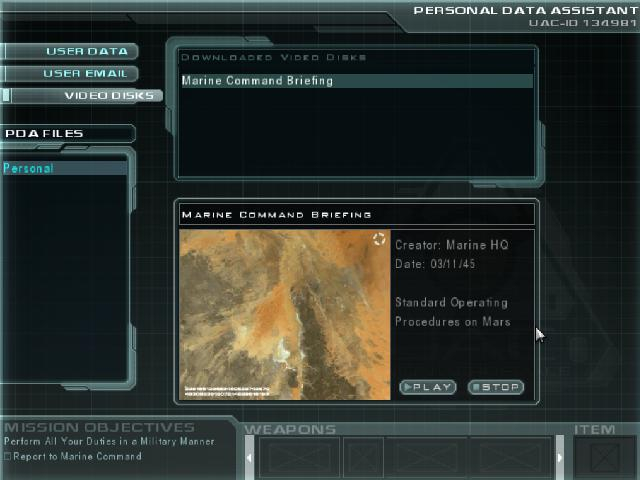
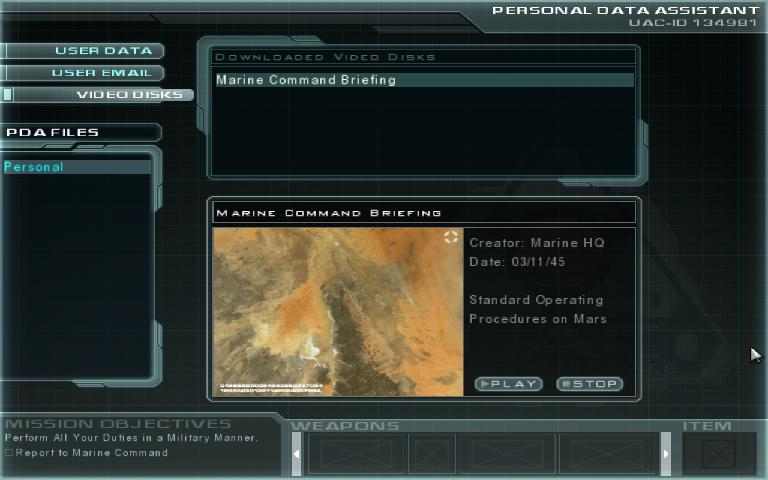
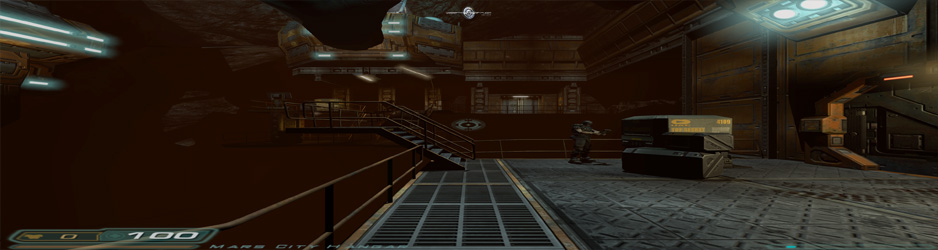
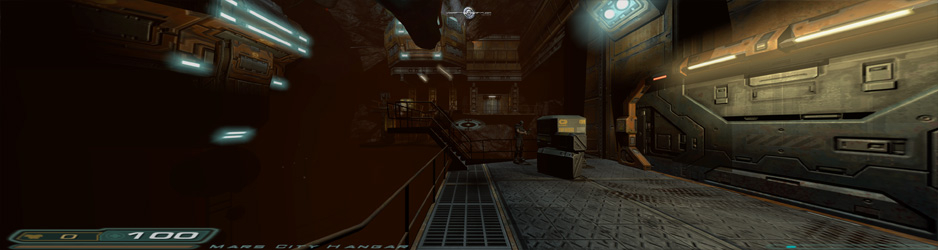
Screenshots Comparison
Solutions & Issues
This method assumes you have the latest patch. It involves setting a game var that did not exist in the earliest retail versions.
Go to \base, and edit DoomConfig.cfg.
Find these lines:
seta r_customHeight "xxx"
seta r_customWidth "xxxx"
Change the x's to set your resolution. Now find this line:
seta r_mode "x"
Change the "x" to "-1".
Find this line:
seta r_aspectRatio "x"
If your screen aspect ratio is 16:9, change the "x" to "1".
If your screen aspect ratio is 16:10 or 15:9, change the "x" to "2".
As with any .ini solution, if you cannot find any of these lines in your DoomConfig.cfg file, just add them in manually.
Resolution - Go to -> \base
edit DoomConfig.cfg put in:
seta r_customHeight "1440"
seta r_customWidth "3440"
seta r_mode "-1"
seta r_aspectRatio "1"
Aspect Ratio 21:9 --> Extract and replace Files from Doom.3 - Aspect Ratio - 21.9.7z available from the PC Gaming Wiki Community Files (search there).
Hey guys ...
With a little direction from my buddy Racer_S ...
I have managed to fix the Aspect Ratio problem that you get when playing games with the Doom 3 engine ...
Actually it isn't the perfect aspect ratio for TH but it is close enough.
I don't know if they work in multiplayer as I have only used them with the single player games.
Set the game up for TripleHead as normal ... it is the same as for Widescreen but with TripleHead resolutions ...
IMPORTANT ... set the Aspect Ratio to 16:9 in the config file
No need to change the FOV as it is automatically corrected ...
All these games use a file called ... gamex86.dll it is different for each game ... so don't get them mixed up !
Make a back up of the respective gamex86.dll file then replace the original with Doom 3 - Aspect Ratio - Multi Mon.7z available from the PC Gaming Wiki Community Files (search there).
How to fix "The Dark Mod" ...
1) Extract all files (binary.conf & gamex86.dll) from tdm_game01.pk4
2) hack gamex86.dll (Float 9 -> 4 ... four occurrences)
3) create a NEW tdm_game01.pk4 that includes the hacked dll and the original binary.conf
- just use 7zip to create new archive with .zip compression
4) replace the existing (old) pk4 with your new one
5) fix up your DoomConfig.cfg
eg.
seta r_customHeight "1050"
seta r_customWidth "5040"
seta r_fullscreen "1"
seta r_mode "-1"
5) Presto
Having a modified gamex86.dll in the root dir of "The Dark Mod" DOES NOT WORK ... it is ignored!!!!!
How to fix "Opencoop Mod" ...
Download Doom3OpenCoopWidescreen.7z available from the PC Gaming Wiki Community Files (search there).
It was tested with 2 players, one pc with three screens horizontally and seemed fine. There is one catch however, all the players in the server (and the server) need to be working with the same dll's and .pk4 files (apparantly). Which means, the people you are playing with need to have the same fix installed, which is probably not what you want if they don't have the same setup (3 screens wide) . The fix works as the ones described before, by changing the actual aspect ratio of the '16:9' aspect ratio. Which means if the people you want to co-op with have a 16:9 aspect ratio but not a triple screen, they are somewhat screwed (as they need to install the same fix). It might have been better to alter the aspect ratio of 4:3, as it not used as much anymore, but I havent got around to look for it.
Gameplay Screenshots


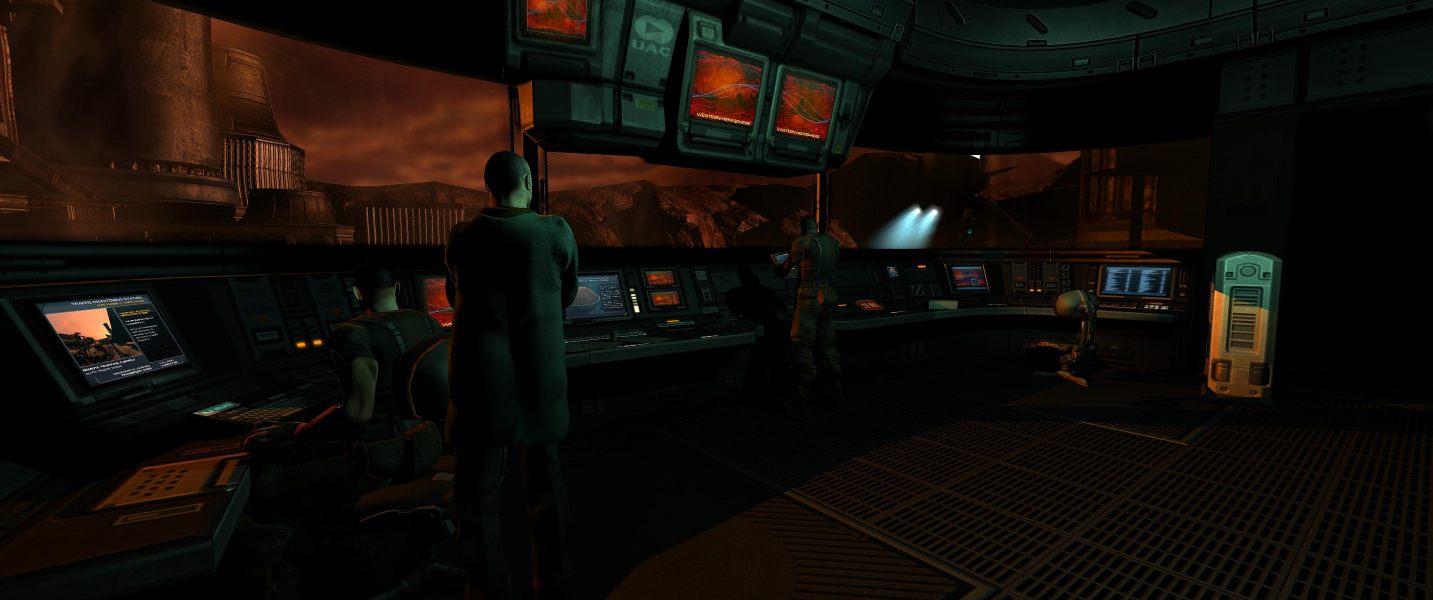
In-Game (Rendered) Cutscenes


FMV Cutscenes


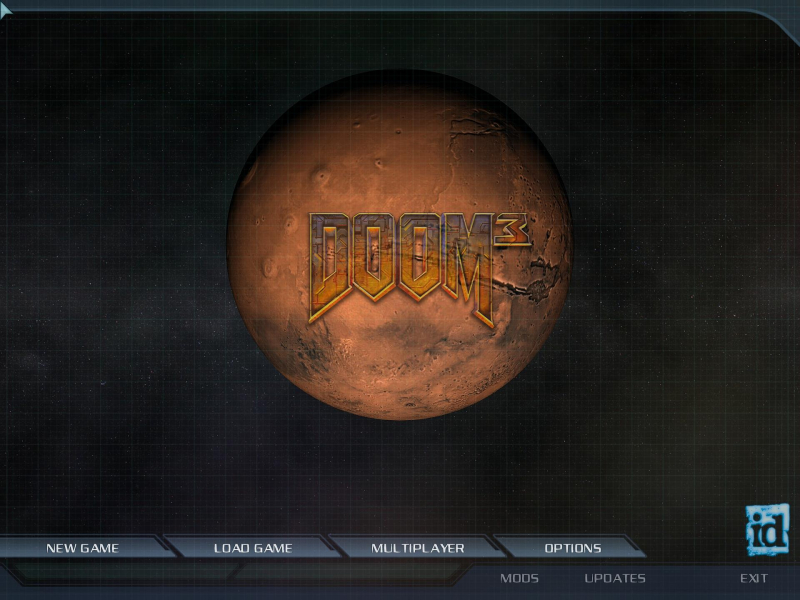
Menu Screenshots

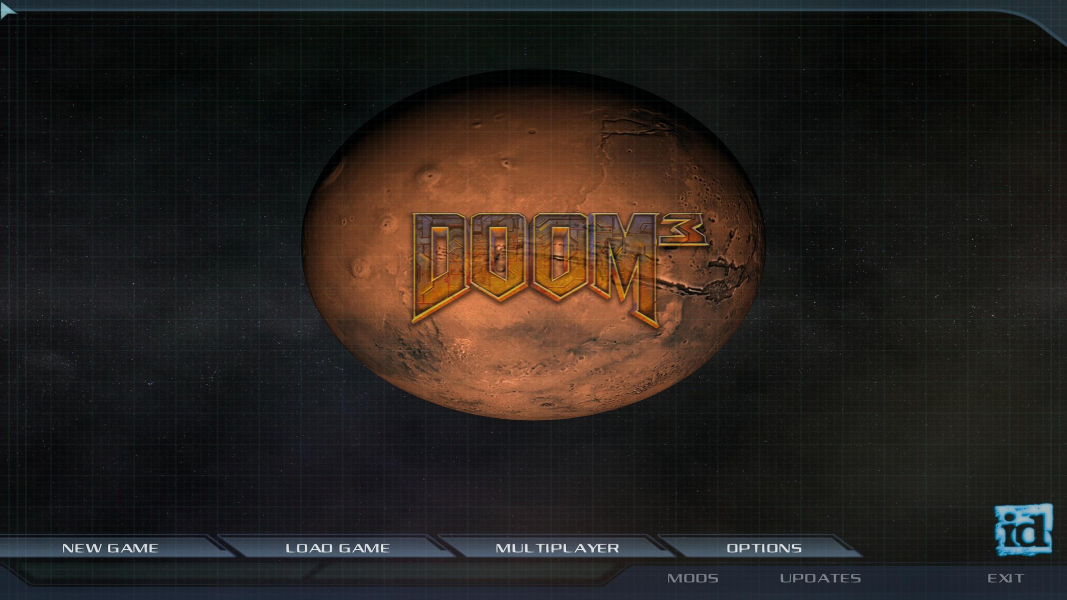
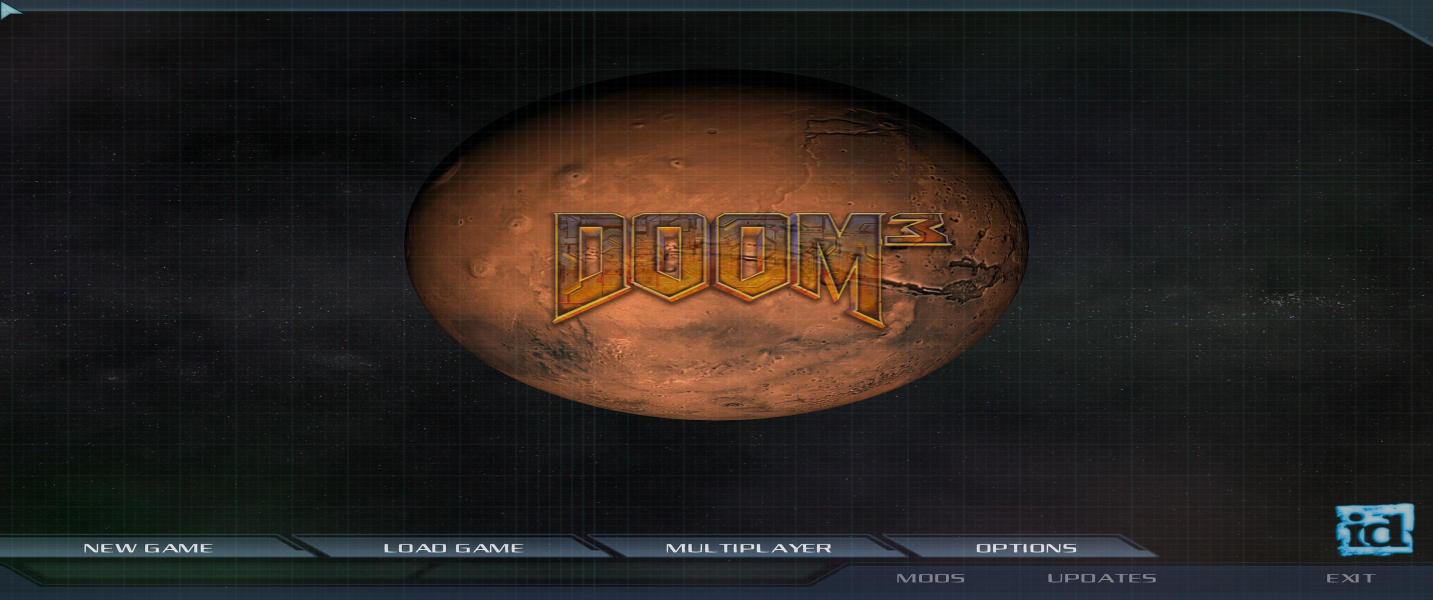
Additional Screenshots