Diablo III is the long awaited installment in the Diablo series from Blizzard. The gameplay is a genre-defining "action RPG" that is known for it's one click per attack, and extensive "loot" system which offers near limitless upgrades to weapons, items and armor.
Support Summary
Game Information
- Released
- Lobbying
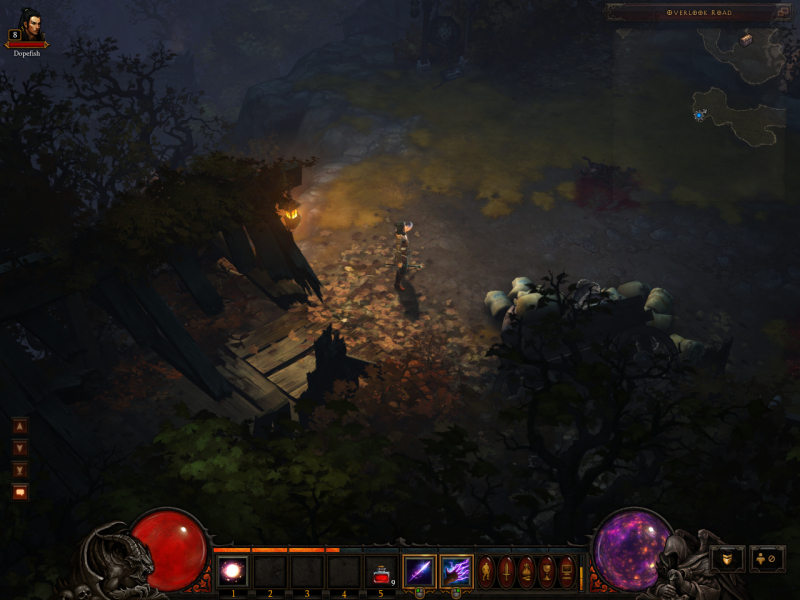
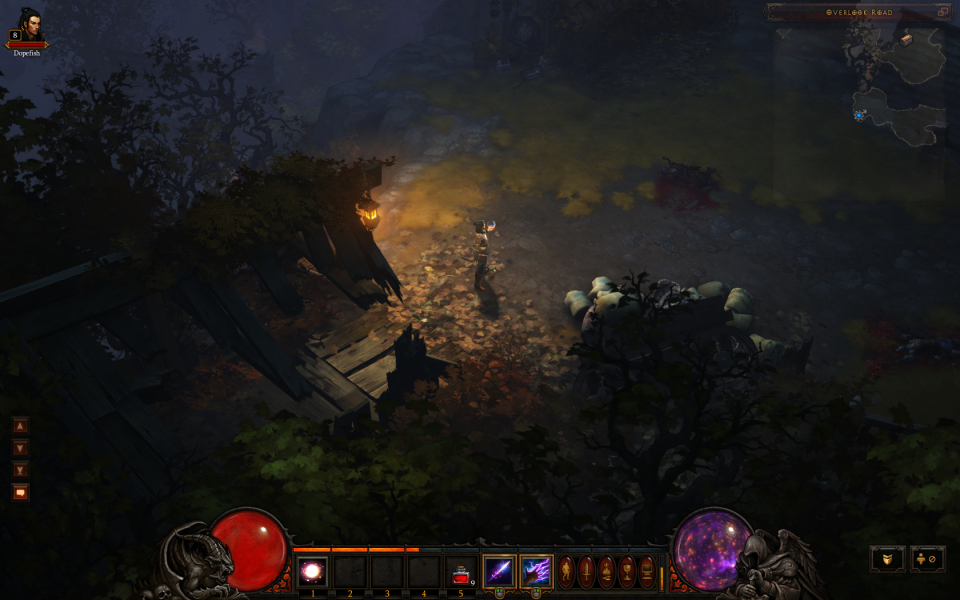
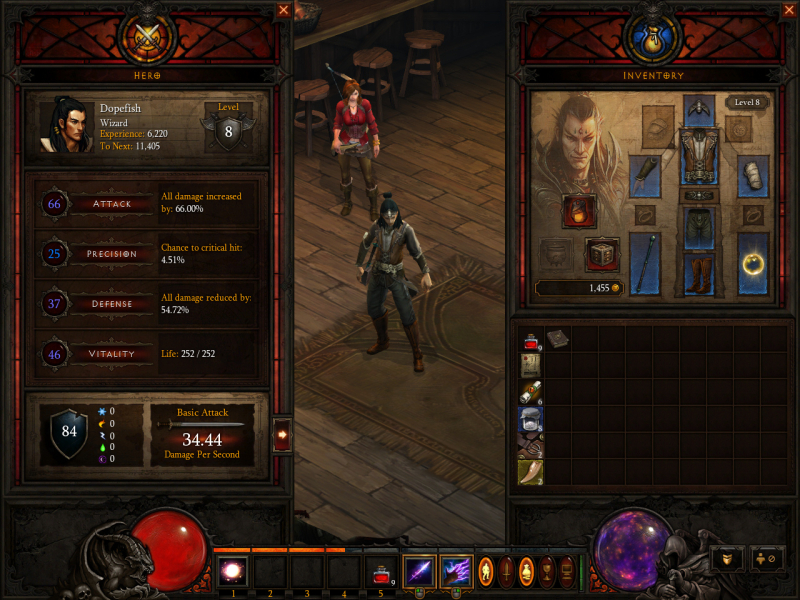
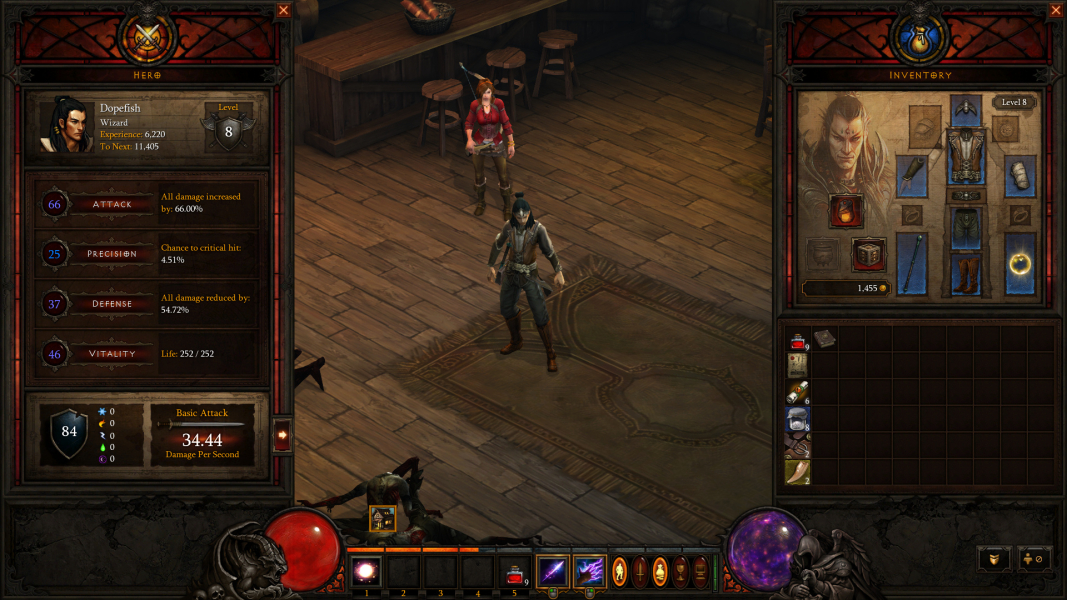
Screenshots Comparison
Solutions & Issues
The game natively supports widescreen resolutions under the "Fullscreen" display option. Eyefinity and Surround is supported by using the "Fullscreen Windowed" option.
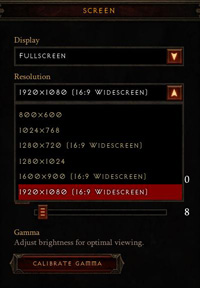
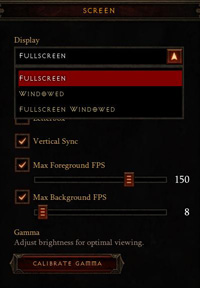
Ultra-Widescreen is supported by using the "Fullscreen Windowed" option with minor graphical glitchs (On menu, loading screens or In-Game Rendered Cut-Scenes)
Official position of Blizzard on UW isn't clear, months ago, they decide this on Battle.net Forums :Our QA Team has had a chance to check out the new widescreen monitor with Diablo III. I'm afraid the results aren't going to be to your liking however. They confirmed the game isn't supporting the resolution currently and that there are no plans to do so going forward. I believe the ability to use it in FullScreen Windowed mode may be disabled in the near future as well.
The game servers and client UI were just not designed for this resolution and it's likely considered an exploit, giving an advantage to users with it over those without. ATI's Eyefinity feature is not supported for the same reason.
I know this isn't going to be a popular decision to share but it's where the issue stands.
Link to Battle.net post
That said, UW continue to work at this time, and it also does in the same way on next '2.0' Patch and Reaper of Souls Beta
For Eyefinity/Surround to work you must set the game to run in "Fullscreen Windowed." If you are having difficulty in the game to change your video options, here is how to change the setting outside of the game:
C:\Users\(user name)\Documents\Diablo III\D3Prefs.txt
DisplayModeWindowMode "2"
DisplayModeWidth "5760"
DisplayModeHeight "1080"
Bezel Correction resolutions are supported but, this has to be set to your desktop resolution or it will not work. This will enable the Fullscreen Windowed solution all ready found in the Beta. Note, windowed mode means no CrossFire or SLI support.
Helifax Solution for 3D Vision Surround users :
- Download Widescreen fixer
- Download this PLUGINand put it inside the Plugins folder.
- Start WSF & select the plugin
- Press the Cog (gear) to configure the plugin
- Start the game!
- Inside the game select Fullscreen and the resolution of your 1 screen (ex: 1680x1050 if you want to play at 3x1680 = 5040 x 1050)
- After that, at main menu enable the fix (default *)
- Alt+tab out of the game and back to it
- It will be rendered on 3 Screens now. (Fully compatible with 3D Vision Surround).
When your monitor sends out a native 4k edid info, the game might show the 4k resolution as option. If not, do ini. mod.
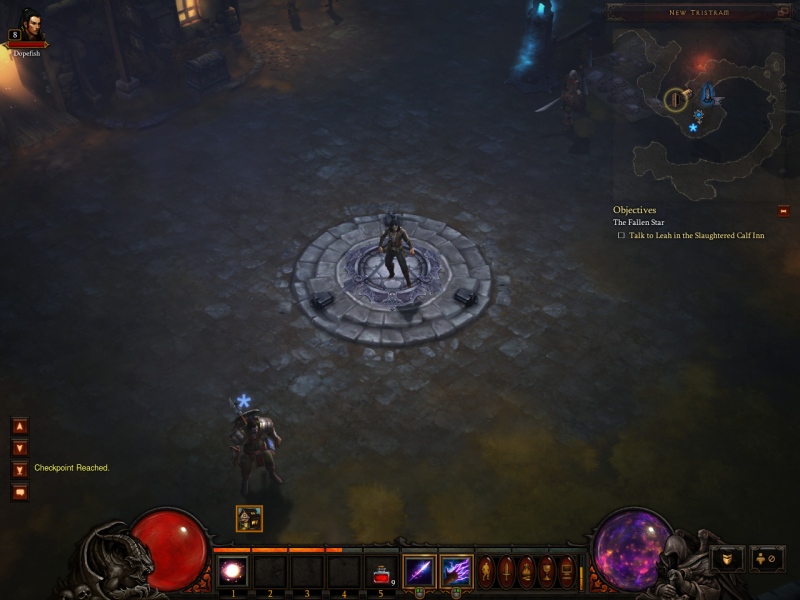
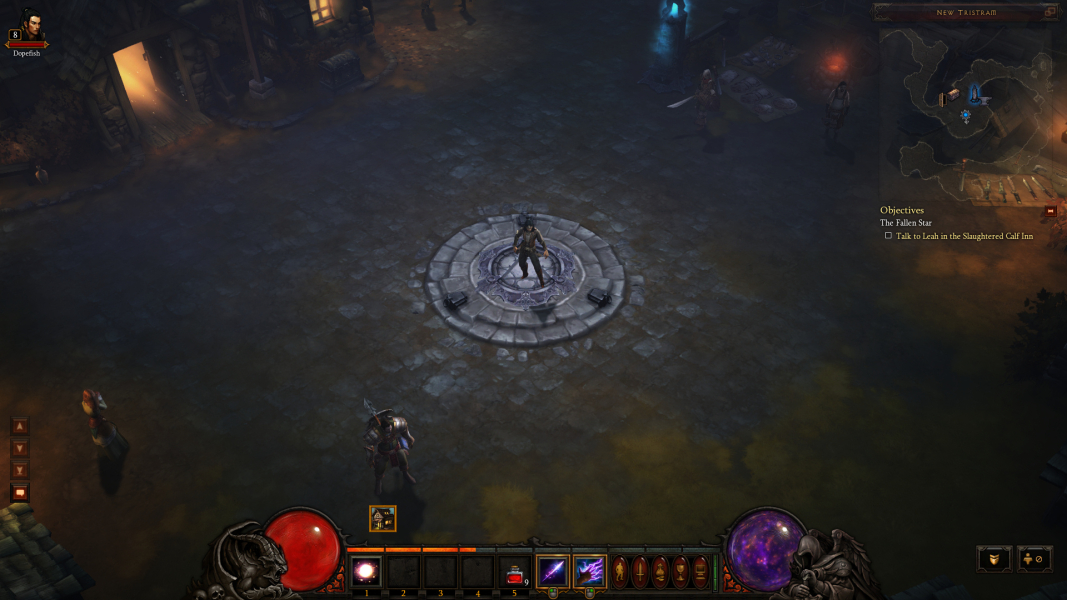
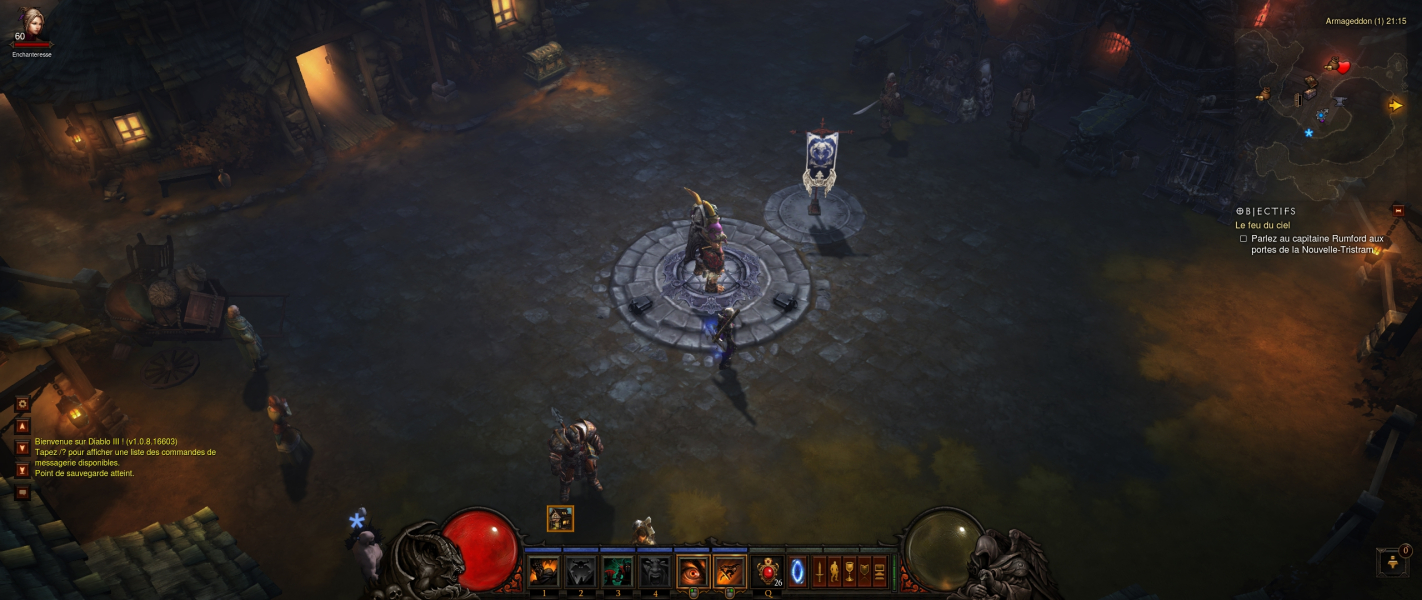
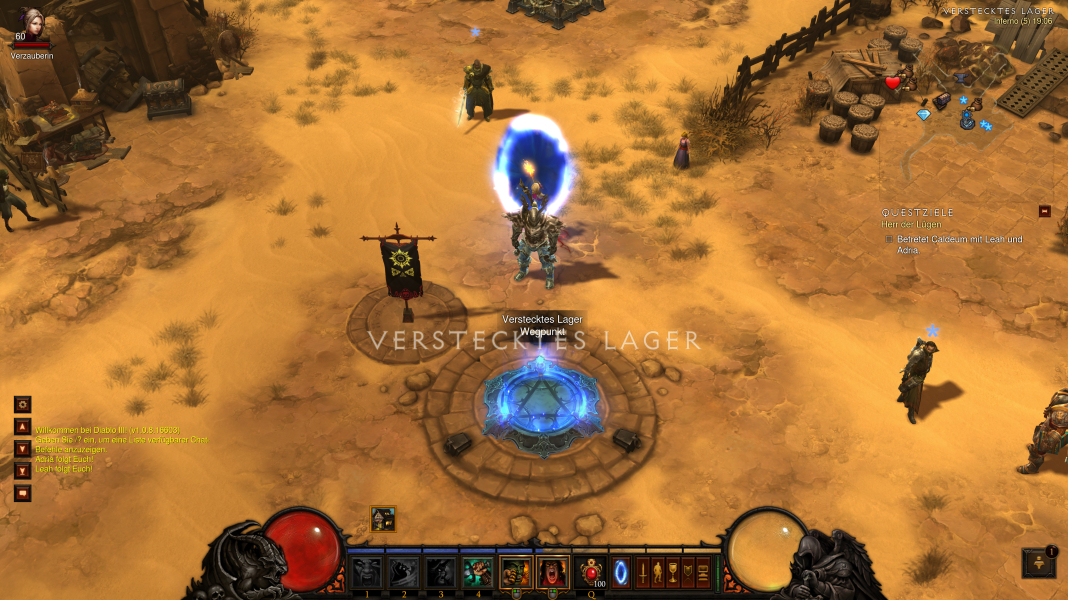
Gameplay Screenshots



FMV Cutscenes




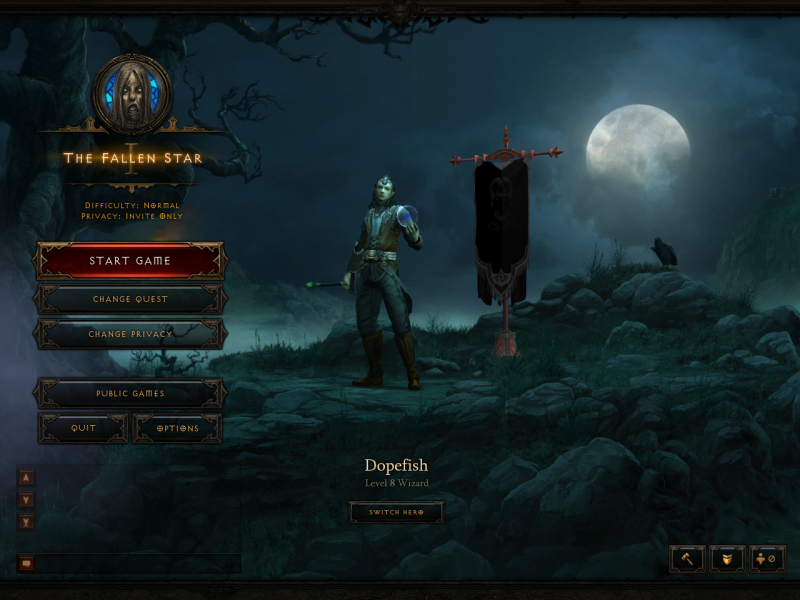
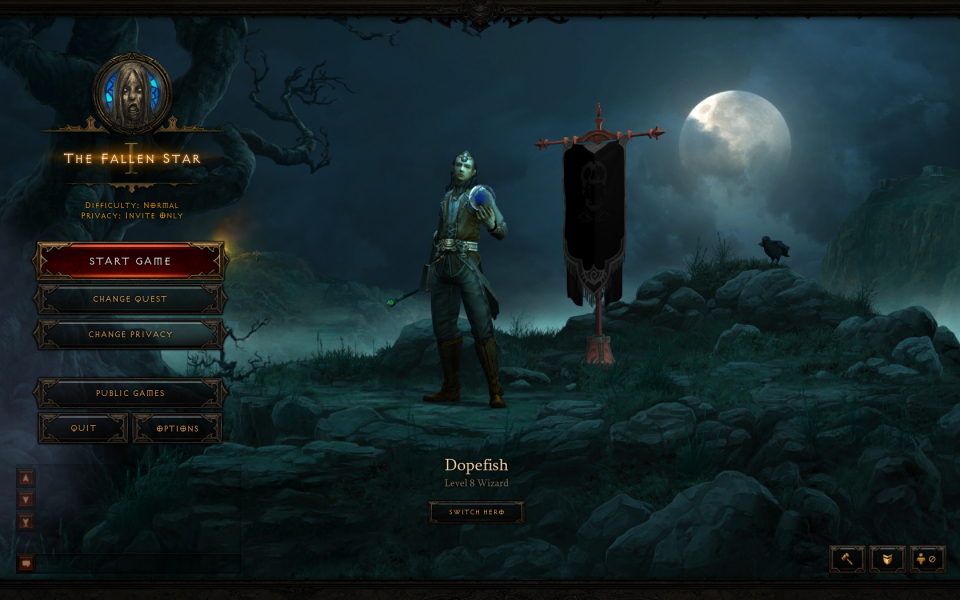
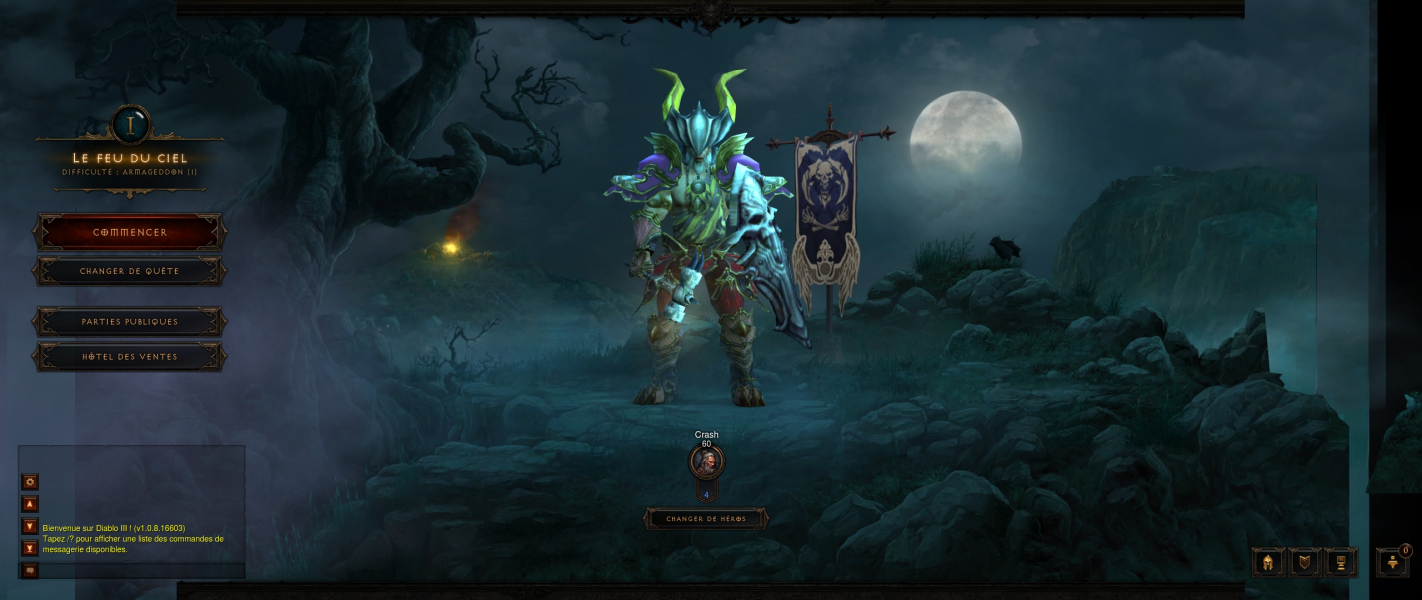
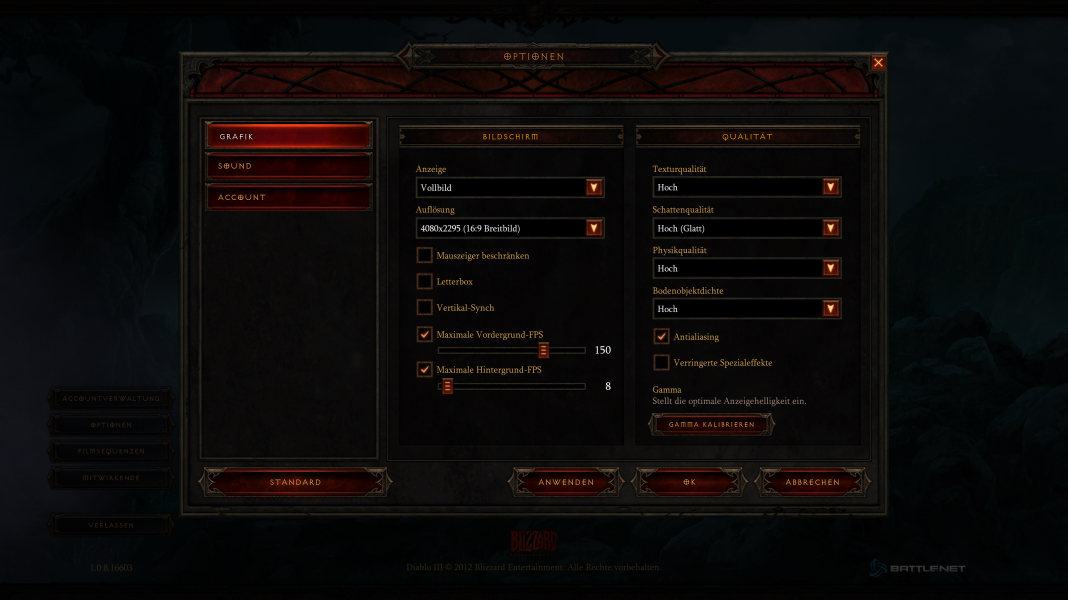
Menu Screenshots


4K UHD Screenshots
Additional Screenshots