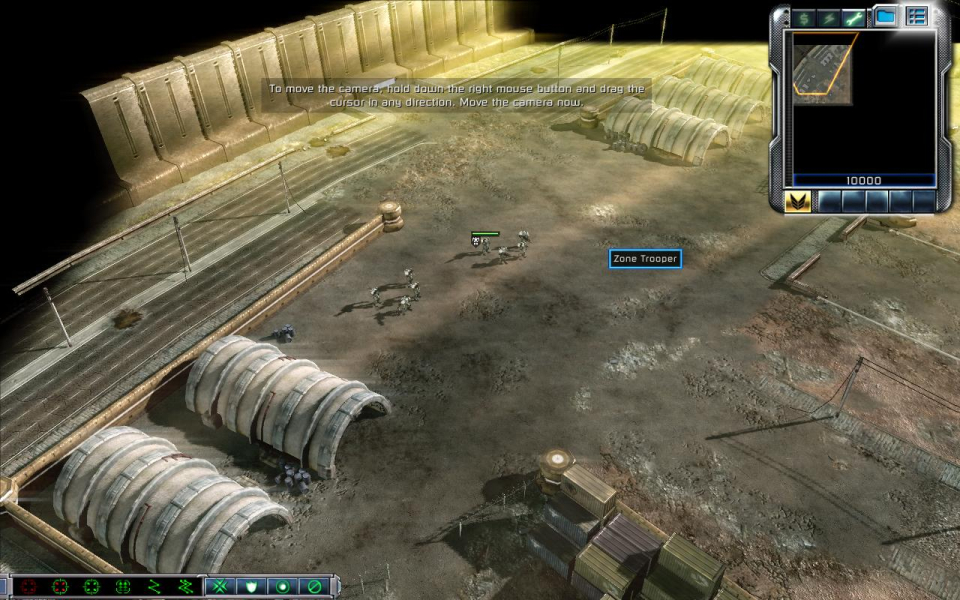
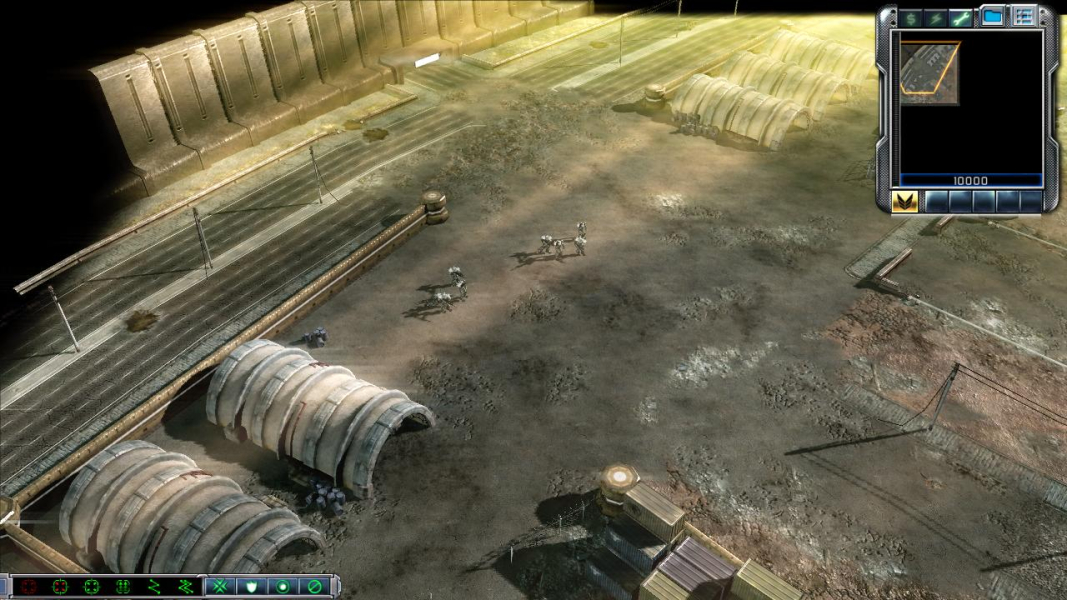
The highly anticipated game Command & Conquer 3 Tiberium Wars is the next installment in the long running Real Time Strategy series from Electronic Arts.Play as either the Global Defense Initiative (GDI) or The Brotherhood of NOD for control of Tiberium and the World.
Support Summary
Game Information
Screenshots Comparison
Solutions & Issues
The game has native support for widescreen resolutions, just use the video options menu.
To get resolutions such as 1280x768, which isn't supported natively, or any other custom resolution use this method:
First locate your C&C 3 directory(Default: C:\Program Files\Electronic Arts\Command & Conquer 3 Tiberium Wars Demo) then right click on the CNC3Demo.exe, create a shortcut anywhere you would like.
Now right click on the shortcut and select properties. The Target box should read:
"C:\Program Files\Electronic Arts\Command & Conquer 3 Tiberium Wars Demo\CNC3Demo.exe"
Add a space and enter: -xres 1280 -yres 768
Or any custom resolution you would like to use.
Your Target box should now look like this:
"C:\Program Files\Electronic Arts\Command & Conquer 3 Tiberium Wars Demo\CNC3Demo.exe" -xres 1280 -yres 768
-----------------
or
Most resolutions are supported natively, but some (such as 1280x768) are not. If your preferred resolution is not supported natively, then you'll need to edit options .ini.
For C&C3, it's located here:
C:\Documents and Settings\Administrator\Application Data\Command & Conquer 3 Tiberium Wars\Profiles\
Edit Options.ini.
Find this line:
Resolution = xxxx xxx
And edit it to set your resolution.
-----------------
EA have finally given a PC game decent widescreen support.
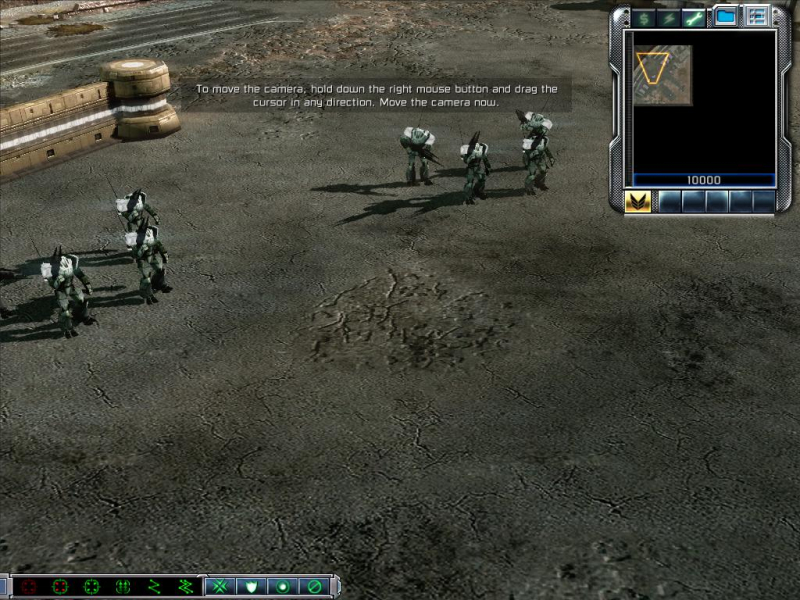
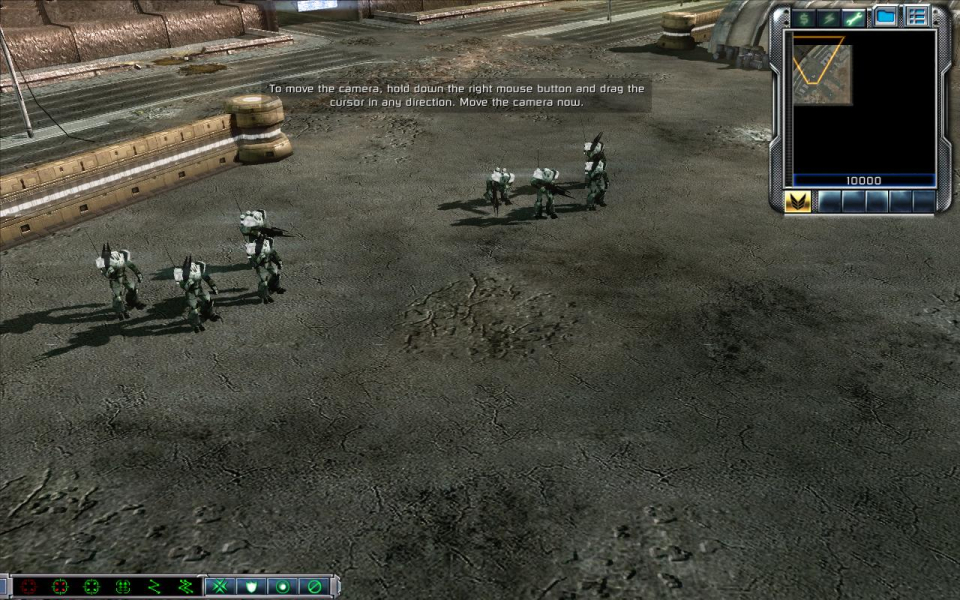
5:4 to 16:9 is almost exactly Hor+, 16:9 has a a very slight amount of Vert-. It seems EA have optimized the game for these aspect ratios. 16:10 resolutions have a much larger Field of View overshot compared to 5:4, but especially large compared to 4:3.
16:9 also has a little FOV overshot compared to 4:3.
Gameplay Screenshots


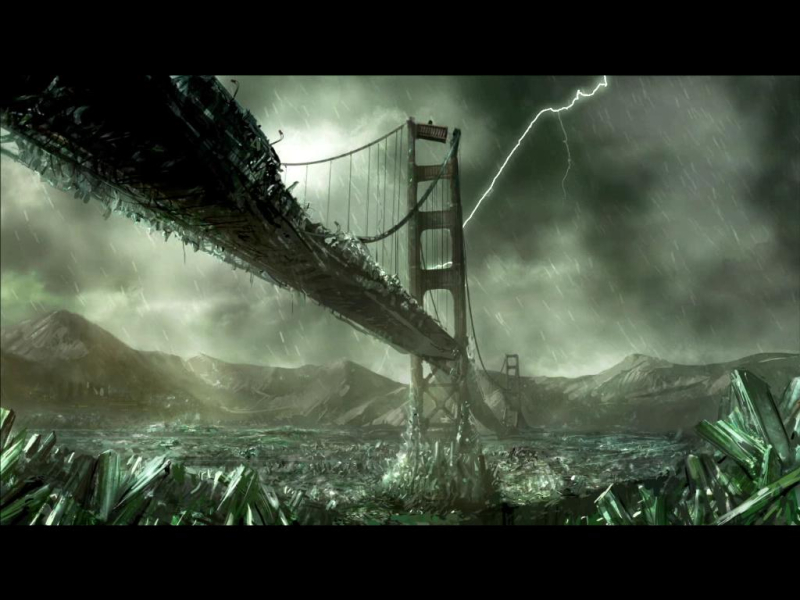
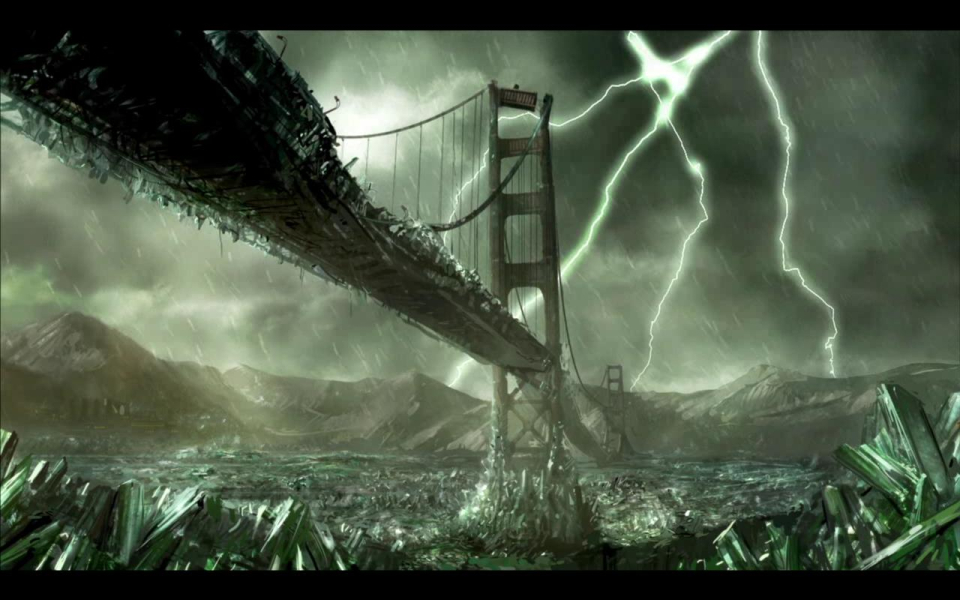
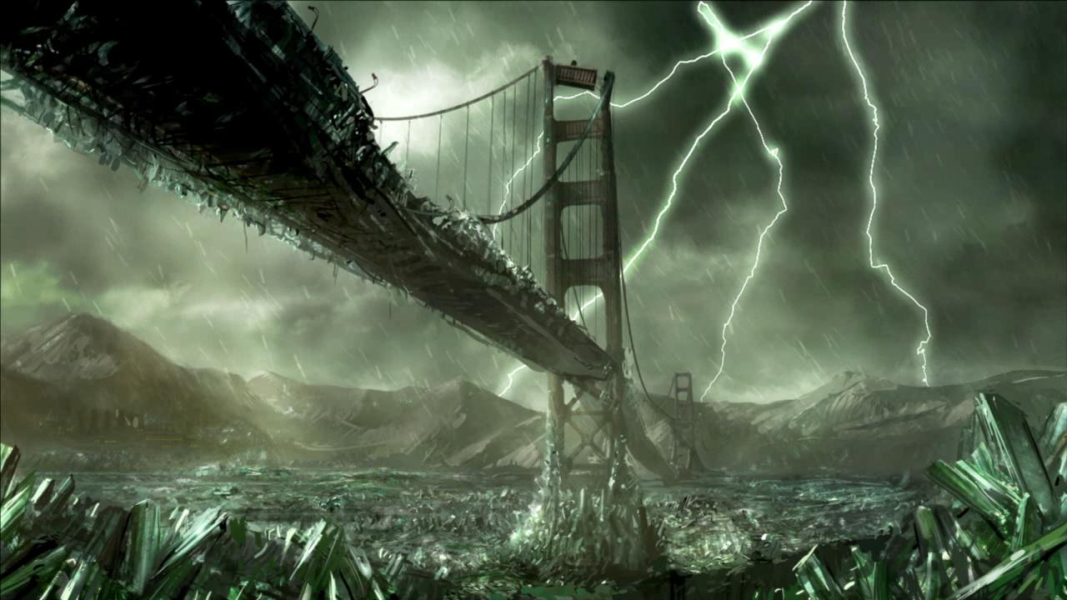
FMV Cutscenes
Additional Screenshots