


Borderlands is a pseudo-open world shooting games with RPG elements from Gearbox Software, makers of the Brothers in Arms games and the original Halo's PC port. Borderlands is best described as Diablo reinvented as a first-person shooter and has a unique graphical style somewhere between cell-shading and concept art.
Support Summary
Game Information
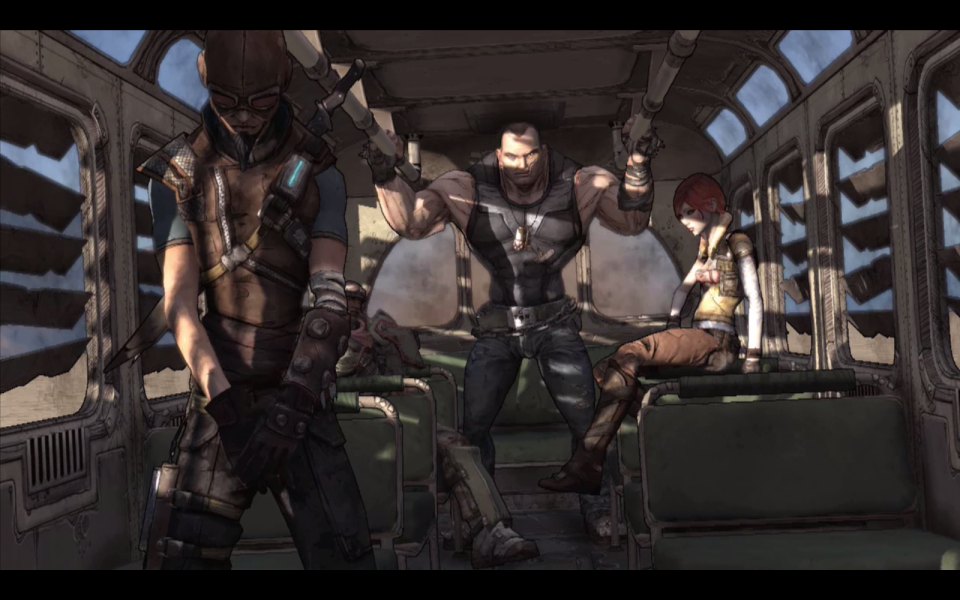
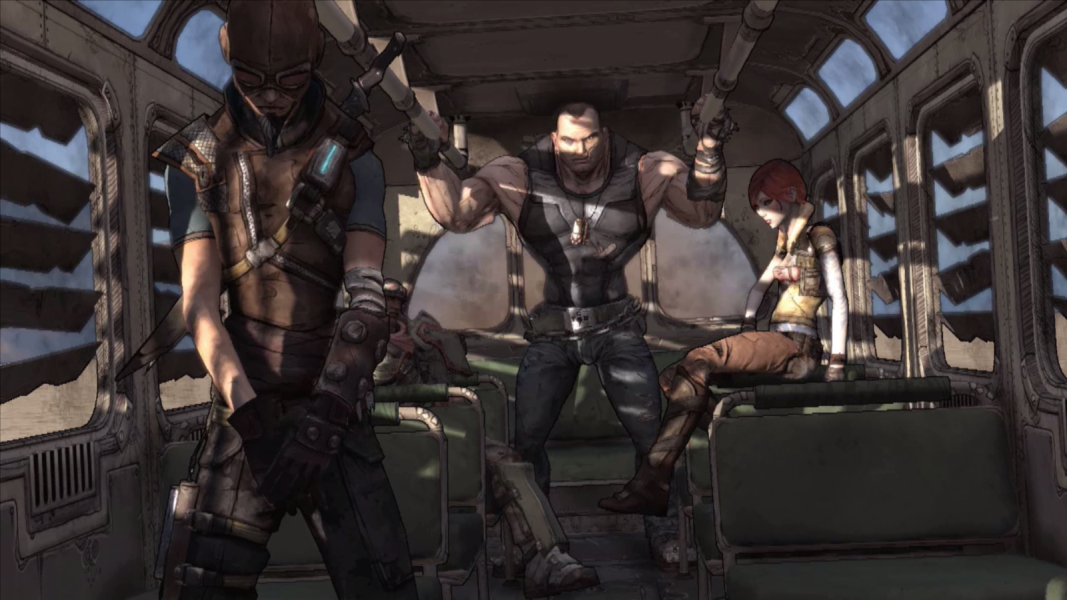
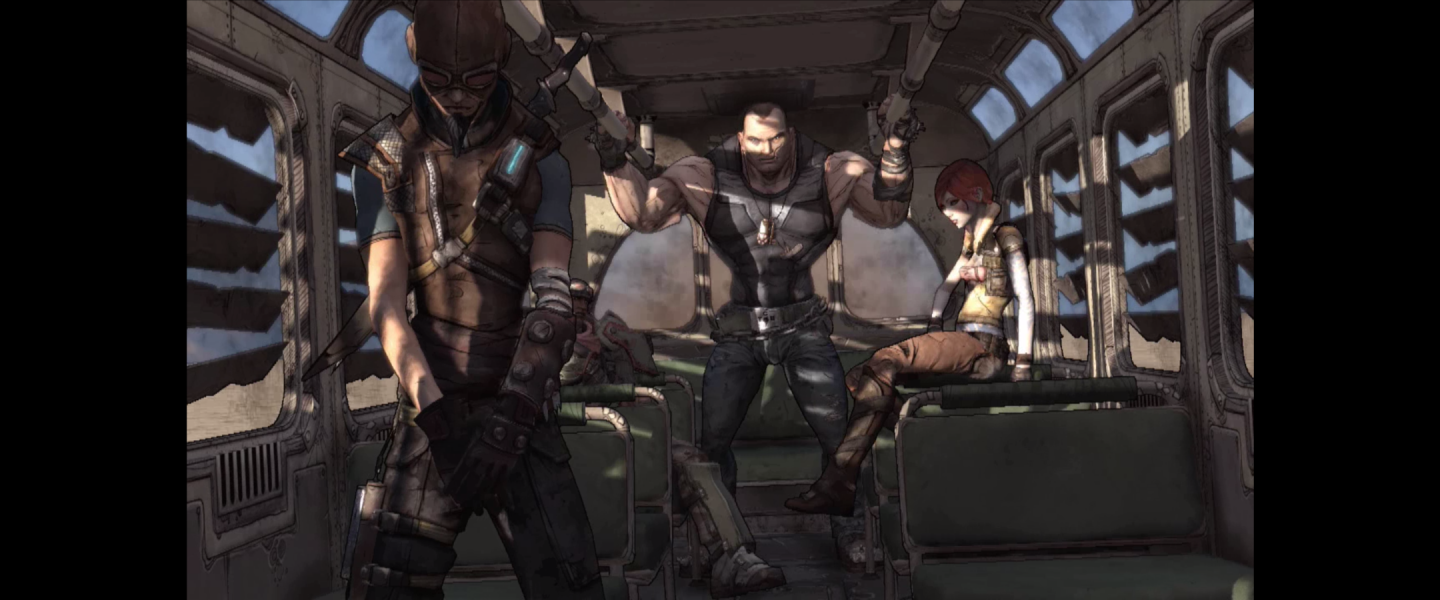
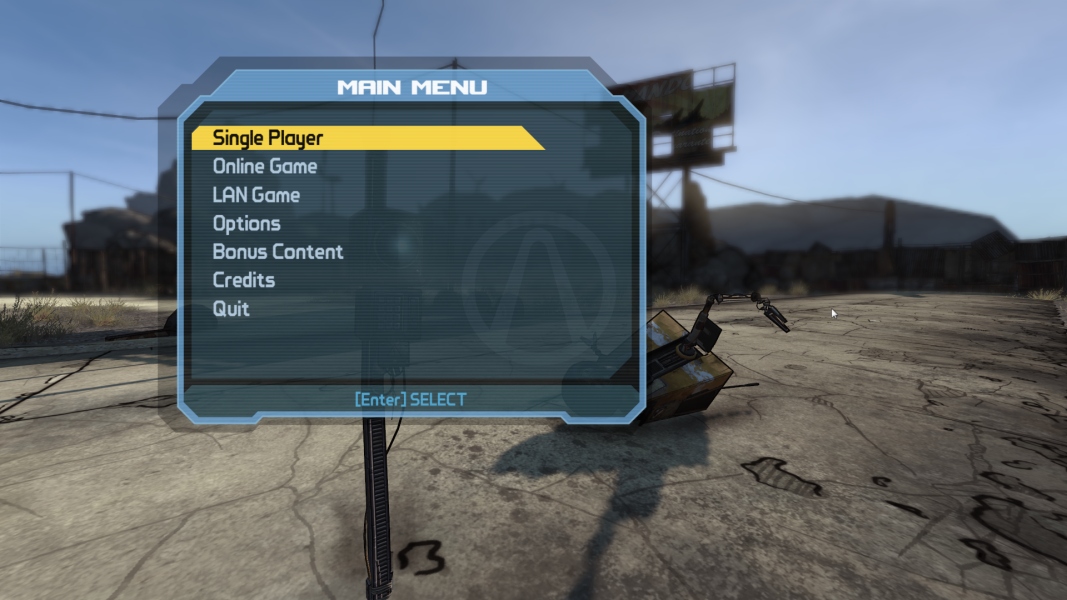
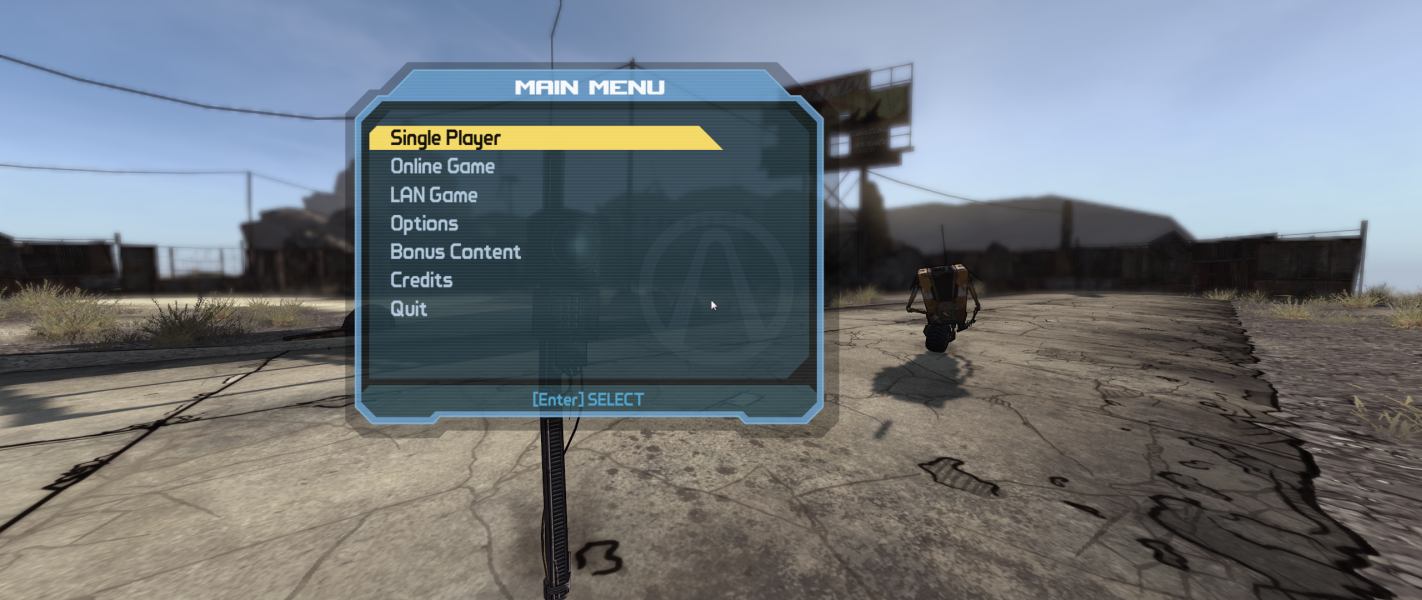
Screenshots Comparison
Solutions & Issues
New Hor+ solution:
Replace Borderlands.exe in the game folder (Borderlands\Binaries\) from available from the PC Gaming Wiki Community Files (search there)
It's strongly recommended that you restore the default FOV value before using this hack.
=====
Old info and solution:
Step One: Download the hack from files available on PC Gaming Wiki
Step Two: Run the hack and set your FOV in the middle-bottom section. You must set the FOV change to a key from the list below that, such as the forward movement key or sprinting key. When in-game the FOV will "snap" to the Hor+ value at the press of this key.
Step Three: Hit apply and close the hack, then run Borderlands as normal and press your set FOV changing key.
Note that using a vehicle in the game resets the FOV as may some other events like a cinemas playing. With the FOV set to a movement or sprint key you can quickly reset it to the Hor+ value by moving in the game after the car or cinema section is complete.
Borderlands has what some might call a critical flaw in widescreen resolutions using the above widescreen method. When sprinting Borderlands alters the FOV for a kind of reverse zoom effect to make you feel the sprinting effect. When hacking the FOV for Hor+ widescreen the increase in FOV when sprinting can be extreme depending on your resolution. I personally find it to be perfectly acceptable in 16:9 resolutions but the wider your aspect ratio and thus the higher your FOV the more the sprint effect will feel "fisheyed" and disorienting.
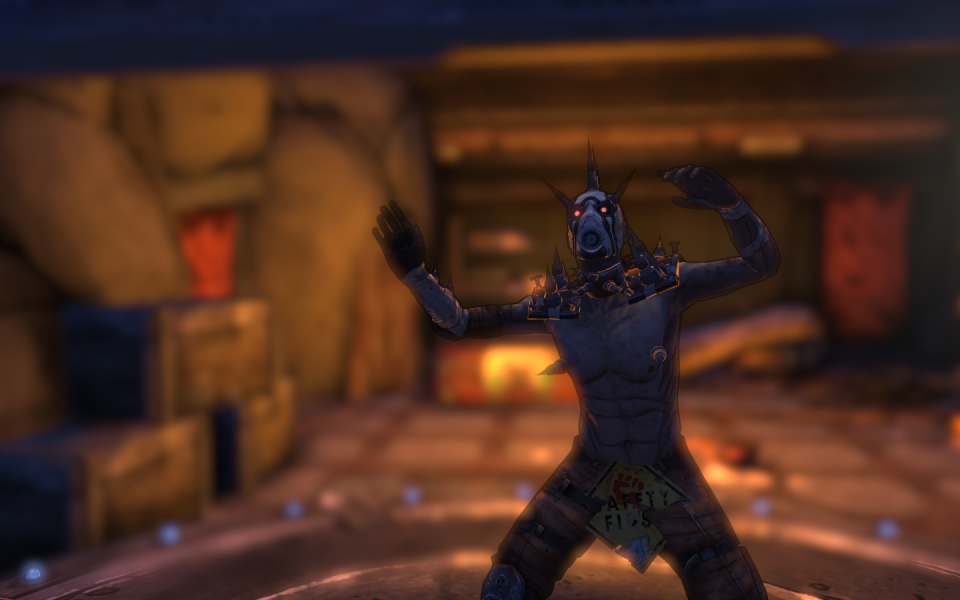
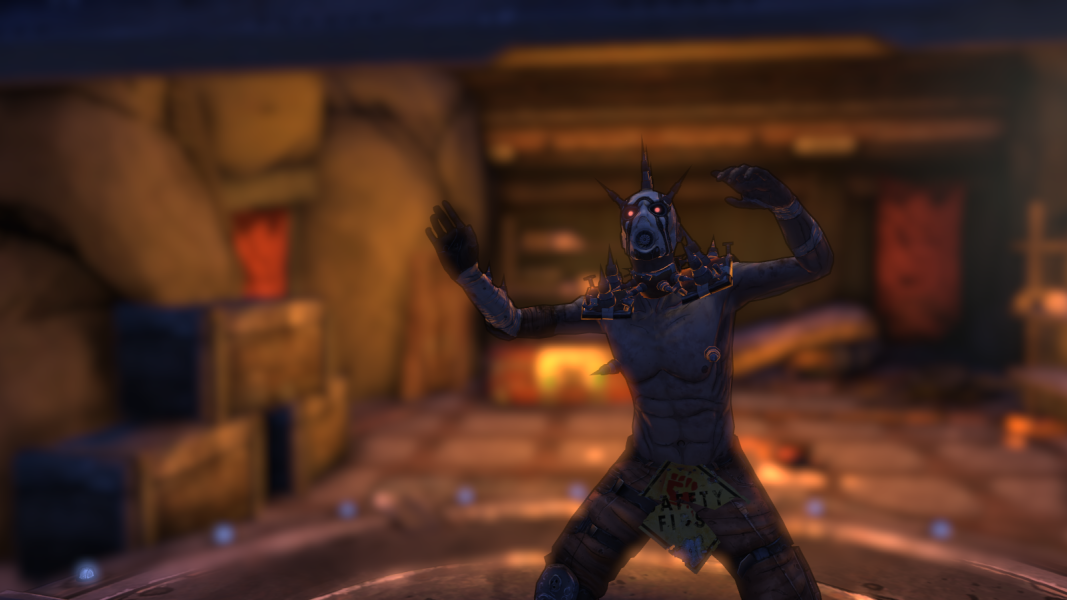
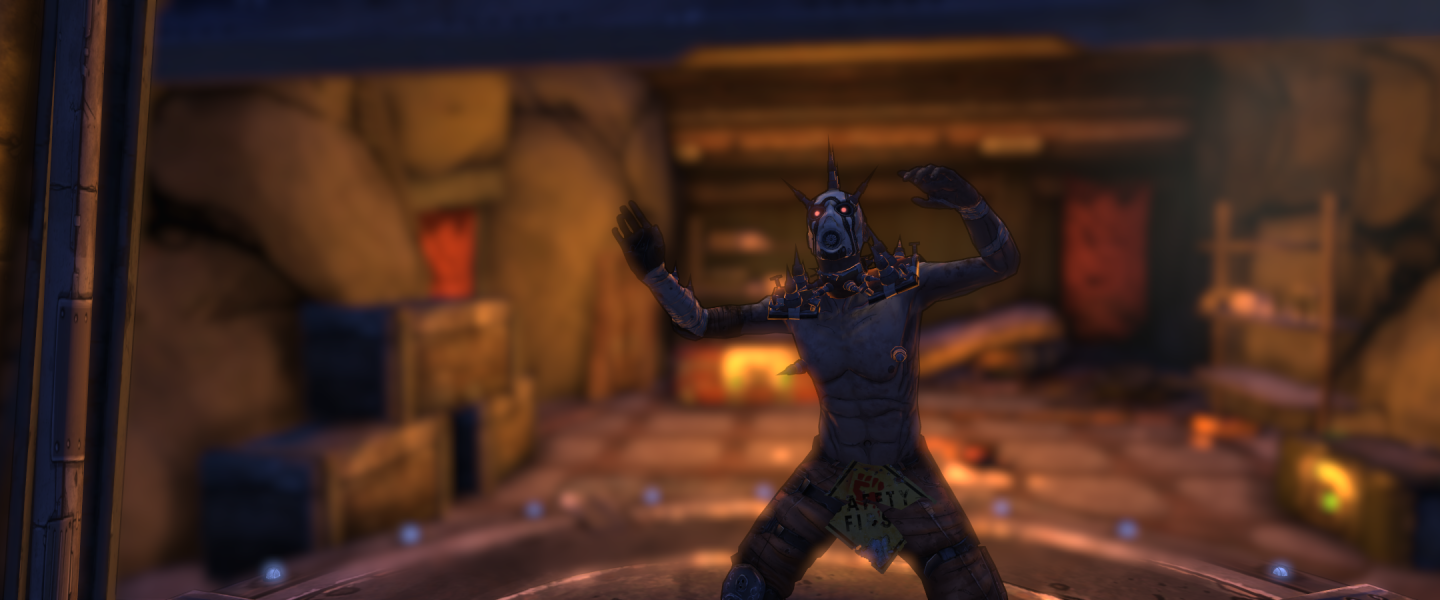
Refer to screenshots of normal Vert- sprinting followed by Hor+ sprinting, first in 16:9 and then in an ultra-wide resolution of 1920x768.
=====
Some people may experience a dramatic loss of framerate when moving the mouse in game. This is due to high resolution gaming mice being used on Nvidia systems. Mice of up to 1000DPI have been tested ok, but 2000DPI mice tested all prove to have this stuttering low-framerate problem when using Nvidia GPUs. Even dropping the mouse DPI using software does not seem to work, only mice that can drop the DPI in the hardware will work if stuttering is caused at max DPI.
Replace Borderlands.exe in the game folder (Borderlands\Binaries\) from this archive - available from the PC Gaming Wiki Community Files (search there)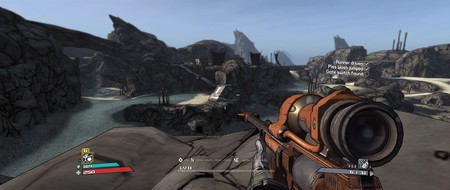
If you prefer a stretched HUD, not limited to 16:9, then replace Borderlands.exe in the game folder (Borderlands\Binaries\) from this archive - available from the PC Gaming Wiki Community Files (search there)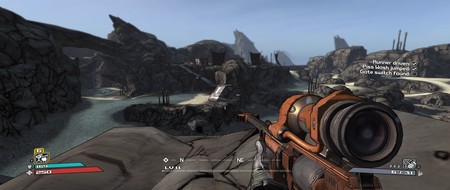
Replace Borderlands.exe in the game folder (Borderlands\Binaries\) from this archive - available from the PC Gaming Wiki Community Files (search there)
Replace Borderlands.exe in the game folder (Borderlands\Binaries\) from this archive - available from the PC Gaming Wiki Community Files (search there)
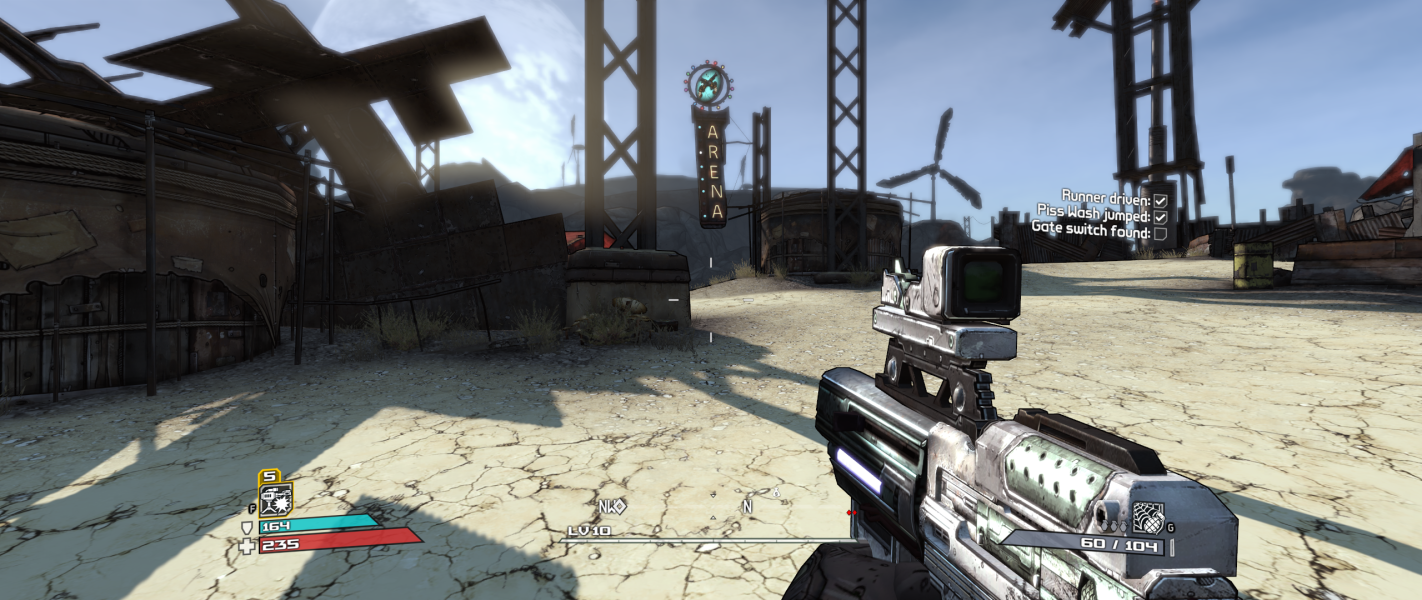
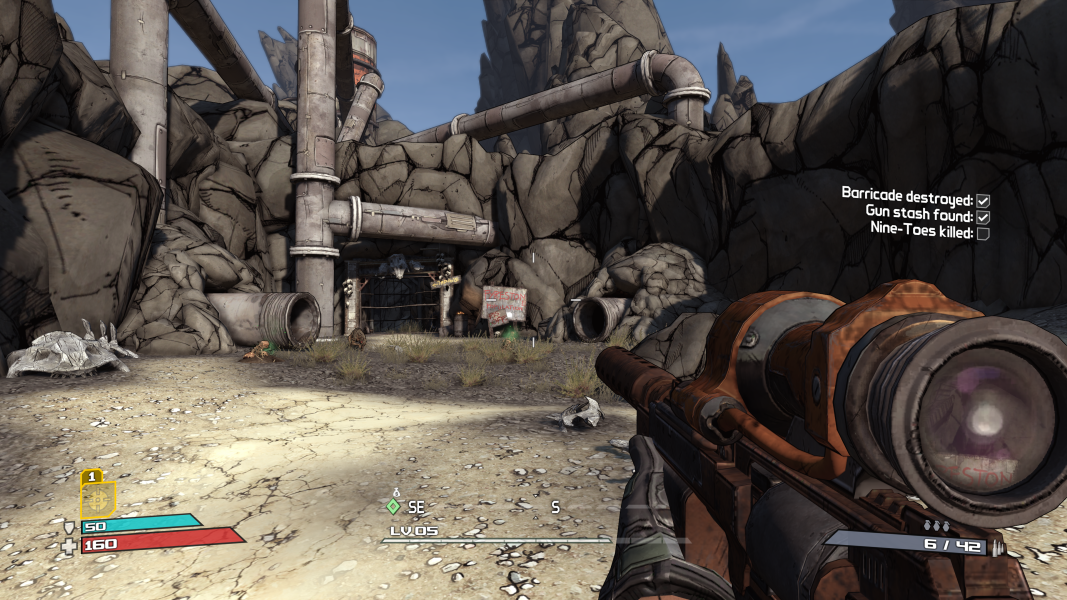
Gameplay Screenshots
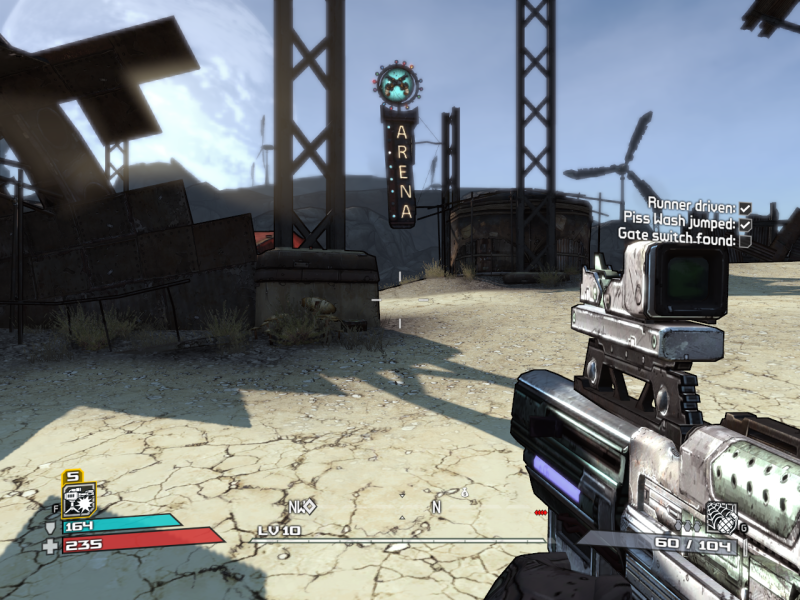

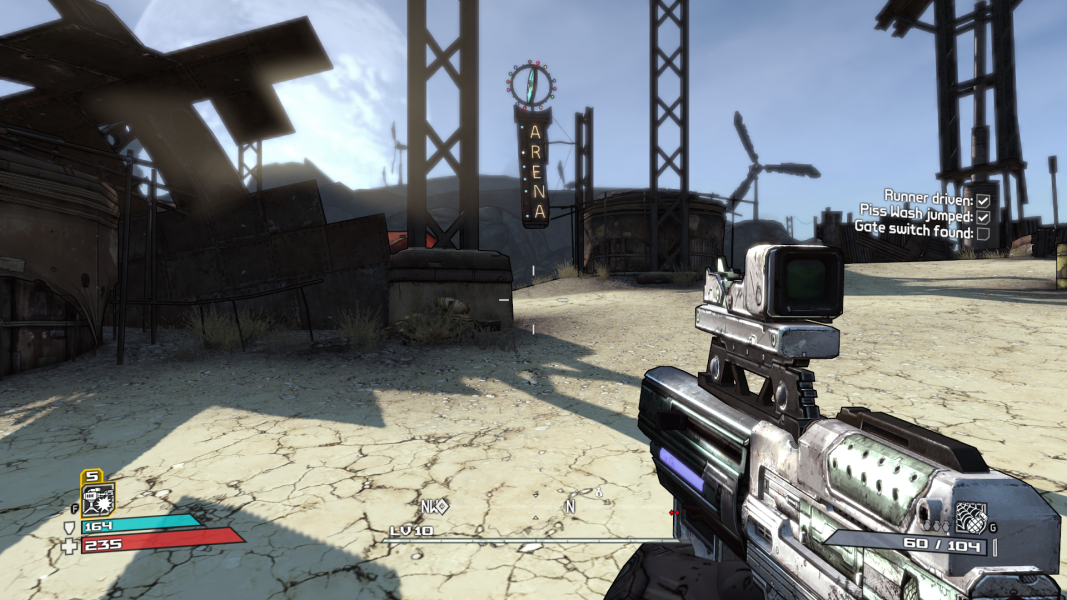


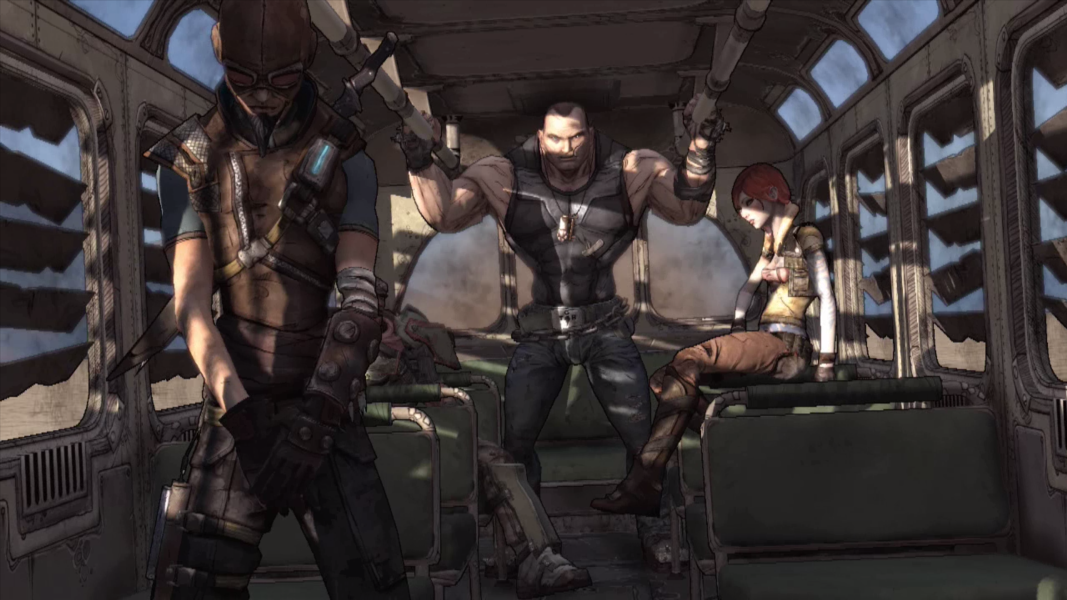
In-Game (Rendered) Cutscenes


FMV Cutscenes


Menu Screenshots

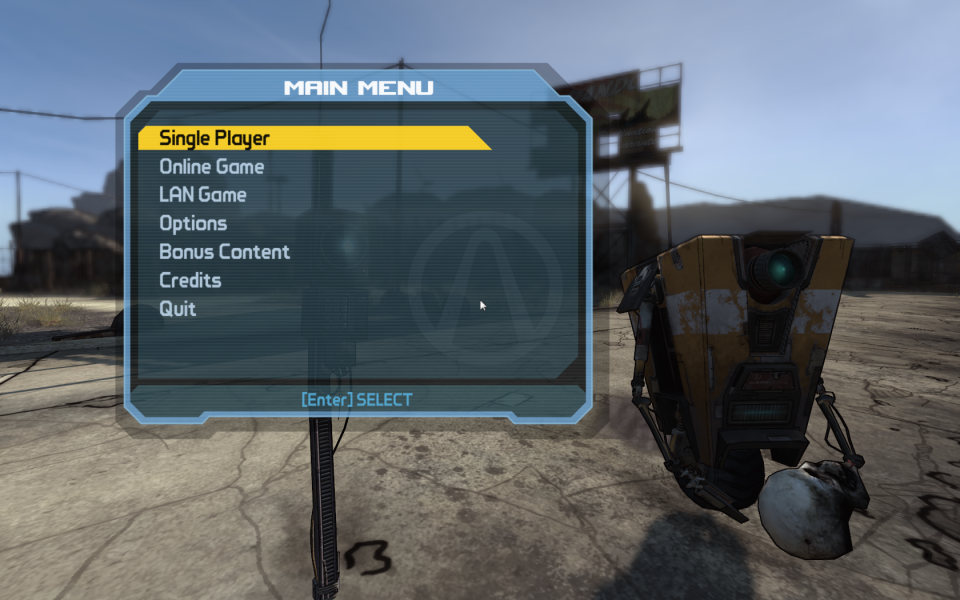

4K UHD Screenshots

Additional Screenshots


