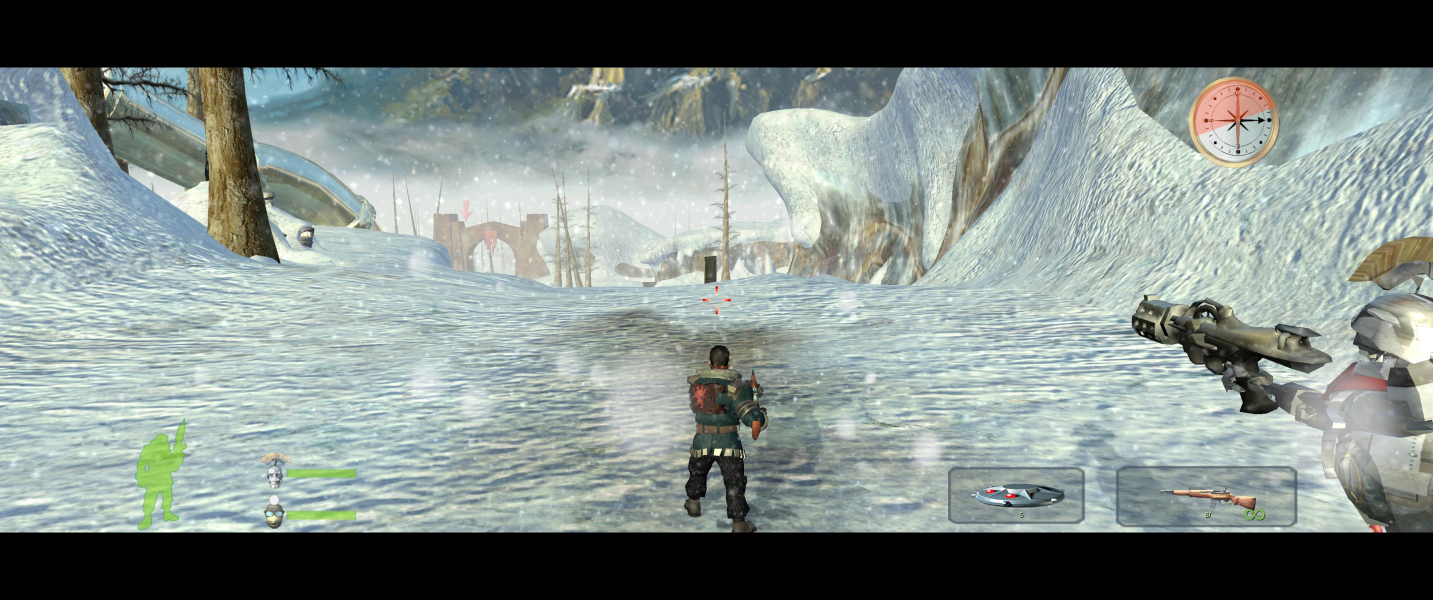
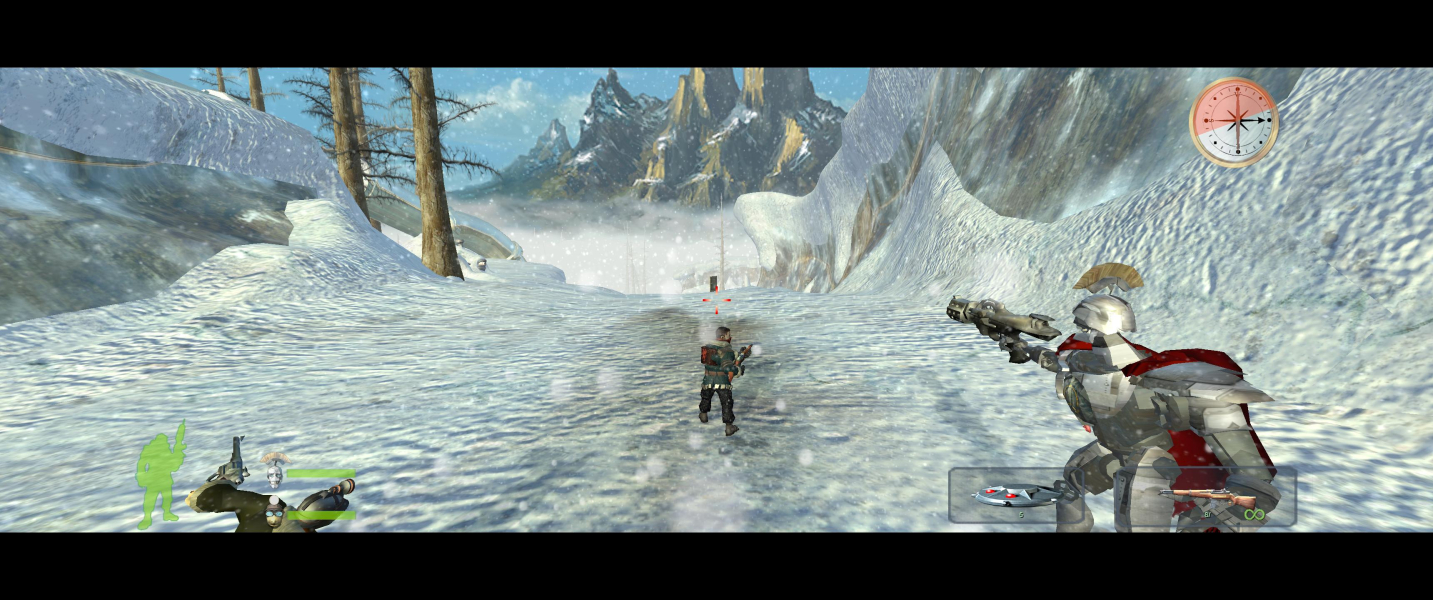
In Armed and Dangerous, the player controls Roman, a thief in the Lionheads gang. The evil King Forge is attempting to unlock the Book of Rule, which will grant him magical powers. Aided by a blind seer and his thieving friends - a robot and a mole - Roman decides to intercept the book and banish the king.
The game is a variation of the run-and-gun third-person shooter. Created by Planet Moon, it has the same humour and similar gameplay elements as Giants: Citizen Kabuto.
The game has several unusual characters and weapons. Included is the shark gun, a device that literally shoots a shark at your enemies. There is a corkscrew device that burrows in to the ground and inverts gravity. You hang on to the device while your enemies fly into the sky and fall hard back to the ground.
Support Summary
Game Information
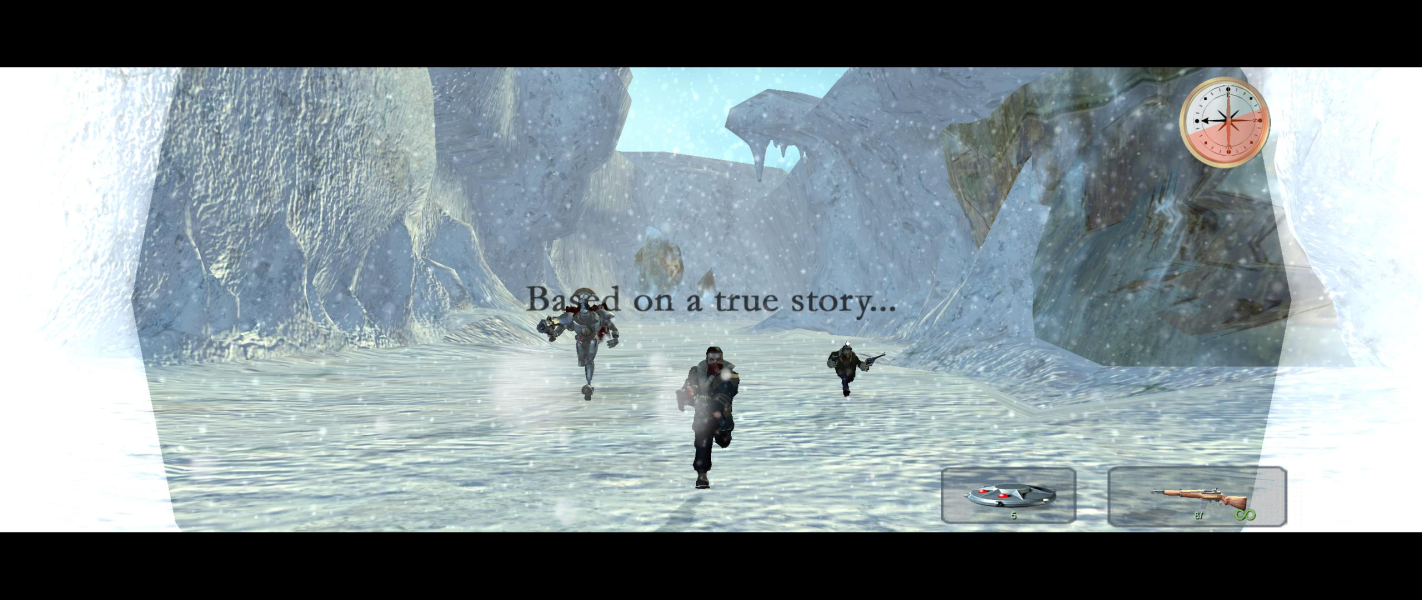
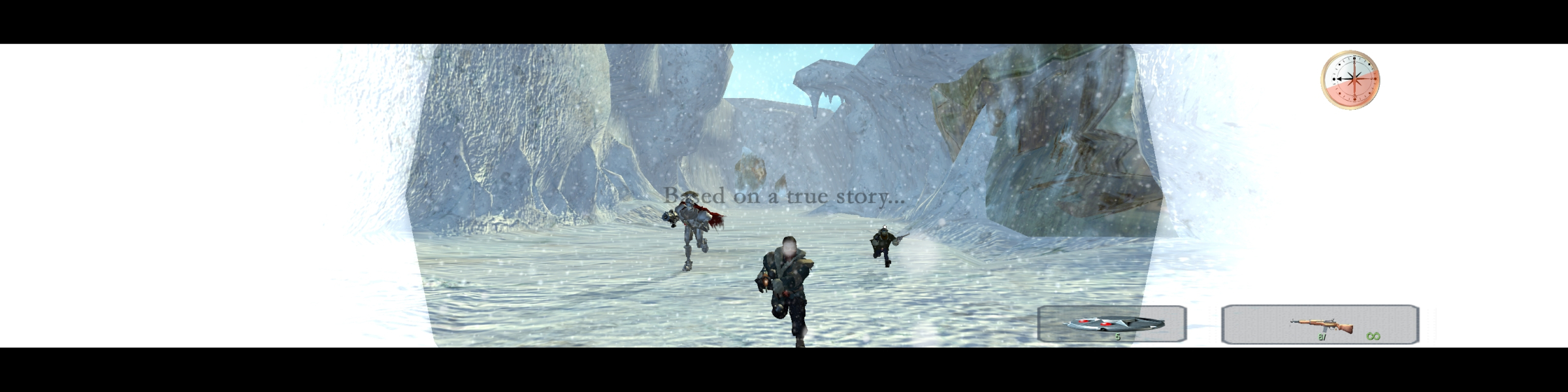
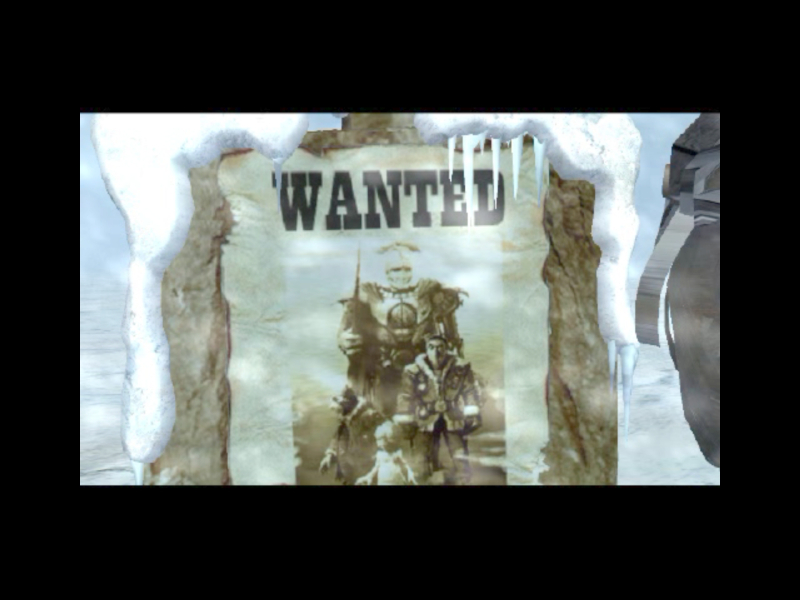
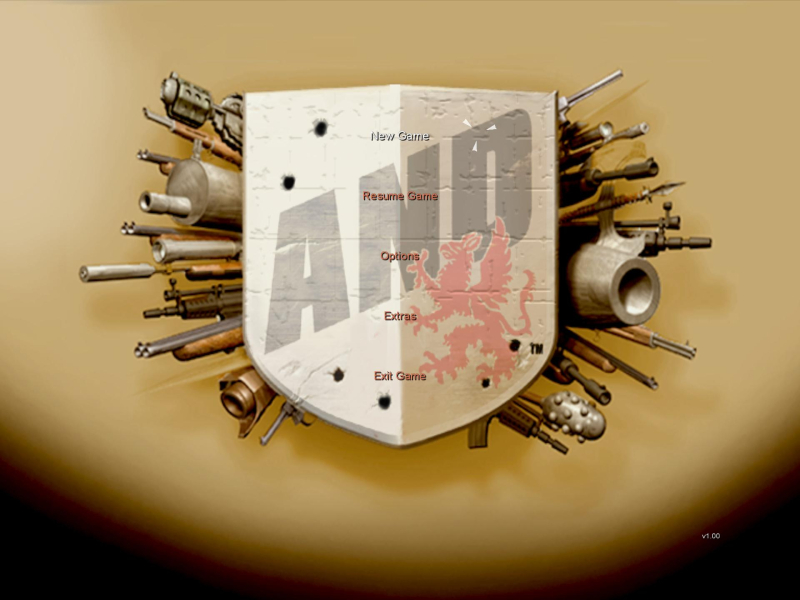
Screenshots Comparison
Solutions & Issues
The Game only offers 4:3 resolutions and aspect Ratio out of the Box - you need to HEX edit to get it HOR+
Resolution edit: Extract d3d9.dll and resolution.ini into target game folder and edit resolution.ini.
Aspect ratio hex edit: Go to --> ..\Armed and Dangerous\game.exe.
Go to Offset 1BCC70 look for 00 00 40 3F and change it to 00 00 20 3F (16:10) or 00 00 10 3F (16:9)
=====
Alternative FOV hex edit:
Go to Offset E3030 look for 00 00 80 BF and change it to 00 00 E3 BF
Go to Offset EFD80 look for 00 00 80 3F and change it to 00 00 00 3F
Go to Offset EFDB0 look for 00 00 80 3F and change it to 00 00 10 3F
=====
I have all files available from the PC Gaming Wiki Community Files (search there): Armed.and.Dangerous.Widescreen.Fix.7z
Same Solution as in Widescreen.
Aspect ratio hex edit: Go to --> ..\Armed and Dangerous\game.exe.
Go to Offset 1BCC70 look for 00 00 40 3F and change it to 00 00 D6 3E (21:9)
Same Solution as in Widescreen.
Aspect ratio hex edit: Go to --> ..\Armed and Dangerous\game.exe.
Go to Offset 1BCC70 look for 00 00 40 3F and change it to 00 00 40 3E (3x16:9)
Same Solution as in Widescreen.
Gameplay Screenshots


In-Game (Rendered) Cutscenes
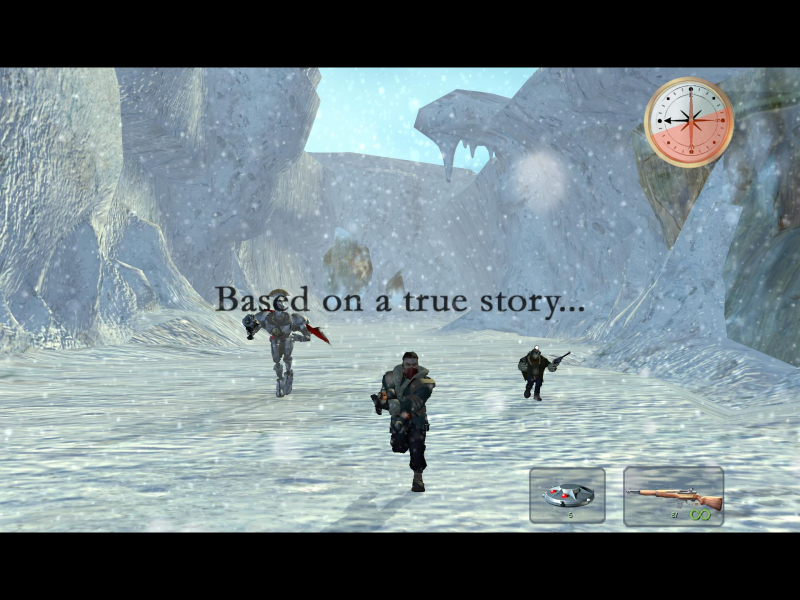

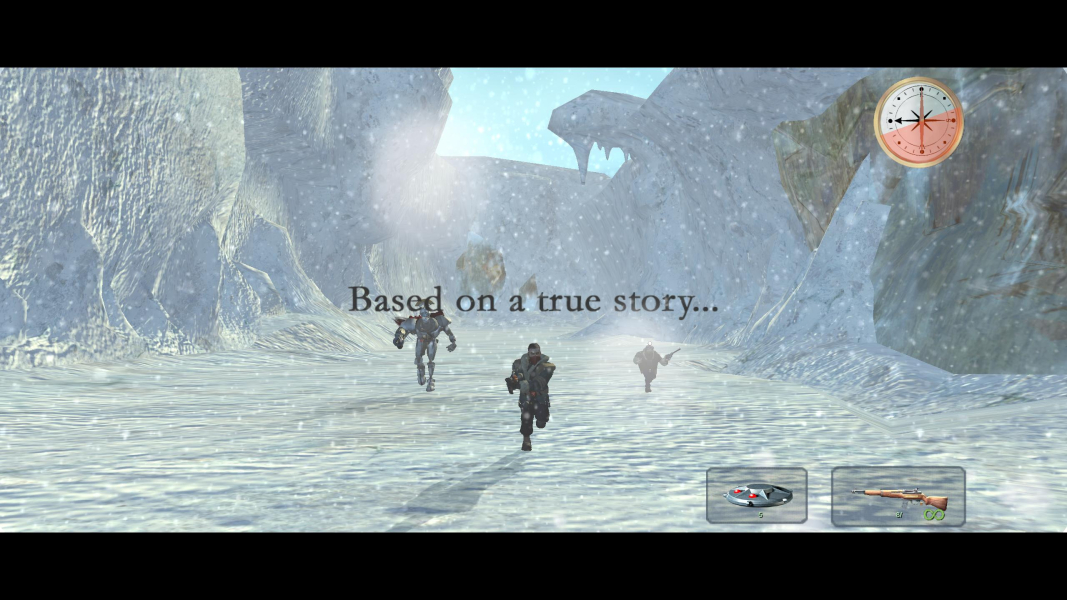
FMV Cutscenes


Menu Screenshots
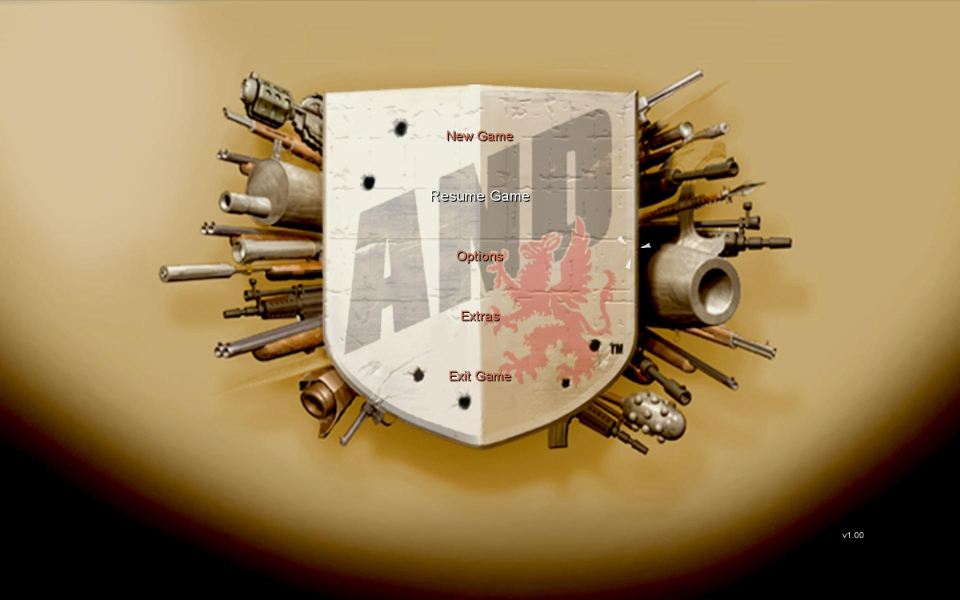

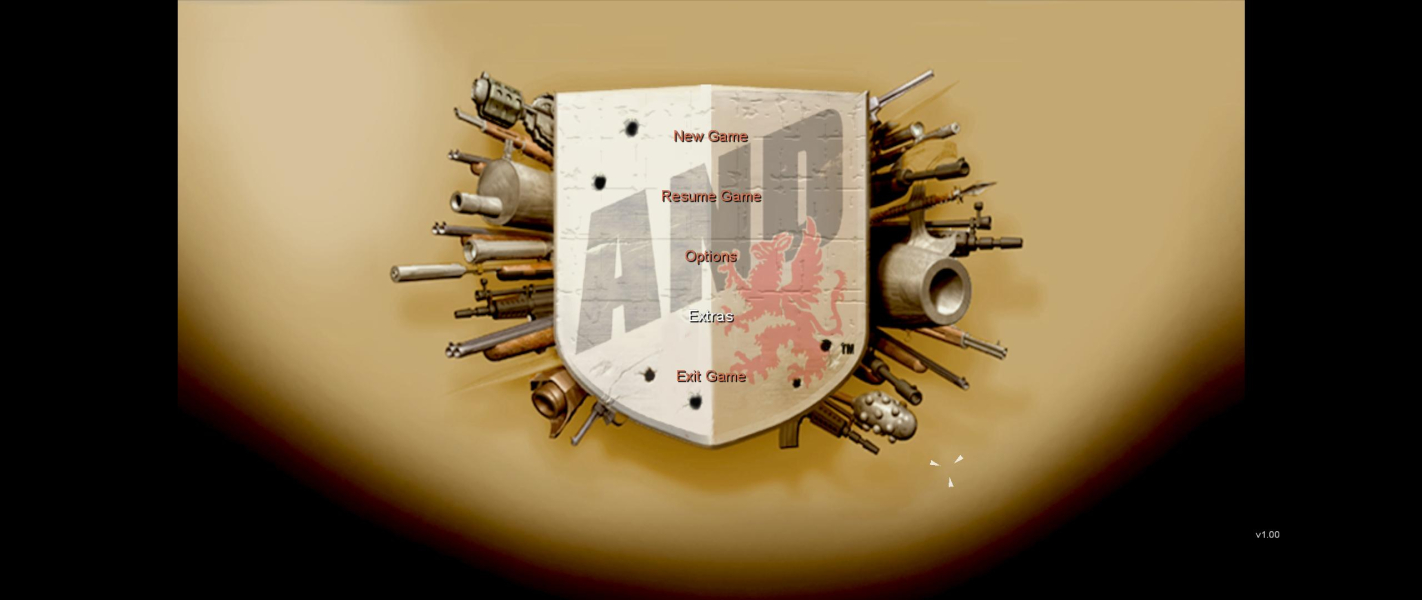
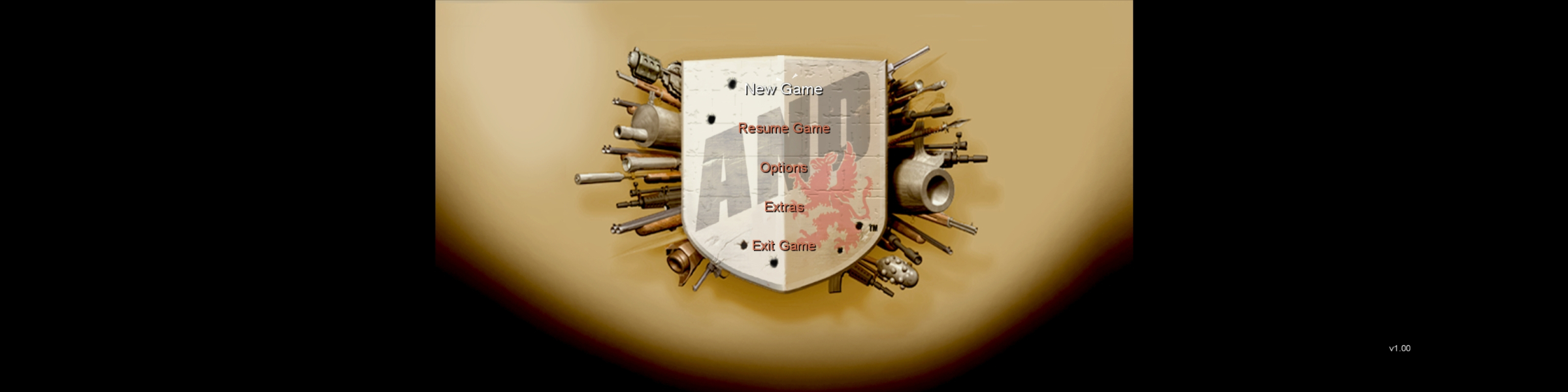
4K UHD Screenshots
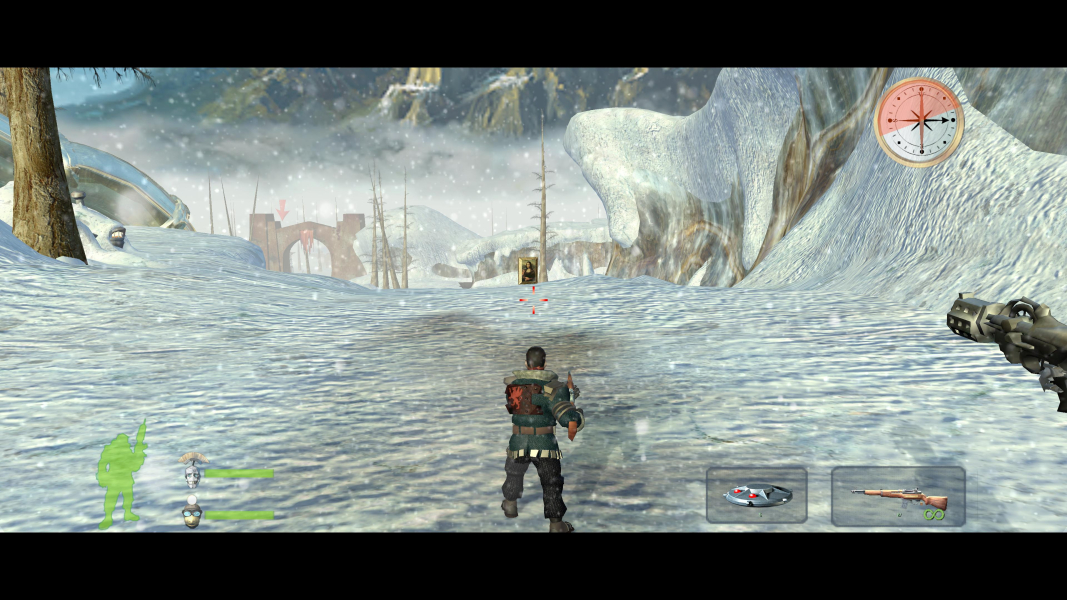


Additional Screenshots