


Aion is a visually stunning massively multiplayer online roleplaying game (MMORPG) where your character wields devastating powers and sweeping wings to explore a celestial world of breath-taking beauty and epic adventure. It features cutting-edge imagery, gorgeous environments, and a unique fantasy world. Your character plays a pivotal role in the fate of Atreia, where the enemy is not only the other player faction but a deadly ancient evil as well.
In February 2012 Aion became Free to Play!
Support Summary
Screenshots Comparison
Solutions & Issues
Eyefinity / Surround Specific Solution & Issues:
Currently on 2.6 Upwards the FoV is limited to maximum 100 and cant be increased!
before 2.6 :
- Create a new text file in your Aions base install directory, same place you find the system.cfg file.
- Edit the file with the following
con_disable_console = "0"- Rename the file to system.ovr, this will override the default engine and enable the console in game.
- Load the game, once you are past the character select screen, press the pause/break key to open the console.
- Type in the following and hit return
\g_minfov 180 - You field of view should now be corrected, unfortunately you will have to enter this manually every time you start the game.
Gameplay Screenshots
4:3 Screenshot
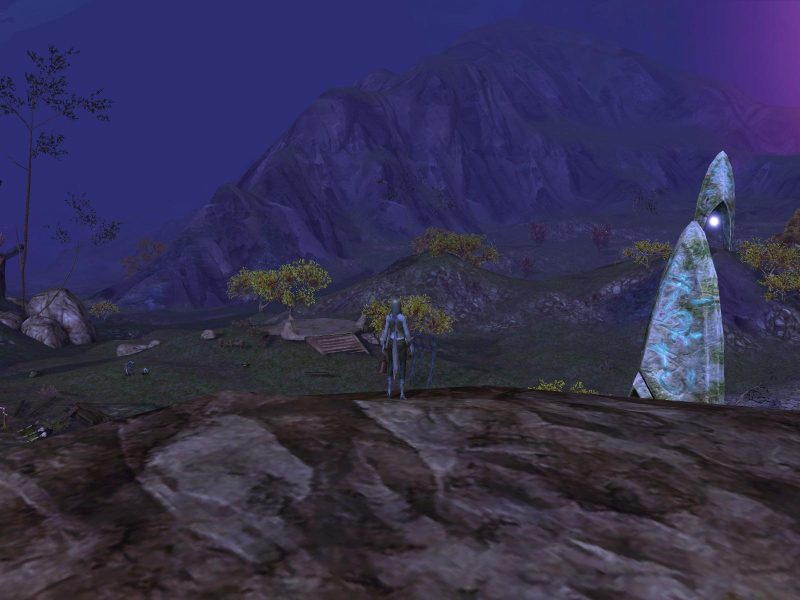
16:10 Screenshot
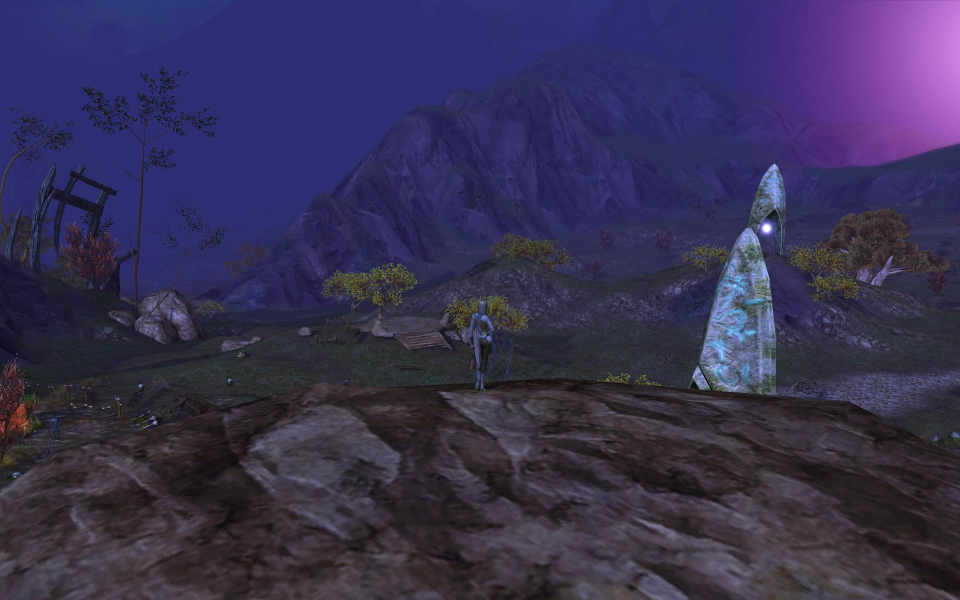
16:9 Screenshot

21:9 Screenshot

32:9 Screenshot

Eyefinity / Surround Screenshot

Additional Screenshots

Normal FoV (60) @ 1680x1050

Normal FoV (60) @ 5040x1050

Fixed FoV (180) @ 5040x1050


