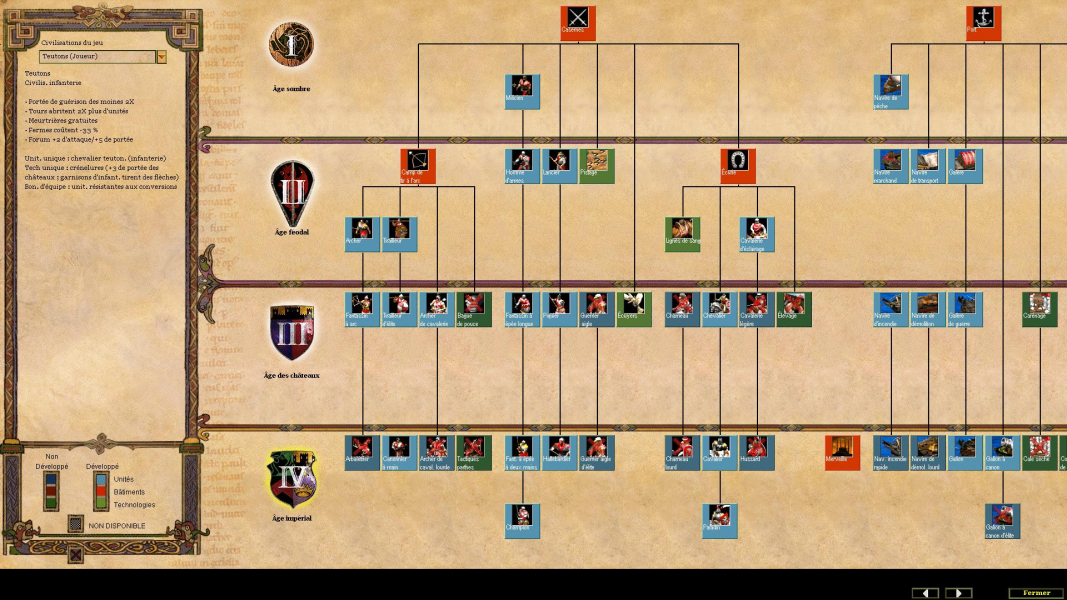
Age of Empires II: The Conquerors Expansion is the expansion pack to the 1999 real-time strategy game Age of Empires II: The Age of Kings. The Conquerors is the fourth installment in the Age of Empires series. It features five new civilizations (the Aztecs, Mayans, Spanish, Koreans, and Huns), four new campaigns, eleven new units, twenty-six new technologies, new gameplay modes and different minor tweaks to the gameplay.
Additional maps, some based on real life geographic locations, and new winter and tropical terrain textures were included.
In-game, infantry are able to garrison in battering rams, protecting the infantry while increasing the ram's speed and attack, while ships are able to form formations for more effective fighting. The graphics are the same, but new civilizations have been added such as the Spanish and the Huns. In addition to new units, the in-game upgrade lines have been extended to provide more unit choices.
Support Summary
Widescreen | Ultra/Super‑Wide | Multi-Monitor | 4K Ultra HD | |
Support | ||||
Method | ||||
HUD | ||||
Cutscenes | ||||
FMVs |
Game Information
Screenshots Comparison
Solutions & Issues
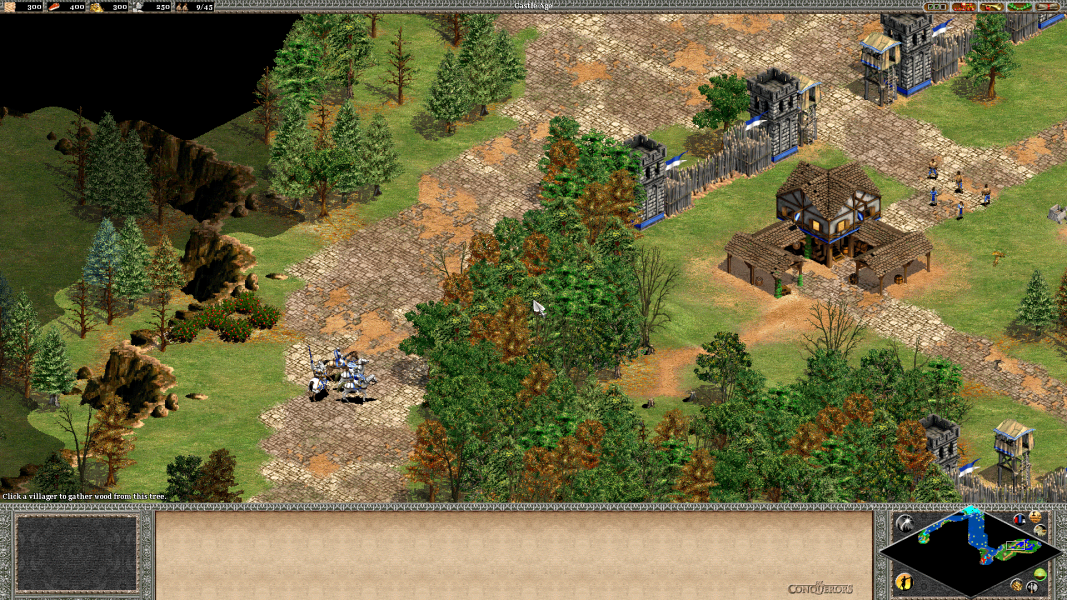
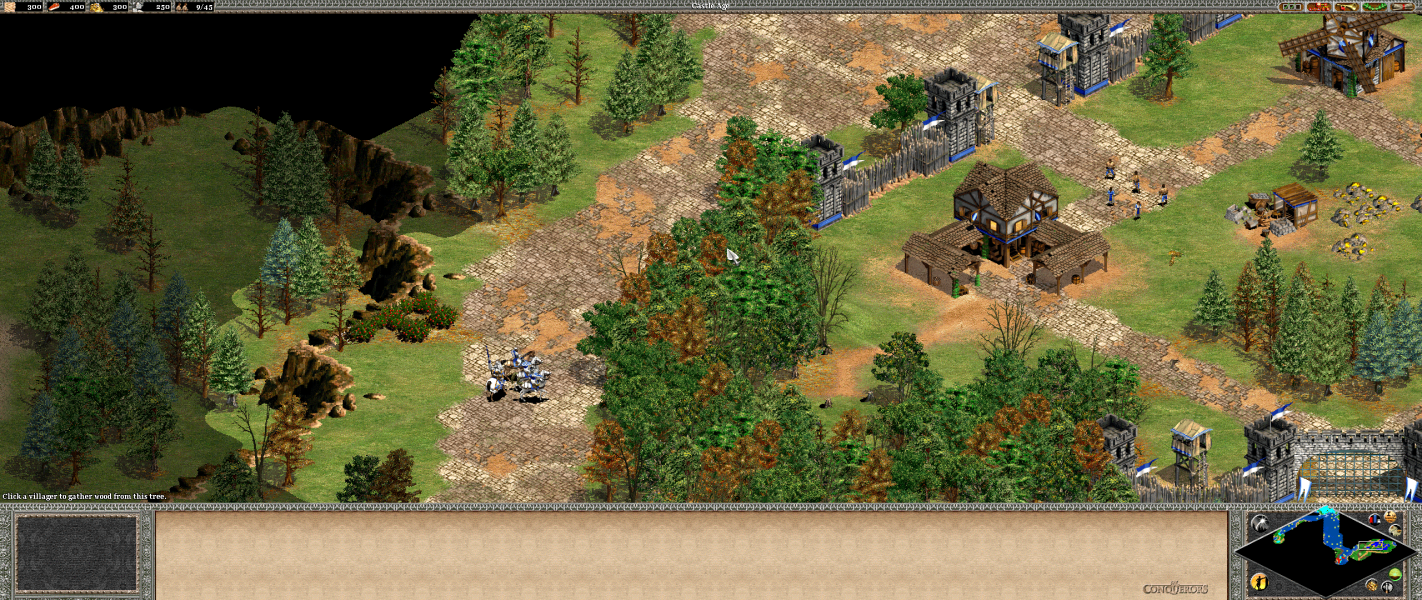
Use UserPatch: Conquerors Feature Update. All resolutions are detected and available in-game.
Same as widescreen method.
Same as widescreen method. Uncheck the "widescreen interface style" option in the patcher to have the main unit controls and minimap centred on the screen instead of at the far edges (most other options still use the full width).
Gameplay Screenshots




FMV Cutscenes

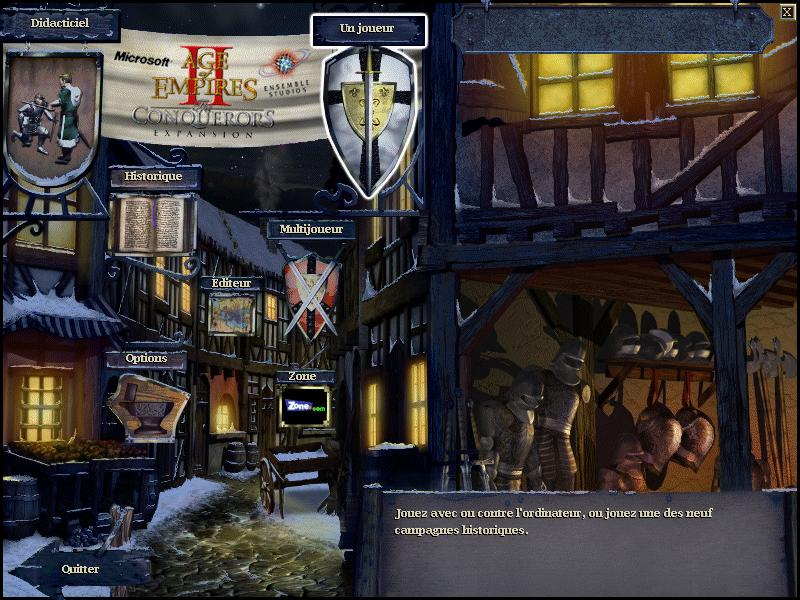
Menu Screenshots
Additional Screenshots