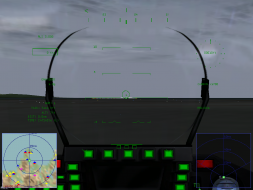
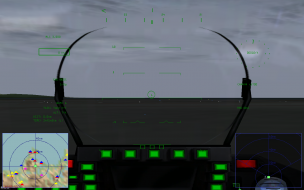
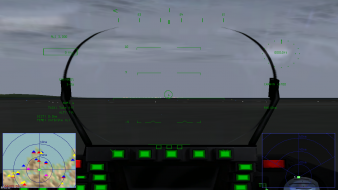
Unfortunately, the locking target marker overlay HUD does not orient/adjust itself with the resolution changes, making the game literally unplayable in widescreen. When you lock a target for a missile, a red rectangle appears on the target and stays on the screen, following the target. If the target goes out of view, the target marker stays on the edge of the screen so you can follow it at all times and pinpoint your target. Going widescreen, the target overlay (NOT the green HUD, the red marker HUD that says when you are in range and where the target is) goes haywire and you are unable to distinguish what target you have locked. That makes the game unplayable, as you don't know what bogey you have locked to fire your missile. Tested on Eurofighter Typhoon and Eurofighter Typhoon Gold Edition: Operation IceBreaker with resolutions up to 1440x900. No fix available from the developer as stated on the steam support page. Without the target marker, you can't play the game. Everything else doesn't impare the gameplay.