[-noun] Web community dedicated to ensuring PC games run properly on your tablet, netbook, personal computer, HDTV and multi-monitor gaming rig. https://www.wsgf.org/phpBB3/
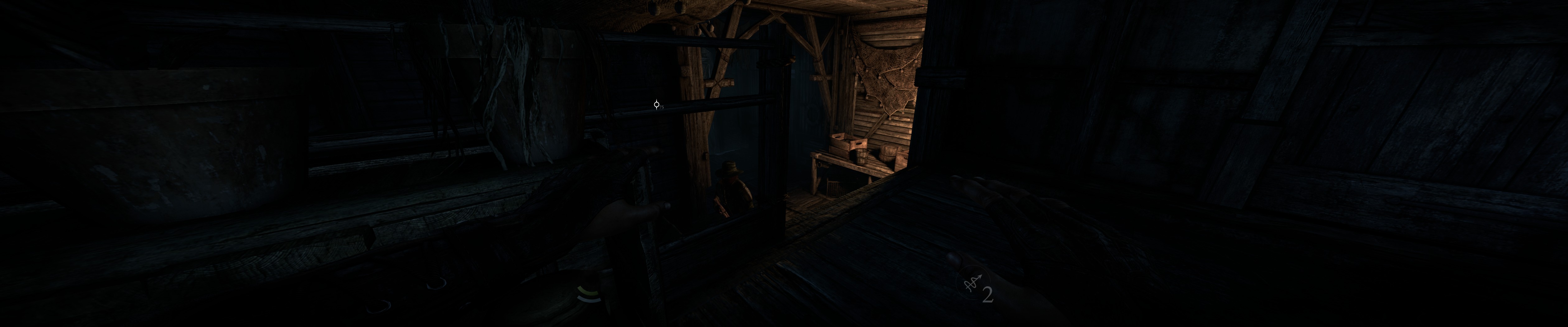
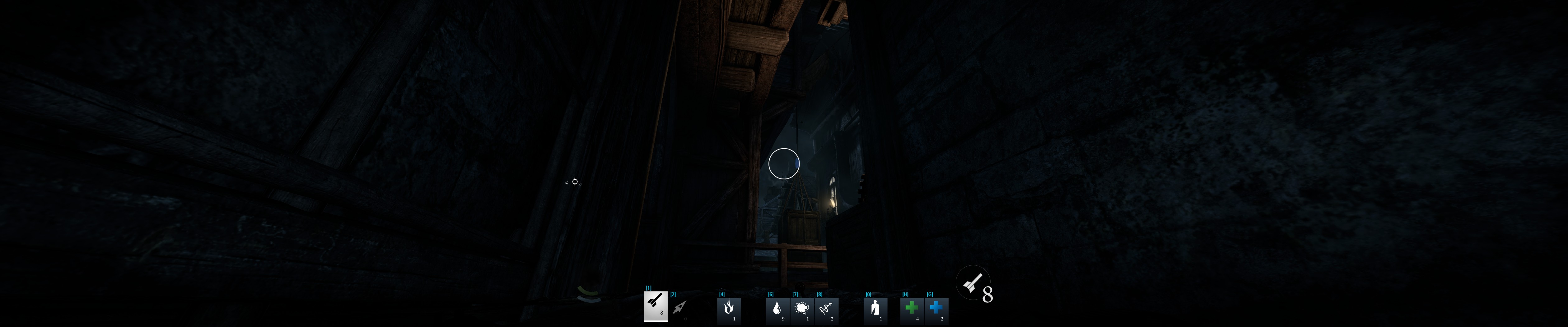
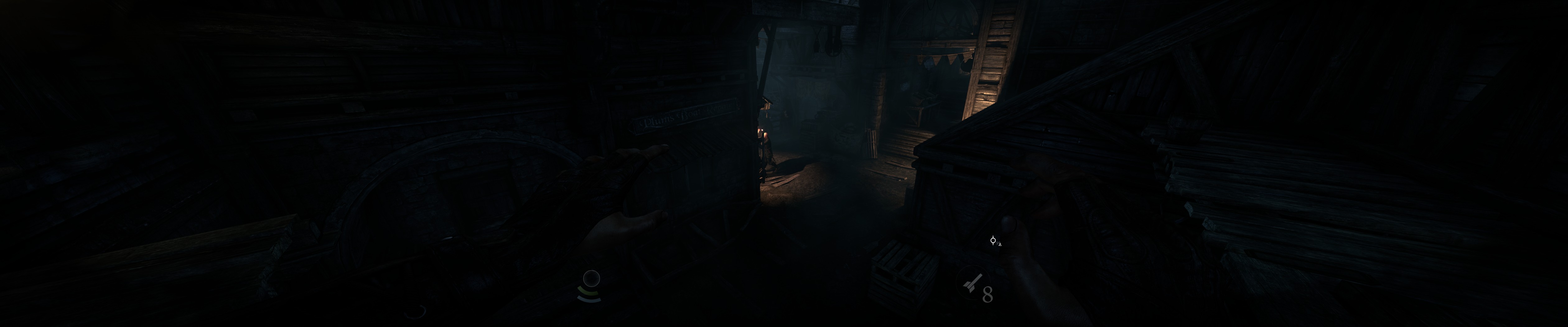
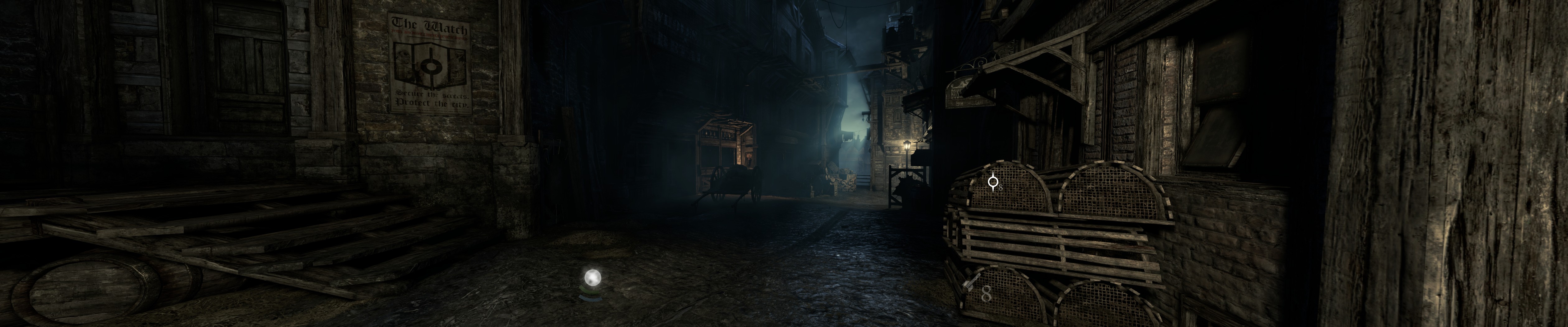
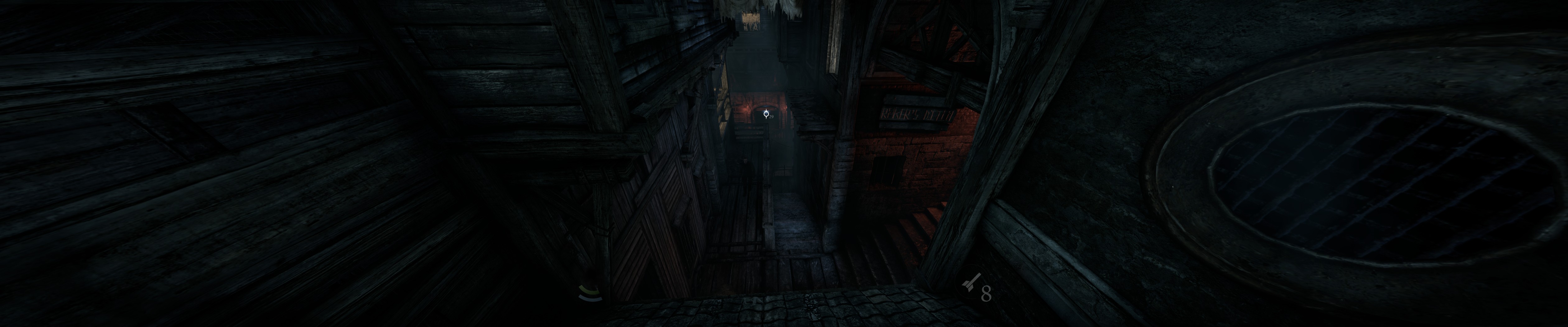
Thief is a first person stealth game about pinching anything that's valuable that isn't bolted down, the idea to get in an out of a mark without being detected by the city watch. The games multi-monitor support is pretty good, it appears to implement the AMD and NVIDIA API, so it's horizontal plus and has a centred UI/HUD. However there are currently no SLI or Crossfire profiles for the game, resulting in reduced performance and some reports of objects disappearing at the edge of the screens. Widescreen support however is a little hit and miss currently, some have shown it to be vertial minus, while other have had it stretched, see the games detailed report and associated forum topic for more details.
The video itself is part analysis, part walkthough and part waffle, feel free to like or dislike my video and comment are always welcome too.
While this video can be watched on any screen it has been encoded to look best on a multi-monitor system, so if your running such a system, then select 4K quality from the drop down box and watch in fullscreen.
Hey skid. Watched your video on youtube and that was awesome. However I also have SLI. It's been a while since I had to change anything on Nvidia Inspector so just briefly could you say what needs to be changed?
ru55lee wrote:Hey skid. Watched your video on youtube and that was awesome. However I also have SLI. It's been a while since I had to change anything on Nvidia Inspector so just briefly could you say what needs to be changed?
Thanks, short version, you need to: 1) Create a new profile. 2) Add the thief binary to that profile. 3) Change DX1x SLI profile to use the Unreal Tournament 3 profile. 4) Change DX9 SLI profile to use the Sanctum profile (probably not needed). 5) Change the SLI render mode to AFR2 for both DX1x and DX9.
Think that should cover it for anyone that knows what they are doing
You'll probably also need to remember to remove the profile once NVIDIA have added an official one.
ru55lee wrote:Hey skid. Watched your video on youtube and that was awesome. However I also have SLI. It's been a while since I had to change anything on Nvidia Inspector so just briefly could you say what needs to be changed?
Thanks, short version, you need to: 1) Create a new profile. 2) Add the thief binary to that profile. 3) Change DX1x SLI profile to use the Unreal Tournament 3 profile. 4) Change DX9 SLI profile to use the Sanctum profile (probably not needed). 5) Change the SLI render mode to AFR2 for both DX1x and DX9.
Think that should cover it for anyone that knows what they are doing
You'll probably also need to remember to remove the profile once NVIDIA have added an official one.


 short version, you need to: